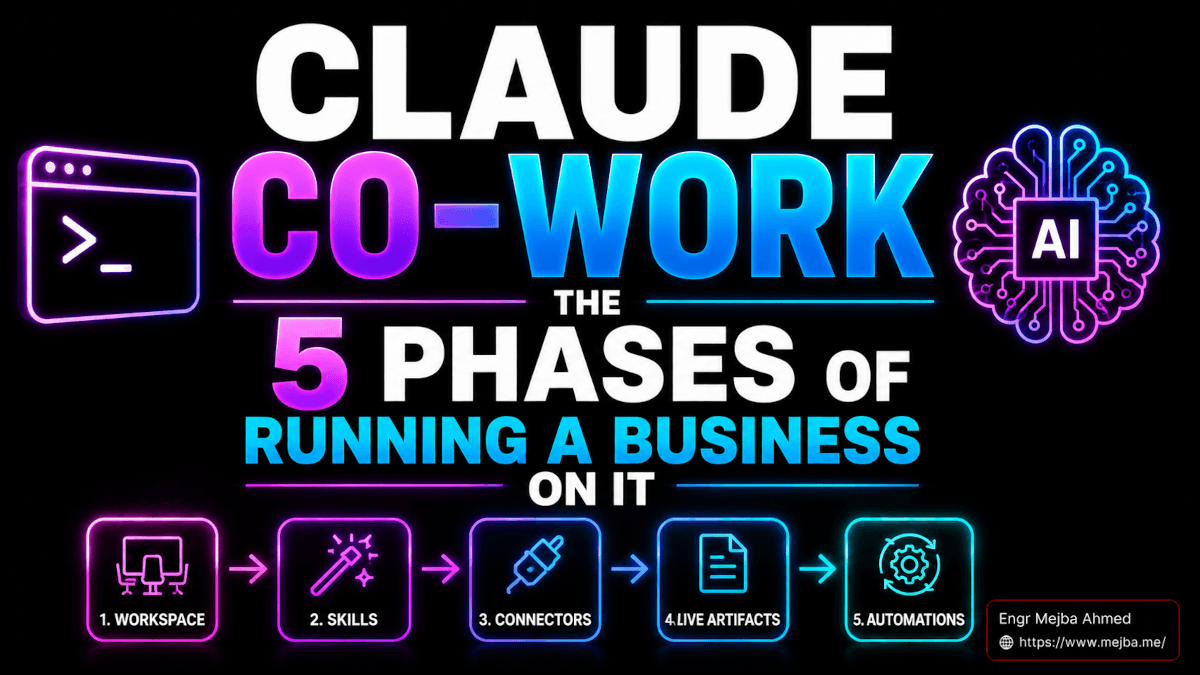
Every Claude Cowork tutorial I have seen starts at the wrong layer. They demo skills, connectors, scheduled automations — the impressive stuff — and skip the boring half-day of foundation work that determines whether any of it compounds. I know because I skipped it too at first, and I have now run my four brands — this site, Ramlit, ColorPark, and xCyberSecurity — through Cowork long enough to say the unfashionable thing plainly: the order you build in matters more than any individual feature. Five phases, each standing on the last. Skip one and everything above it underperforms.
Somewhere around day seventy of running this way, I noticed I had stopped opening Notion, Gmail, and Slack first thing. I open one workspace, ask what the day looks like, and let it pull from all of those places in a single response. That is the end state. Here is the path, including the near-disaster that taught me the most important maintenance habit in the whole system.
For context on the product itself: Cowork went from research preview in January 2026 to general availability on macOS and Windows on April 9, with web and mobile following in July. It is Claude with a file system, app connectors, skills, and scheduled automation — a different tool for a different job than Claude Code, and the rest of this post assumes the business-operations job.
Phase 1: Foundation — The Two Files That Change Everything
Nobody screenshots Phase 1 for social media, and it is the highest-leverage half-day in the sequence. Four pieces, in order: a workspace folder, a CLAUDE.md, a MEMORY.md, and project segmentation.
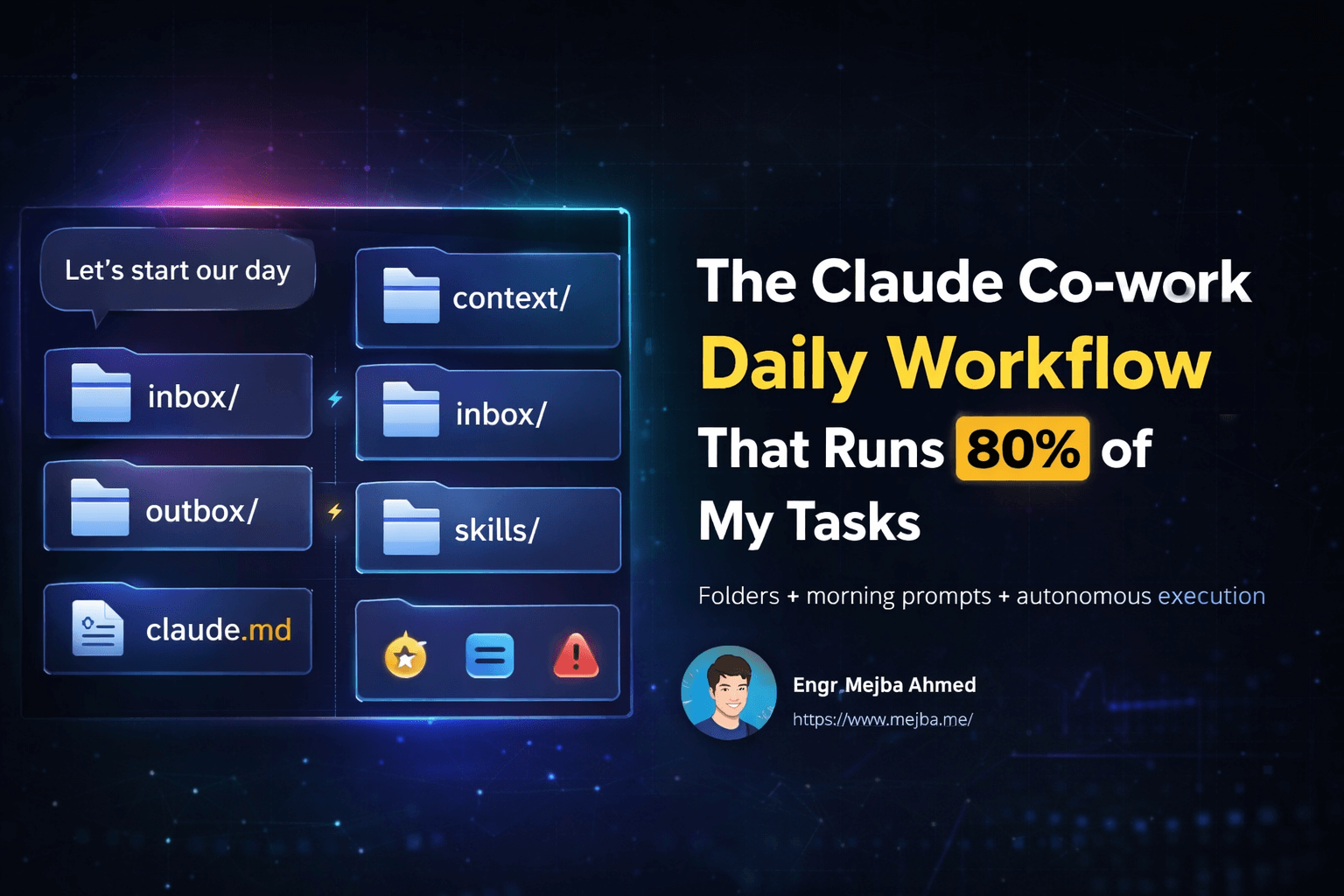
The workspace folder is a real directory on disk, one per brand:
~/Workspace/
├── mejba.me/     (CLAUDE.md, MEMORY.md, content/, research/)
├── ramlit/       (CLAUDE.md, MEMORY.md, clients/, proposals/)
├── colorpark/
└── xcybersecurity/
Point Cowork at one folder and that folder is the universe it sees. Client work never bleeds into blog work; responses get tighter and cheaper because irrelevant context simply is not present. Switching businesses used to mean reopening five apps and hunting for the right Notion page. Now it is a folder swap.
CLAUDE.md is the static instruction manual read at the start of every session. Mine for this site runs about 600 lines: the voice rules per brand, the banned phrases, the structure every post follows, where files get saved. Without it, every session starts from zero. With it, every session starts at eighty percent.
MEMORY.md is the dynamic counterpart — facts accumulated over time, corrections written down once and honored afterward. Real entries from mine: which punctuation habits are mine, that Ramlit clients are decision-makers who need business outcomes rather than engineering detail, that launch dates must be verified by search before being claimed. Correct the model once, and the correction holds across sessions. After months of use, my memory file carries roughly 340 curated facts and does more work than any prompt template I have ever written.
And here is the trap: memory files bloat, and bloat degrades output. Mine quietly grew past 4,800 lines — duplicates, stale project context, corrections contradicting newer corrections — and the symptom was not an error but a slow decline: slower responses, mushier voice adherence. The fix became a standing ritual: every other week, archive anything inactive for ninety days, merge duplicates, resolve contradictions. Curated memory is leverage; uncurated memory is sediment. This maintenance discipline is the single most transferable lesson in this post, and it applies to every layer of Claude's memory system, not just Cowork's.
Projects finish the phase: one per brand inside Claude itself, each with its own instructions, memory, and folder. This is the part most people skip and the part that compounds hardest.
Phase 2: Building Blocks — Skills and Slash Commands
A skill is a reusable instruction manual for one repeatable task, written in markdown: a SKILL.md describing inputs, outputs, and edge cases, plus a worked example of ideal output. No code, no API.
My oldest example is unglamorous and pays every month: /scan-receipts. Drop a folder of receipts into the workspace, fire the command, and Claude extracts vendor, date, amount, category, and tax into a structured CSV, flagging anything ambiguous. A forty-minute monthly chore became ninety seconds. I now run twenty-odd skills across the four brands — voice matching, transcript-to-post conversion, proposal drafting, a weekly content calendar.
Slash commands matter for a subtler reason than speed: friction decides which workflows actually run. Before /audit-seo existed as a keystroke, I postponed the weekly audit like everyone postpones chores. Once starting cost nothing, consistency followed automatically. That behavioral effect — not the automation itself — is where the compounding starts.
The mental model that took me longest to internalize: one skill saves minutes, but skills that pipe into each other save hours, because the handoffs disappear. My content plugin bundles eight skills — ingestion, voice match, drafting, internal linking, social distribution, post-publish audit — and the output of each feeds the next without me in between. Think of a plugin as a department and each skill as a role. You are hiring functions, not people.
Phase 3: Connectors — Where It Walks Outside
The first time Cowork read my Gmail, summarized the overnight threads, drafted replies against real calendar availability, and logged the action items in Notion — one prompt, no tabs — was the moment "agentic" stopped being a marketing word for me.
Connectors are the native integrations: Gmail, Calendar, Drive, Notion, Slack, and a steadily growing directory across CRM and design tools. The architectural difference from Zapier-style automation is that there is no trigger graph to build — you grant access, and the model decides what to do based on your prompt and your CLAUDE.md. For the long tail of apps without native connectors, a Zapier bridge covers thousands more; I default to native for speed and reliability and reach for the bridge only when there is no other option.
The connector workflows that earn their keep weekly for me: a 7 a.m. email triage with drafts ready to review over coffee; meeting briefs assembled from calendar plus past notes; invoice generation pulling tracked hours and formatting per client preferences from memory; an end-of-day summary posted to my own Slack as a running journal.
The honest test for whether this phase is worth your setup time: count the tools a single daily workflow touches. Three or more, and the connector layer pays for itself in the first week — the full economics of which I laid out in my solo-operator AI company breakdown.
Phase 4: Automation and Live Artifacts
Everything so far runs when you trigger it. Phase 4 removes you from the loop.
Live artifacts are persistent interactive dashboards Claude builds and keeps current. Mine is a daily command center: today's priorities, calendar with prep status, open client tickets, the content pipeline across all four brands, anything overdue. The point is not the dashboard — we have had dashboards for decades. The point is that I described it in plain English and it exists, and when I want a column changed I say so in a sentence. The analytics-engineer skill became a conversation.
Scheduled tasks fire prompts on a clock with access to everything connected: my 6 a.m. industry-news pull, the Monday SEO audit, the Friday retrospective. The one quirk worth knowing: desktop-scheduled tasks only run if the machine is awake, which is exactly the gap cloud-hosted scheduling (Routines, which Anthropic began previewing shortly after GA) exists to close. My split: time-critical jobs run in the cloud, local-file jobs run on the desktop. If you come from the Claude Code side, this is the same evolution I documented with loops and cron scheduling, arriving in the business tool.
By the end of Phase 4 you are not opening apps to do work; you are opening a dashboard to see what work already happened.
Phase 5: Customization — Where the Real ROI Lives
The shipped skills are training wheels. The compounding returns come from building your own, and the build process is almost embarrassingly simple: describe the workflow, show one or two examples of ideal output, and ask Claude to write the skill itself. Review, correct the rules you disagree with, save.
A real one: podcast show notes were eating forty minutes an episode. Twelve minutes of back-and-forth produced /podcast-notes — transcript in, formatted notes out, in my style. It has run dozens of times since. Twelve minutes invested, roughly twenty hours returned so far.
Three criteria tell you whether a task deserves a skill: you do it more than once a month, the output has a repeatable shape, and you can articulate in writing what "good" looks like. Fail any of the three and it is prompt material, not skill material. And build for the eighty-percent case — my over-engineered early skills anticipated edge cases that never arrived, while the memory file quietly accumulated fixes for the ones that did. Skills tune themselves through use; that loop is why the system gets better the longer you run it.
The Order Is the Advice
Compressed timeline from my own build: half a day for Phase 1, a week for the first ten skills, two evenings for connectors, another half-day for automation, and Phase 5 forever. You could rush it in a weekend; you should not. Let each phase settle before stacking the next.
If you are starting from zero, ignore everything impressive in this post and do Phase 1 tonight: make the folder, write the CLAUDE.md, initialize the memory file. It is the most boring half-day in the sequence and the only one everything else depends on. My full workspace setup walkthrough covers that phase file by file.
The phases are easy to read and hard to hold to; the maintenance rituals in particular are where most solo operators quietly stop, and their memory files bloat back to 4,800 lines. Both the sequence and the rituals get taught end to end inside my AI School, which is where I point people who have already done Phase 1 and want the rest built properly.