Most advice about Claude Code memory systems is written by people selling a memory product. After more than a year of daily Claude Code sessions on one production Laravel codebase, here is my position: memory is not a product you install. It is a filesystem discipline, and there are six distinct levels of it, each solving a different failure mode. The level that saved my largest project was not a vector database. It was a 40-line JSON file.
This post walks through the six levels exactly as they exist on my machine right now, with the real files, the real gotchas they captured, and the honest answer to which level you actually need.
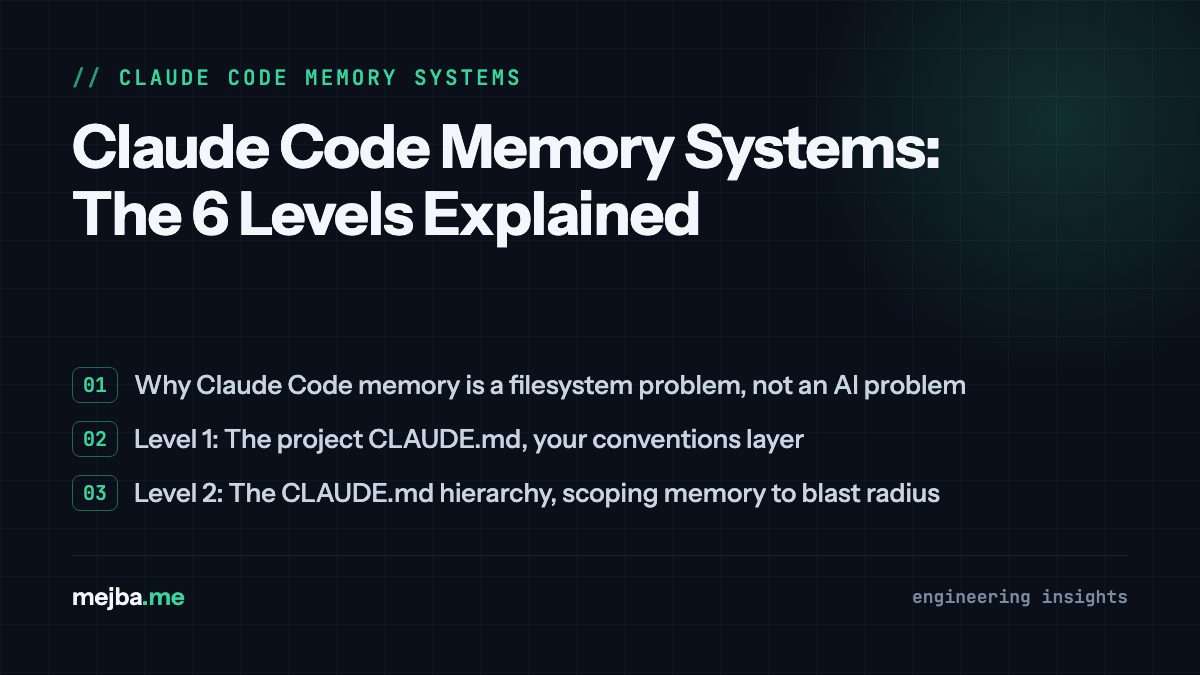
Why Claude Code memory is a filesystem problem, not an AI problem
Claude Code is stateless between sessions. Everything it "knows" at the start of a session comes from files it can read: instruction files it loads automatically, and working files it discovers. That means every memory system, no matter how it is branded, reduces to one question: which facts survive the end of a session, and where do they live so the next session finds them?
Once you frame it that way, the six levels stop being products and start being layers. Each one exists because a cheaper layer failed me first.
Level 1: The project CLAUDE.md, your conventions layer
The project-root CLAUDE.md is the memory everyone knows about, and most people still use it wrong. Mine is not a description of the project. It is a list of the mistakes Claude repeatedly made until I wrote them down.
Real lines from the CLAUDE.md in this site's repo:
composer testruns PHPStan, not PHPUnit. Usephp artisan testfor tests.- Model casting uses the
$castsproperty, not thecasts()method. - The CI workflow always removes
public/hot. Never commit this file. CacheGuestHtmlmiddleware makes content look stale to logged-out visitors for a few minutes. Do not debug "missing" content before checking it.
Every one of those lines is a scar. The composer test line alone has saved me dozens of confused minutes, because on this project that command genuinely does something surprising. That is the test for whether a line belongs in CLAUDE.md: would a competent new developer get this wrong on day one? If yes, it goes in. If it is generic advice ("write clean code"), it is context rot and it goes out.
Level 2: The CLAUDE.md hierarchy, scoping memory to blast radius
Level 2 is realizing there is more than one CLAUDE.md and they layer. I run three tiers:
~/.claude/CLAUDE.md(global): rules that apply to every project I touch. Mine carries my git conventions, a hard rule against writing directly to production databases, and security non-negotiables like flagging exposed credentials immediately.- Project
CLAUDE.md(checked into the repo): everything from Level 1. This one travels with the team, not just with me. - Directory-scoped notes where a subfolder has its own rules, like a
scripts/directory full of one-off content tools that are not part of the app runtime.
The scoping question matters more than people think. I once had a WordPress-specific verification rule sitting in global scope, and it kept nudging sessions on Laravel projects toward irrelevant checks. Memory in the wrong scope is not neutral. It actively burns context and steers the model sideways. Put each fact at the narrowest scope where it is true.
Level 3: Auto-memory, an index file plus topic files
This is the level that changed how my sessions compound. Claude Code can maintain a per-project memory directory (mine lives at ~/.claude/projects/<project>/memory/), and the pattern that works is strict: one short MEMORY.md index, many topic files.
My index for this project is a list of one-line summaries pointing at files like project_seo_recovery_2026q2.md, project_blog_rewrite_580_591.md, and server-info.md. The detail lives in the topic files. The index only ever answers one question: does a note about this exist, and where?
Here is the insight you only get from running this for months: the highest-value memory entries are not decisions or preferences. They are gotchas with exact identifiers in them. One of my topic files contains this line, recorded after a painful debugging session:
BlogControllercaches processed HTML inpost_content_{id}_{locale}for 6 hours. The observer busts the sitemap cache but NOT these keys. MustCache::forgetafter any direct DB content edit.
Weeks later, a completely different session edited post content, read that note, and cleared the right cache keys on the first try. Without it, that session would have concluded the edit failed, and possibly "fixed" something that was not broken. A memory system earns its keep the first time it prevents a confident wrong conclusion.
The discipline that keeps this level healthy: the index stays short, topic files get updated in place instead of duplicated, and dead projects get their files archived. An unmaintained memory directory converges on the same problem as a bloated CLAUDE.md. If you want the deeper experiment on making Claude write its own memories, I tested that separately in my auto-dream memory write-up and the follow-up on the AutoDream memory system.
Level 4: Durable resume manifests, memory that survives dead sessions
This is the level nobody talks about and the one I now consider non-negotiable for batch work. When I rewrote 84 blog posts on this site for SEO recovery, the whole operation was tracked by one file on the server: REWRITE-STATUS.json. Every post ID, every state, updated after each post by a tiny mark_done.php <id> <score> script.
During those batches my account hit session limits twice, mid-workflow, with drafts in flight. The limits on my plan reset at fixed times (noon and 5 p.m. in my timezone, as I learned the hard way), so a dead session could have meant hours of lost orientation: which posts were done, which were half-applied, which were verified. Instead, recovery was one step: read the manifest, resume from the first PENDING entry. The manifest ended that project at 84 DONE, 0 PENDING, across seven batches and multiple session deaths, with zero rework.
The distinction from Level 3 matters. Auto-memory holds knowledge ("this cache key exists"). A manifest holds state ("post 562 is drafted but not verified"). Knowledge belongs to the project forever. State belongs to a task and must be updated transactionally, at the moment the work happens, not summarized at the end of a session that might never end cleanly.
Level 5: Runbooks, memory for problems that recur
Some knowledge is too procedural for a memory note. When Bing started failing to download my sitemaps while Google read the identical files fine, the diagnosis took a full session: Cloudflare's bot protection was challenging Bing's verified crawler at the edge, so nothing in the codebase could fix it. The output was not a memory line. It was docs/seo/bing-sitemap-download-error-fix.md, a runbook with the exact WAF skip rule and the dashboard steps.
Runbooks are retrieval memory: Claude does not load them by default, but a session facing sitemap weirdness can find and follow one. The rule I use for what becomes a runbook: if the fix has more than three steps, touches systems outside the repo, or will predictably recur in a form I will half-remember, it gets a runbook. This is also where markdown beats a vector store for my money. The retrieval query ("bing sitemap fix") is trivially served by filenames, and I can read, diff, and version the memory myself. If you prefer building this layer on a notes system, the Obsidian persistent memory setup is the same idea with better ergonomics for humans.
Level 6: Orchestration state, memory for teams of agents
The top level only appears when you run multi-agent work. Right now, the indexation-remediation project on this site runs as an agent graph, and its shared memory is a graph.json state file: nodes N0 through N12, each with a state, outputs, and blockers; explicit gates that require human approval before infrastructure writes; an invariant list (every mutation needs a backup first, no secrets in outputs); and an escalation queue for things agents found but must not touch.
At this level, memory is coordination. Ten parallel workers cannot share a context window, so the filesystem becomes the message bus: the graph file says what phase we are in, report files carry each node's outputs, and every worker writes its results to agreed paths. When I wrote earlier that my most valuable memory file is 40 lines of JSON, this is the file. Kill any agent mid-run and the graph state plus per-node outputs reconstruct the entire operation.
Which level you actually need
Match the level to the failure you are experiencing, not to ambition:
| You keep seeing | You need |
|---|---|
| Claude repeats the same project mistake | Level 1: project CLAUDE.md |
| Rules bleed between projects | Level 2: hierarchy and scoping |
| Hard-won debugging insight evaporates | Level 3: auto-memory topic files |
| Batch work dies with a session | Level 4: resume manifests |
| Multi-step external fixes recur | Level 5: runbooks |
| Parallel agents lose the plot | Level 6: orchestration state |
Start at Level 1 and add a level only when its failure mode actually bites you. I ran Levels 1 through 3 for months before batch work forced Level 4 into existence. The people who start at Level 6 usually have impressive diagrams and no scars, and the scars are the memory.
One caution from the wider ecosystem: context is a budget, and every memory file you auto-load spends it. Keep the always-loaded layers (1 and 2) lean, push detail into retrieval layers (3, 5), and keep state transactional (4, 6). I wrote about the cost side of this in Claude token limits and context hygiene, because memory and context discipline are the same problem seen from two ends. External memory stores like Pinecone-backed unlimited memory have their place, but on a single production codebase I have never needed one: the repo, the memory directory, and a few JSON manifests have carried everything.
If you are setting up a memory stack for a real team codebase and want it designed around your actual failure modes rather than a generic template, tell me about your setup and I will tell you honestly which levels you need and which you can skip.