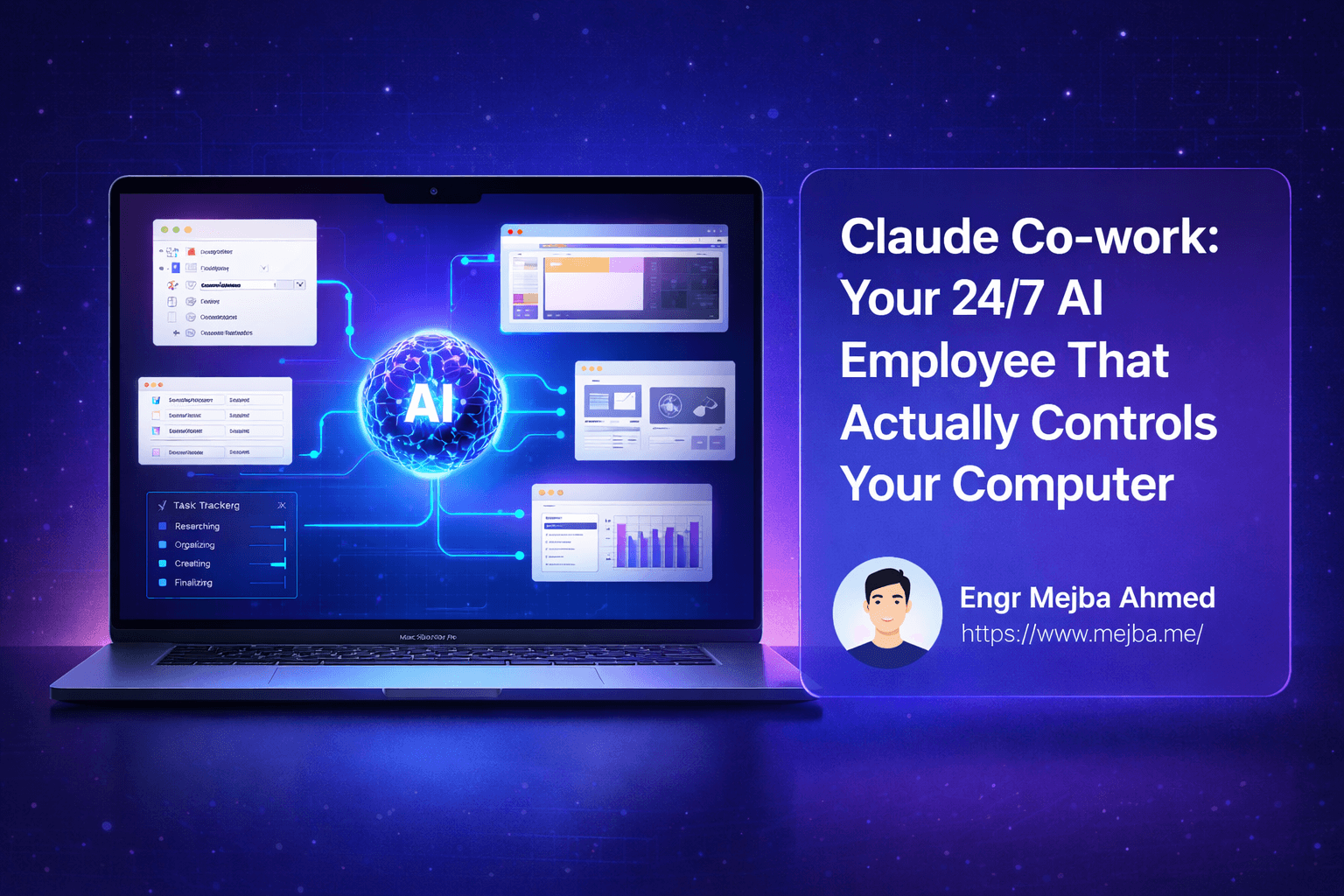
"AI employee" is the most abused phrase in software marketing, and I say that as someone who runs three companies and has watched every chat tool of the last two years claim the title. Claude Cowork is the first product where the phrase maps to something real — not because the model got smarter, but because Anthropic finally gave it the three things an employee actually needs: hands (file and app access), a schedule (recurring tasks that run without you), and a desk (a scoped workspace it cannot wander out of). I have been running it on the operations side of my business since the early research preview, and the mental shift that made it useful was treating setup like onboarding a junior hire, not installing an app.
This is the guide I wish I had on day one: what Cowork actually is, how to onboard it properly, and where the "employee" metaphor honestly breaks.
What Cowork is, in one timeline
Anthropic shipped Cowork as a research preview in January 2026, macOS first, with a Windows beta following in February. It went generally available on April 9, 2026. Along the way it picked up the features that define it today: scheduled tasks arrived in the February 25 update, Projects brought folder-scoped workspaces, and on July 7, 2026 Anthropic announced the web and mobile beta — which matters more than it sounds, because those surfaces run as remote sessions on Anthropic's servers and can keep working with your laptop closed.
The one-sentence definition: Cowork is Claude with a sandboxed desk. You grant it access to specific folders, connect it to your apps through connectors and plugins, and hand it multi-step work — research this, compile that, draft the reply, produce the spreadsheet — that it executes as a session you can watch or walk away from.
If you are a developer wondering how this relates to Claude Code, I wrote a full comparison in Claude Cowork vs Claude Code. Short version: Code is the engineer, Cowork is the operations hire, and the routing decision between them matters more than either tool.
The onboarding mindset (this is the part people skip)
When a human employee starts, you do not say "do stuff." You give them a scope, access to specific systems, standing instructions, and a first task small enough to reveal how they work. Cowork rewards exactly the same discipline:
- Scope = folders. Grant access to a working directory built for the purpose, not your whole Documents folder. I keep a dedicated operations folder tree; Cowork lives there. The sandbox is not a limitation to route around — it is what makes delegation safe enough to actually use.
- Systems = connectors and plugins. Connect only what the job needs. Every connector you add is capability and attack surface in equal measure.
- Standing instructions = Projects. Projects let you attach a folder plus instructions to a defined workspace, so context persists across sessions instead of being re-explained every time. This is Cowork's version of what a CLAUDE.md file does for Claude Code, and skipping it is why most people's first week with Cowork feels underwhelming.
- First task = something you can verify in five minutes. Mine was file organization and research compilation. Not because Cowork can't do more, but because early tasks teach you its failure patterns while the stakes are low.
The insight from months of daily use: Cowork's output quality tracks the quality of your scoping far more than the difficulty of the task. Vague delegation produces confident, plausible, slightly-wrong work — exactly like a junior hire with no brief.
The capability layers, in the order you should adopt them
Layer 1 — Files. Renaming, reorganizing, extracting from PDFs, compiling documents, producing spreadsheets. Unglamorous, immediately valuable, and low-risk. Start here.
Layer 2 — Connectors and plugins. This is where Cowork stops being a file utility and starts touching your actual stack: email, calendars, project tools, communication apps. Plugins extend what a session can do; connectors extend what it can reach. My rule: a connector earns its place only after I have wanted it in three separate sessions. Speculative connectors just add prompt-injection surface — remember that Cowork reads the content it touches, and content can carry hostile instructions.
Layer 3 — Skills. Reusable packaged procedures that Cowork can execute. Skills are where your delegation stops being improvised prompts and starts being an operations manual. I run several from my own catalog daily; the ones that stuck are covered in my Claude Cowork skills guide.
Layer 4 — Scheduled tasks. The actual "24/7" in this post's title. A scheduled task saves your prompt as standing instructions and runs it at a cadence you choose, using whatever connectors and plugins you have set up. This is the layer that changes the product category — a tool you invoke became a system that runs. My recurring content-operations sweep is built this way; the full pipeline is documented in my Cowork plugins YouTube automation post.
Layer 5 — Remote surfaces. With the web and mobile beta, sessions run on Anthropic's infrastructure and continue with no device online. Assigning a task from a phone and collecting the deliverable later stops being a demo scenario and becomes the normal case for operations work, which is interrupt-driven by nature.
Where the "employee" metaphor honestly breaks
Daily use earns you the right to state the limits plainly, so here they are:
- No accumulated judgment. A human junior gets better at your business every week. Cowork gets better only when you improve its instructions, Projects, and skills. The improvement loop runs through you; budget real time for it, the way you would budget management time.
- Verification does not go away. I still check deliverables. The win is that checking a finished draft takes minutes while producing it took none of my time — not that the work is unsupervised. Anything that publishes, sends, or spends keeps a human gate in my setup, permanently.
- Long multi-step chains degrade. Ten-step workflows work better as three scheduled tasks with file handoffs than as one heroic session. Files are the reliable interface between runs — a lesson that maps directly to how I structure multi-agent pipelines on the Claude Code side.
- It is not a developer. Cowork can write and run small scripts inside its sandbox for task purposes. It is not where engineering work should live, and forcing it there produces worse results than routing that work to Claude Code.
Is it worth it?
For me, unambiguously yes — with the caveat that the value arrived only after I did the onboarding work. Week one, treated as a magic assistant, Cowork was a novelty. Week three, with scoped folders, three earned connectors, standing Projects, and two scheduled tasks, it was infrastructure. The gap between those two experiences is entirely in the setup discipline, which is why most negative reviews and most breathless ones are both describing real experiences — of different setups.
Start with files, earn each connector, write instructions down in Projects, and schedule only what you have verified manually first. That sequence turns the marketing phrase into an actual operations capability.
The full delegation stack — Cowork, Claude Code, and the judgment call about which work belongs where — is available as structured courses at my AI School, sequenced in the order I wish someone had handed me during that first novelty week.