The worst Laravel queue failure is not a crashed worker. A crash is loud: exceptions, failed jobs, alerts. The failure that actually hurts is the worker that never runs at all. Jobs pile up quietly, attempts stays at zero, and your app looks perfectly healthy because queued work fails silently by design.
I know because it happened to me. Last June I found 322 jobs sitting in my own site's jobs table, every single one at attempts = 0, the oldest two months stale. Among them were about 199 newsletter emails that subscribers never received. The cron on that server had been calling a specific artisan command directly instead of schedule:run, so the one visible artifact kept updating while the queue never processed a single job. Nobody noticed for eight weeks, including me.
Supervisor is how you prevent that class of failure on a server you control. This guide covers the full setup on Amazon Linux 2023, which is slightly awkward because AL2023 does not ship Supervisor in its repositories, plus the monitoring habits I added after my own outage, because a supervised worker you never verify is only half a fix.
Why queue:work needs a process manager
php artisan queue:work runs as long as its terminal session lives. Close your SSH connection, reboot the instance, deploy new code, or hit an unhandled fatal, and the worker is gone. Nothing restarts it. Laravel does not manage worker processes; that is explicitly your job.
Supervisor is a small Python-based process control system that does exactly this one job well:
- Starts your workers at boot
- Restarts them when they exit or crash
- Captures their output to log files
- Scales to multiple worker processes with one config line
- Gives you
supervisorctlto start, stop, and inspect everything
Prerequisites
- An Amazon Linux 2023 EC2 instance with sudo access
- PHP 8.2+ and Composer
- Redis running, with
phpredisorpredisinstalled - A Laravel app with
QUEUE_CONNECTION=redisin.env
If you are building the box from scratch, I documented the full stack in my EC2 Laravel, PostgreSQL, and Redis setup guide, including the fixes for the parts that do not work first try.
Installing Supervisor on Amazon Linux 2023
Unlike Ubuntu, AL2023 has no supervisor package in dnf. Install it through pip:
sudo dnf install -y python3-pip
sudo pip3 install supervisor
Generate the base config and create a directory for per-program configs:
sudo mkdir -p /etc/supervisor/conf.d
echo_supervisord_conf | sudo tee /etc/supervisord.conf > /dev/null
Then open /etc/supervisord.conf and add an include block at the bottom so Supervisor picks up everything in the conf.d directory:
[include]
files = /etc/supervisor/conf.d/*.conf
Wiring Supervisor to systemd
Pip does not install a service unit, so Supervisor will not survive a reboot until you give it one:
sudo tee /etc/systemd/system/supervisord.service > /dev/null <<'SERVICE'
[Unit]
Description=Supervisor daemon
After=network.target

[Service]
ExecStart=/usr/local/bin/supervisord -n -c /etc/supervisord.conf
ExecStop=/usr/local/bin/supervisorctl shutdown
ExecReload=/usr/local/bin/supervisorctl reload
Restart=always
User=root

[Install]
WantedBy=multi-user.target
SERVICE

sudo systemctl daemon-reload
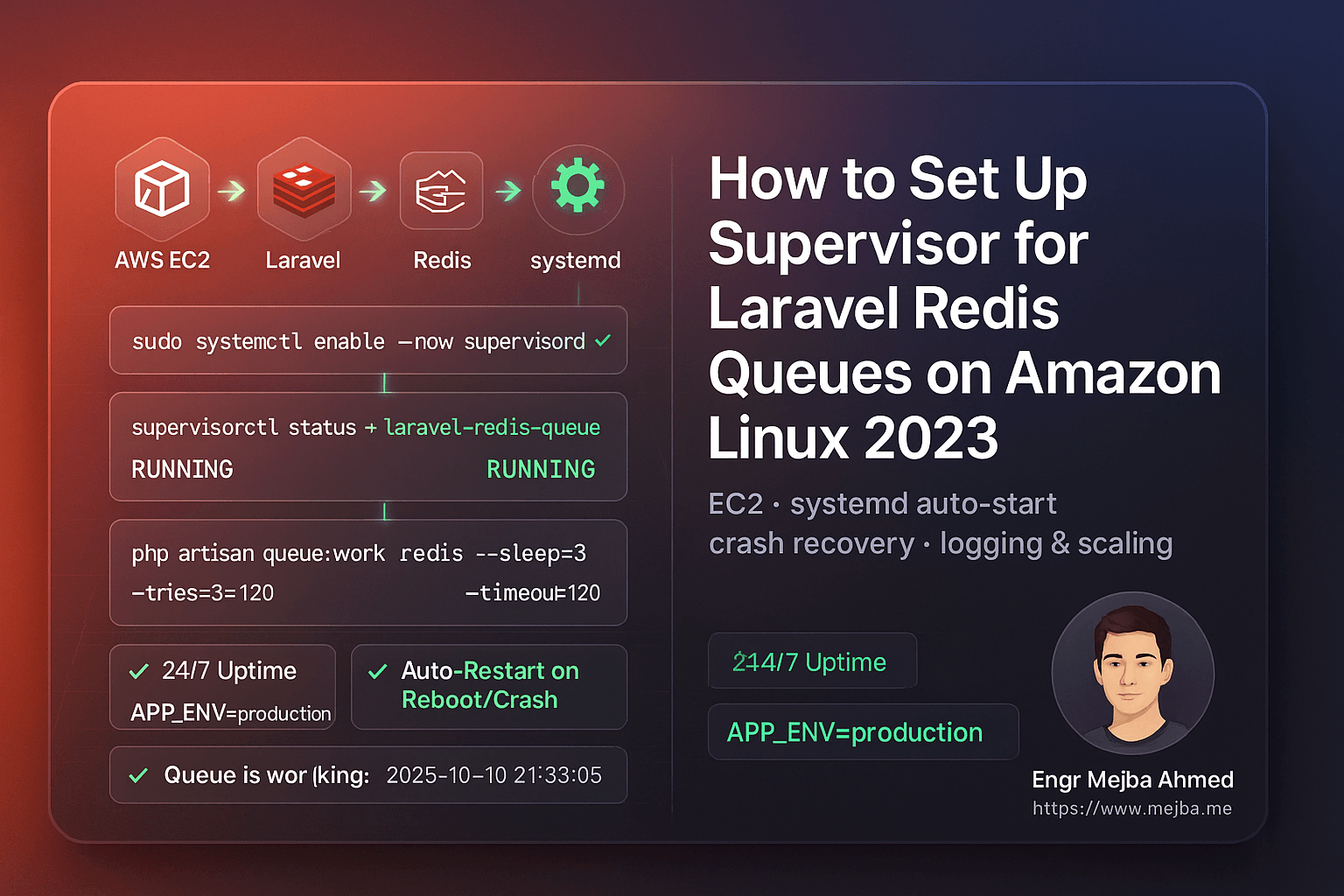
sudo systemctl enable --now supervisord
sudo systemctl status supervisord
You want Active: active (running). Now Supervisor itself restarts on boot, and Supervisor restarts your workers. Two layers, both automatic.
The worker configuration
First confirm your PHP path with which php (usually /usr/bin/php), then create the program config:
sudo tee /etc/supervisor/conf.d/laravel-redis-queues.conf > /dev/null <<'CONF'
[program:laravel-redis-queue]
directory=/var/www/your-app
command=/usr/bin/php artisan queue:work redis --sleep=3 --tries=3 --timeout=120 --backoff=3
autostart=true
autorestart=true
user=ec2-user
numprocs=1
redirect_stderr=true
stdout_logfile=/var/www/your-app/storage/logs/queue-worker.log
stdout_logfile_maxbytes=20MB
stdout_logfile_backups=5
stopwaitsecs=130
environment=APP_ENV="production",HOME="/home/ec2-user",PATH="/usr/local/bin:/usr/bin:/bin"
CONF
Two flags deserve attention. --timeout=120 must be shorter than stopwaitsecs, otherwise Supervisor can kill a worker mid-job during a restart and you get jobs that ran halfway. And --tries=3 with --backoff=3 means a failing job retries twice with breathing room instead of hammering the same exception.
Load it:
sudo /usr/local/bin/supervisorctl reread
sudo /usr/local/bin/supervisorctl update
sudo /usr/local/bin/supervisorctl status
Expected output: laravel-redis-queue RUNNING pid 1234, uptime 0:00:03.
Deploys: use queue:restart, not kill
Workers hold your code in memory. Deploy new code without restarting them and they keep executing the old version indefinitely, which produces bugs that are miserable to trace because the code on disk is correct.
The graceful way is built into Laravel:
php artisan queue:restart
This sets a flag in your cache that tells each worker to exit after finishing its current job. Supervisor sees the exit and starts a fresh worker with the new code. No jobs are cut off mid-flight. Put that line at the end of your deploy script; if you deploy through GitHub Actions like I do, it belongs right after the rsync step in the deployment workflow.
Reserve supervisorctl restart all for when you have changed the Supervisor config itself.
Verify it actually works
Dispatch something real. Create a throwaway job:
php artisan make:job TestQueueJob
public function handle(): void
{
    Log::info('Queue is working: '.now());
}
php artisan tinker --execute="App\Jobs\TestQueueJob::dispatch();"
tail -f storage/logs/laravel.log
Then the test almost everyone skips: sudo reboot, wait for the instance to come back, and run supervisorctl status again. If the worker is not RUNNING after a cold boot, your setup has a gap that will bite you at 3 a.m. eventually.
The monitoring habit that would have saved me two months
Here is the part I now consider as important as the Supervisor config itself. After my June incident I built two checks into my routine, and both are one-liners.
Check the jobs table, not the worker. A worker process can exist while jobs still rot, so I query the outcome instead of the process:
SELECT COUNT(*) AS pending, MIN(created_at) AS oldest FROM jobs;
On a healthy queue, pending hovers near zero and oldest is recent. Rows piling up with old timestamps means the worker is not consuming, whatever supervisorctl claims. In my outage, this query would have shown the problem on day one instead of day sixty.
Give the scheduler a heartbeat you can see. My scheduler writes a sitemap file every five minutes, so checking whether cron is alive is just checking a file's modified time:
stat -c '%y' /var/www/your-app/public/sitemap.xml
Any frequently scheduled task that leaves a timestamped artifact works. If you have none, add a tiny one. The point is a dead-simple aliveness signal you can check over SSH in five seconds.
And the root-cause lesson from my outage: cron should run php artisan schedule:run every minute and nothing else. The moment a cron entry calls one specific artisan command directly, you have created a system where that one thing works while everything else silently stops, which is far worse than everything failing loudly together.
For alerting on top of this, a monitoring layer like Laravel Nightwatch closes the loop so you are not relying on remembering to check.
Scaling and log hygiene
More throughput is a config change:
numprocs=2
process_name=%(program_name)s_%(process_num)02d
Then reread and update again. Start with one or two workers; add more only when the pending count in that SQL check trends upward under normal load.
Rotate the worker log so it does not eat your disk:
sudo tee /etc/logrotate.d/laravel-supervisor > /dev/null <<'ROT'
/var/www/your-app/storage/logs/queue-worker.log {
  weekly
  rotate 5
  missingok
  notifempty
  copytruncate
  compress
}
ROT
Common failures, quick fixes
| Symptom | Likely cause | Fix |
|---|---|---|
FATAL or BACKOFF in status |
Wrong PHP path in command |
which php, update config, reread + update |
Permission denied in the log |
Worker user cannot write storage | sudo chown -R ec2-user:ec2-user storage |
| RUNNING but jobs not processing | Redis down or wrong .env |
redis-cli ping, check QUEUE_CONNECTION |
Jobs land in failed_jobs at exactly the timeout |
--timeout too short for the job |
Raise it, keep stopwaitsecs above it |
| Old code still running after deploy | Workers never restarted | Add queue:restart to the deploy script |
One note on where this applies: Supervisor requires root on a box you control. On shared hosting you cannot run it at all, which is exactly the environment where my own outage happened, and why the jobs-table check matters double there. If your CLI tooling around all this is growing, the new Laravel Prompts task primitives make those ops commands considerably more pleasant to watch.
When you want this handled for you
Setting this up takes an hour. Knowing your queues are actually processing, every day, through every deploy and reboot, is the part that takes discipline. If you would rather hand off the worker setup, the monitoring, and the deploy pipeline around it, tell me about your stack and I will tell you honestly whether it is an hour of work or a real project.