Introducción
If you’ve ever deployed a Laravel app in production, you’ve probably run into this frustrating issue:
todo funciona perfectamente durante el desarrollo, pero en el momento en que cierras tu sesión SSH o reinicias el servidor, tu proceso queue:work se detiene.
Y cuando eso sucede, las tareas en segundo plano — como enviar correos, importar archivos o procesar pagos — se detienen repentinamente.
That’s where Supervisor comes in.
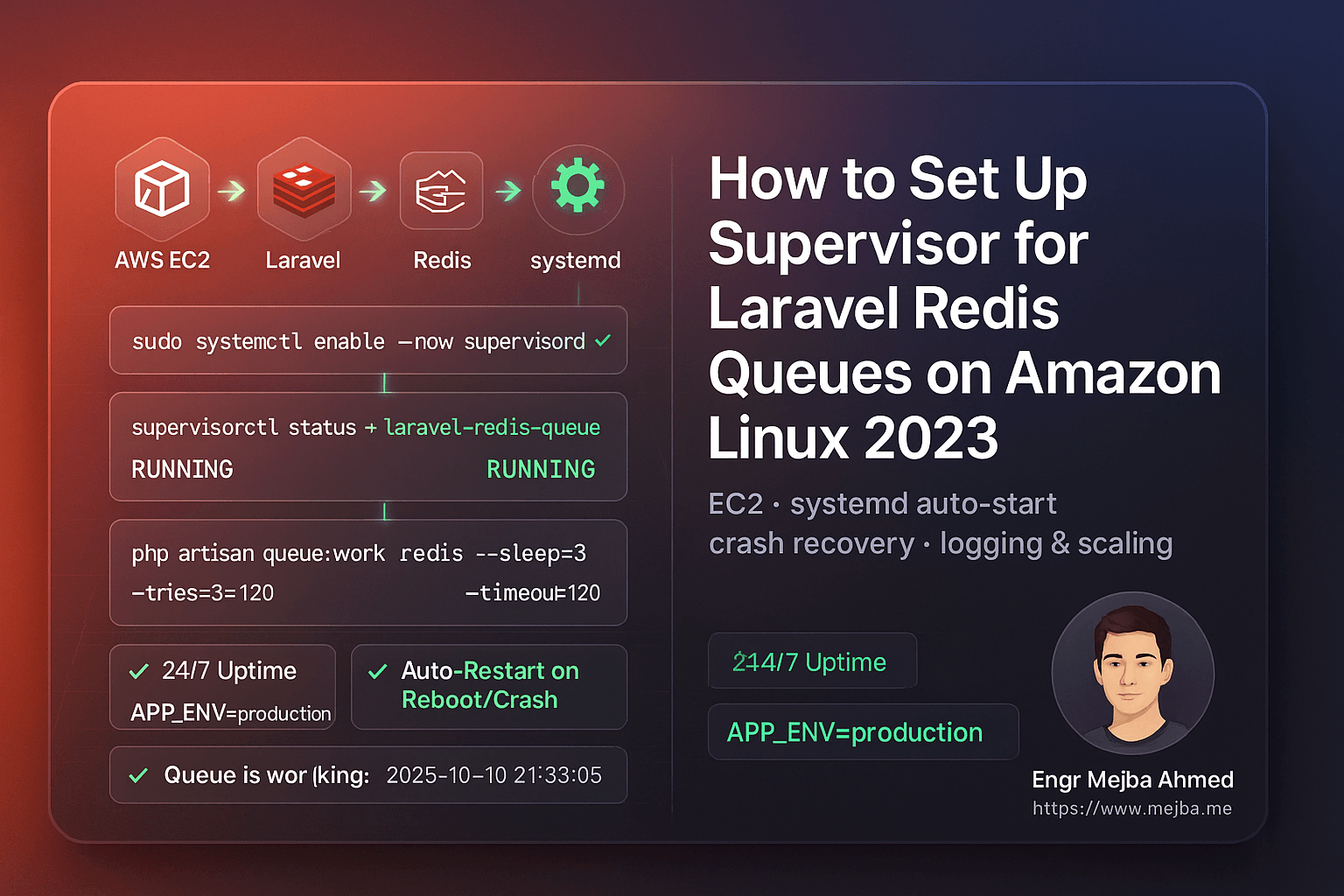
Supervisor is a battle-tested process control system that ensures your Laravel queues keep running 24/7, even after reboots, crashes, or code updates. It’s one of those small, behind-the-scenes tools that separates a hobby project from a production-grade application.
In this 2025 step-by-step guide, you’ll learn exactly how to:
- Install and configure Supervisor on Amazon Linux 2023 (EC2)
- Set up Laravel to manage Redis queue workers automatically
- Keep jobs running after code deploys or server reboots
- Use systemd for stable startup and automatic recovery
- Add logging, scaling, and security optimizations for production
Let’s build a bulletproof queue system that never quits.
1. Why Laravel Redis Queues Need Supervisor
Laravel’s queue system is brilliant—it lets you offload heavy or time-consuming tasks to a background process. Whether you’re sending hundreds of emails, syncing large data sets, or processing imported files, queues keep your app fast and responsive.
But there’s a problem: The command you use to run queues—
php artisan queue:work
— solo se ejecuta mientras tu sesión de terminal esté abierta. Una vez que cierras tu conexión SSH o despliegas nuevo código, ese worker se detiene.
In production, that’s unacceptable. You can’t afford your jobs to silently stop.
Conoce Supervisor
Supervisor es un gestor de procesos ligero escrito en Python. Él:
- Monitorea y reinicia workers de cola automáticamente
- Asegura que inicien al arrancar
- Mantiene logs de actividad y errores de workers
- Te permite escalar múltiples procesos worker fácilmente
- Provides simple control via
supervisorctl
When configured properly, Supervisor gives you peace of mind—your Redis queues will always run in the background, even if you never log into the server again.
2. Requisitos Previos
Before diving in, make sure you have:
- Amazon Linux 2023 (EC2 instance)
- PHP 8.2+ and Composer installed
- Redis and
phpredisorpredisextension - A working Laravel 10 or 11 application
- SSH access as
ec2-userwithsudoprivileges
And confirm that your .env is correctly set up for Redis:
QUEUE_CONNECTION=redis
CACHE_DRIVER=redis
SESSION_DRIVER=redis
Once these are ready, let’s install Supervisor.
3. Instalar Supervisor en Amazon Linux 2023
Unlike Ubuntu, Amazon Linux 2023 doesn’t include Supervisor in its default repositories.
We’ll install it manually using Python’s package manager (pip3).
Paso 1: Instalar pip y Supervisor
sudo dnf install -y python3-pip
sudo pip3 install supervisor
Paso 2: Crear Directorios de Supervisor
sudo mkdir -p /etc/supervisor/conf.d
sudo echo_supervisord_conf | sudo tee /etc/supervisord.conf > /dev/null
Paso 3: Incluir Archivos de Configuración Adicionales
Abre el archivo de configuración principal:
sudo nano /etc/supervisord.conf
Agrega al final:
[include]
files = /etc/supervisor/conf.d/*.conf
Guarda y cierra (Ctrl + O, Enter, Ctrl + X).
4. Configurar Supervisor con systemd
To make sure Supervisor starts automatically when your EC2 instance boots, we’ll wire it to systemd.
Paso 1: Crear el Archivo de Unidad systemd
sudo tee /etc/systemd/system/supervisord.service > /dev/null <<'SERVICE'
[Unit]
Description=Supervisor daemon
After=network.target

[Service]
ExecStart=/usr/local/bin/supervisord -n -c /etc/supervisord.conf
ExecStop=/usr/local/bin/supervisorctl shutdown
ExecReload=/usr/local/bin/supervisorctl reload
Restart=always
User=root

[Install]
WantedBy=multi-user.target
SERVICE
Paso 2: Habilitar e Iniciar Supervisor
sudo systemctl daemon-reload
sudo systemctl enable --now supervisord
sudo systemctl status supervisord
Deberías ver:
Active: active (running)
Ahora Supervisor iniciará automáticamente cada vez que tu servidor reinicie.
5. Configurar Workers de Cola Laravel
We’ll configure Supervisor to manage your Laravel queue workers.
Paso 1: Encontrar tu Ruta PHP
which php
You’ll likely get /usr/bin/php.
Usa esa ruta en tu archivo de configuración.
Paso 2: Crear tu Configuración de Worker
sudo tee /etc/supervisor/conf.d/laravel-redis-queues.conf > /dev/null <<'CONF'
[program:laravel-redis-queue]
directory=/var/www/writeflow-ai
command=/usr/bin/php artisan queue:work redis --sleep=3 --tries=3 --timeout=120 --backoff=3 --verbose
autostart=true
autorestart=true
user=ec2-user
redirect_stderr=true
stdout_logfile=/var/www/writeflow-ai/storage/logs/queue-worker.log
stdout_logfile_maxbytes=20MB
stdout_logfile_backups=5
environment=APP_ENV="production",HOME="/home/ec2-user",PATH="/usr/local/bin:/usr/bin:/bin"
CONF
Paso 3: Recargar Supervisor
sudo /usr/local/bin/supervisorctl reread
sudo /usr/local/bin/supervisorctl update
sudo /usr/local/bin/supervisorctl status
If everything’s configured correctly, you’ll see:
laravel-redis-queue RUNNING pid 1234, uptime 0:00:03
6. Probar tu Configuración de Cola
Let’s make sure your queues actually run.
Paso 1: Crear un Job de Prueba
php artisan make:job TestQueueJob
Abre app/Jobs/TestQueueJob.php y modifica el método handle():
public function handle()
{
    \Log::info('✅ Queue is working fine: '.now());
}
Paso 2: Despacha
php artisan tinker --execute="App\\Jobs\\TestQueueJob::dispatch();"
Paso 3: Verifica los Logs
tail -f storage/logs/laravel.log
Deberías ver:
[2025-10-10 21:33:05] production.INFO: ✅ Queue is working fine: 2025-10-10 21:33:05
Felicidades — tu cola Redis de Laravel está ahora completamente supervisada y lista para producción.
7. Reiniciar Workers Automáticamente Después de Deploys de Código
Cada vez que despliegues nuevo código o cambies tu archivo .env, debes reiniciar tus workers de cola para cargar los últimos cambios.
En lugar de ejecutar comandos largos, crea un script auxiliar:
sudo tee /usr/local/bin/restart-workers.sh >/dev/null <<'SH'
#!/bin/bash
echo "🔄 Restarting Laravel queue workers..."
/usr/local/bin/supervisorctl reread
/usr/local/bin/supervisorctl update
/usr/local/bin/supervisorctl restart all
echo "✅ All workers restarted successfully."
SH

sudo chmod +x /usr/local/bin/restart-workers.sh
Después de cada deployment, simplemente ejecuta:
sudo /usr/local/bin/restart-workers.sh
Simple, limpio y seguro.
8. Mantener Logs Manejables con Rotación de Logs
Supervisor crea archivos de log separados para cada worker. Con el tiempo, estos pueden crecer mucho. Puedes automatizar la limpieza con logrotate.
sudo tee /etc/logrotate.d/laravel-supervisor >/dev/null <<'ROT'
/var/www/writeflow-ai/storage/logs/queue-worker.log {
  weekly
  rotate 5
  missingok
  notifempty
  copytruncate
  compress
}
ROT
Esto rota los logs semanalmente, mantiene 5 respaldos y comprime los antiguos.
9. Escalar Workers de Cola
¿Más tráfico o tareas en segundo plano acumulándose? Escala fácilmente.
Edita tu configuración de Supervisor:
[program:laravel-redis-queue]
numprocs=2
process_name=%(program_name)s_%(process_num)02d
Luego:
sudo /usr/local/bin/supervisorctl reread
sudo /usr/local/bin/supervisorctl update
sudo /usr/local/bin/supervisorctl status
Now you’ll have two concurrent workers processing jobs simultaneously.
10. Verificar Todo Después de un Reinicio
Reinicia tu instancia EC2 para confirmar el comportamiento de inicio automático:
sudo reboot
Una vez que la instancia esté de vuelta en línea:
sudo /usr/local/bin/supervisorctl status
Tu cola debería estar ejecutándose automáticamente — sin que toques nada.
11. Errores Comunes y Soluciones
| Problema | Causa | Solución |
|---|---|---|
BACKOFF o FATAL |
Ruta PHP incorrecta | Ejecuta which php y actualiza config |
Permission denied |
Wrong file owner | sudo chown -R ec2-user:ec2-user storage |
queue:work not processing |
Redis not running or wrong env vars | sudo systemctl restart redis |
| No logs | Wrong log file path | Check stdout_logfile in config |
Jobs stuck in failed_jobs |
Exceptions or timeout too short | Increase --timeout or inspect logs |
Quick Takeaways
✅ Use Supervisor to ensure your Laravel queues run continuously.
✅ Install via pip3 on Amazon Linux 2023 (not yum).
✅ Link Supervisor to systemd so it auto-starts on reboot.
✅ Add a restart script for clean deployments.
✅ Implement log rotation to prevent storage bloat.
✅ Scale workers easily with numprocs.
✅ Test with a sample job to confirm everything works.
Conclusión
When it comes to Laravel queue reliability, Supervisor is non-negotiable. Without it, your background jobs can silently stop, leading to failed emails, unprocessed tasks, or delayed user experiences.
By setting up Supervisor on Amazon Linux 2023, you’ve built a robust, self-healing background process system powered by Redis and systemd.
Your queues now:
- Run automatically after deploys or reboots
- Restart on crashes
- Scale seamlessly
- Log every event
That’s the kind of stability every serious Laravel application deserves.
Call to Action
If this guide helped, share it with your DevOps or Laravel team.
Need expert help right now?
- ✅ Hire me on Fiverr: Laravel/AWS Optimization & DevOps
- 🏢 Or work with our team at Ramlit Limited for enterprise-grade Laravel, AI, and cloud solutions.
Let’s make your queues bulletproof and your deployments effortless.
FAQs
1. Why use Supervisor instead of a cron job?
Because cron runs on fixed intervals, not continuously. Supervisor monitors queue:work in real-time and restarts it instantly on crash or reboot.
2. Can I use this setup for SQS or Database queues?
Absolutely. Just replace redis in the command with your queue driver (e.g., database or sqs).
3. How do I stop all queue workers?
Run:
sudo /usr/local/bin/supervisorctl stop all
4. ¿Qué pasa si despliego código nuevo sin reiniciar los workers?
They’ll keep running old code in memory. Always run supervisorctl restart all after a deploy.
5. ¿Esta configuración es segura para producción?
Yes. It’s clean, secure, and aligned with modern Amazon Linux 2023 practices.
Palabra Final: Tus colas Redis de Laravel ahora son imparables. Sin más tiempo de inactividad. Sin más reinicios manuales. Solo rendimiento puro, de grado producción — impulsado por Supervisor.