Introdução
If you’ve ever deployed a Laravel app in production, you’ve probably run into this frustrating issue:
tudo funciona perfeitamente durante o desenvolvimento, mas no momento em que você fecha sua sessão SSH ou reinicia o servidor, seu processo queue:work para.
E quando isso acontece, tarefas em segundo plano — como enviar e-mails, importar arquivos ou processar pagamentos — param repentinamente.
That’s where Supervisor comes in.
Supervisor is a battle-tested process control system that ensures your Laravel queues keep running 24/7, even after reboots, crashes, or code updates. It’s one of those small, behind-the-scenes tools that separates a hobby project from a production-grade application.
In this 2025 step-by-step guide, you’ll learn exactly how to:
- Install and configure Supervisor on Amazon Linux 2023 (EC2)
- Set up Laravel to manage Redis queue workers automatically
- Keep jobs running after code deploys or server reboots
- Use systemd for stable startup and automatic recovery
- Add logging, scaling, and security optimizations for production
Let’s build a bulletproof queue system that never quits.
1. Why Laravel Redis Queues Need Supervisor
Laravel’s queue system is brilliant—it lets you offload heavy or time-consuming tasks to a background process. Whether you’re sending hundreds of emails, syncing large data sets, or processing imported files, queues keep your app fast and responsive.
But there’s a problem: The command you use to run queues—
php artisan queue:work
— só roda enquanto sua sessão de terminal estiver aberta. Assim que você fecha sua conexão SSH ou faz deploy de novo código, esse worker para.
In production, that’s unacceptable. You can’t afford your jobs to silently stop.
Conheça o Supervisor
Supervisor é um gerenciador de processos leve escrito em Python. Ele:
- Monitora e reinicia workers de fila automaticamente
- Garante que eles iniciem no boot
- Mantém logs de atividade e erros dos workers
- Permite escalar múltiplos processos worker facilmente
- Provides simple control via
supervisorctl
When configured properly, Supervisor gives you peace of mind—your Redis queues will always run in the background, even if you never log into the server again.
2. Pré-requisitos
Before diving in, make sure you have:
- Amazon Linux 2023 (EC2 instance)
- PHP 8.2+ and Composer installed
- Redis and
phpredisorpredisextension - A working Laravel 10 or 11 application
- SSH access as
ec2-userwithsudoprivileges
And confirm that your .env is correctly set up for Redis:
QUEUE_CONNECTION=redis
CACHE_DRIVER=redis
SESSION_DRIVER=redis
Once these are ready, let’s install Supervisor.
3. Instalar o Supervisor no Amazon Linux 2023
Unlike Ubuntu, Amazon Linux 2023 doesn’t include Supervisor in its default repositories.
We’ll install it manually using Python’s package manager (pip3).
Passo 1: Instalar pip e Supervisor
sudo dnf install -y python3-pip
sudo pip3 install supervisor
Passo 2: Criar Diretórios do Supervisor
sudo mkdir -p /etc/supervisor/conf.d
sudo echo_supervisord_conf | sudo tee /etc/supervisord.conf > /dev/null
Passo 3: Incluir Arquivos de Configuração Adicionais
Abra o arquivo de configuração principal:
sudo nano /etc/supervisord.conf
Adicione no final:
[include]
files = /etc/supervisor/conf.d/*.conf
Salve e saia (Ctrl + O, Enter, Ctrl + X).
4. Configurar o Supervisor com systemd
To make sure Supervisor starts automatically when your EC2 instance boots, we’ll wire it to systemd.
Passo 1: Criar o Arquivo de Unidade systemd
sudo tee /etc/systemd/system/supervisord.service > /dev/null <<'SERVICE'
[Unit]
Description=Supervisor daemon
After=network.target

[Service]
ExecStart=/usr/local/bin/supervisord -n -c /etc/supervisord.conf
ExecStop=/usr/local/bin/supervisorctl shutdown
ExecReload=/usr/local/bin/supervisorctl reload
Restart=always
User=root

[Install]
WantedBy=multi-user.target
SERVICE
Passo 2: Habilitar e Iniciar o Supervisor
sudo systemctl daemon-reload
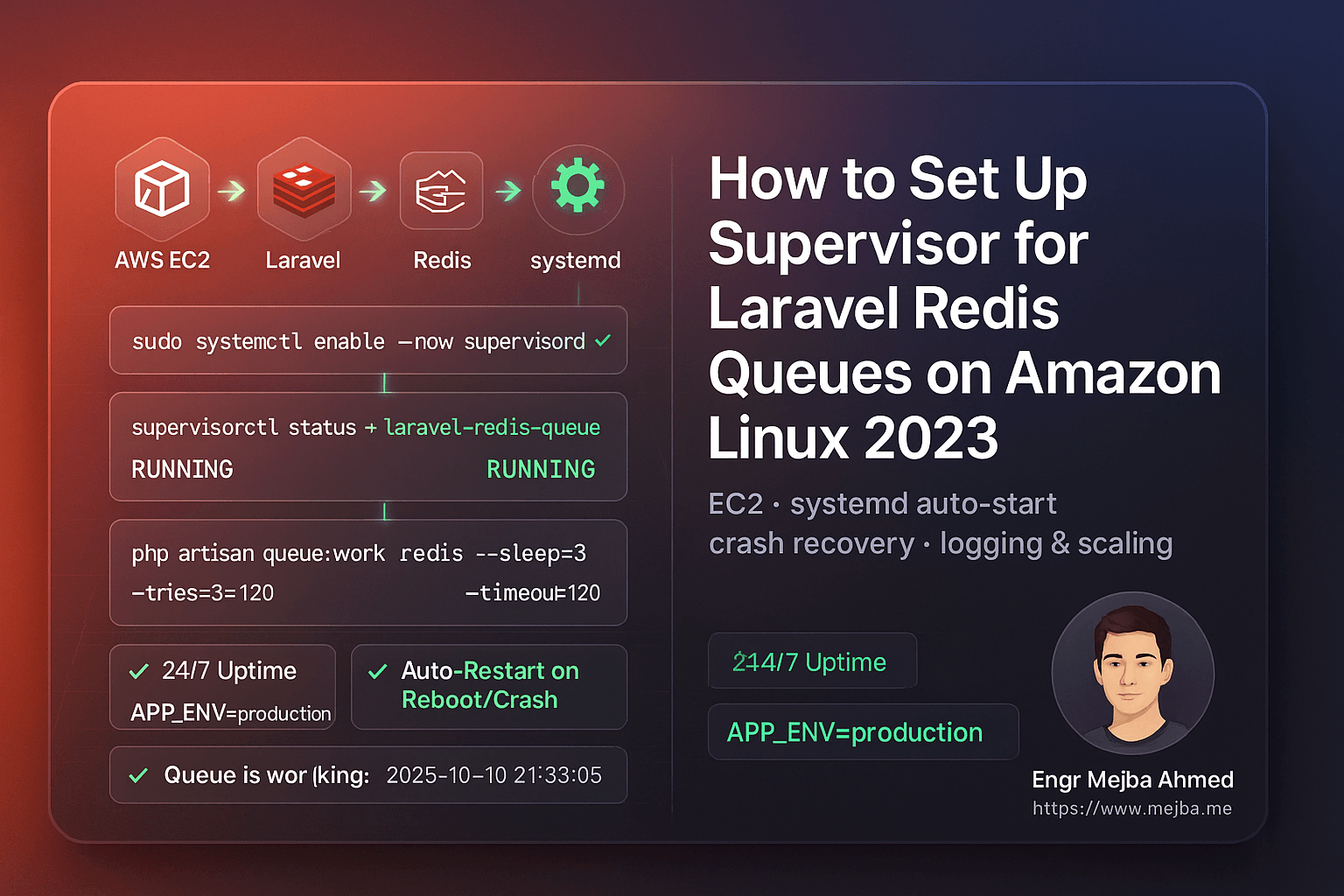
sudo systemctl enable --now supervisord
sudo systemctl status supervisord
Você deve ver:
Active: active (running)
Agora o Supervisor iniciará automaticamente toda vez que seu servidor reiniciar.
5. Configurar Workers de Fila Laravel
We’ll configure Supervisor to manage your Laravel queue workers.
Passo 1: Encontrar seu Caminho PHP
which php
You’ll likely get /usr/bin/php.
Use esse caminho no seu arquivo de configuração.
Passo 2: Criar sua Configuração de Worker
sudo tee /etc/supervisor/conf.d/laravel-redis-queues.conf > /dev/null <<'CONF'
[program:laravel-redis-queue]
directory=/var/www/writeflow-ai
command=/usr/bin/php artisan queue:work redis --sleep=3 --tries=3 --timeout=120 --backoff=3 --verbose
autostart=true
autorestart=true
user=ec2-user
redirect_stderr=true
stdout_logfile=/var/www/writeflow-ai/storage/logs/queue-worker.log
stdout_logfile_maxbytes=20MB
stdout_logfile_backups=5
environment=APP_ENV="production",HOME="/home/ec2-user",PATH="/usr/local/bin:/usr/bin:/bin"
CONF
Passo 3: Recarregar o Supervisor
sudo /usr/local/bin/supervisorctl reread
sudo /usr/local/bin/supervisorctl update
sudo /usr/local/bin/supervisorctl status
If everything’s configured correctly, you’ll see:
laravel-redis-queue RUNNING pid 1234, uptime 0:00:03
6. Testar sua Configuração de Fila
Let’s make sure your queues actually run.
Passo 1: Criar um Job de Teste
php artisan make:job TestQueueJob
Abra app/Jobs/TestQueueJob.php e modifique o método handle():
public function handle()
{
    \Log::info('✅ Queue is working fine: '.now());
}
Passo 2: Despache
php artisan tinker --execute="App\\Jobs\\TestQueueJob::dispatch();"
Passo 3: Verifique os Logs
tail -f storage/logs/laravel.log
Você deve ver:
[2025-10-10 21:33:05] production.INFO: ✅ Queue is working fine: 2025-10-10 21:33:05
Parabéns — sua fila Redis do Laravel está agora totalmente supervisionada e pronta para produção.
7. Reiniciar Workers Automaticamente Após Deploys de Código
Toda vez que você faz deploy de novo código ou altera seu arquivo .env, deve reiniciar seus workers de fila para carregar as últimas alterações.
Em vez de executar comandos longos, crie um script auxiliar:
sudo tee /usr/local/bin/restart-workers.sh >/dev/null <<'SH'
#!/bin/bash
echo "🔄 Restarting Laravel queue workers..."
/usr/local/bin/supervisorctl reread
/usr/local/bin/supervisorctl update
/usr/local/bin/supervisorctl restart all
echo "✅ All workers restarted successfully."
SH

sudo chmod +x /usr/local/bin/restart-workers.sh
Após cada deployment, simplesmente execute:
sudo /usr/local/bin/restart-workers.sh
Simples, limpo e seguro.
8. Manter Logs Gerenciáveis com Rotação de Logs
O Supervisor cria arquivos de log separados para cada worker. Com o tempo, estes podem ficar grandes. Você pode automatizar a limpeza com logrotate.
sudo tee /etc/logrotate.d/laravel-supervisor >/dev/null <<'ROT'
/var/www/writeflow-ai/storage/logs/queue-worker.log {
  weekly
  rotate 5
  missingok
  notifempty
  copytruncate
  compress
}
ROT
Isso rotaciona logs semanalmente, mantém 5 backups e comprime os antigos.
9. Escalar Workers de Fila
Mais tráfego ou tarefas em segundo plano acumulando? Escale facilmente.
Edite sua configuração do Supervisor:
[program:laravel-redis-queue]
numprocs=2
process_name=%(program_name)s_%(process_num)02d
Então:
sudo /usr/local/bin/supervisorctl reread
sudo /usr/local/bin/supervisorctl update
sudo /usr/local/bin/supervisorctl status
Now you’ll have two concurrent workers processing jobs simultaneously.
10. Verificar Tudo Após um Reinício
Reinicie sua instância EC2 para confirmar o comportamento de início automático:
sudo reboot
Uma vez que a instância esteja de volta online:
sudo /usr/local/bin/supervisorctl status
Sua fila deve estar rodando automaticamente — sem você tocar em nada.
11. Erros Comuns e Soluções
| Problema | Causa | Solução |
|---|---|---|
BACKOFF ou FATAL |
Caminho PHP incorreto | Execute which php e atualize config |
Permission denied |
Wrong file owner | sudo chown -R ec2-user:ec2-user storage |
queue:work not processing |
Redis not running or wrong env vars | sudo systemctl restart redis |
| No logs | Wrong log file path | Check stdout_logfile in config |
Jobs stuck in failed_jobs |
Exceptions or timeout too short | Increase --timeout or inspect logs |
Quick Takeaways
✅ Use Supervisor to ensure your Laravel queues run continuously.
✅ Install via pip3 on Amazon Linux 2023 (not yum).
✅ Link Supervisor to systemd so it auto-starts on reboot.
✅ Add a restart script for clean deployments.
✅ Implement log rotation to prevent storage bloat.
✅ Scale workers easily with numprocs.
✅ Test with a sample job to confirm everything works.
Conclusão
When it comes to Laravel queue reliability, Supervisor is non-negotiable. Without it, your background jobs can silently stop, leading to failed emails, unprocessed tasks, or delayed user experiences.
By setting up Supervisor on Amazon Linux 2023, you’ve built a robust, self-healing background process system powered by Redis and systemd.
Your queues now:
- Run automatically after deploys or reboots
- Restart on crashes
- Scale seamlessly
- Log every event
That’s the kind of stability every serious Laravel application deserves.
Call to Action
If this guide helped, share it with your DevOps or Laravel team.
Need expert help right now?
- ✅ Hire me on Fiverr: Laravel/AWS Optimization & DevOps
- 🏢 Or work with our team at Ramlit Limited for enterprise-grade Laravel, AI, and cloud solutions.
Let’s make your queues bulletproof and your deployments effortless.
FAQs
1. Why use Supervisor instead of a cron job?
Because cron runs on fixed intervals, not continuously. Supervisor monitors queue:work in real-time and restarts it instantly on crash or reboot.
2. Can I use this setup for SQS or Database queues?
Absolutely. Just replace redis in the command with your queue driver (e.g., database or sqs).
3. How do I stop all queue workers?
Run:
sudo /usr/local/bin/supervisorctl stop all
4. O que acontece se eu fizer deploy de código novo sem reiniciar os workers?
They’ll keep running old code in memory. Always run supervisorctl restart all after a deploy.
5. Esta configuração é segura para produção?
Yes. It’s clean, secure, and aligned with modern Amazon Linux 2023 practices.
Palavra Final: Suas filas Redis do Laravel agora são imparáveis. Sem mais tempo de inatividade. Sem mais reinícios manuais. Apenas performance pura, de nível produção — impulsionada pelo Supervisor.