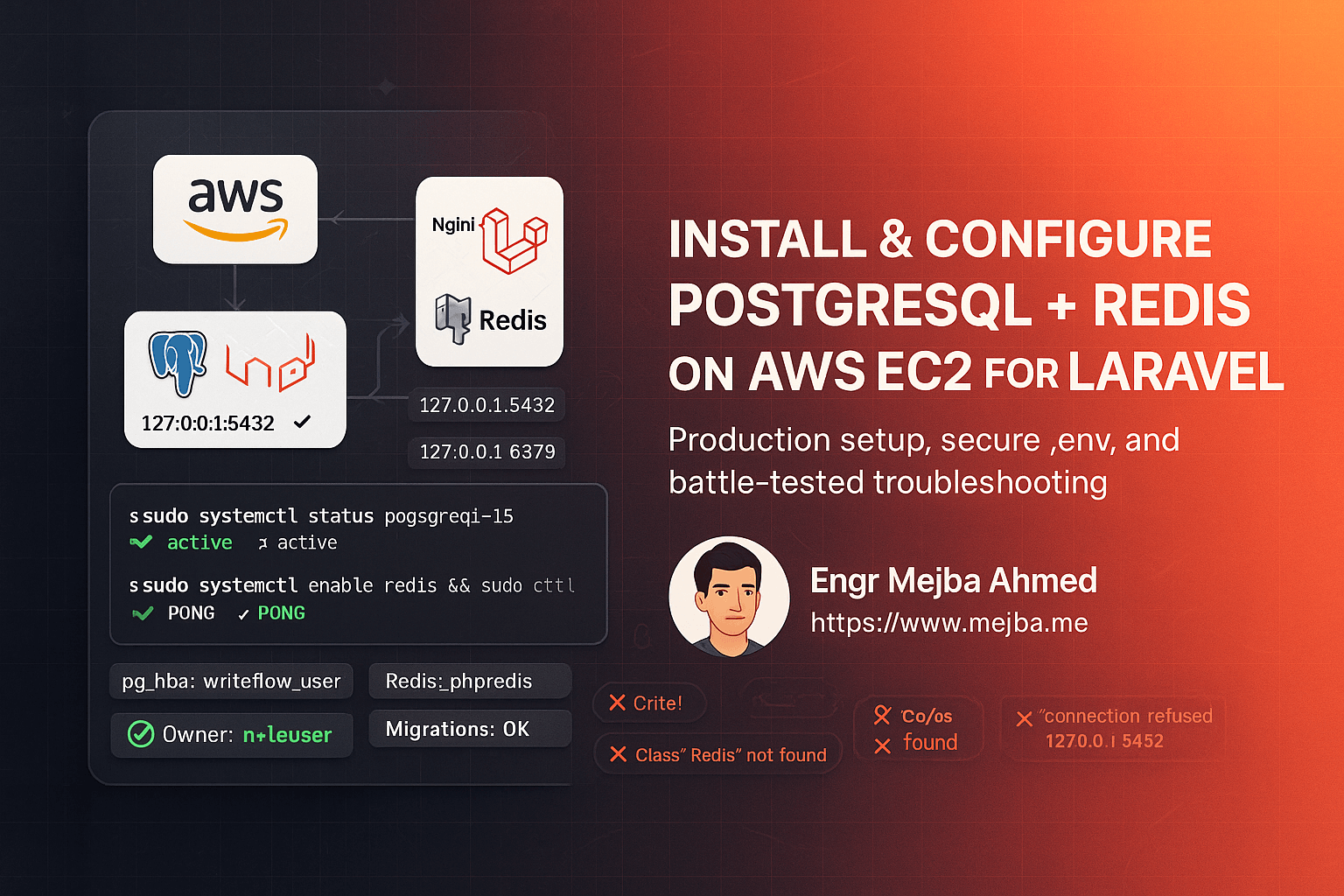
The reason this guide exists is a specific sequence of errors that hits almost everyone who puts PostgreSQL, Redis, and Laravel on one EC2 box for the first time — and the fact that no official doc covers the combination end to end. The PostgreSQL docs assume you know Laravel's config caching. The Laravel docs assume your database just works. In between live four errors I have met on my own provisioning runs, in this order:
SQLSTATE[08006] [7] connection to server at "127.0.0.1", port 5432 failed: Connection refusedFATAL: role "ec2-user" does not existSQLSTATE[42501]: Insufficient privilege: permission denied for schema publicClass "Redis" not found
Each one has a specific cause, and knowing the cause turns an evening of flailing into a two-minute fix. Here is the lean setup that avoids most of them, then the troubleshooting vault for the ones you hit anyway.
The setup, compressed
Target: Amazon Linux 2023 (commands map closely to RHEL; on Ubuntu swap dnf for apt), a t3.micro or larger, and a deployed Laravel app behind Nginx and PHP-FPM. Security group: 80/443 open, 22 scoped to your IP, and 5432 and 6379 closed to the world — both services bind to localhost only, and there is never a reason to expose them.
Install the stack:
sudo dnf -y update
sudo dnf -y install postgresql15 postgresql15-server php-pgsql
sudo dnf -y install redis6 php-pecl-redis
sudo systemctl restart php-fpm
Package-name notes from real runs: postgresql15 is the server on AL2023, plain postgresql is just client tools, and Redis often ships as redis6 with a matching redis6 systemd unit — adapt the service names below if yours differs. Restart PHP-FPM after installing PHP extensions or the running workers will not see them (that fact returns as error D later).
Initialize and start PostgreSQL:
sudo -u postgres /usr/bin/initdb -D /var/lib/pgsql/15/data
sudo systemctl enable --now postgresql-15
Then create the database and user — and this is the block that prevents the nastiest error on the list:
CREATE DATABASE appdb;
CREATE USER app_user WITH ENCRYPTED PASSWORD 'use-a-real-password';
GRANT ALL PRIVILEGES ON DATABASE appdb TO app_user;
\c appdb
ALTER SCHEMA public OWNER TO app_user;
ALTER DATABASE appdb OWNER TO app_user;
In pg_hba.conf (under /var/lib/pgsql/15/data/), make local TCP connections use password auth:
host  all  all  127.0.0.1/32  md5
host  all  all  ::1/128       md5
Restart, then prove auth works before touching Laravel:
PGPASSWORD='use-a-real-password' psql -U app_user -d appdb -h 127.0.0.1 -c "select now();"
If that returns a timestamp, every database error you see later is Laravel-side, not PostgreSQL-side — a diagnostic boundary that saves real time.
Start Redis and smoke-test it the same way:
sudo systemctl enable --now redis6
redis-cli ping   # PONG
Keep bind 127.0.0.1 and protected-mode yes in the Redis config. Finally, the Laravel .env:
DB_CONNECTION=pgsql
DB_HOST=127.0.0.1
DB_PORT=5432
DB_DATABASE=appdb
DB_USERNAME=app_user
DB_PASSWORD=use-a-real-password

CACHE_DRIVER=redis
SESSION_DRIVER=redis
QUEUE_CONNECTION=redis
REDIS_CLIENT=phpredis
REDIS_HOST=127.0.0.1
Run php artisan config:clear and then php artisan migrate --force. Now, the vault.
Error A: SQLSTATE[08006] connection refused
The server is not listening, crashed, or never started. Diagnose in this order:
sudo systemctl status postgresql-15 --no-pager
ss -ltnp | grep 5432
If the unit is dead, the reason is in serverlog inside the data directory — commonly a failed initdb or a config typo. If it is running but nothing listens on 5432, check listen_addresses in postgresql.conf (localhost is fine for this architecture). If it is listening and Laravel still gets refused, your .env port or host is wrong — or config caching is serving stale values, which brings us to the strangest error on the list.
Error B: FATAL: role "ec2-user" does not exist
This one baffles people because they never typed ec2-user anywhere near their database config. Here is what actually happens: when Laravel cannot resolve a database username — .env not loaded, config cache stale, or an env() call inside a cached config returning null — the PostgreSQL client libraries fall back to the operating-system user, and on EC2 that is ec2-user. The error is not "your role is missing." It is "your credentials never reached the connection."
The fix is almost always:
php artisan config:clear
Then confirm config/database.php reads credentials via env() with no hardcoded fallbacks, and remember the production rule: after any .env edit on a box that caches config, php artisan config:cache must run again or the running app keeps the old values. I have watched this exact mechanism cost hours because the error message points at PostgreSQL when the problem is Laravel's config lifecycle.
Error C: permission denied for schema public
This error became dramatically more common with PostgreSQL 15, and knowing why makes the fix obvious: PG 15 revoked the ability for ordinary users to create objects in the public schema. Before 15, any user could create tables there; now only the database owner can, unless explicitly granted. So a Laravel migration run by a non-owner user dies on its first CREATE TABLE.
That is why the setup block above transfers ownership instead of just granting privileges:
\c appdb
ALTER SCHEMA public OWNER TO app_user;
ALTER DATABASE appdb OWNER TO app_user;
Ownership fixes current and future objects, which the pile of GRANT ALL statements people paste from Stack Overflow does not. If you inherited a database where the app user cannot own the schema, the grants variant works but must include sequences, or auto-increment inserts fail later:
GRANT ALL PRIVILEGES ON ALL TABLES IN SCHEMA public TO app_user;
GRANT ALL PRIVILEGES ON ALL SEQUENCES IN SCHEMA public TO app_user;
Errors D and E: the Redis pair
Class "Redis" not found means PHP's Redis extension is not loaded — Laravel's phpredis client is a compiled extension, not a Composer package, which surprises people who expect composer require to fix it:
sudo dnf -y install php-pecl-redis
php -m | grep -i redis    # must print: redis
sudo systemctl restart php-fpm
The restart is not optional; PHP-FPM workers load extensions at startup.
Connection refused [tcp://127.0.0.1:6379] means the service is down or bound elsewhere: systemctl status redis6, redis-cli ping, ss -ltnp | grep 6379, in that order. And if Redis answers PONG but sessions still fall back to files, check that SESSION_DRIVER actually says redis and clear the config cache again — error B's mechanism, wearing a different mask.
Keeping the stack alive after day one
Three habits carry a single-box stack a long way. Size for the instance: keep max_connections modest and pm.max_children matched to RAM, because the default configs of PostgreSQL and PHP-FPM together can OOM a t3.micro under load — the same right-sizing thinking from my shared-hosting Laravel optimization guide applies at small-instance scale. Back up off-instance: a nightly pg_dump piped to gzip and shipped to S3, cronned at 3 a.m., because a backup on the disk it protects is not a backup. And treat Redis as disposable cache, never storage — if losing its contents would hurt, the data belongs in PostgreSQL.
Once queues run through Redis, put a process supervisor on the workers — my Supervisor setup for Laravel queues on Amazon Linux is the companion piece — and wire deploys through CI so the config-cache refresh happens on every release automatically, the way I laid out in deploying Laravel with GitHub Actions. If your first deploy also greets you with a white screen and missing assets, that one is Vite, not the database: the fix is here.
I build and harden exactly this stack — PostgreSQL, Redis, queue workers, backups, the lot — as a service for teams who want it done once and done right; the details are on my services page.