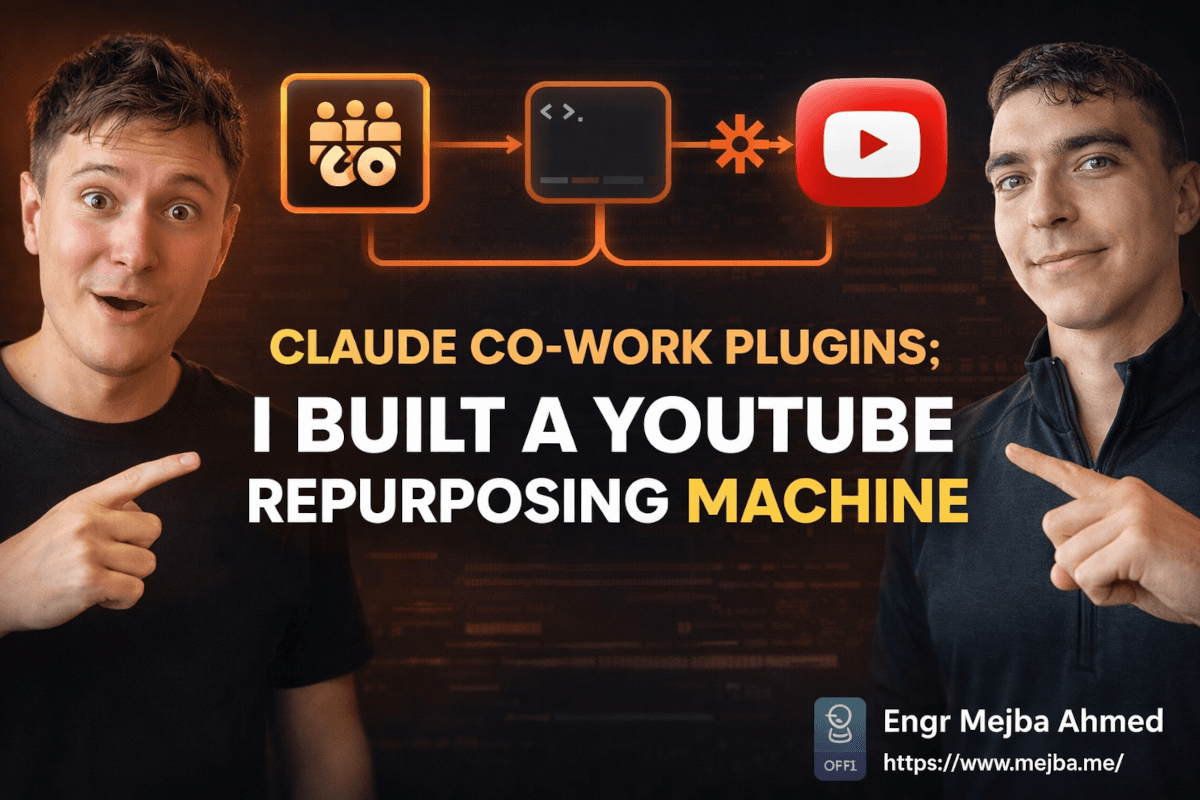
Claude Co-work Plugins: I Built a YouTube Repurposing Machine
I published a YouTube video on a Tuesday afternoon. By 3:17 PM — seventeen minutes later — the LinkedIn post was drafted, sitting in my team's Slack channel for approval, and scheduled for 9 AM the following morning through Buffer.
I did none of that work myself.
No copying transcript. No context-switching to LinkedIn. No figuring out what angle to take for a different audience. No Slack message asking a teammate to review it. All of it happened automatically, triggered by the moment the video went live on my channel.
That's not a hypothetical workflow I'm describing. That's running in production right now, thanks to Claude Co-work's newly released plugins system combined with scheduled tasks — and I want to break down exactly how it works, because the way most people are thinking about this update is missing the thing that makes it genuinely powerful.
The surface-level story is "Claude can now do more things." The real story is that Claude Co-work just crossed the threshold from AI assistant to AI employee. And there's a specific detail about how skills are structured that nobody seems to be explaining clearly — I'll cover it in the implementation section, because it changes everything about how reliable these automated workflows actually are.
The Problem Every Content Creator Has (And Nobody Has a Clean Answer To)
Making one video is the easy part.
The actual work — the part that consumes hours of every week — is making that one video into five pieces of content. The LinkedIn post for the professional audience. The Twitter thread for the quick-take crowd. The newsletter blurb for subscribers. The short-form clip for Reels or Shorts. The follow-up community post linking everything together.
Every serious content creator knows they should be doing all of this. Most of them do some of it, inconsistently, when time allows. A few have VAs or social media managers handling it. The rest just let the content die after the initial YouTube post and feel quietly guilty about it.
The tools that exist for this — video repurposing platforms, AI writing assistants, scheduling tools — all require you to be the connector. You log into the platform, paste your video link, review the AI output, copy it somewhere else, paste it into your scheduler, and publish. That's maybe 15-20 minutes per video if you're fast. Multiply by four posts per week, and you're looking at an hour of mechanical work every week just on content repurposing.
Not creative work. Not strategic work. Mechanical work.
What Claude Co-work's new features solve isn't "write the LinkedIn post for me." Any LLM can do that. What they solve is the connective tissue — the checking, the triggering, the routing, the scheduling — that turns a one-time AI interaction into an autonomous loop that keeps running.
But before the how, you need to understand what plugins and skills actually are in this context, because the marketing language around them obscures something important.
Plugins vs. Skills: They Sound Similar But Aren't
Most coverage of the Claude Co-work update treats plugins and skills as basically the same thing. They're not.
Plugins are pre-built AI assistants specialized for a specific business function. When you install a marketing plugin, Claude Co-work gains a persona optimized for marketing tasks — it understands the vocabulary, the goals, the metrics that matter, and the output formats that work for marketing. Same with an HR plugin, a finance plugin, a legal plugin. Each one is essentially a professional persona loaded into Claude's context.
The practical difference shows up in output quality. A generic Claude prompt asked to "write a LinkedIn post about my video" produces something serviceable. A Claude instance running the marketing plugin, with context about your brand voice and audience, produces something you'd actually want to post.
Skills are something different. A skill is a markdown file — an actual text file saved in your project — that encodes a complete workflow. Goal, steps, tools, error handling, output format. It's a reusable, versioned set of instructions that Claude memorizes and executes exactly the same way every time.
The distinction matters because skills can be scheduled, shared, and refined independently of plugins. Your YouTube repurposing skill might use the marketing plugin's persona for writing the LinkedIn copy, but the skill itself controls the logic: check the channel, find new videos, extract the transcript, invoke the plugin for copy, route to Slack, hand off to Buffer.
Think of plugins as who Claude is pretending to be for a task. Skills are what Claude is actually doing and how.
Once I understood that distinction, the architecture of the YouTube repurposing workflow became obvious.
Building the YouTube Repurposing Skill: The Actual Architecture
Here's the complete workflow and how I structured the skill file that drives it.
The goal was: every day at 8 AM, check my YouTube channel for videos published in the last 24 hours. For any new video found, extract the key points and transcript, write a LinkedIn post optimized for that audience, post it to a designated Slack channel for my team to review, and once approved, schedule it in Buffer for the following morning.
No manual steps after initial setup. Zero.
The skill file lives at .claude/skills/youtube-repurpose.md in my project. Here's the structure, stripped to the essentials:
# YouTube to LinkedIn Repurposing Skill
## Goal
Monitor YouTube channel for new uploads and automatically create, review,
and schedule LinkedIn content without manual intervention.
## Steps
### Step 1: Check YouTube for New Videos
- Access YouTube channel via browser integration
- Filter videos published in the last 24 hours
- If no new videos found: log "No new uploads" and exit gracefully
- If new videos found: proceed to Step 2 for each video
### Step 2: Extract Content
- Open the video page
- Extract: title, description, key timestamps, and transcript if available
- If no transcript available: extract key points from description + comments
- Summarize into 5-7 core insights
### Step 3: Write LinkedIn Post (Marketing Plugin)
- Use marketing plugin persona for writing
- Format: hook line + 3-4 insight bullets + call to action + hashtags
- Tone: professional but personal, first-person perspective
- Length: 150-250 words (LinkedIn optimal)
- DO NOT copy-paste from video transcript — rewrite for LinkedIn audience
### Step 4: Route for Team Approval
- Post draft to #content-review Slack channel
- Include: video title, thumbnail link, full draft, approve/edit options
- Tag: @mejba for awareness
### Step 5: Schedule via Buffer (Zapier MCP)
- After team review period (configurable, default 4 hours), check Slack for approval
- If approved: use Zapier MCP to schedule in Buffer for next morning at 9 AM
- If edited: apply edits and reschedule
- If no response after 4 hours: auto-approve and schedule
## Error Handling
- YouTube unavailable: retry after 15 minutes, then skip and log
- Slack post fails: retry once, then email notification
- Buffer scheduling fails: save draft locally and notify
## Output
Log entry in reports/youtube-repurpose-log.md with: video title, post content,
Slack approval status, scheduled publish time
That's the complete logic of the skill. Six steps, each with clear success and failure paths.
The key thing I want you to notice: the error handling section. This is what separates a skill you can actually trust to run unattended from one that silently fails on a Tuesday night and you find out three days later. Every step needs to account for what happens when the external service is unavailable, the content is missing, or the approval never comes.
Skills without error handling are demos. Skills with error handling are tools.
The Zapier MCP Integration: This Part Is Genuinely a Big Deal
Buffer isn't natively supported by Claude Co-work. There's no built-in connector for it. So how does the skill schedule content in Buffer?
Through Zapier's MCP connector — and this is the piece of the update that I think is most undersold.
MCP (Model Context Protocol) is Anthropic's standard for connecting AI agents to external tools. Claude Co-work ships with native connectors for about 50-100 apps: Gmail, Google Docs, Notion, Slack, and similar core productivity tools. That's a solid list. It covers most of what most people need.
But Zapier's MCP connector expands that to over 8,000 applications. Every app Zapier supports — which is most of the significant software ecosystem — becomes accessible to Claude Co-work through this single integration.
Setting it up takes about ten minutes:
- Connect your Zapier account to Claude Co-work through the App Connectors section
- In Zapier, create a "Claude trigger" — an action that fires when Claude sends a specific payload
- Map that payload to whatever Zapier action you need (in my case, "Create scheduled post in Buffer")
- In your skill file, reference the Zapier MCP endpoint instead of trying to interact with Buffer directly
The practical implication of this is large. Any workflow you can automate in Zapier — which is most business automation workflows — can now be triggered by Claude as part of an intelligent, context-aware skill. Claude doesn't just send data to Zapier blindly. It decides when to trigger based on the logic in the skill, what data to send based on the content it processed, and how to handle the response.
It's not a Zapier replacement. It's a Zapier upgrade — because now the trigger intelligence lives in Claude, not in Zapier's rigid conditional logic.
For the YouTube repurposing workflow specifically: Claude extracts the content, writes the post with genuine platform-appropriate judgment, routes it for human approval, and only then sends the finalized content to Buffer through Zapier. The mechanical scheduling happens in Buffer. The intelligent content work happens in Claude. Clean separation of responsibilities.
The Second Workflow: Competitive Research That Runs in the Background
I want to show you the second skill I built because it demonstrates a completely different use case — intelligence gathering rather than content production.
Competitive research is one of those tasks that everyone agrees is valuable and almost nobody does consistently. You intend to monitor your competitors' content, but it requires active effort, context switching, and time you never quite have when the moment arrives.
The competitive research skill runs daily at 7 AM and does the following:
- Scans three competitor YouTube channels I've specified for videos published in the last 7 days
- For each new video, extracts the title, description, key topics, and engagement metrics (views, comments)
- Identifies trends — are all three talking about a similar topic? Is one going heavy on a format I'm not using?
- Generates a research document in my reports folder summarizing findings
- Posts a Slack notification with a one-paragraph briefing and link to the full report
- Builds an HTML dashboard that aggregates findings across weeks, so I can see patterns over time
That HTML dashboard was a detail I added after the first week, and it turned out to be the most useful output. Not because the individual daily reports aren't good — they are — but because the pattern across 30 days shows you things a single day can't. Competitors who are consistently doubling down on long-form explainer content. Topics that keep appearing across multiple channels. Formats that seem to be driving engagement increases.
Before this skill, I had a Notion page where I manually logged competitive observations when I remembered to. It had maybe 12 entries spanning six months. The skill has added 21 structured research documents in the past three weeks and surfaced two topic opportunities I've already incorporated into my content planning.
The ROI on competitive intelligence that's automated versus competitive intelligence that requires you to remember to do it is enormous. Not because the skill is magic — the insights are straightforward. But because consistent, systematic observation beats occasional brilliant insight almost every time.
The Honest Assessment: What the Demos Won't Show You
I want to talk about two failure modes I've hit, because they'll save you time.
Skills are only as good as your error handling. The first version of my YouTube repurposing skill had no error handling at all. When YouTube's API rate limited my requests on the third day, the skill just stopped. No log entry. No notification. I assumed it had worked. The LinkedIn post that should have gone up that morning didn't exist. I found out when I checked the Slack channel and there was nothing there.
After adding the retry logic and error notification I showed above, that problem disappeared. But I lost a content opportunity on a video that had decent early momentum. In content, timing matters. Build your error handling before you trust a skill to run unattended.
The approval routing assumes your team responds. My skill auto-approves after four hours of no Slack response because I set it that way deliberately — I'd rather have an AI-approved post go up than have nothing. But depending on your team's tolerance for that, you might want a different fallback. "Auto-approve" works for a solo creator. It might not work for a brand account where the legal team needs to see everything.
There's also a larger limitation I've been sitting with: the skills system works extraordinarily well for workflows with clear rules and predictable inputs. YouTube video → LinkedIn post follows a clear pattern. But the moment you need creative judgment — "should we post about this topic given current events?" or "does this video's tone match our current brand positioning?" — the skill can't make that call. It executes what you told it to execute.
That's not a criticism. That's the right boundary. The job of a skill is to eliminate mechanical work. Creative and strategic decisions should stay with humans. The failure mode I've seen in other people's setups is trying to automate decisions that require judgment and then being surprised when the output is wrong.
The $20/month math is mostly right, with a caveat. Claude Co-work at the Pro tier runs about $20/month. Yes, you can run these automated workflows on that plan. The caveat is that API costs for scheduled tasks with heavy usage — multiple daily runs processing significant amounts of content — can push the effective cost higher if you're on a usage-metered plan. For the workflows I've described (one daily content run, one daily research run), $20/month covers it comfortably. If you're building ten skills running every hour, you're looking at more.
What Changes When AI Actually Works in the Background
There's a mental model shift that happens when you first experience a workflow completing without you.
Most people have been trained by AI tools to think of AI as a productivity accelerator — you do the work faster because you have help. You still initiate everything. You're still the actor.
Skills running on a schedule break that model. The AI is the actor. You're the approver.
That's a genuinely different relationship. It's the difference between a very capable tool and a very capable colleague. Tools wait for you to pick them up. Colleagues do their work and bring you the results.
I'm not overstating it when I say this is the most significant shift in how I work with AI in the past year. Not because the individual workflows are complicated — they're not, really. But because the cumulative effect of not having to context-switch to initiate those workflows is something I underestimated. Mental overhead compounds. Every small task you have to remember and initiate takes a tiny slice of your cognitive bandwidth. Remove enough of those, and the aggregate effect on your focus is real.
The YouTube repurposing skill isn't saving me 17 minutes per video. It's saving me the mental state of remembering to do it, dreading the context switch, and carrying it as an open loop until I get to it. That's worth more than the time.
Three weeks in, here's what I know: if you're using Claude Co-work and you haven't built your first skill yet, that's the thing to do this week. Not because the plugins are impressive (they are) or because the Zapier integration is powerful (it is). Because the moment you watch a workflow complete that you set up and then forgot about — that's when the concept of AI-as-employee stops being a metaphor and starts being a working description.
Pick one workflow you do manually every day. Write the skill file. Run it. See what happens.
The work will be done before you even think to do it.
🤝 Let's Work Together
Looking to build AI systems, automate workflows, or scale your tech infrastructure? I'd love to help.
- 🔗 Fiverr (custom builds & integrations): fiverr.com/s/EgxYmWD
- 🌐 Portfolio: mejba.me
- 🏢 Ramlit Limited (enterprise solutions): ramlit.com
- 🎨 ColorPark (design & branding): colorpark.io
- 🛡 xCyberSecurity (security services): xcybersecurity.io