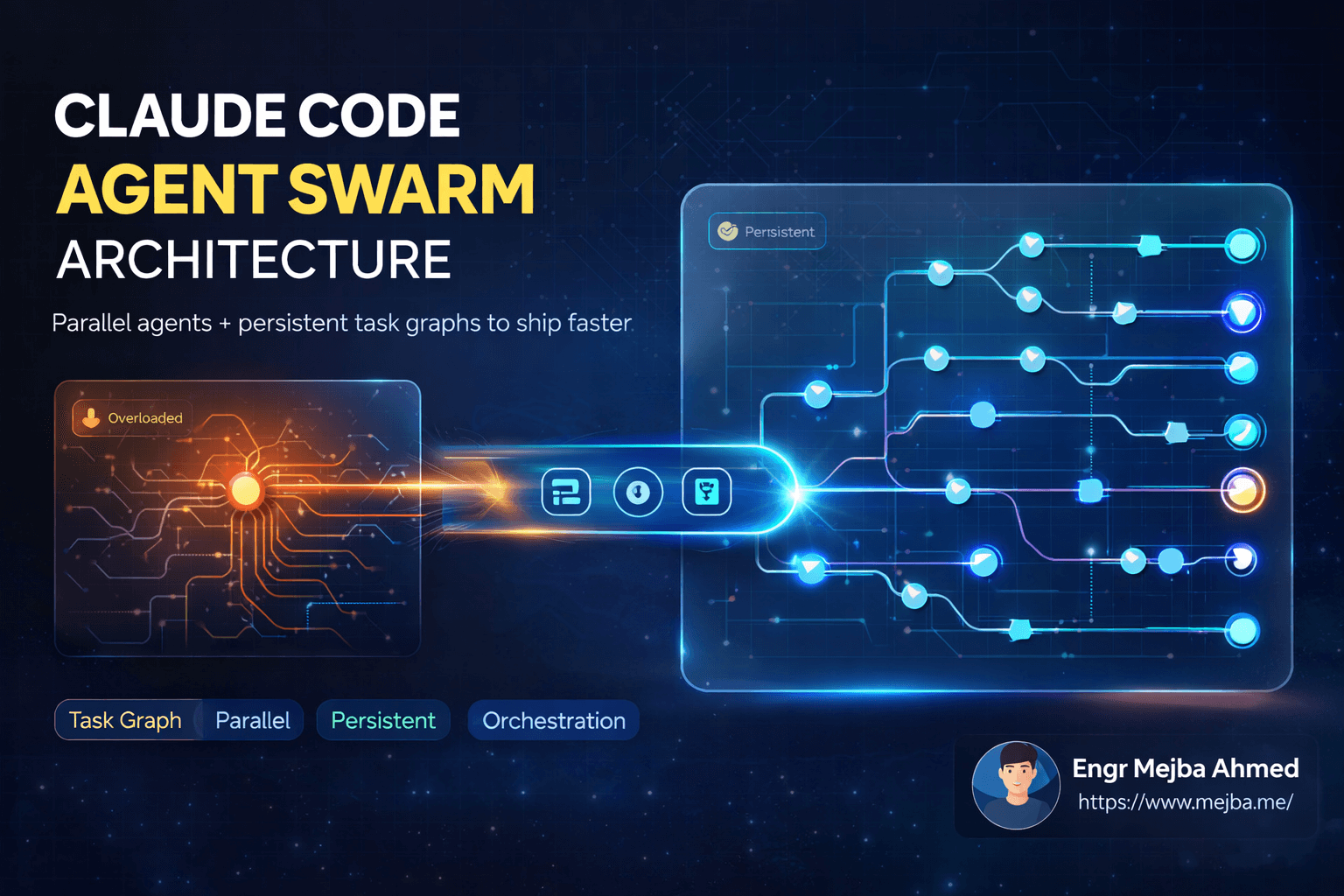
Every agent swarm diagram I see online has boxes for the agents and nothing for the part that actually makes swarms work. After orchestrating parallel Claude Code agents on real production tasks for over a year, content pipelines, corpus-wide audits, batch rewrites, here is my core claim: the swarm is not the agents. The swarm is a filesystem convention. The agents are stateless and disposable; the architecture lives in a state file, a set of file contracts, and a verifier script. Get those three right and the agents almost do not matter.
This post lays out the architecture I actually run, using the largest swarm currently operating on my own infrastructure as the worked example: a blog indexation remediation project that triaged 581 posts with ten research agents and rewrote the selected posts with ten more.
The problem swarms actually solve
One Claude Code session has one context window, and quality degrades as it fills. Any task bigger than a window forces a choice: serialize the work through many sequential sessions (slow, and each handoff loses fidelity), or parallelize it across agents that each get a fresh, full window. The swarm choice is not really about speed. It is about keeping every worker operating in the early, reliable region of its own context instead of the degraded tail of a shared one. Speed is the bonus.
The corollary that shapes everything else: since workers cannot share a context window, all coordination must happen outside the model, in files. That is why I call the swarm a filesystem convention.
The four components of the architecture
1. A graph state file as the single source of truth
My remediation project is defined by one graph.json. It contains the nodes of the workflow (N0 corpus inventory, N1 URL audit, N5 triage, N7 rewrite workers, and so on through N12 publish follow-through), each with a state, its outputs, and what blocks it. It also contains three things most swarm designs forget:
- Gates: explicit named checkpoints where the graph stops until a human approves. In my graph, content-phase work was unblocked while infrastructure writes stayed gated. Autonomy needs an off switch per phase, not one global one.
- Invariants: standing rules checked continuously, like "no production writes without a backup file first" and "no secrets in any output." An invariant caught a hardcoded database password in a script early in this project; it was scrubbed before it could propagate.
- An escalation queue: a place for agents to park findings above their pay grade (a security concern, a data anomaly) instead of acting on them or silently dropping them.
The orchestrating model is stateless between sessions. The graph file is what makes the operation durable: kill everything mid-run, and graph state plus per-node outputs reconstruct the whole project.
2. Wave-based fan-out with scoped assignments
Workers launch in waves sized to the task, and every worker receives three things: a slice of the work that nobody else owns, the specific evidence or inputs it may draw from, and the exact paths it must write results to. When I rebuilt my prompt library's depth content, that meant waves of parallel subagents, each owning a fixed set of entries. In the remediation graph, ten research agents each took a segment of the 581-post corpus and emitted findings as structured report files; ten rewrite workers then consumed those reports, each owning ten post IDs.
Scoped assignment is the anti-collision system and the anti-fabrication system at once. Ownership partitions prevent two agents from touching one resource, and evidence scoping ("ground this rewrite in that file") measurably reduces invention compared to open-ended briefs. Both lessons cost me real money to learn, and the second one cost me search rankings; I tell that story in the agent workforce post.
3. File contracts instead of messages
Workers communicate through agreed file formats at agreed paths: reports in, drafts out, backups before any mutation, a manifest updated transactionally as units complete. This sounds primitive next to message-passing frameworks, and that is precisely its virtue. Files are inspectable mid-run, diffable after, and resumable forever. During my 84-post rewrite, workflow sessions died at usage limits more than once with work in flight; because state lived in a manifest file rather than in any session's memory, recovery was reading one JSON file and resuming from the first PENDING entry. Seven batches, multiple session deaths, zero lost work.
If you take one thing from this post: swarm state must never live inside the swarm.
4. A deterministic verify gate at the exit
Nothing a swarm produces ships directly. Every batch funnels through a verifier script, plain Python in my case, that checks structure, validates every internal link against a known index, scans for banned phrases and fabrication patterns, and enforces minimum quality scores. Work that fails is regenerated or escalated, never hand-waved through.
The reason this must be code rather than another agent doing review: agent output failures are correlated. Ten workers running the same model with similar instructions make similar mistakes, and an agent reviewer shares those blind spots. The deterministic gate is boring, and boring is the point; it catches with equal attention on item 3 and item 300. An adversarial review agent can run before the gate as an extra layer. It cannot replace it.
Model mix and cost shape
Not every node deserves the same model. Research and inventory nodes run cheaper and faster configurations; rewrite and judgment nodes run stronger ones; the deterministic gate costs nearly nothing. The economics of swarms are mostly the economics of context, so the same hygiene rules apply as everywhere else: lean per-worker context, batch sizes that finish before windows degrade, expensive passes reserved for work that survived cheap ones. My full cost playbook is in the token limits and context hygiene post.
One honest cost note: a swarm multiplies whatever your per-session waste is. If your solo sessions are undisciplined, ten parallel copies of that indiscipline is a bill, not an architecture.
Where people go wrong first
Three predictable failures, in the order they usually arrive. First, shared mutable state: two agents editing one file silently overwrite each other, which is why partitioned ownership precedes everything (for code swarms, git worktrees per agent enforce it at the checkout level). Second, orchestrator bloat: the coordinating session tries to hold worker outputs in its own context and rots; the orchestrator should hold pointers to files, never payloads. Third, trusting confidence: swarm output arrives fluent and certain, and volume makes spot-checking feel adequate. It is not; correlation of errors means either your gate catches a failure class or you ship it at scale.
Claude Code's own primitives keep absorbing parts of this design, subagents and agent teams natively handle spawning and coordination, and forked subagents sharpen the context-isolation story. The architecture above sits a level higher and survives those changes, because state files, scoped assignments, file contracts, and verify gates are tool-agnostic. Swap the agent runtime and the graph does not care.
Start smaller than you think
My first swarm was not a graph with invariants. It was three subagents, a shared output directory, and a checklist I ran by hand. The architecture accreted one component at a time, each after a specific failure: the manifest after a dead session, evidence scoping after fabrication, the gate after templated sameness. Build it in that order, failure-driven, and your version will fit your work better than a copied diagram ever could. The production runs this architecture grew out of, the remediation pipeline for this very site included, are written up on my projects page.