A support bot that keeps answering when it should hand the customer to a person does more damage than one that admits it is stuck. After reading this guide you can define an escalate_to_human tool with a strict schema, detect it in your Messages API loop through the tool_use stop reason, send a structured summary to your human queue, and close the conversation cleanly, including when the queue or the network fails.
Why the handoff should be a tool call, not a keyword match
Keyword triggers such as "agent" or "refund" catch the obvious cases. They miss the frustrated customer who never uses the magic word, and they fire on the customer who only mentions a refund in passing. Anthropic's customer support guide treats escalation as a measurable skill: escalation efficiency tracks "Claude's ability to recognize when a query needs human intervention and escalate appropriately," with a suggested target of 95 percent or higher.
A client tool gives you that judgment without giving up control. Per the tool use overview, when Claude calls a tool you define, it responds with stop_reason: "tool_use" and one or more tool_use blocks, and your code runs the operation and sends back a tool_result. The model decides that a handoff is needed. Your application creates the ticket, writes to the queue and decides what the customer sees.
This pattern is different from an approval gate. In an approval gate, Claude proposes a risky action and a person signs off before it runs. Here nothing waits for sign-off: the conversation itself moves to a human. For related background, see Building Effective Human-Agent Teams — Claude Academy and AI Business OS — Local Agent Orchestration with Human Approvals.
Defining escalate_to_human with a strict schema
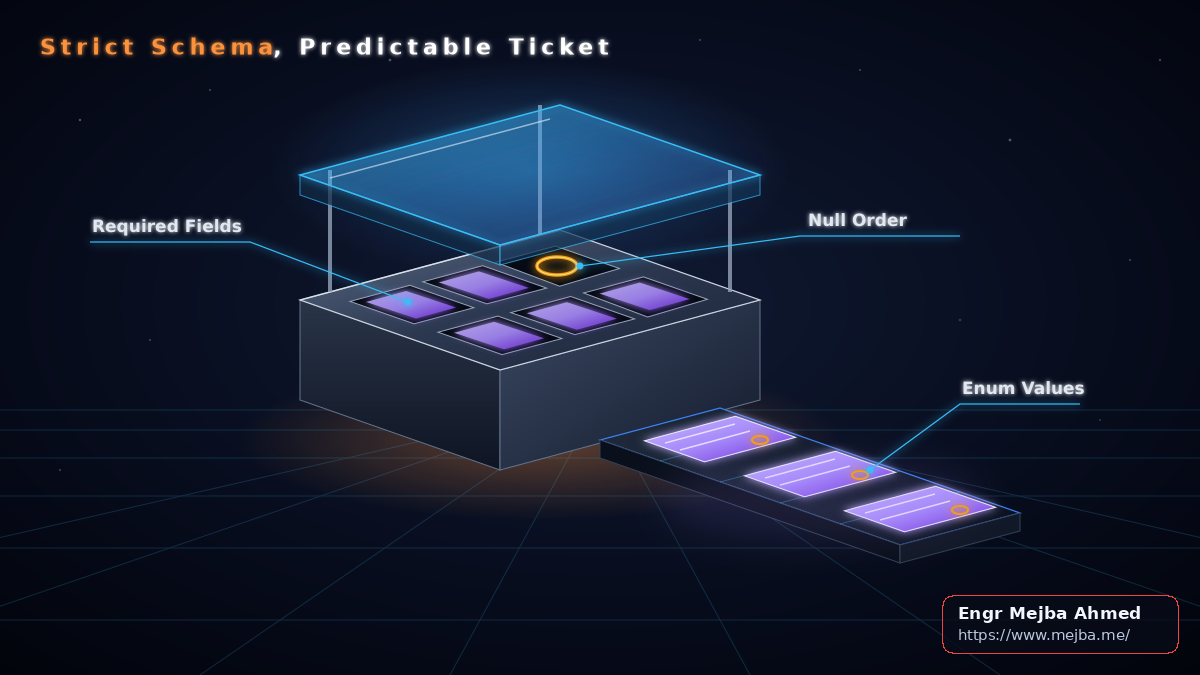
The human agent who picks up the ticket needs the same handful of facts every time: why the bot gave up, what the customer wants, which order is involved, what was already tried, and how the customer feels. Strict mode makes that payload predictable. The overview states that adding strict: true to a custom tool definition ensures "Claude's tool calls always match your schema exactly."
The description matters as much as the schema. The tool definition guide calls detailed descriptions "by far the most important factor in tool performance" and recommends at least 3–4 sentences per tool, covering when the tool should and should not be used.
{
  "name": "escalate_to_human",
  "description": "Hands the conversation to a human support agent and ends automated handling. Use it when the customer asks for a person, when a request needs a refund or policy exception, when the same problem has failed twice, or when the customer wants to change account ownership, email or payment details. Do not use it for questions you can answer from the knowledge base or order tools. Never guess an order ID: pass null if the customer has not given one.",
  "strict": true,
  "input_schema": {
    "type": "object",
    "properties": {
      "reason": {"type": "string", "enum": ["customer_requested", "policy_exception", "repeated_failure", "account_change", "out_of_scope"]},
      "intent": {"type": "string"},
      "order_id": {"type": ["string", "null"]},
      "steps_attempted": {"type": "array", "items": {"type": "string"}},
      "sentiment": {"type": "string", "enum": ["positive", "neutral", "frustrated", "angry"]},
      "summary": {"type": "string"}
    },
    "required": ["reason", "intent", "order_id", "steps_attempted", "sentiment", "summary"],
    "additionalProperties": false
  }
}
Every field is required, and order_id is the only nullable one. That choice is deliberate. The structured outputs page lists combined limits across all strict schemas in a single request: 24 optional parameters and 16 parameters with union types such as "type": ["string", "null"]. Your order lookup, refund and FAQ tools may also be strict, and those budgets are shared. This tool spends zero optional slots and one union slot.
The nullable field also addresses a documented failure mode. The overview warns that when a required parameter is missing from the conversation, Claude (particularly Claude Sonnet) "might guess values you didn't supply." A guessed order ID sends your human agent to the wrong order. Making null a valid answer, and saying so in the description, gives the model an honest option.
One caveat applies to the enums. Structured outputs "don't guarantee the capitalization of string enum and const values," and this applies to strict tool use too. Lowercase reason and sentiment before routing on them, and keep enum values that never differ only by case.
Escalation rules in the system prompt (design recommendations)
You cannot force this tool on every model. The tool definition guide documents that tool_choice of any or tool returns a 400 error on Claude Opus 5.5, Claude Sonnet 5.5, Claude Fable 5.1 and Claude Mythos 5.1, and that manual extended thinking also rejects forced tool use. The documented alternative is auto with strict tool use. That suits escalation anyway, since forcing a handoff on every turn would defeat the purpose.
With auto, the overview notes that the boundary between calling a tool and answering directly "is steerable through your system prompt." The rules below are recommendations to adapt, not documented behavior:
- Escalate immediately when the customer explicitly asks for a person.
- Escalate on any refund, credit or policy exception you cannot grant from documented policy.
- Escalate after two failed attempts at the same problem, and list both attempts in
steps_attempted. - Escalate on account ownership, email or payment changes.
- Never invent an order ID. If the customer has not provided one, pass
null.
The tradeoff is real. The same support guide suggests a deflection rate of roughly 70–80 percent, depending on inquiry complexity. Loose rules push escalations up and deflection down; tight rules strand customers. Tune against both numbers on a labeled sample of conversations rather than against one.
Expect that with auto, Claude may write a short line of text before the tool_use block, such as a note that it is connecting the customer. Decide whether your UI shows that text or waits for the closing message.
Detecting the handoff in the agent loop and closing cleanly
The loop has three documented constraints. First, the stop reasons guide says that if a response hits max_tokens and contains an incomplete tool use block, you need to retry with a higher max_tokens. Second, the continuation must contain one tool_result for every tool_use block in the response. Third, never add text blocks immediately after tool results, because Claude follows that pattern by ending its turn, which is a common cause of an empty reply.
Three further rules are design recommendations that the docs leave to you:
- Skip other tools once escalation is requested. If
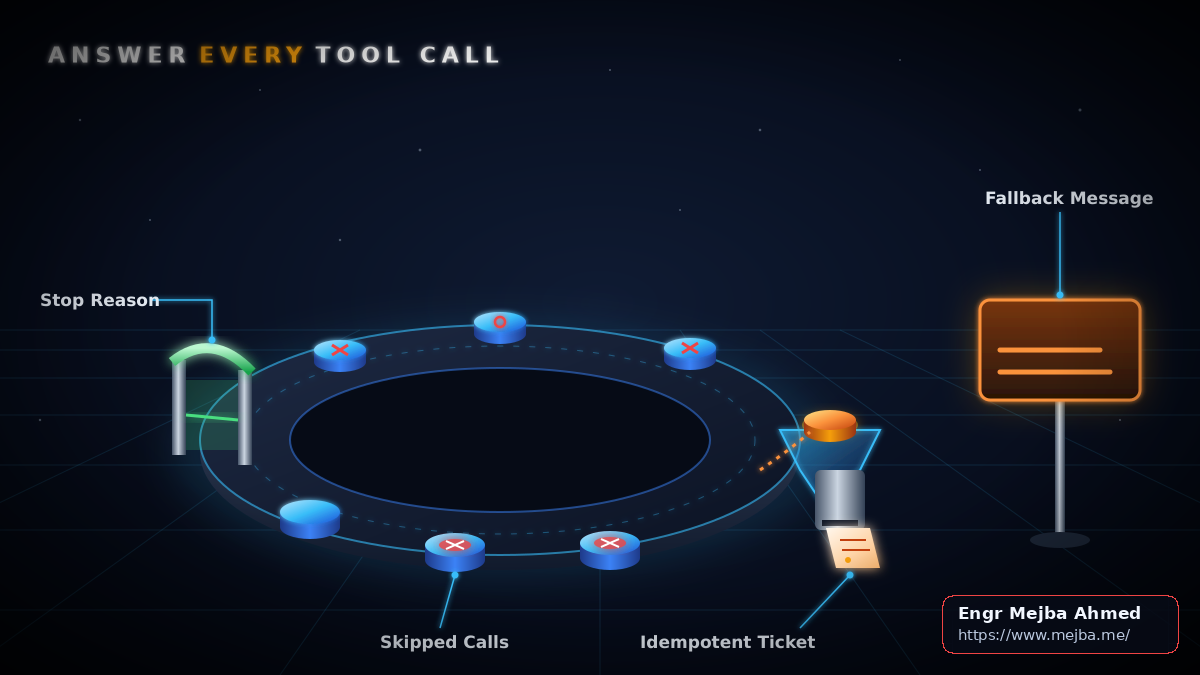
escalate_to_humanappears alongside other calls in the same turn, run none of the others. Answer each skipped call with anis_errorresult so the continuation stays complete. Alternatively, settool_choice={"type": "auto", "disable_parallel_tool_use": True}, which the overview uses to get at most one tool call per turn. - Make the ticket idempotent. Key the handoff on the
tool_use.id, persist the ticket reference before the follow-upmessages.createcall, and reuse it on retry. If the follow-up call errors and your code retries the turn,store.getreturns the existing ticket instead of creating a duplicate. - Plan for queue failure. If
enqueue_handofffails or times out, return atool_resultwithis_error: true, a format documented in Handle tool calls, and show the customer a fixed fallback message from your code instead of model output.
FALLBACK = "We couldn't reach a support agent right now. Email support@example.com or call us Mon-Fri 9:00-17:00 and quote this chat."

def handle_turn(response, messages, max_tokens, attempts=0):
    if response.stop_reason == "max_tokens" and response.content[-1].type == "tool_use":
        if attempts >= 2:
            raise RuntimeError("Tool call still truncated after retries")
        bigger = max_tokens * 4  # truncated tool call: retry larger, then handle normally
        return handle_turn(call_claude(messages, bigger), messages, bigger, attempts + 1)
    if response.stop_reason != "tool_use":
        return response
    calls = [b for b in response.content if b.type == "tool_use"]
    escalation = next((c for c in calls if c.name == "escalate_to_human"), None)
    results, queue_failed = [], False
    for call in calls:
        if escalation and call is not escalation:
            results.append(error_result(call.id, "Skipped: conversation handed to a human agent."))
        elif call is escalation:
            ticket = store.get(call.id)  # idempotency key
            if ticket is None:
                try:
                    payload = {**call.input, "reason": call.input["reason"].lower(), "sentiment": call.input["sentiment"].lower()}
                    ticket = enqueue_handoff(call.id, payload, timeout=5)
                    store.put(call.id, ticket)
                except (QueueError, TimeoutError):
                    queue_failed = True
                    results.append(error_result(call.id, "Handoff queue unavailable. Do not retry the tool."))
                    continue
            results.append({"type": "tool_result", "tool_use_id": call.id, "content": f"Ticket {ticket} created. Tell the customer a human will reply here. Ask nothing further."})
        else:
            results.append(run_tool(call))
    messages += [{"role": "assistant", "content": response.content},
                 {"role": "user", "content": results}]  # tool_results only, no trailing text
    if queue_failed:  # skip the follow-up call; record what the customer actually sees
        messages.append({"role": "assistant", "content": FALLBACK})
        return FALLBACK
    return call_claude(messages, max_tokens)

def error_result(tool_use_id, message):
    return {"type": "tool_result", "tool_use_id": tool_use_id, "content": message, "is_error": True}
Several details in this example are worth noting. The scan covers every block, not only the last one, so an escalation mixed with an order lookup is never missed. The success result is instructive, following the guidance to say what happened and what Claude should do next instead of a bare "ok." The queue-failure path still records a complete set of tool results, then skips the follow-up call and appends FALLBACK as the assistant turn, so the history matches the fixed text the customer saw and stays valid if the customer keeps typing. Replace the contact details in FALLBACK with your real support channels and hours.
The truncation retry passes the larger response back through handle_turn, so an escalation that arrives on the retry is handled like any other call; after two retries the function raises to your error handler. The * 4 multiplier is arbitrary; pick a ceiling that fits your longest expected payload. For broader loop patterns, see Advanced Tool Calling That Cut My AI Agent Costs in Half.
FAQ
Can I force Claude to call the escalation tool?
Not on Claude Opus 5.5, Sonnet 5.5, Fable 5.1 or Mythos 5.1, where tool_choice of any or tool returns a 400 error. Use auto with strict tool use and steer it through system-prompt rules.
Can Claude fabricate an order ID?
It may guess missing required values, as the overview documents. Make order_id nullable and add a prompt rule to pass null when the customer has not supplied one.
What if escalation arrives alongside another tool call?
Answer every tool_use block. Either skip the other calls with is_error results, as in the example, or disable parallel tool use so only one call arrives per turn.
What happens if the handoff queue is down?
Return an is_error tool result and show the customer a fixed fallback message with alternative contact options and hours.
Does strict mode guarantee enum values? It guarantees the schema shape, but not the capitalization of enum values. Compare them case-insensitively.
Why is Claude's reply empty after the handoff?
Check whether your continuation adds a text block after the tool results. Send only tool_result blocks in that user message.
Ship your handoff path this week
Work through this list in order:
- Add
escalate_to_humanwithstrict: true, a nullableorder_idand a description of at least 3–4 sentences. - Write four or five escalation rules into the system prompt and keep
tool_choiceonauto. - Patch the loop: retry truncated tool calls with a higher
max_tokensand a retry cap, answer everytool_useblock, skip other tools when escalation is requested, key tickets ontool_use.id, and handle queue failure with anis_errorresult and fixed fallback text. - Send no trailing text after tool results.
- Log every escalation payload, then label a sample of conversations by hand and compare escalation accuracy with the 95 percent target and deflection with the 70–80 percent range from Anthropic's guide. Treat this as a test plan for your own data, and adjust the rules where the two numbers pull apart.
Need a hand implementing this? See Custom AI Customer-Support Agent Development.