📝 AI Agents

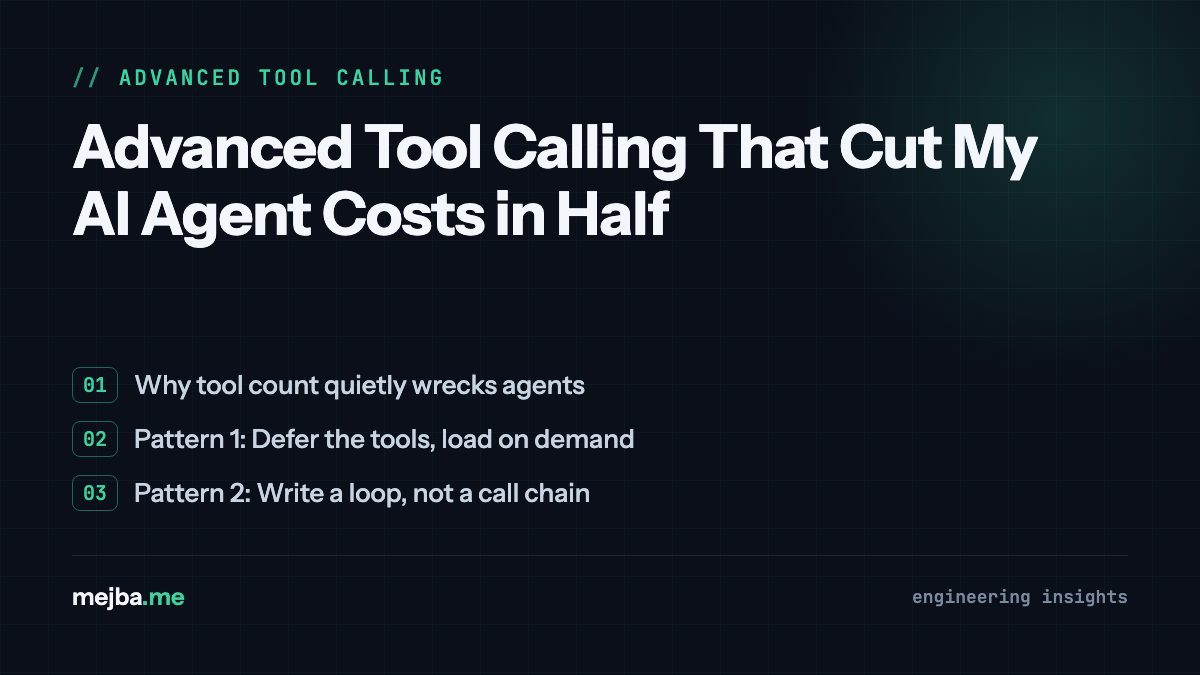
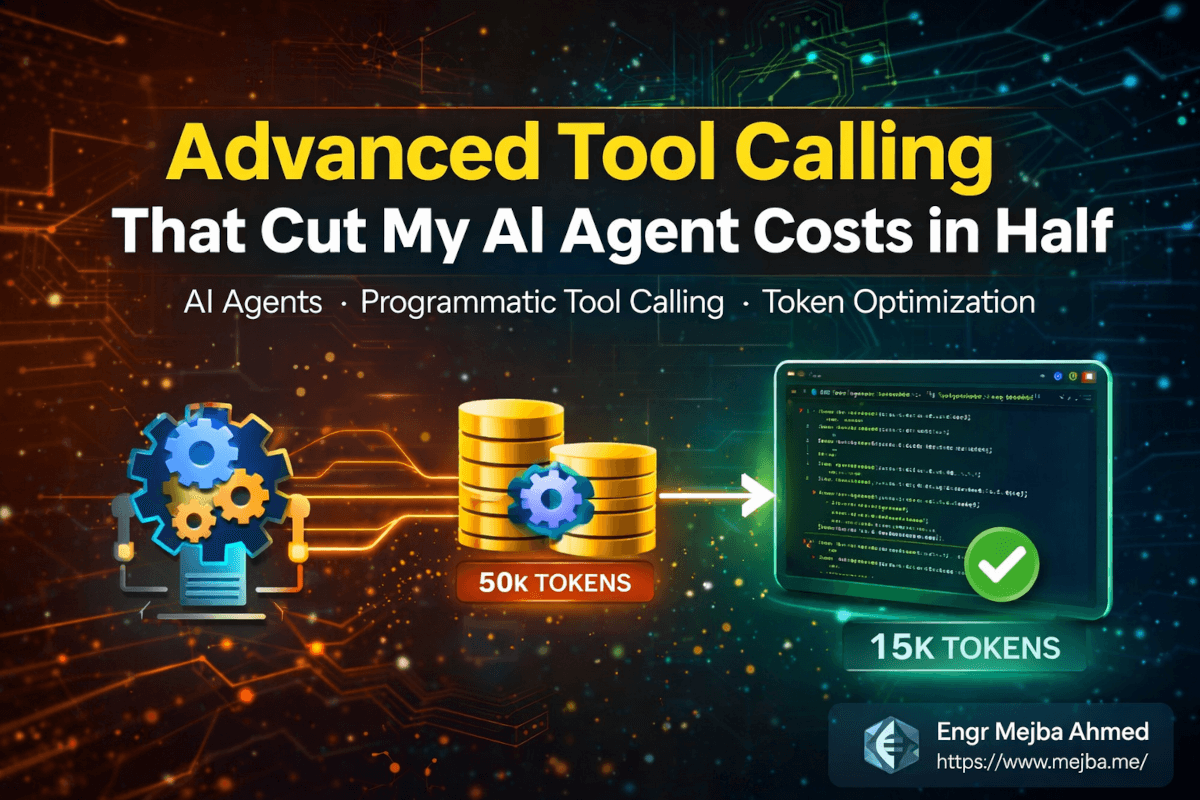
Advanced Tool Calling That Cut My AI Agent Costs in Half

Advanced Tool Calling That Cut My AI Agent Costs in Half I was watching my Langfuse dashboard at 11 PM on a Thursday when I noticed something that mad...

21 min

Read time

4,152

Words

Mar 08, 2026

Published

Engr Mejba Ahmed

Written by

Engr Mejba Ahmed

Share Article

Advanced Tool Calling That Cut My AI Agent Costs in Half

Advanced Tool Calling That Cut My AI Agent Costs in Half

I was watching my Langfuse dashboard at 11 PM on a Thursday when I noticed something that made me close my laptop and walk away from my desk. A single agent run -- one task, one user query -- had burned through 76,000 tokens and made 56 separate tool calls. The worst part? It still got the answer wrong. It missed two team members who had exceeded their budget limits, and the client was going to see that report in the morning.

That agent had access to 60 tools across two MCP servers. Every single one of those tool definitions loaded into the context window at the start of every conversation. Thirteen thousand tokens gone before the agent even started thinking about the actual task. I'd built what I thought was a capable system. What I'd actually built was a token furnace with an accuracy problem.

The fix came from two features I'd been ignoring in Anthropic's documentation for weeks: tool search and programmatic tool calling. What happened after I implemented them is the reason I'm writing this post. But the real story isn't about saving tokens -- it's about a fundamental shift in how I think about agent architecture.

The Problem Nobody Talks About Until the Bill Arrives

Here's the scenario most AI agent developers know intimately, whether they admit it or not. You start building an agent. It needs to read files, query databases, call APIs, maybe interact with GitHub or Slack. Each capability means another tool. Your first prototype has 8 tools and works beautifully. Clean context, fast responses, accurate results.

Then the feature requests roll in. The agent needs to handle calendar scheduling. Add three tools. It needs to create Jira tickets. Two more tools. Slack integration? Another five. Before you know it, you're sitting at 35, 40, 60 tools -- and your agent has developed a personality disorder. It picks the wrong tool half the time, hallucinates parameter values, and costs three times what you budgeted.

I hit this wall hard on a project for a client who wanted a unified operations agent. The agent needed access to their GitHub repos, Notion workspace, Slack channels, calendar, and a custom inventory API. Sixty tools total when you counted everything from both MCP servers.

Three things were killing me:

The tool definitions alone consumed roughly 13,000 tokens per conversation. That's context window space that could have been used for actual reasoning. On Claude 3.5 Sonnet, that's not trivial -- and on longer conversations, I was brushing up against context limits before the agent finished its work.

Intermediate outputs from sequential tool calls were polluting the context. When the agent needed to check budgets across a team, it would call "get team members," then call "get expenses" for each person, then call "get budget by level" for each person's role. Every response dumped raw JSON into the context. By the time it reached the last team member, earlier data was getting pushed out of effective attention range.

Tool selection accuracy degraded as the tool count climbed. With 60 tool definitions sitting in context, the model had to parse through all of them every time it decided which tool to use. Imagine handing someone a 60-page menu at a restaurant and expecting them to order quickly and correctly. Same problem.

I tried the obvious fixes. Better tool descriptions. Fewer tools with more parameters. Categorizing tools into groups. None of it solved the fundamental issue: too many definitions loading too early, and too much intermediate data accumulating too fast.

Then I found the two features that changed everything about how I build agents.

Tool Search: Loading What You Need, When You Need It

The concept behind tool search is so simple it's almost offensive that I didn't think of it myself. Instead of loading all 60 tool definitions into the context at the start, you defer most of them. The agent gets a small set of essential tools plus one special tool: the tool search tool itself. When the agent needs a capability it doesn't currently have, it searches for the right tool by keyword or name, loads just that tool's schema, and proceeds.

The math is compelling. My 60-tool setup consumed about 13,000 tokens in tool definitions. After implementing tool search and only loading 12 essential tools upfront, that number dropped to 6,300 tokens. Nearly half the definition overhead, gone.

But the token savings weren't even the most important improvement. Tool selection accuracy went up dramatically. When the agent only has 12 tools in context instead of 60, it picks the right one more consistently. It's the same reason a focused craftsman with 5 tools on the bench works more precisely than one surrounded by 50 -- less noise, better signal.

Here's what the workflow looks like in practice. Say the agent needs to list recent commits from a GitHub repository. With the traditional approach, the GitHub MCP tools are already loaded -- all 35 of them, consuming around 26,000 tokens (though newer MCP versions have gotten this down to about 4,000 tokens, which is a massive improvement I'll talk about later). The agent has to scan through every one to find the right tool, then figure out the correct parameters.

With tool search, those GitHub tools aren't loaded at all. The agent recognizes it needs commit data, calls the tool search tool with a query like "list commits," gets back the specific tool it needs, and loads only that schema. One tool. A few hundred tokens. And once that tool is loaded, it stays in context for any subsequent calls -- no repeated loading, no wasted tokens.

I want to be specific about how this works because the implementation details matter. The tool search tool accepts either a keyword query or a direct tool name. Keyword search is fuzzy -- you can search for "slack message" and it'll return relevant Slack tools ranked by relevance. Direct selection uses a "select:" prefix when you know exactly which tool you want. Both approaches load the returned tools immediately, so there's no two-step process of searching and then separately loading.

One thing I learned the hard way: you need to think carefully about which tools stay in the "always loaded" set versus which ones get deferred. Tools that the agent uses in nearly every conversation should stay loaded. Tools that are only needed for specific tasks should be deferred. Getting this split wrong means your agent either wastes time searching for common tools or still loads too many definitions upfront.

For my operations agent, I kept core tools like file reading, basic API calls, and the tool search tool itself in the always-loaded set. Everything else -- GitHub operations, Slack messaging, calendar management, Notion queries -- got deferred. The agent learned to search for them naturally, and the conversation flow barely changed from the user's perspective.

That solved the definition bloat problem. But I still had the intermediate output problem -- all that raw JSON from sequential tool calls piling up in context. For that, I needed the second feature.

Programmatic Tool Calling: Write Code, Not Call Chains

This is where things get genuinely interesting, and honestly, a little bit mind-bending if you've been building agents the traditional way.

Standard tool calling works like this: the LLM decides it needs data, makes a tool call, receives the result, processes it, decides it needs more data, makes another tool call, receives that result, and so on. Every call and every response lives in the conversation context. For simple tasks with two or three tool calls, this is fine. For complex tasks requiring data from dozens of sources, it's a disaster.

Programmatic tool calling flips the model. Instead of making individual tool calls through the conversation, the agent generates a code script -- Python, typically -- that handles the entire workflow programmatically. The script runs in a sandboxed environment, makes all the necessary tool calls internally, processes the data with real code logic, and returns only the final result to the conversation context.

Let me show you the difference with a concrete example that actually happened in my budget compliance project.

The task was straightforward: check whether any team member's expenses exceeded their authorized budget for their role level. Three tools were available: get team members (returns a list of people and their roles), get expenses (returns spending data for a specific person), and get budget by level (returns the authorized budget ceiling for a role).

With traditional tool calling, the agent called "get team members" first. Got back a list of, say, 15 people. Then it called "get expenses" for person one. Got back their spending data. Called "get budget by level" for person one's role. Compared the numbers. Moved to person two. Called "get expenses." Called "get budget by level." And on and on. Fifty-six tool calls total. Every single response -- 15 team member records, 15 expense reports, 15 budget lookups -- sat in the conversation context, eating tokens.

The result? Approximately 76,000 tokens consumed. And the agent missed one team member who had exceeded their budget, likely because by the time it processed the last few people, the attention on earlier data had degraded. Context window attention isn't uniform -- models pay less attention to information in the middle of long contexts, and my sequential tool calls had created exactly the conditions where that weakness would bite.

With programmatic tool calling, the same task looked completely different. The agent analyzed what it needed to accomplish, then generated a Python script. The script called "get team members" once, iterated through the list programmatically, called "get expenses" and "get budget by level" for each person inside a loop, compared the values in code, and returned a clean summary of who exceeded their budget and by how much.

The numbers tell the story. Token usage dropped to somewhere between 45,000 and 58,000 tokens across multiple runs. Tool calls went from 56 down to between 4 and 12. And accuracy? Perfect. The code didn't have attention degradation problems. A for-loop processes the fifteenth item exactly as well as the first.

I should be honest about something, though. The programmatic approach wasn't a clean one-shot every time. Across my test runs, the agent sometimes generated code that had bugs on the first attempt. A wrong variable name, a missing null check, an incorrect data structure assumption. The sandbox would return an error, and the agent would analyze the error, fix the code, and try again. This iterative cycle is part of the design, not a flaw. Real software development works exactly this way -- write, run, debug, refine.

Some runs took two iterations, some took four. But even with the iteration overhead, total token usage and tool calls were substantially lower than the traditional approach. And the accuracy was consistently better because the comparison logic lived in actual code rather than in the LLM's working memory.

That iterative nature is actually one of the things I appreciate most about this approach. It mirrors how I work as a developer. I don't write perfect code on the first try. I write something reasonable, test it, fix what breaks, and iterate. Programmatic tool calling gives the agent the same workflow, and it turns out LLMs are surprisingly good at debugging their own generated code when they get clear error messages from the sandbox.

The Sandbox Architecture That Makes This Safe

Now, if you just read that section and your security instincts flared up, good. Letting an AI agent generate and execute arbitrary code is the kind of thing that keeps security engineers awake at night. The architecture behind this feature is what makes it viable for production use, and understanding it is essential before you implement anything.

The system uses sandboxed Docker containers. Each code execution runs inside an isolated container with no internet access. The generated Python script can't reach the outside world, can't access the host filesystem, can't read environment variables from the host, and can't do anything that a malicious script might want to do.

But wait -- the script needs to call tools. It needs to reach APIs. How does it do that without internet access?

This is where the tool bridge comes in, and it's a clever piece of architecture. The sandbox has access to a single endpoint: the tool bridge server running on the host (or in a sidecar container). When the Python script inside the sandbox needs to call a tool -- say, "get expenses" for a team member -- it makes a request to the tool bridge. The bridge authenticates the request using a session ID, verifies the tool call is permitted, executes the actual API call on behalf of the sandbox, and returns the result.

The critical security property here is that the sandbox code never sees API credentials, tokens, or secrets. The tool bridge holds all the authentication material. The sandbox only knows about the bridge endpoint and its session ID. If the generated code were somehow malicious or leaked, no credentials would be exposed.

I set up my sandbox using the LLM sandbox GitHub repository, which abstracts away most of the Docker management complexity. It supports Python out of the box and handles container lifecycle, output capture, and cleanup. For teams running this in production, I'd strongly recommend adding GVisor on top of standard Docker isolation. Docker containers share the host kernel, which means a kernel exploit could theoretically escape the sandbox. GVisor provides an additional isolation layer by intercepting system calls through its own user-space kernel, significantly reducing that attack surface.

One thing I didn't appreciate until I built this out: the sandbox approach is language-agnostic in principle. The LLM sandbox repo supports multiple languages, so you could have your agent generate JavaScript, Go, or even shell scripts depending on the task. In practice, I've stuck with Python because LLMs generate the best Python code -- they've seen the most Python training data, and Python's syntax makes it easier for the model to express procedural logic.

Designing Tools That Don't Waste Your Context Budget

Tool search and programmatic calling solve two major problems: definition bloat and intermediate output bloat. But there's a third optimization layer that I almost overlooked, and it made a bigger difference than I expected: tool design itself.

When I first connected the GitHub MCP server to my agent, the full set of 35 tools consumed around 26,000 tokens in definitions. That's absurd. The newer version of the same MCP server delivers equivalent functionality in about 4,000 tokens. The difference? Tighter descriptions, consolidated parameters, and removal of redundant tool variants.

If you're building custom tools for your agents, every token in your tool definition counts. Strip descriptions down to the essential information. Use clear, concise parameter names that the model can infer usage from. Remove fields that the agent rarely uses -- you can always add them back with tool search if needed.

And here's a tip that dramatically improved my agent's accuracy with parameter handling: include tool use examples. Providing a single example of correct tool usage -- showing the expected values for each parameter -- raised my parameter accuracy from about 72% to roughly 90%. That's not a minor improvement. That's the difference between an agent that mostly works and one that reliably works.

Think of tool use examples as multi-shot prompting for tool calls. When the model sees an example like {"date": "2026-01-15"}, it understands the expected format is year-month-day. Without that example, it might generate "January 15, 2026" or "01/15/2026" or "15-01-2026" -- all valid date representations, but only one matches what the API expects. A single example eliminates that ambiguity almost entirely.

I now treat tool definition optimization as a first-class engineering task, not an afterthought. Before adding any tool to an agent, I ask: How many tokens does this definition consume? Can I make the description shorter without losing clarity? Have I included a usage example? Can this tool be deferred behind tool search, or does it need to be always-loaded?

Those questions save thousands of tokens per conversation, which compounds into real money across thousands of agent runs.

Layering Everything Together: The Architecture That Actually Ships

Here's where I tie the threads together, because these features aren't independent toggles you flip on. They work best as layers in a deliberate architecture.

Layer 1: Tool Search for definition management. Defer everything that isn't needed in every conversation. Keep your always-loaded set small and focused. Let the agent discover specialized tools on demand. This handles definition bloat.

Layer 2: Programmatic tool calling for complex workflows. Any task that requires iterating over data, comparing values across multiple sources, or making more than five sequential tool calls is a candidate for programmatic execution. Ship those workflows to the sandbox. This handles intermediate output bloat and improves accuracy for data-heavy tasks.

Layer 3: Tool use examples for parameter accuracy. Every tool that accepts non-obvious parameter formats -- dates, enums, IDs, nested objects -- gets at least one usage example in its definition. This handles the silent accuracy killer that most developers don't even measure.

When I applied all three layers to my operations agent, the results were stark. Conversations that used to consume 80,000+ tokens dropped to 35,000-50,000 range. Tool call counts for complex tasks went from 40-60 down to 5-15. Parameter errors essentially disappeared. And the agent started handling tasks correctly on the first try that it previously needed human intervention to complete.

But I want to be clear about something: this isn't free. Implementing tool search requires rethinking your tool organization and deciding what to defer. Programmatic calling requires setting up and maintaining a sandbox infrastructure. Tool use examples require testing to find the right examples that actually improve accuracy. Each layer adds implementation complexity.

My recommendation is to add them incrementally. Start with tool search if you have more than 15-20 tools. Add programmatic calling when you identify specific workflows where sequential tool calls are causing accuracy or cost problems. Add tool use examples to any tool where you're seeing parameter errors in your logs.

What I Got Wrong and What I'd Do Differently

I want to share three mistakes I made during this transition because I think they're mistakes most people will make.

First, I deferred too aggressively with tool search. I moved nearly everything behind search, including tools the agent used in 80% of conversations. The result was that most conversations started with the agent immediately searching for tools it almost always needed. It still worked, but the search step added latency and a small number of tokens. I had to tune the always-loaded set over about two weeks of monitoring actual usage patterns to find the sweet spot.

Second, I assumed programmatic tool calling would always be cheaper. For simple tasks with two or three tool calls, the overhead of generating code, spinning up a sandbox, and executing the script actually costs more than just making the tool calls directly. Programmatic calling shines when the traditional approach would require more than roughly five sequential calls. Below that threshold, the traditional method is simpler and often cheaper.

Third, I underestimated how much time I'd spend writing good tool use examples. A bad example is worse than no example because it can mislead the model. I had a tool where I provided an example with a date in "2025-12-01" format, but the API actually expected Unix timestamps. The model faithfully followed my example and sent formatted dates, which the API rejected every time. Testing your examples against the actual API is non-negotiable.

There's also a broader architectural lesson I'm still processing. These features pushed me toward thinking about agents less like chatbots that happen to use tools and more like orchestration systems that happen to use LLMs. The agent's job isn't to have a conversation -- it's to decompose a task, select the right execution strategy for each subtask, and assemble results. Tool search is about dynamic capability loading. Programmatic calling is about efficient execution. When you frame it that way, these aren't Claude-specific features. They're design patterns that apply to any agent framework.

Making This Work Beyond Claude

I mentioned that these are design patterns, not just Claude features, and I want to be specific about that because it matters.

Tool search is fundamentally a lazy-loading pattern. If you're building agents on LangChain, CrewAI, or any custom framework, you can implement the same concept. Maintain a registry of available tools with lightweight metadata. Give your agent a "search tools" function that queries the registry by keyword. Load tool schemas into the prompt only when they're selected. The implementation details differ, but the architecture is portable.

Programmatic tool calling is a code-generation-and-execution pattern. Any agent framework can be extended to generate Python scripts, run them in a sandbox, and pipe results back. The Docker-based sandbox approach works regardless of which LLM you're using. The tool bridge architecture is model-agnostic -- it's just an HTTP server that proxies authenticated API calls.

Even tool use examples are portable. Every LLM benefits from seeing example parameter values. Whether you're using Claude, GPT-4, Gemini, or an open-source model, including examples in your tool descriptions improves parameter accuracy. The specific improvement varies by model, but the direction is consistent.

I've started applying these patterns to a side project that uses a mix of Claude and GPT-4o depending on the task complexity. The tool search layer works identically for both models. The programmatic calling sandbox doesn't care which model generated the code. The only model-specific piece is tuning the tool definitions for each model's particular strengths and weaknesses in code generation.

If you're locked into a specific framework or model, don't dismiss these techniques as "Anthropic-only features." Extract the patterns, adapt the implementation, and apply them wherever you're building agents.

The Numbers After 30 Days in Production

I've been running the optimized agent architecture for about a month now, and I want to share real production numbers because I'm tired of blog posts that show cherry-picked benchmarks.

Average token usage per conversation dropped 42% compared to the previous architecture. For the operations agent specifically, that's roughly $0.03 per conversation instead of $0.05. At about 200 conversations per day across all users, that's saving around $4/day or roughly $120/month. Not life-changing money, but it's a 42% reduction that required no changes to the agent's capabilities.

Tool call errors -- cases where the agent called the wrong tool or passed invalid parameters -- dropped from about 8% of calls to under 2%. Most of the remaining errors are edge cases with ambiguous tool names that I'm still refining.

End-to-end task completion accuracy for the budget compliance workflow improved from roughly 85% (the traditional approach sometimes missed edge cases) to 97% with programmatic calling. The 3% failure rate is almost entirely from the sandbox hitting timeout limits on unusually large datasets, which I'm addressing by increasing the container timeout.

User-perceived latency actually increased slightly for simple queries -- about 200ms overhead from tool search on first use. For complex queries that previously required 30+ sequential tool calls, latency decreased significantly because the sandbox executes tool calls faster than the LLM's serial reasoning loop.

These numbers aren't hypothetical. They're from Langfuse traces on a production system handling real user queries. Your specific numbers will depend on your tool count, task complexity, and conversation patterns. But the directional improvement should be similar for anyone dealing with tool count bloat or sequential call overhead.

The Question That Should Keep You Building

Six months ago, I thought the path to better AI agents was better prompting. Write clearer instructions, provide more context, use more sophisticated system prompts. And prompting matters -- I'm not dismissing it. But prompting alone can't solve architectural problems. You can't prompt your way out of a 13,000-token tool definition overhead. You can't prompt your way to accurate data processing when intermediate results are flooding your context window.

The real gains live in the execution architecture: how tools load, how data flows, how code runs, and how the agent decides between strategies. Tool search, programmatic calling, and thoughtful tool design are the first generation of these architectural tools. They won't be the last.

The question I keep asking myself -- and the one I'd challenge you to sit with -- is this: What would your agent architecture look like if you designed it for 500 tools instead of 50? Because that's where we're heading. The ecosystem of MCP servers, API integrations, and custom tools is growing fast. The agents that thrive won't be the ones with the cleverest prompts. They'll be the ones with architectures that scale gracefully when the tool count doubles, then doubles again.

Start with the three layers. Measure your token usage. Watch your accuracy metrics. And build the foundation now, because the complexity is only going up from here.


Let's Work Together

Looking to build AI systems, automate workflows, or scale your tech infrastructure? I'd love to help.

Coffee cup

Enjoyed this article?

Your support helps me create more in-depth technical content, open-source tools, and free resources for the developer community.

Related Topics

Engr Mejba Ahmed

About the Author

Engr Mejba Ahmed

Engr. Mejba Ahmed builds AI-powered applications and secure cloud systems for businesses worldwide. With 10+ years shipping production software in Laravel, Python, and AWS, he's helped companies automate workflows, reduce infrastructure costs, and scale without security headaches. He writes about practical AI integration, cloud architecture, and developer productivity.

Discussion

Comments

0

No comments yet

Be the first to share your thoughts

Leave a Comment

Your email won't be published

10  +  8  =  ?

Continue Learning

Related Articles

Browse All

Comments

Leave a Comment

Comments are moderated before appearing.

Learning Resources

Expand Your Knowledge

Accelerate your growth with structured courses, verified certificates, interactive flashcards, and production-ready AI agent skills.

Sample Certificate of Completion

Sample certificate — complete any course to earn yours