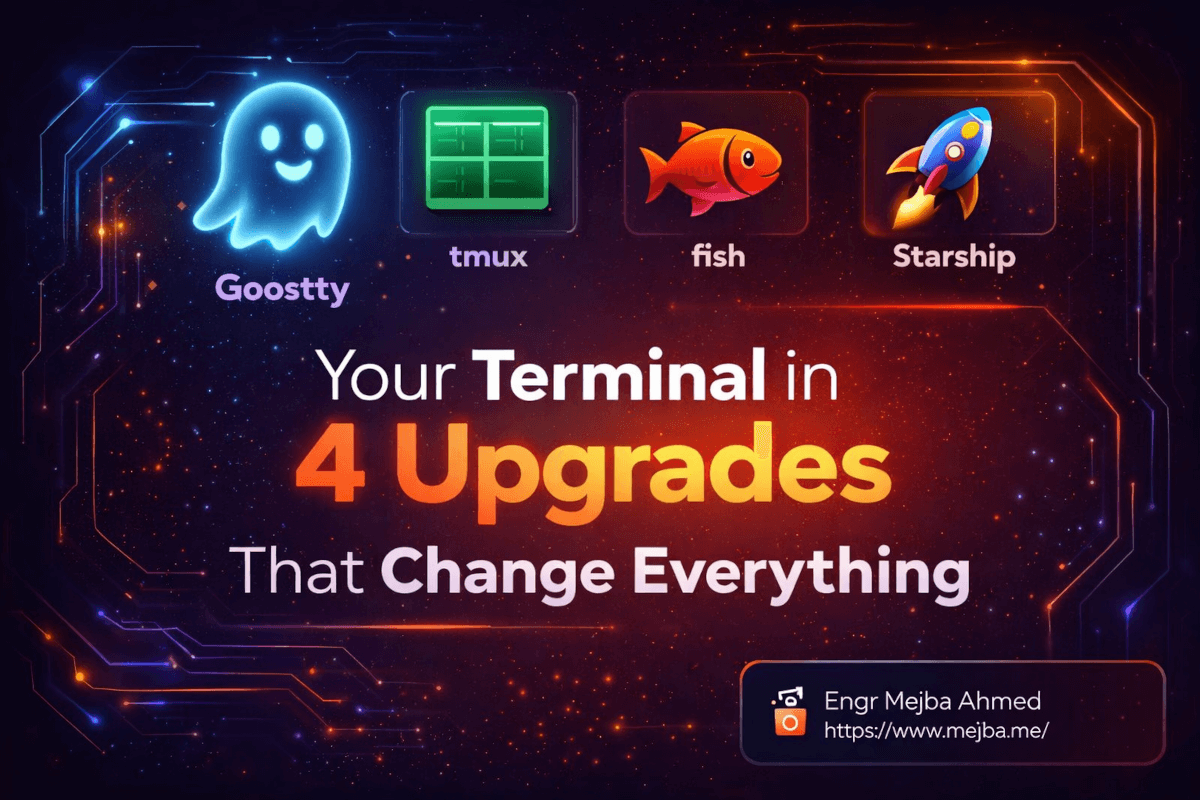
The terminal quietly changed jobs in the last two years, and most upgrade guides haven't noticed. It used to be a typing surface: you issued commands, read short outputs, moved on. Now — if you work the way I do, with Claude Code running in it most of the working day — it is an agent workspace: long streams of output to scan, multiple sessions running in parallel, state you need to read at a glance. That job change is my filter for this list. I spend more hours in a terminal on macOS than in any other application, driving a production Laravel platform through it daily, and these are the four upgrades that matter for how the terminal is actually used in 2026 — plus one place where I deliberately diverge from the standard advice.
Upgrade 1: The emulator — Ghostty
The terminal emulator is the layer people upgrade last because the built-in one technically works. It is also the layer you feel in every single interaction, which in the agent era means constantly.
Ghostty is where I landed. It is Mitchell Hashimoto's post-HashiCorp project — roughly two full-time years of work before the 1.0 release in December 2024 — written in Zig, GPU-accelerated, and genuinely native on each platform: Cocoa on macOS, GTK4 on Linux, no Electron anywhere. The pitch that convinced me was not a feature list; it was that Ghostty refuses the usual trade-off between fast, correct, and native by simply doing the work to get all three.
Why it matters more with agents: an agent session produces orders of magnitude more output than hand-typed commands ever did — build logs, diffs, test runs, streamed reasoning. Rendering speed and scrollback behavior stop being benchmarks and become ergonomics you feel in your neck and eyes. Smooth fast rendering of enormous output is the difference between scanning an agent's work comfortably and squinting at a stuttering wall. Configuration is a plain text file, which also means it is versionable and — fittingly — something an agent can edit for you.
If you take one upgrade from this post, take this one. It improves every hour, whatever else you run.
Upgrade 2: The multiplexer — tmux
tmux has been around forever, and I will not pretend otherwise. What changed is the reason to learn it. The classic pitch was persistence: sessions survive SSH disconnects. Still true, still valuable. The 2026 pitch is different: tmux is how you run multiple agents at once and stay oriented.
My working layout most days: one window per concern, panes within it — an agent session, a pane for the dev server and logs, a pane for my own commands. Parallel agent work multiplies this: separate agents in separate panes, each visible, each with its own scrollback. When I run multiple Claude Code sessions against one codebase — the setup I detailed in git worktrees for parallel agents — tmux is the cockpit that makes it manageable rather than chaotic. Detach, and the agents keep working; reattach from anywhere and the whole workspace is exactly where you left it. That persistence used to protect me from flaky SSH. Now it protects long-running agent tasks from my laptop lid.
Learn ten keybindings — split, navigate, zoom, detach, reattach — and ignore the rest until you need it. The learning-curve horror stories come from people who started with someone else's 400-line config instead of ten bindings.
Upgrade 3: The prompt — Starship
A prompt upgrade sounds cosmetic. It is not; it is instrumentation. Starship — a fast, cross-shell prompt written in Rust, configured in one TOML file — puts the state I would otherwise query into every prompt line: git branch and status, language runtime versions, exit code of the last command, directory context.
The agent-era angle again: when you are supervising agents rather than typing every command yourself, your job becomes reading state quickly. Which branch is this pane on? Did that last command fail? Is this the worktree with the experiment or the stable one? I answer those questions dozens of times a day by glancing at the prompt instead of running git status, and across parallel sessions those glances compound into real attention saved.
The cross-shell part is the quiet win: Starship follows me across shells and machines with one config file, so the instrumentation is identical everywhere. Ten minutes of setup, permanent payoff — the best effort-to-value ratio on this list.
Upgrade 4: The shell — with an honest caveat
The standard advice here is fish: autosuggestions, syntax highlighting, and sane completions with zero configuration, and since the 4.0 release — the big rewrite in Rust — it is faster and more robust than ever. If you are starting fresh or your current setup is a pile of copy-pasted bashrc fragments you fear touching, take the standard advice. Fish's defaults are better than most people's hand-tuned zsh, and "better without configuration" is the whole point of this post.
Here is my divergence: I stayed on zsh. Not because fish is worse — because my accumulated zsh environment works, macOS ships zsh as the default, and every tool, script, and one-liner I encounter assumes a POSIX-flavored shell. Modernized zsh (autosuggestions and highlighting via plugins, which get you most of fish's daily feel) was, for me, the honest cost-benefit winner over migrating years of muscle memory and helper scripts. Upgrade guides that pretend switching shells is free are lying to you about migration cost. The right call depends on how much working history you would be abandoning — fresh start, choose fish; deep zsh history, modernize in place.
One more agent-era reason the shell layer matters either way: a predictable, well-completed shell is not just your interface anymore — it is the environment your agents execute in. Clean shell startup, sane PATH, no surprise aliases: boring hygiene that pays off double when something other than you is running the commands.
What I deliberately skipped
- Theme and font rabbit holes. Pick one legible font with ligatures and one theme, then stop. This layer expands to fill any time you give it and returns nothing after the first hour.
- The multiplexer-of-the-month. A steady stream of new session managers and agent-oriented multiplexers crosses my feed. Some are genuinely interesting; none have displaced tmux's combination of ubiquity, stability, and documentation for me. Adopt boring infrastructure at the layer your agents depend on.
- Alias maximalism. Two hundred aliases are a private language you will forget and your agents do not speak. The CLI tools that actually upgrade an agent workflow are a different topic — I covered my picks in CLI tools that supercharge Claude Code and the broader set in my CLI tools for Claude Code roundup.
The order to do it
Emulator first (an evening, benefits everything), prompt second (ten minutes), multiplexer third (a weekend of muscle memory), shell last (a real decision, per the caveat above). Each upgrade stands alone; together they turn the terminal from the thing you tolerate into the best-engineered room in your house — which it should be, given how much of modern development now happens inside it.
The terminal is half the story; what runs in it is the other half. My courses at the AI School pick up exactly there — building the agent workflows this workspace exists to host.