Motion graphics for YouTube — animated bar charts, counters, kinetic typography, chart races — are not an editing problem. They are a rendering problem, and rendering problems belong in code. That is the whole thesis: Remotion turns a video into a React component, Claude Code writes React fluently, and together they turn "make me an animated chart" into a prompt, a preview, and a render command. I use this exact stack to produce motion-graphic segments for my own videos and course promos, and it replaced a tool category I never managed to learn properly.
I want to be upfront about what this post is not. The internet is full of "faceless YouTube channel earns $80K/month with AI motion graphics" math. I cannot verify those numbers and I will not repeat them. What I can show you is the production side, because that part I run myself: how the setup works, what the prompt-to-render loop feels like, why code-based graphics scale in a way timeline editors never will, and where the workflow genuinely falls short.
What Remotion actually is, in one paragraph
Remotion is a framework that treats video as a React application. A composition has a width, height, frame rate, and duration; every frame is a render, and animation is a function of the current frame number. useCurrentFrame() gives you time, interpolate() maps it to opacity, position, or scale, and spring() gives you the physics that make a bar chart settle with a satisfying overshoot instead of snapping into place. You preview in a browser-based studio with hot reload and render to a standard MP4 from the terminal. No keyframes, no timeline — just components and props.
That model is exactly why an AI coding agent is the right operator for it. Claude Code does not need to "understand video." It needs to write React that maps frame numbers to styles, which is ordinary, well-documented code.
The setup: Claude Code plus the Remotion Agent Skills
The one piece that makes this reliable rather than hit-or-miss is Remotion's official Agent Skills bundle. Without it, Claude will still write Remotion code, but it occasionally invents API methods or misses timing conventions. With it, the agent has the framework's own best practices loaded. Installation is a single command in your project:
npx skills add remotion-dev/skills
The skills install into .agents/skills in your project directory and register slash commands: /remotion-create scaffolds a new project or composition, /remotion-markup carries the deep knowledge about compositions, animation, typography, media, and timing, and /remotion-studio handles previewing and rendering. Beyond that, the prerequisites are what you would expect for any Node project: Node.js (I run the current LTS), Git, and a paid Claude plan — Claude Code is not on the free tier, and if you iterate on animations all day you will feel the usage limits on the base plan.
That is the entire stack. No After Effects, no plugin marketplace, no render farm subscription.
The prompt-to-render loop
Here is the workflow as I actually run it, terminal open, studio in the browser next to it.
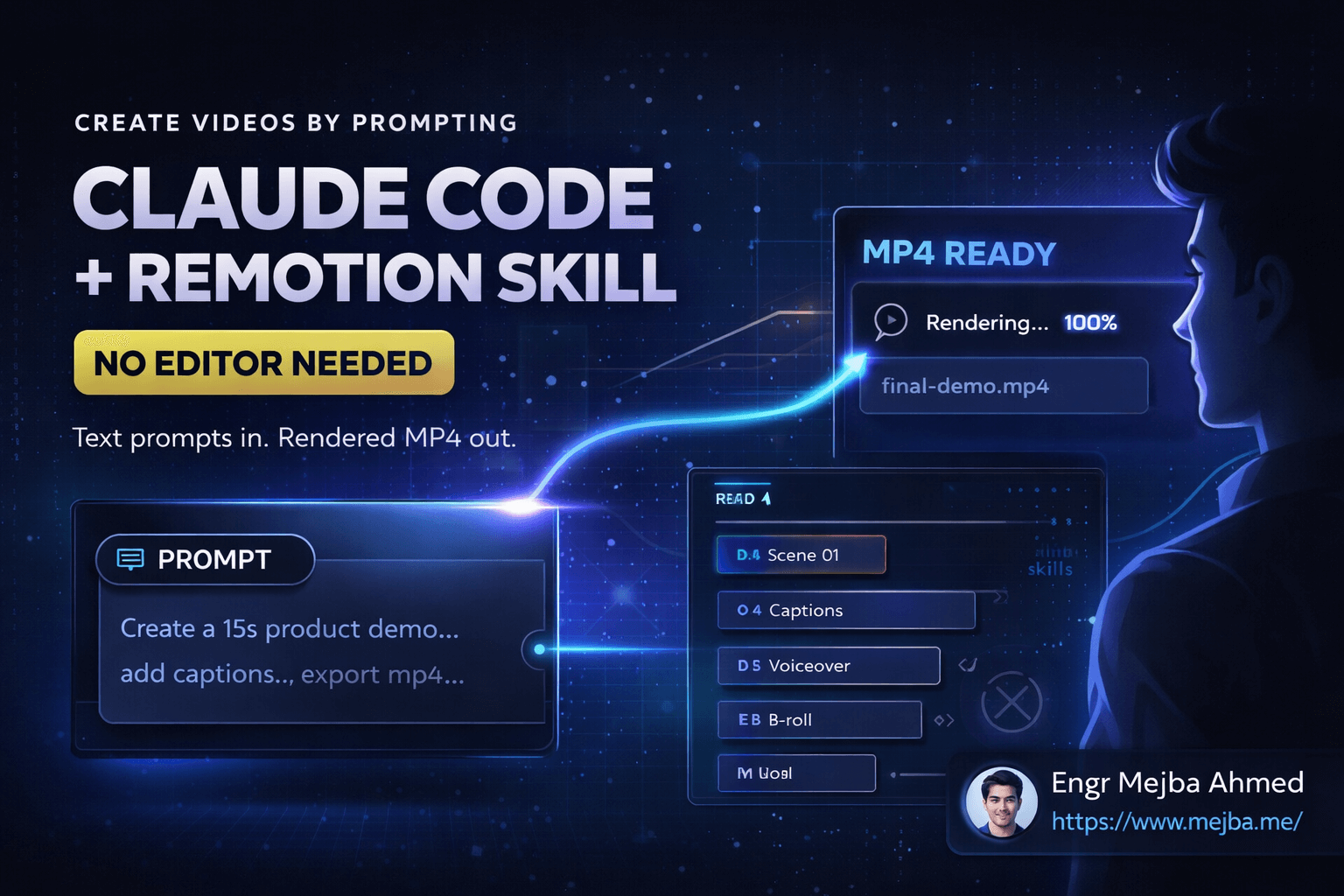
Describe the animation in plain language. Not pseudo-code — a description you would give a motion designer: "A horizontal bar chart race, top 10 entries, bars grow left to right with a spring, rank number and label on each bar, dark background, running total counting up at the bottom." Claude generates a complete composition: Sequence components staggering each entry, interpolate for the growth, spring for the settle.
Preview in Remotion Studio. The dev server gives you a scrubbing timeline in the browser. This step is where you catch the misses — and there are always misses. In my experience roughly one prompt in five needs a real correction: timing that feels rushed, text that collides with a chart element, a font size that dies at vertical-video resolution.
Iterate by describing the correction, not by editing keyframes. "Extend each bar's growth to about 1.2 seconds with an ease-out, stagger entries 10 frames apart, and enlarge the bottom counter — it is unreadable at 1080x1920." The agent edits the interpolations; the preview hot-reloads. This loop is the entire reason the workflow beats an editor: corrections are sentences.
Render from the terminal.
npx remotion render src/index.ts MyComposition out/video.mp4
The output is a normal MP4 you drop into your edit, your Shorts upload, or your assembly pipeline. One thing worth understanding before you batch anything: Remotion renders each frame in a headless browser and stitches the frames into video, so render time scales roughly linearly with frame count. A 15-second clip is quick; a multi-scene 60-second composition at 30fps is 1,800 browser renders. Plan renders like builds — queue them, do not babysit them.
The insight that changed how I use it: videos become data
The first animation you generate is a party trick. The value shows up on the second one, and this is the part I only understood after running Remotion for my own catalog.
A generated composition is a React component, which means it takes props. My promo setup for the AI School is one composition tree that accepts a title, bullets, accent color, and CTA text — rendering a new video means writing a props object, not re-animating anything. The same structure is exactly what YouTube ranking-and-data formats need: "Top 10 programming languages" and "Top 10 largest economies" are the same component fed different JSON. Once you see that, you stop prompting for videos and start prompting for templates, then feed them data.
Two practices make this compound instead of drift:
- Write your animation conventions down and feed them to the agent. My repository keeps coding conventions in a CLAUDE.md file, so I keep motion conventions the same way — brand color
#38D39F, preferred spring damping, type scale, default durations. Agents are mediocre at inventing motion-design taste but excellent at executing taste you can articulate. Without written conventions, every generated scene looks like generic template motion; with them, output lands on-brand on the first pass far more often. - Version control everything. Compositions and props files live in Git, which means every video is reproducible from repository state. Rerendering last month's chart with corrected data is a
git checkoutand a render command — not archaeology through project files and auto-saves. Deterministic renders are the most underrated property of this whole approach.
The "free motion graphics" question, answered honestly
A version of this workflow circulates as "unlimited free AI video generation," usually meaning: have Claude output a TSX animation file, then run a local script to render it. The mechanics are real — that is just Remotion's model with extra steps — but "free" deserves precision, because I have seen the claim oversold.
What is actually free: Remotion itself, for individuals and companies of up to three people, including commercial use — the free license has full features. At four or more people you need Remotion's paid company license, so factor that in the moment you hire an editor or researcher. Node, Git, and your editor cost nothing. What is not free: Claude Code requires a paid Claude subscription, and heavy iteration pushes you toward the higher tier. So the honest floor is roughly the cost of one Claude plan — still a different universe from an Adobe subscription plus the months it takes to become productive in After Effects, or paying a freelancer per ten-second animation, but not zero.
The comparison that matters more than price: iteration speed. Changing a color scheme across five variants is five prompt lines and five renders, not five duplicated project files.
Scaling up: voiceover, chaining, and longer videos
A rendered motion graphic is a segment, not a finished YouTube video. Getting from clips to publishable content is an assembly problem, and the same agent handles most of it.
Voiceover first, visuals second. If your video has narration, generate or record the audio before building scenes, then have Claude time compositions to the measured audio duration. Doing it in the other order means constantly stretching animations to fit — the single most common timing failure I hit. My presenter-style content runs through a separate avatar pipeline — my HeyGen and ElevenLabs production setup covers that lane — but for motion-graphic explainers, a synthesized voice track plus Remotion visuals is the whole video.
Chain sections instead of prompting one long video. A 10-minute video as a single composition is slow to preview and brutal on memory, since the studio holds frames in RAM. Build it as sections — intro, chapter scenes, outro — render each, and concatenate with a fade between them. Claude drives FFmpeg for the assembly step without you learning FFmpeg's flags.
Let the surrounding pipeline be boring. Research, scripting, thumbnails, and publishing are their own automation problem; I documented my approach in my YouTube automation workflow with Claude plugins, and for generative b-roll and cinematic shots that code cannot draw, my Higgsfield YouTube video workflow is the current setup. Remotion covers exactly one lane — motion graphics — and covers it extremely well.
Where this workflow honestly falls short
Three limits, learned the slow way.
Organic animation is out of scope. Code-based video excels at data visualization, typography, geometric motion, UI mockups, counters, and chart races. It is the wrong tool for characters walking, expressive faces, or anything that needs hand-crafted organic movement. If your channel concept is narrative cartoon animation, this stack will frustrate you.
The learning curve is small but not zero. You can ship your first animation without knowing React. But the moment you want a specific easing or a synchronized multi-scene transition, two hours with Remotion's docs on interpolate, spring, and Sequence pays for itself — your prompts get dramatically more precise because you can name what you want ("spring with higher damping") instead of gesturing at it ("less bouncy").
Renders eat hardware. Frame-by-frame headless-browser rendering is CPU-hungry. On Apple Silicon it is comfortable; on an older 8GB machine, batch renders will crawl. Queue long renders overnight and treat them like CI jobs.
How I would start today
Pick one format — a horizontal bar chart race is the classic YouTube shape — and build it end to end: install the skills, prompt the composition, iterate in the studio, render, and only then generalize it into a props-driven template. Resist building five templates at once; one template you actually reuse beats a folder of half-finished experiments. If you are new to Claude Code itself, my Claude Code beginner's guide covers the terminal setup and prompting habits this workflow assumes, and my deeper dive on building promotional videos with code instead of editors shows the same system pointed at product promos rather than YouTube content.
After 8+ years of shipping software and 1,500+ projects, my rule for adopting a tool is simple: does it convert a manual craft into a build step? Remotion plus Claude Code passes that test cleanly. The constraint stops being "can I afford motion graphics?" and becomes "do I have data worth animating?" — which is a far better problem to have.
That rule holds in client work too: video pipelines built as code — templates, prop schemas, render queues — are what I hand over, rather than a folder of finished MP4s. Tell me what you are producing and I will say whether Remotion is the right layer for it.