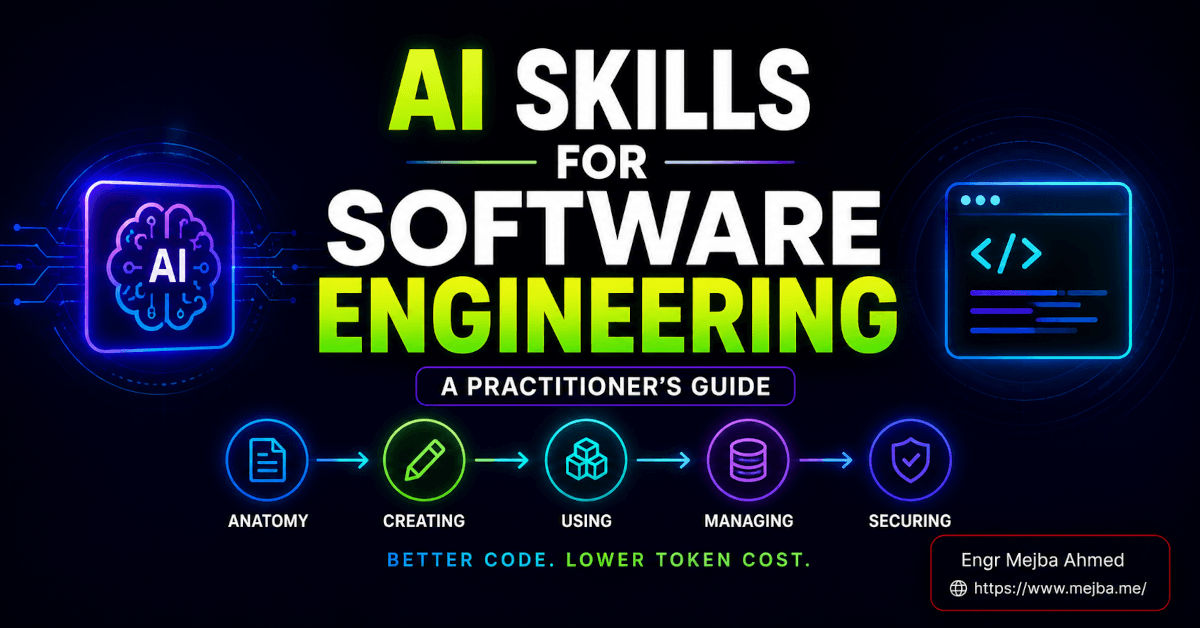
The draft of this post was produced by a skill — a single SKILL.md file that encodes how I write: my structure, my tag taxonomy, the phrases I ban. That's the fastest way to explain what AI skills for software engineering are: not a plugin, not an agent swarm, but a markdown file with a front-matter block and a body that tells a coding agent exactly how to perform a task, loaded only when the task shows up.
I hold a strong opinion here, earned the slow way: the skill file format is trivial, and almost everything written about skills stops at the format. The value is in the lifecycle — writing a description that triggers reliably, choosing the right install scope, auditing third-party skills before they touch your shell, and running the refine loop that turns a mediocre first draft into an asset. I've now shipped 53 skills on my public agent skills marketplace and maintain around 35 more in my own ~/.claude/skills/ for daily work, so every recommendation below comes from files I actually run, not from the spec.
Why skills replaced the giant rules file
For two years, customizing a coding agent meant a sprawling system prompt loaded on every request — burning tokens on things the agent didn't need 90% of the time. Skills flip that with progressive disclosure: the agent scans only each skill's front matter (roughly a hundred tokens) to decide relevance, loads the body only on trigger, and loads bundled scripts and references only when the body points at them. Fifty installed skills cost almost nothing until one fires.
The format also went portable. What started as Anthropic's SKILL.md convention is now honored across Claude Code, Copilot in VS Code, Cursor, Codex CLI, and Gemini CLI — write once, reuse everywhere. That's what makes this worth learning properly instead of treating it as one vendor's config format.
The anatomy: two mandatory fields and three folders
A minimum viable skill is one markdown file: YAML front matter with name and description, then a body of instructions.
---
name: laravel-api-resource
description: Generate a Laravel API resource controller, form request,
  and JSON resource for a given model. Use when the user asks to scaffold
  a REST endpoint, add an API resource, or build CRUD for a model. Do NOT
  use for Livewire components or Blade-rendered admin pages.
---
A production skill is usually a folder:
| Component | Holds | Loads |
|---|---|---|
| Front matter | name, description, optional allowed-tools |
Always (~100-token trigger budget) |
SKILL.md body |
The procedure, rules, do/don't guidance | On trigger |
scripts/ |
Deterministic code the agent runs instead of improvising | On demand |
references/ |
Segmented docs, loaded a slice at a time | On demand |
assets/ |
Templates, schemas, lookup tables | On demand |
The governing discipline: keep the body under ~500 lines. When instructions sprawl, you don't cram — you move bulk into references/ and leave a pointer ("for endpoint signatures, read the relevant file in references/api/"). The agent pulls only the page it needs. That one habit separates skills that scale from skills that choke.
Writing one that actually works
The description is the whole ballgame
The description is read on every request to decide whether the skill fires. After tuning trigger behavior across dozens of my marketplace skills, my rule is: name the use cases, and name the avoidance cases. The "Do NOT use for Livewire components" clause above is doing real work — it stops the skill from hijacking adjacent requests. Vague descriptions produce skills that either never trigger or trigger constantly; both are dead weight. I covered the dedicated validate-the-triggering workflow in how I test Claude skills before they break my workflow.
Teach your conventions, not the language
Don't spend tokens explaining what a React component is — the model knows. Spend them on what the model can't know: your theme tokens, your folder layout, your error-handling policy, the patterns your team forbids. Explicit negative rules pay the best: "never any, prefer unknown and narrow" saves a dozen review comments a week. A skill is the place where team lore becomes machine-enforceable.
Scripts for anything deterministic
The upgrade that separates good skills from great ones: anywhere the task has a correct, repeatable mechanical step — formatting, slug generation, a fixed API payload — put a script in scripts/ and have the skill call it. An LLM is probabilistic; a script is deterministic. The agent decides when, the script decides what. My most reliable marketplace skills are the ones with the least prose and the most executable steps.
Templates and self-checklists
Structured output gets a template in the skill (my content skill carries the exact front-matter shape and section order, which is why drafts come back with the right fields instead of invented ones). Multi-step tasks get a closing checklist the agent runs on itself: "confirm the test file exists, confirm the route is registered, confirm the migration runs." Same instinct as a PR checklist, executed automatically.
If you're weighing skill versus full agent for a job, my default is codified in stop building agents, start building skills — skills are lighter and composable, and they're the right call more often than not.
Managing skills: scope and pruning
Prefer project-local installs (.claude/skills/ inside the repo) for anything tied to a stack or team convention: the skill ships in version control, evolves in the same commits as the code it serves, and never fires in repos where it makes no sense. Reserve global (~/.claude/skills/) for genuinely cross-cutting things — commit formatting, a reviewer persona, personal style.
And then the practice nobody writes about: prune. My global settings carry a skillOverrides block that switches off more than thirty skills I'm not actively using. Even at a hundred tokens each, every enabled skill is a recurring context charge and a candidate in every trigger decision — an agent choosing among forty procedures chooses worse than one choosing among eight. I audit the roster monthly. Skills earn residency by being used this month, the same way lines earn their place in a CLAUDE.md. This is a real cost lever, part of the larger token economics I mapped in my agent cost optimization playbook.
For skills you didn't write, registries like skills.sh now work like npm for agent procedures — I toured the install workflow in my skills.sh walkthrough. Which raises the question the quickstarts skip.
Security: a skill is untrusted code
The moment you install a third-party skill, you've handed a stranger's instructions to an agent with your filesystem and your shell. The skill doesn't need to be malicious to hurt you — a careless "cleanup" script pointed at the wrong directory is enough. My review discipline, applied to every skill I install and every skill I publish:
- Read everything — the body and every file in
scripts/. You're hunting two things: prompt injection (instructions that override your intent or quietly extract data) and dangerous commands (destructive operations, network calls outside the stated purpose, anything touching credentials). Scope should match claim. - Use the registry's audit report. Modern registries scan published skills — signature matching plus LLM-assisted analysis — and return severity verdicts. If it's flagged critical or high, don't install it to find out why.
- Weight install counts, but don't worship them. Thousands of installs means many eyes; three installs from an unknown author means your manual review is the only defense. Sometimes the right move is to read it, learn from it, and write your own clean version.
- Constrain
allowed-toolsto the minimum. A component scaffolder has no business running shell commands. Least privilege applies to skills exactly like everything else.
I won't pretend to have benchmarked every registry scanner against a malicious corpus — I haven't. The practice above is what has kept my own setup clean across a lot of installed and published skills, and it maps one-to-one onto how you already treat third-party dependencies.
The refine loop: where skills actually get good
The truth missing from every quickstart: your first draft skill will be mediocre. Mine always are — including the ones now on the marketplace. The value is in the loop.
Each time the skill's output needs a hand correction, I ask one question: is this fix a pattern? One-off fixes get shipped and forgotten. Recurring fixes go back into the skill as rules — "never open with a rhetorical question," "always use theme tokens, never raw hex," "wrap external calls in try/catch and log with context." Each fed-back correction makes the next draft need fewer. Run the loop for a few weeks and the skill converges on your actual standard; the drafts stop needing the same fixes because you taught the file to stop making them.
That's also the honest metric: how often do you correct the same mistake twice? Falling → the skill is working. Flat → your corrections aren't making it back into the file, and you're paying the review tax forever.
Set expectations accordingly. A working skill takes an afternoon. A genuinely reliable one takes weeks of the loop. The consistency gain ends up mattering more than the token gain — output that already follows your conventions collapses review time, and that's the real transformation: not "the AI writes your code," but "the AI writes your code your way, first try, more often than not."
FAQ
What is an AI skill in software engineering?
A SKILL.md markdown file — front matter with name and description, plus an instruction body — that tells a coding agent how to perform a specific task, optionally bundling scripts/, references/, and assets/. The same format works across Claude Code, Copilot, Cursor, Codex CLI, and Gemini CLI.
Why isn't my skill triggering automatically?
Almost always a vague description. Rewrite it in imperative, intent-focused language with explicit "use when" and "do NOT use for" clauses, then test the triggering before relying on it.
Global or per-project install?
Per-project for anything stack- or team-specific — versioned with the code, consistent for everyone, scoped to where it belongs. Global only for cross-cutting personal preferences. And prune the global roster monthly.
Your first skill is your most-repeated task
Pick the thing you scaffold for the hundredth time — that's where the refine loop has the most to compound on. Write the SKILL.md with a precise description, put it in the project's skills directory, run it once, correct the output, and feed the one recurring fix back into the file. That's the whole lifecycle in miniature.
Or start from files that have already been through the loop: the agent skills marketplace has all 53 of my production skills — scaffolders, reviewers, content systems — each one refined against real work before it shipped. Read a few before writing your own; the description patterns alone will save you a week of trigger debugging. For the deeper conceptual map of what skills can do, my complete guide to Claude skills picks up where this lifecycle guide ends.