I keep a deliberately small set of Claude Code plugins and skills, seventeen slots, because a bloated .claude setup made my agent measurably worse, not better. At my peak I had thirty-odd tools installed and could not tell you what a third of them did, which meant Claude could not either: skill descriptions compete for the model's routing attention, and a crowded roster fires the wrong expertise at the wrong moment. So I uninstalled everything and rebuilt from zero, re-adding a tool only after it earned its slot on a real project. What follows is what survived, from my actual config, with the honest caveat attached to each.
This is also not a "repos to star" list. Everything here runs in the setup that maintains this website and my client work daily.
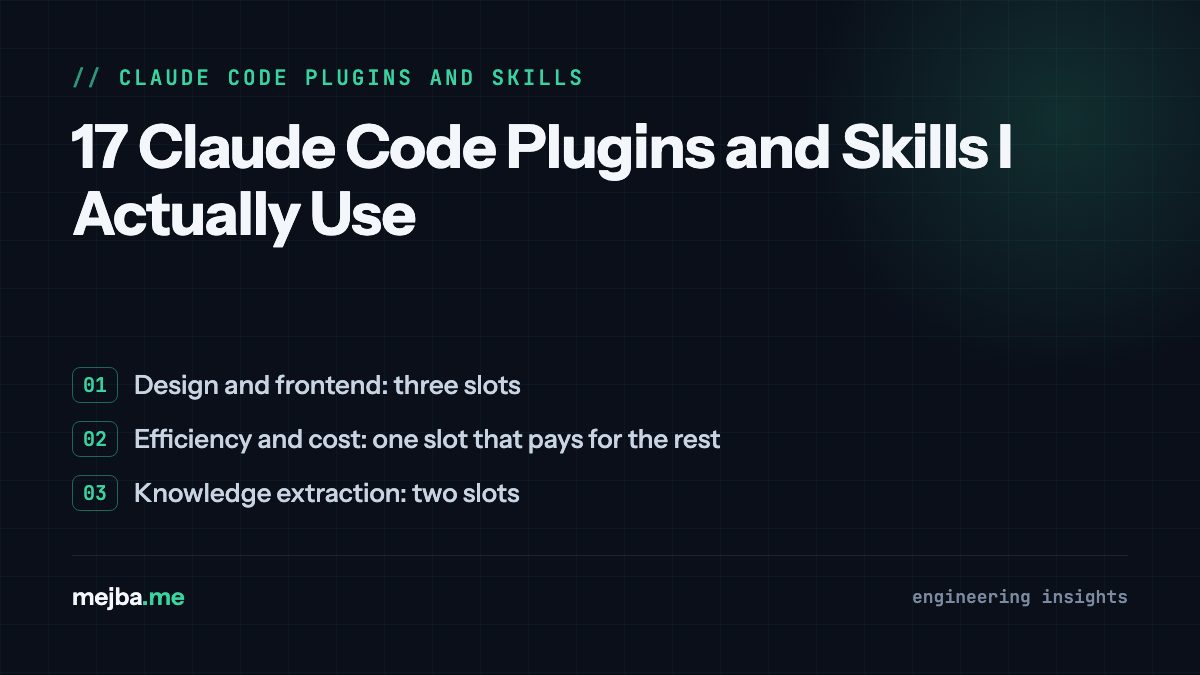
Design and frontend: three slots
1. Impeccable. My most-used design skill: a full vocabulary for critiquing and improving UI (hierarchy, spacing, accessibility, motion) that turns "make it look better" into specific, checkable changes. I wrote a full review of Impeccable after it changed how I ship frontends. Caveat: it makes strong choices; on brand-constrained client work you feed it the constraints first.
2. Frontend-design. The plugin I reach for at the start of a build, where Impeccable is the critic at the end. It pushes past the default AI aesthetic (the same three fonts, the same gradient) toward an intentional direction. Used together they bracket the design process.
3. Theme-factory. Generates coherent token systems, colors, type scales, spacing, instead of one-off CSS values. Earned its slot the first time a client asked for "the same site, different brand" and the retheme was a token swap.
Efficiency and cost: one slot that pays for the rest
4. Caveman. A token-optimization skill that strips my instructions and the agent's working style down to what the model actually needs. Sounds trivial; the measured token savings on long sessions were not. Caveat: terse mode is wrong for exploratory work, so I toggle it per task rather than leaving it on.
Knowledge extraction: two slots
5. Grill-me. Interrogates me about a topic until my tacit knowledge is written down. I used it to extract years of audit heuristics into my security skill, and it surfaced rules I did not know I was applying. The single best tool on this list for turning experience into assets.
6. Graphify. Builds a knowledge graph of a codebase so navigation questions ("what touches billing?") get answered from structure rather than repeated grepping. Most valuable on the legacy client codebases where nobody remembers why anything exists.
Workflow and process: seven slots
7. Handoff. Writes a structured handoff document at the end of a session so the next session, or the next machine, resumes without re-explaining. This is my answer to context windows being finite, and it beats every "infinite memory" hack I tried.
8. Triage. Turns a vague bug report into a reproduction, a severity call, and a suspect list before any fixing starts. It exists because my instinct is to fix first and understand later, and the skill enforces the opposite order.
9. Zoom-out. A deliberate altitude check: before implementing, restate the goal, question the approach, list what simpler option is being skipped. It has talked me (via Claude) out of at least two overbuilt features I was excited about.
10 and 11. To-PRD and To-Issues. A pair: one converts a rambling idea into a proper product requirements doc, the other converts a PRD into scoped GitHub issues. Together they are how a voice-note becomes a sprint.
12. Commit-commands. Slash commands for commit, push, and PR creation that follow my conventional-commit rules every time. Boring, high-frequency, exactly what deserves automation.
13. Superpowers. The heavyweight process plugin: enforced brainstorming before building, test-driven development, systematic debugging, plan execution. Caveat, and it is real: full ceremony on a one-line fix is friction, so I invoke its workflows explicitly rather than letting them trigger on everything.
Domain expertise: one slot, fourteen skills deep
14. The SEO family. My own suite, fourteen skills covering content, technical audits, schema, sitemaps, hreflang, and programmatic pages, sharing one reference layer so they never disagree with each other. These encode the thresholds I learned when this site got deindexed and clawed its way back, which is why I trust them over any generic SEO plugin: the rules have receipts. Building this family taught me most of what I know about skills.
Meta and verification: three slots
15. Skill-creator. The skill that builds and tests other skills, including measuring whether a skill actually improves output versus baseline. It killed several skills I liked, which is precisely its job.
16. Playwright. Browser automation as a plugin, so "verify the change" can mean actually loading the page, clicking the flow, and reading the console rather than declaring victory from a green build. My CLAUDE.md requires verification; this is what makes that requirement executable for frontend work. I pair it with a devtools plugin for performance traces when a page feels slow.
17. GitHub CLI (gh). The one non-negotiable. PRs, issues, CI status, releases, all scriptable from inside a session. Half the tools above become more useful because gh closes the loop from code to shipped. The broader category of CLI tools that supercharge Claude Code is worth its own read, but if you install one, install this.
What I got wrong building this stack
Three purges taught me the selection criteria. First, I kept tools that duplicated the model's improving native abilities; every model release made them more harmful, and deleting them improved output the same day. Second, I confused installing with adopting: a tool you have not used on three real tasks is clutter with a version number. Third, I under-weighted composition. The tools that survived are the ones that make each other better: grill-me feeds skill-creator, to-prd feeds to-issues feeds commit-commands, frontend-design feeds Impeccable. A stack is not a list; it is a pipeline.
Notably absent: a pile of MCP servers. I keep those minimal too, for the same context-budget reasons, and the few that made the cut are a separate post. If you are earlier in the journey, get the fundamentals of a clean setup working before adding anything from this list; add-ons multiply a good baseline and camouflage a bad one.
Take the skills half of this stack
Several of the skills above, including the SEO family and my extraction and workflow skills, are published on my Agent Skills Marketplace, packaged so they work outside my machine. Browse it the way I would want you to: pick the one or two that match a real task on your desk this week, run them on it, and only keep what earns the slot. Seventeen is not a target. Earned is the target.