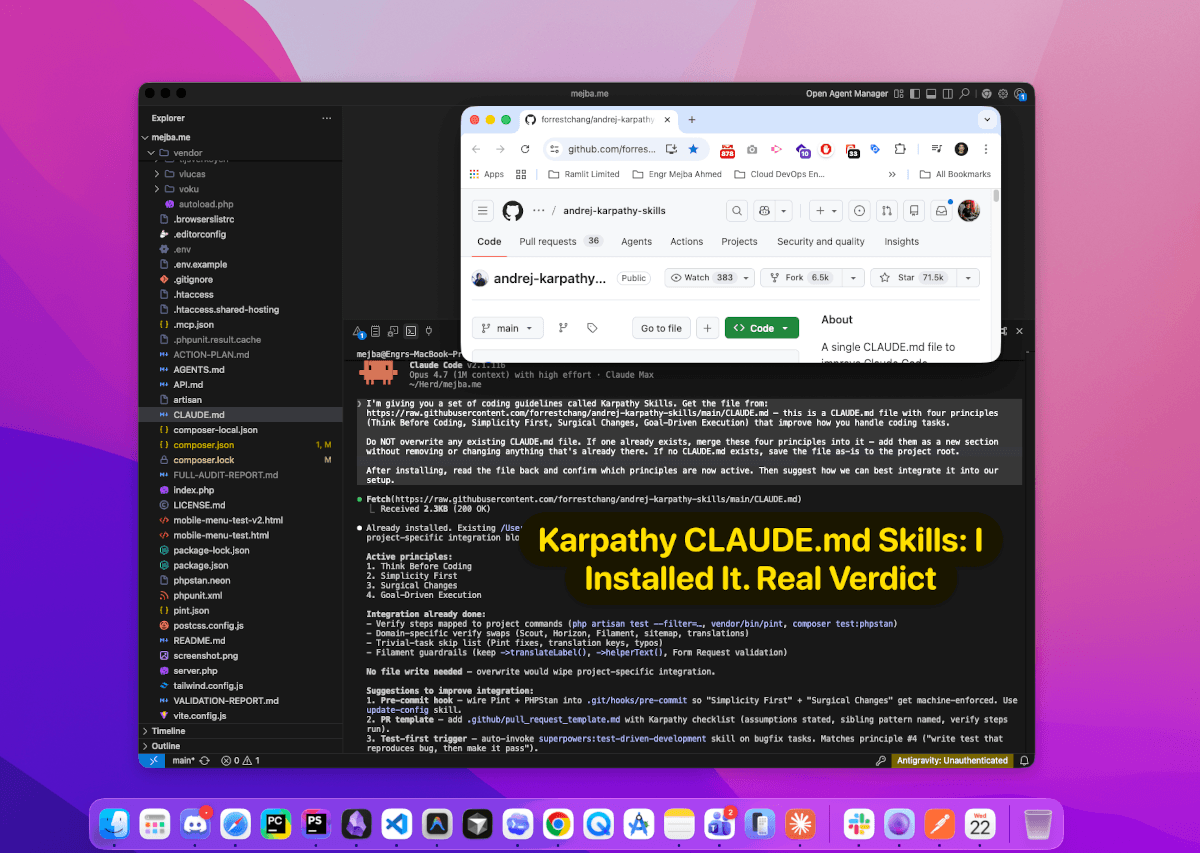
I ran a control experiment on my own Claude skills for several months without meaning to. While auditing my setup this summer I discovered that five of my SEO sub-skills had empty description fields; their files opened with an HTML comment instead of YAML frontmatter, so Claude had no signal to ever auto-load them. Which means the "without skill" condition had been running in production since February. Nobody noticed. Not my output quality, not my clients, not me.
That accident taught me more about skill maintenance than anything I have read: the question is not "does my skill work," it is "is my skill still needed," and the only honest way to answer it is a with/without comparison. Skills are code, not configuration. Code gets tested, versioned, and retired. I maintain 53 skills on my Agent Skills Marketplace plus 35 in my personal ~/.claude/skills/, so regression testing is not a thought experiment for me; it is the recurring chore that keeps the catalog honest. Here is the workflow I use, built on Anthropic's skill-creator.
Two Kinds of Skills, Two Different Tests
Every Claude skill falls into one of two buckets, and the bucket determines the test.
Capability-uplift skills fill gaps where the model currently struggles: document formatting, a framework the model fumbles, a niche file format. These have an expiration date. Models improve every release, and a skill that beat vanilla Claude in January can be pure overhead by June, adding instructions the model already follows and constraints that block its improved native behavior.
Workflow-encoding skills capture your process: an SEO audit checklist, a code-review flow, a report template with your team's tone. The model will never spontaneously learn your compliance rules through a training update, so these do not expire the same way, but they can still rot through drift and mis-triggering.
The testing question differs by bucket. For capability uplift: does this still beat no skill at all? That demands baselines and A/B runs. For workflow encoding: does it trigger reliably and execute my process correctly? That demands trigger tests and assertion checks. My mistake for a long time was treating everything like the second bucket, checking whether skills worked and never checking whether they were still needed.
Anthropic itself just demonstrated the first bucket at model-vendor scale: it removed more than 80 percent of Claude Code's own system prompt for the Claude 5 generation with no measurable loss on its coding evals, because guidance written for older models had become dead weight. Your capability-uplift skills are subject to exactly the same decay.
The Skill Creator's A/B Loop
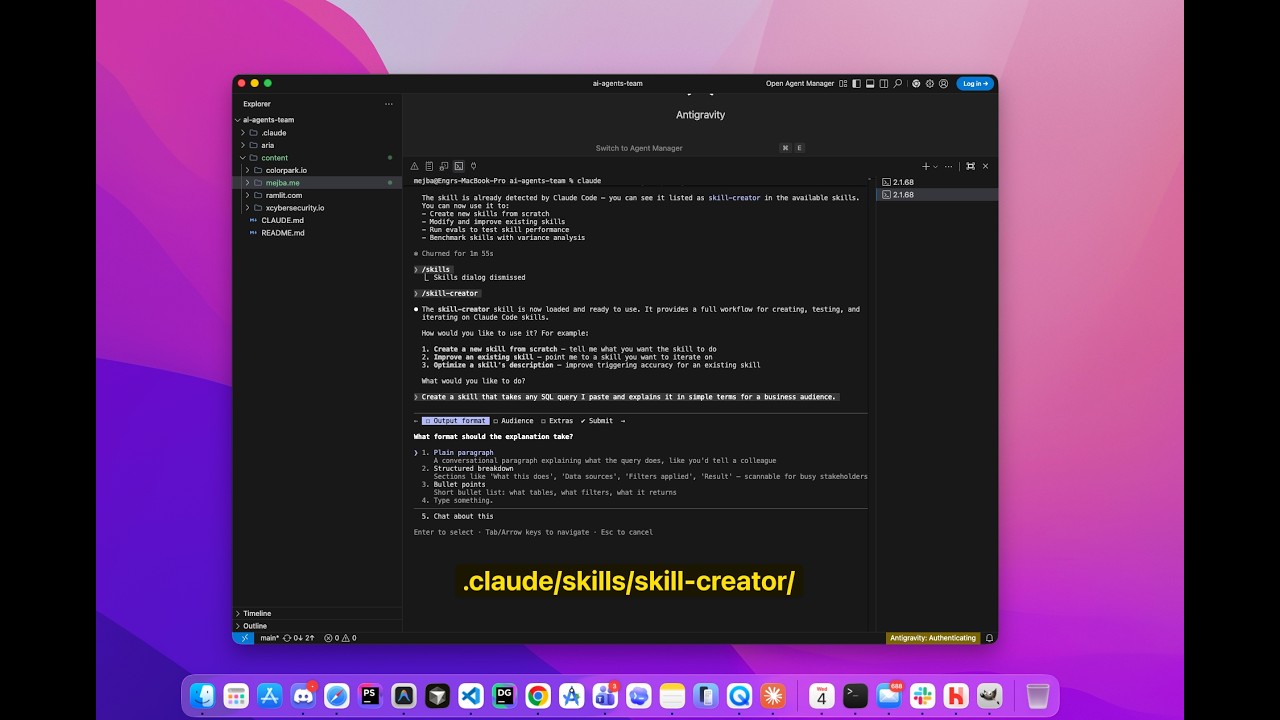
Anthropic ships a skill-creator skill in its public skills repo. It is installed on my machine, and the workflow encoded in its SKILL.md is the most rigorous skill-testing loop I have seen. The pieces that matter:
Test cases live in evals/evals.json. You write realistic prompts first, assertions later. The skill explicitly tells you not to write assertions up front; you draft them while the runs execute in the background.
Runs are parallel and paired. For each eval prompt, it launches a with-skill run and a without-skill run under the same conditions, saving outputs into an iteration workspace (iteration-1/, iteration-2/) with one directory per eval. That without-skill arm is the entire point. It is the arm I had been skipping, and it is the arm my accidental five-skill experiment ran for me.
Grading is explicit. A grader subagent evaluates every assertion against every run and writes a grading.json with pass/fail and evidence. For anything programmatically checkable, the skill's own guidance is to write a script rather than eyeball it.
Aggregation produces a benchmark. A script rolls the iteration up into benchmark.json and benchmark.md with pass rate, completion time, and token usage for each configuration, reported as mean plus or minus standard deviation, with the delta between with-skill and without-skill. Variance is not decoration; single runs of a nondeterministic system tell you almost nothing.
An analyst pass hunts for lies in the aggregates. The skill directs you to look for assertions that pass regardless of skill presence (they test the model, not your skill), high-variance evals (flaky tests), and time/token trade-offs the summary hides.
Results render in an HTML eval viewer, side by side, with a qualitative tab and a benchmark tab, so you review outputs like a reviewer instead of scrolling terminal text.
Two or three iterations of this loop is typically where a skill converges. The discipline it enforces is the one that matters: evidence before intuition.
Writing Test Prompts That Resemble Reality
The loop is only as good as its prompts, and most people write toy prompts. "Do an SEO audit" tests nothing. Real users type things like:
{
  "evals": [
    {
      "id": 1,
      "prompt": "ok so my boss wants a full SEO audit of ramlit.com before the board meeting Thursday. focus on technical stuff and whatever Google cares about now with AI overviews"
    }
  ]
}
Messy, urgent, abbreviated, context-heavy. That is what your skill faces at 2 PM on a Wednesday. When I test my own seo-audit skill I use prompts pulled from the way actual requests arrive across my brands, because a skill that only performs on clean prompts is a demo, not a tool.
The other prompt category people skip: the low-signal case. For a report-writing skill, the hardest eval is "this week was mostly bug fixes, not much to show," because it tests whether the skill produces honest framing instead of inflating routine work. Every skill has an equivalent worst-case prompt. Find it and put it in the eval set.
Trigger Testing: The Description Is the Product
Here is the lesson my five silent SEO skills taught me, generalized: a skill's description field is the only signal Claude has for deciding whether to load it. A perfect skill body behind a bad description is a skill that never runs. An empty description, as I learned, is a skill that cannot run at all except by explicit name.
The skill-creator's description-optimization flow treats this like a small training problem. You write about twenty queries, half that should trigger the skill and half that should not, split them into train and test sets, measure trigger accuracy, and iteratively rewrite the description against the training set while selecting on the held-out set to avoid overfitting.
The insight that makes negative queries useful: they must be near-misses. "Write a fibonacci function" as a negative for an SEO skill tests nothing. "Check if my site loads fast on mobile" is a real near-miss; it tests whether your SEO skill correctly stays out of the way of a performance task. And descriptions should speak symptom language, not category language: "site audit, Core Web Vitals, schema markup, indexability" triggers on how users actually phrase requests, where "use for SEO analysis" only triggers on how the author thinks.
I found the empty-description failure in the same audit where I measured my always-on skill overhead, and the two problems compound: bad descriptions cost you triggers, while bloated descriptions cost you tokens in every session. The full audit, including the script that catches both, is in my Claude Code doctor audit.
When to Retire a Skill
After every major model release, I run the retirement check on my capability-uplift skills. The framework:
- Re-run the eval suite with the skill disabled. If without-skill pass rates land within noise of with-skill rates, the skill is coasting. The benchmark's stddev tells you what noise means for your suite.
- Price the overhead. A marginal quality win might not justify the token cost of the skill's instructions across a month of usage. This is a judgment call, but make it with the numbers in front of you.
- Read transcripts, not just outputs. A decaying skill often forces the model through mandated steps that no longer contribute. Same destination, longer path.
- Test on fresh prompts. Your original eval set may be accidentally tuned to the skill's strengths. Five new realistic prompts tell you whether the advantage generalizes.
Retiring a skill is not admitting the build was wasted. The skill earned its keep during the window the model needed it. Keeping it past that window is keeping training wheels on after you can ride. Often the right move is not deletion but narrowing: rebuild the skill to cover only the specific edge cases the model still fumbles, trigger on only those patterns, and get out of the way otherwise. The best skill is the one that knows when not to show up.
For the philosophy behind which skills are worth building at all, I keep returning to the lessons from building my own Claude Code skills, and if you want to see what a heavily-tested skill looks like from the outside, my review of the Impeccable design skill walks through one. For choosing what deserves a slot in your setup in the first place, there is my shortlist of skills actually worth installing.
Start With Your Most-Used Skill
Do not audit your whole catalog this week. Pick the one skill you invoke most, write five realistic eval prompts, and run the with/without comparison. One of three things happens: the skill proves its value with numbers (great, now you know), the skill ties its baseline (retire or narrow it), or you discover, as I did, that the skill was never firing at all and you have been fine (delete it and feel lighter).
Every skill on my marketplace has survived this loop, and the ones that failed it quietly disappeared from the catalog; that is the maintenance work buyers never see. If you are building your own skill stack and want ones that have already been through with/without benchmarking, browse the Agent Skills Marketplace and steal the descriptions if nothing else. They are the most-tested sentences I write.