Most MCP setup guides for Mac are lists of twenty servers you will install once, watch break, and never open again. I want to give you the opposite: the exact Model Context Protocol setup running on my Mac right now, why it contains far fewer servers than you would expect, and the configuration mistakes that cost me actual hours. My position after months of daily use: the best MCP setup is a small one, scoped per project, with everything else handled by plain CLI tools.
What MCP Actually Is (60 Seconds)
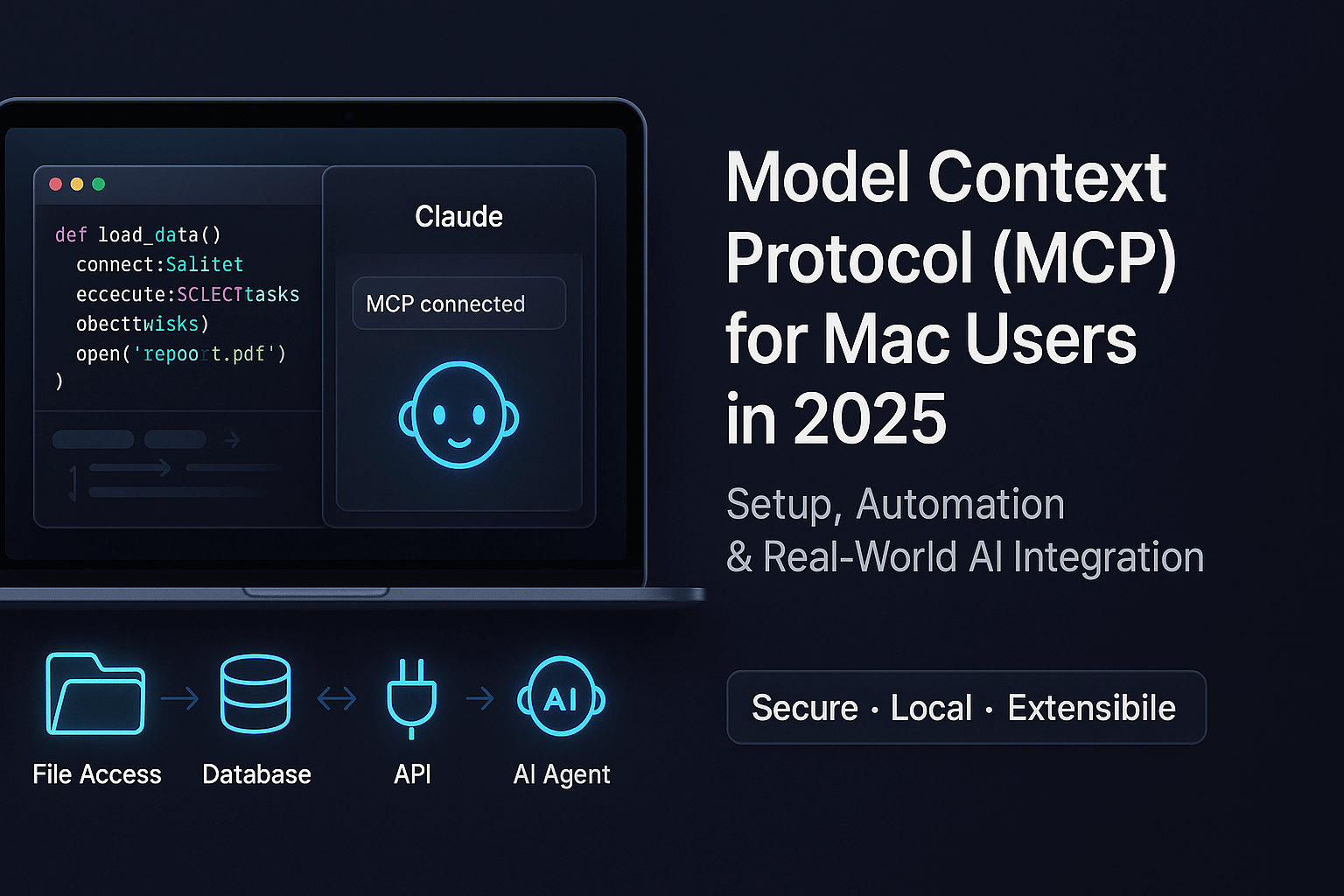
The Model Context Protocol is an open standard Anthropic released in November 2024. It gives AI tools like Claude Desktop and Claude Code a uniform way to talk to external systems: databases, browsers, design tools, your filesystem. Instead of writing a custom integration per tool, a server exposes capabilities over a standard protocol, and any MCP client can use them.
That is the whole idea. The interesting part is not the protocol. It is deciding which servers deserve a place in your config, because every server you add has a cost I will get to below.
Where MCP Config Lives on a Mac
This is the part beginners lose the most time on, because there are three different places configuration can live, and they do not overlap.
Claude Desktop reads a single JSON file:
~/Library/Application Support/Claude/claude_desktop_config.json
You edit it by hand, add servers under mcpServers, and restart the app. Claude Desktop does not hot-reload this file. If your server does not appear, the first fix is always a full quit (Cmd+Q, not just closing the window) and relaunch.
Claude Code has two scopes that matter:
- User scope for servers you want in every project. Managed with
claude mcp addfrom the terminal. - Project scope: a
.mcp.jsonfile in the repo root, checked into git, so every collaborator (and every future session) gets the same servers.
Here is the actual .mcp.json from my main Laravel project, in full:
{
    "mcpServers": {
        "laravel-boost": {
            "command": "php",
            "args": ["artisan", "boost:mcp"]
        }
    }
}
One server. That is not laziness. That is the conclusion.
Step-by-Step: Your First MCP Server on macOS
If you are starting from zero, do this in order.
1. Install the prerequisites
Most community MCP servers run on Node, so:
brew install node
node --version   # anything current is fine
2. Add a server to Claude Desktop
The filesystem server is the classic first test because you can verify it instantly:
{
  "mcpServers": {
    "filesystem": {
      "command": "npx",
      "args": [
        "-y",
        "@modelcontextprotocol/server-filesystem",
        "/Users/you/Documents"
      ]
    }
  }
}
Paste that into claude_desktop_config.json, quit and relaunch Claude Desktop, and ask Claude to list the files in your Documents folder. If it works, your plumbing is correct and every other server follows the same pattern: a command, its args, sometimes an env block for API keys.
3. Add servers to Claude Code
From inside any project:
claude mcp add my-server -- npx -y @some/mcp-server
claude mcp list
For servers the whole team should share, put them in .mcp.json instead and commit it. Claude Code will ask you to approve project-scoped servers the first time, which is the right default: a cloned repo should not silently execute arbitrary commands on your machine.
4. Verify before you trust
Every time I add a server I make it do one cheap, checkable thing first: list tables, take a screenshot, fetch one file. A server that half-works is worse than no server, because the model will keep trying to use it.
The Servers That Survived on My Machine
I have installed and removed a lot of servers. These are the ones that stayed, and the specific job each one earns its slot with.
Laravel Boost: the app's own MCP
For Laravel work this is the single highest-value server I know. It runs from the project itself (php artisan boost:mcp), so it knows the app it lives in: database schema, routes, config, logs, and a tinker tool that executes real code in the app context. When Claude needs to know whether a column exists, it queries the schema instead of guessing from a migration file that may be three years stale. I wrote up the full setup in my Laravel Boost MCP guide for Mac.
Playwright and Chrome DevTools: eyes on the browser
These two come as Claude Code plugins rather than hand-configured servers, and they cover the one job a CLI genuinely cannot: interactive browser state. When I change a Blade template, Claude opens the local site, takes a snapshot, checks the console for errors, and verifies at desktop, tablet, and mobile widths. That verification loop is why frontend changes on my site rarely ship broken.
Figma: design context without copy-paste
The Figma MCP connector lets Claude read design context, variables, and screenshots straight from a file instead of me exporting PNGs and describing spacing by hand. If you do design-to-code work, this is the workflow I described in my Figma MCP design-to-code guide, and it carries over to Claude Code directly.
If you want a broader survey of what is out there, I keep a separate list of must-have MCP servers for Claude Code. But read the next section before you install all of them.
The Rule Nobody Tells You: Every Server Taxes Every Conversation
Here is the insight that reshaped my whole setup. MCP servers are not free just because they are idle. Each connected server loads its tool definitions into the model's context window at the start of a session. Stack seven servers and you have spent a meaningful slice of your context before typing a word, and the model now has dozens of extra tools to consider on every single step.
So I apply one test: does this integration need live, stateful interaction? A browser session has state. A database connection has state. A Figma file is interactive. Those earn MCP slots. Everything that is a one-shot command with text output (GitHub operations, JSON wrangling, HTTP checks, builds) runs as a plain CLI tool, which costs zero context until the moment it is invoked. I wrote up the numbers behind this in CLI tools that supercharge Claude Code, and the difference is not subtle.
That is why my project config has one server in it. Restraint is the setup.
macOS Troubleshooting: The Four Failures I Actually Hit
The server never appears. Nine times out of ten this is invalid JSON in the config file. Run it through python3 -m json.tool before blaming the server. The tenth time, you forgot to fully quit Claude Desktop.
spawn npx ENOENT. Claude Desktop launches servers with a minimal environment and may not inherit your shell's PATH, especially when Node comes from a version manager. Use the absolute path to the binary in command, or install Node via Homebrew so it lands in a standard location.
The server starts, then dies silently. Check the MCP logs at ~/Library/Logs/Claude/ for Desktop. For Claude Code, run the server command by hand in a terminal; a Python server missing its venv or a Node server missing an env var will tell you immediately when it is not hidden behind the protocol.
Permission prompts forever. In Claude Code, approvals are remembered per scope. If you find yourself approving the same server or command daily, that is a settings problem, not an MCP problem; fix the allowlist once.
Where to Go From Here
Start with one server that touches something you use every day, verify it with a trivial task, and only add a second when you notice a repeated manual step it would remove. If you are working with permission scopes and multiple CLI clients, my post on configuring MCP servers and permissions for Codex CLI covers how the same servers behave across tools.
I set up stacks like this professionally, from MCP wiring to full AI-assisted development workflows for Laravel and WordPress teams. If you would rather have it configured, verified, and documented for your team than debug ENOENT errors on a Friday night, have a look at my services.