Laravel Boost is the only MCP server that has survived a year of pruning in my daily Claude Code setup. My .mcp.json for this site, a Laravel 11 production codebase with Filament, Livewire, and Horizon, declares exactly one server, and it is Boost. That is the strongest recommendation I can give a tool: everything else got cut for costing more context than it saved, and Boost stayed. This guide is the setup I actually run on macOS with Laravel Herd, plus the usage patterns that make it earn its slot.
What Laravel Boost MCP actually does
Boost is the official Laravel MCP server. It connects your AI assistant directly to your running application, which changes the quality of answers in a specific way: the AI stops guessing about your app and starts querying it.
Without Boost, Claude infers your schema from migration files (often stale), guesses package versions (often wrong), and answers framework questions from training data (often a version behind). With Boost, it reads the live schema, knows you run Filament v3 rather than v4, and searches version-matched documentation. On a codebase like mine, which deliberately keeps the Laravel 10 directory structure on Laravel 11, assumptions are exactly what I need my AI pair not to make.
Prerequisites on a Mac
My environment, for reference: macOS on Apple Silicon, Laravel Herd serving the app locally (this site runs at a .test domain via Herd), PHP 8.3, and Claude Code as the AI client. Boost also works with Cursor, VS Code, PhpStorm, and other MCP-capable editors. Herd is the piece I recommend most for Mac Laravel work in general: zero-config PHP and nginx means the MCP server always has a running app to talk to.
Step 1: Install the package
From your project root:
composer require laravel/boost --dev
php artisan boost:install
The installer detects your editors and AI tools and offers to wire them up. Two things land in your repo that matter:
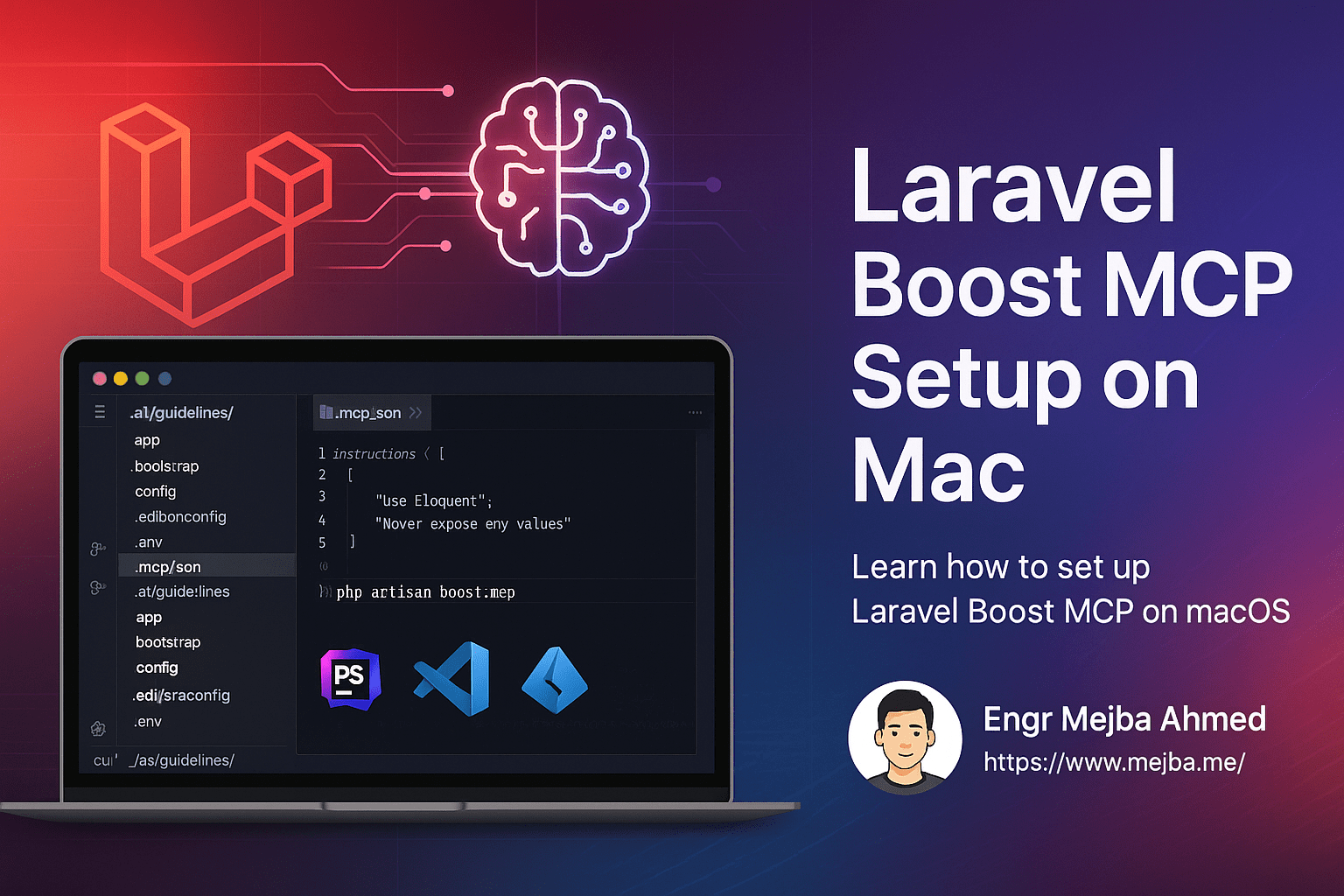
.mcp.json registers the MCP server for Claude Code. Mine is minimal:
{
    "mcpServers": {
        "laravel-boost": {
            "command": "php",
            "args": ["artisan", "boost:mcp"]
        }
    }
}
That is the entire Mac setup for Claude Code. No global daemon, no port juggling: the client launches php artisan boost:mcp inside the project, so each project gets its own server with its own app context.
AGENTS.md is an auto-generated guidelines file containing your exact package inventory and curated conventions for it. Mine lists PHP 8.3.26, Laravel v11, Filament v3, Livewire v3, Horizon v5, PHPUnit v10, and so on. One hard-won rule: treat this file as generated output. Keep it in sync through Boost rather than hand-editing, or your edits will fight the next regeneration.
Step 2: Verify it is actually connected
Open Claude Code in the project and ask something only the live app can answer, like "what does application-info return." You should get real versions, your database engine, and your model list. If the server fails to start, the usual Mac culprits are a PHP version mismatch (check herd which-php versus what php resolves to in your shell) or running the client outside the project directory so the relative artisan path breaks.
The tools that carry daily work
After a year, my usage concentrates on a handful of Boost tools:
search-docsis the headline. It queries version-aware Laravel ecosystem documentation, scoped to the packages you actually have installed. My project'sCLAUDE.mdcontains a standing instruction to usesearch-docsfor Laravel, Filament, and Livewire questions before searching anywhere else, because it beats general web search on framework specifics roughly every time.tinkerexecutes real code in the app context. This replaces a whole category of hallucination: instead of Claude reasoning about what a scope returns, it runs the query and reasons about the result.database-schema/database-querygive the AI the actual tables and read access to local data. Debugging an Eloquent relationship against the real schema is a different sport from debugging it against an inferred one; it pairs well with the kind of query-level work in my N+1 detection and fix guide.last-errorand log reading let Claude pull the actual exception instead of asking me to paste it.list-routessettles "what URL does this thing live at" instantly, which matters on an app with localized routes across six languages.
The compound effect is subtle but real: sessions start from facts. I stopped budgeting the first ten minutes of every AI pairing session for orientation, because orientation became tool calls.
Where Boost fits in a larger MCP strategy
My broader position, argued in my context hygiene post, is that every MCP server must save more context than its tool schemas consume on every message. Boost passes that test because its tools replace entire exploratory conversations. Most servers I have tried do not pass it, which is why my config has one entry and not nine. If you are new to MCP itself, my general MCP setup guide for Mac covers the protocol basics.
Two practices to pair with it from day one. First, keep a lean CLAUDE.md with your project's real gotchas; Boost gives the AI your app's facts, but only you can give it your app's scars. Second, wire your repeatable workflows into slash commands so the AI operates inside your quality gates; my daily set is in the slash commands I actually use. Boost plus those two habits is the whole foundation of my AI-assisted Laravel workflow, and it deploys to production through a standard GitHub Actions pipeline exactly like the pre-AI era did. The AI changed how code gets written here, not how it ships.
The Laravel codebases that go wrong with AI in the loop are the ones where nobody set the guardrails first: no Boost, a CLAUDE.md full of nothing, and no gate the agent cannot skip. Auditing and repairing those is regular work for me, so send me a note about your setup before the cleanup gets expensive.