MCP Server Codex CLI Laravel: The Right Setup
AI assistants are no longer futuristic add-ons — they are becoming the backbone of developer workflows, customer support, and content automation. But to make them reliable, secure, and consistent, you need the right environment configuration.
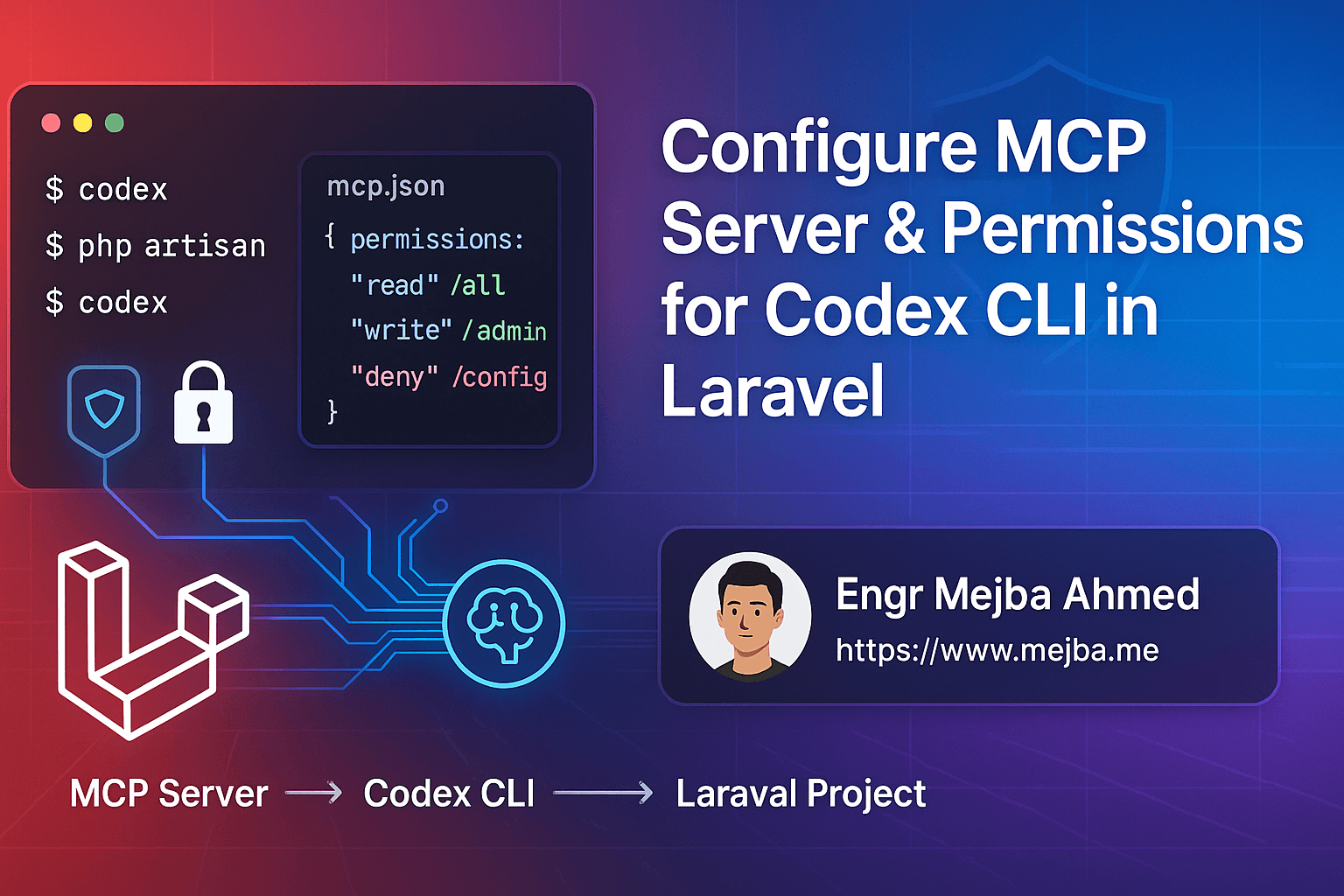
For Laravel developers, that means configuring the MCP (Model Context Protocol) server and permissions for Codex CLI. This ensures the assistant can read, write, and test within your codebase safely — without touching secrets or destructive files.
This guide will walk you through:
- What MCP servers are and why they matter
- How to configure
mcp.jsonfor Laravel - Best practices for permissions and safety
- How Codex CLI integrates with Laravel workflows
- Limitations and common pitfalls
By the end, you’ll have a production-ready Codex CLI setup for Laravel projects.
Step 1: Understanding MCP in Plain English
MCP (Model Context Protocol) is the “bridge” between your AI assistant and your local project.
- Servers: Define tools the assistant can use (filesystem, shell, git, HTTP).
- Permissions: Control what the assistant can read/write/execute.
- Safety: Ensure
.env,vendor/, andstorage/aren’t touched.
Think of MCP like a firewall for your AI assistant: it lets Codex CLI help you code but blocks anything unsafe.
Step 2: Creating a Project-Level mcp.json
Always place your MCP config at the project root, so teammates share the same setup.
Example Laravel-safe mcp.json:
{
  "version": "1",
  "servers": {
    "fs": {
      "command": "filesystem",
      "permissions": {
        "read": ["."],
        "write": [
          "app/",
          "config/",
          "database/",
          "resources/",
          "routes/",
          "tests/",
          ".github/",
          "composer.json",
          "composer.lock",
          "package.json",
          "vite.config.*",
          ".env.example"
        ],
        "deny": [".env", "storage/", "vendor/", "node_modules/"]
      }
    },
    "shell": {
      "command": "shell",
      "allow": [
        "php",
        "php artisan",
        "composer",
        "npm",
        "git",
        "pint",
        "pest"
      ],
      "deny": ["rm", "sudo", "shutdown", "reboot"],
      "workingDirectory": "."
    },
    "git": {
      "command": "git",
      "allow": ["status", "add", "commit", "diff", "restore", "log"],
      "autoStageOnWrite": true
    }
  }
}
✔ Safe defaults ✔ Allows coding & testing ✔ Blocks secrets and destructive commands
Step 3: How Codex CLI Uses Permissions
Codex CLI doesn’t automatically run commands or overwrite files. It:
- Proposes diffs → you approve them.
- Suggests shell commands → you approve or deny.
- Logs everything, so you stay in control.
This workflow ensures speed with guardrails.
Step 4: Integrating MCP with Laravel Workflow
Here’s how Codex CLI fits into your daily Laravel dev cycle:
- Generate feature tests (Pest/PhpUnit)
- Refactor controllers into Actions
- Scaffold CI/CD pipelines (GitHub Actions, GitLab CI)
- Run Pint & Pest automatically on commits
Because MCP blocks .env and sensitive folders, Codex can’t expose secrets or corrupt storage.
Step 5: Best Practices for Permissions
-
Allow writes only where needed
app/,tests/,routes/→ ✅.env,storage/,vendor/→ ❌
-
Limit shell commands
- Safe:
php artisan make:model - Unsafe:
php artisan migrate --forcein production
- Safe:
-
Use example envs
- Commit
.env.examplefor AI tasks - Never expose real
.env
- Commit
-
Commit often
- Small commits reduce merge conflicts
- Easier to roll back AI-generated changes
Step 6: Limitations of Codex CLI
Even with MCP configured, remember:
- Context window: Codex can’t “see” your entire repo at once. It only knows what it opens.
- No internet access: Unless you configure an HTTP server, Codex can’t fetch remote data.
- Approval needed: Nothing runs without your confirmation.
- Rate limits: Prolonged heavy sessions may trigger throttling (on Plus plans, usage is fair-use with some caps).
Step 7: Combining Codex CLI with Claude Code CLI
Yes — you can run both tools in the same Laravel repo. They both respect the same mcp.json.
Rules to avoid conflicts:
- Use one shared config (
mcp.jsonat root). - Work on separate branches for each assistant.
- Commit before switching tools.
- Add tool state dirs (
.junie/,.claude/) to.gitignore.
This way, Codex and Claude won’t overwrite each other’s context.
Real-World Example: Menu Drag-and-Drop in Laravel
Imagine you’re fixing a nested menu drag-and-drop feature:
-
Ask Codex CLI: “Write a Pest feature test for
MenuController@updateOrderwith valid/invalid payloads.” -
Approve generated tests → run
pest. -
Ask Codex CLI: “Fix the update logic in
MenuControllerand refactor intoApp/Actions/Menu/UpdateOrder.php.” -
Approve changes → tests pass → commit.
Result: A feature completed in half the time, with tests and refactor included.
Quick Takeaways
- MCP = firewall + toolkit for AI assistants
- Always use project-level
mcp.json - Block
.env,vendor/, and destructive commands - Codex CLI fits seamlessly into Laravel test-driven workflow
- Safe to run alongside Claude Code CLI with one config
Call to Action
Want a Laravel-ready AI coding assistant?
Configure your MCP server today, commit a safe mcp.json, and let Codex CLI handle repetitive dev tasks while you focus on architecture.
FAQ
Q: Can Codex CLI accidentally expose .env?
No — not if you deny .env in your mcp.json (recommended).
Q: Is MCP required to run Codex CLI? Yes — MCP defines what tools the assistant can use.
Q: Can Codex run database migrations?
Only if you approve and whitelist php artisan migrate. For safety, restrict to testing environments.
Q: Can I use Claude and Codex together?
Yes — as long as you share one mcp.json and keep changes in separate commits/branches.
Verifying the Setup Works
Test the wiring with a low-stakes request: ask the assistant to summarize a model's relationships or list registered routes. If it answers from actual code rather than guessing, the MCP connection is live. Then try something it should refuse — writing outside the granted directory — and confirm the permission boundary holds. A setup you haven't tested for both success and refusal isn't configured; it's assumed. Keep a short note of what you granted and why, because six months from now the scope you chose will be a mystery without it.
When to Widen the Scope
Expand permissions the same way you'd onboard a contractor: after demonstrated competence on the current scope. If the assistant has spent two weeks reading models and generating migrations without a single misfire, granting write access to the tests directory is reasonable. Jumping straight to full-project write access on day one isn't bravery — it's skipping the only feedback loop that tells you whether your configuration actually contains mistakes before they compound.
Scoping Permissions Sanely
An MCP server Codex CLI Laravel setup is only as safe as its permission scope — grant read on the app, write on nothing, and widen one directory at a time as trust builds. My the Mac MCP setup and best MCP servers go deeper.
If you want MCP wired into your Laravel workflow, that's work I take on through Ramlit.