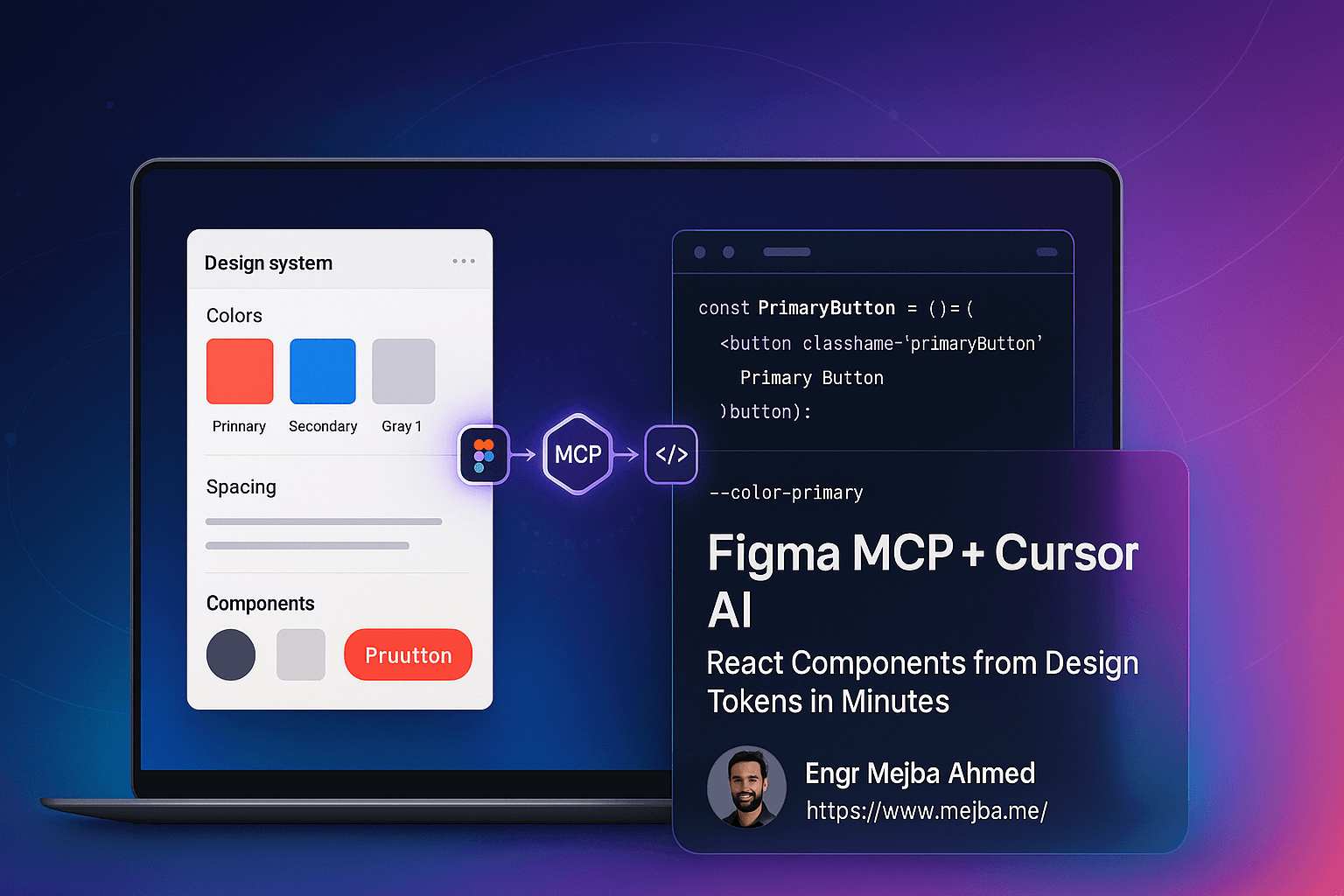
The Figma MCP plus Cursor pipeline works — I want to say that plainly, because most design-to-code coverage is either vendor demo footage or cynicism. But it works on one condition that almost every tutorial skips: the model has to know your design tokens before you ask it for components. Skip that step and you get plausible React that hardcodes hex values and eyeballs spacing: components that look right in a screenshot and rot instantly because they are disconnected from your design system. Feed the tokens first and the output actually belongs to your codebase.
I learned this distinction on real work: I shipped a token-driven redesign across every blog surface of this site, driving the design-tokens-to-components pipeline with an AI agent. My daily driver for that work is Claude Code (I have written up that exact Figma MCP workflow separately), but the MCP server at the center is client-agnostic, and Cursor is where most teams meet it. Same server, same failure modes, same fix. This guide is the Cursor version, with the lessons from the token pipeline included.

The Three Pieces, and What Each Actually Contributes
Figma's MCP server exposes your design file as structured data (component hierarchy, variables, styles, layout values) instead of a flat image. This is the entire reason the workflow beats screenshot-pasting: the model reads the design's structure, not its pixels. When it can see that a padding value comes from a spacing variable, it can generate code that references the same variable.
Cursor is the AI editor on the consuming end. It holds your repo context, talks to the MCP server, and writes the components. Any MCP-capable agent can fill this seat; nothing below is Cursor-exclusive.
Design tokens are the piece people treat as optional, and they are actually the load-bearing wall. Tokens, named values for color, spacing, typography, radii, are the shared vocabulary between the design file and the codebase. The whole pipeline is really a translation exercise, and tokens are the dictionary. No dictionary, no faithful translation, no matter how good the model is.
Setup: Connecting Cursor to Figma
The mechanical part is short.
- Enable the MCP server in Figma. In the Figma desktop app, enable the Dev Mode MCP server from the app's preferences. Figma shows you a local endpoint (a
127.0.0.1URL) that the server listens on. You need a plan with Dev Mode access. - Register the server in Cursor. In Cursor's settings, add a new MCP server and give it that endpoint. Cursor's MCP settings accept it directly; on restart you should see the Figma tools listed as available.
- Verify with a dumb question first. Select a frame in Figma and ask Cursor something read-only: "describe the selected frame's layout and list which variables it uses." If it answers with structure (names, variables, constraints), the pipe works. If it answers vaguely, it is not actually reading the MCP data, and everything you generate next will be image-guessing. Do not skip this check; it separates the two failure classes you will otherwise be debugging blind.
That is the plumbing. Now the part that decides the outcome.
The Step Everyone Skips: Prime the Model with Your Token Map
Here is the insight from shipping the token redesign, stated as a rule: the model resolves ambiguity toward whatever it can see, and if it cannot see your token layer, it resolves toward raw values. A generated button with background: #38d39f is not wrong, exactly; it matches the design. It is orphaned. The design said color-brand-primary; the code should too, or your next rebrand is a find-and-replace archaeology dig.
So before asking for any component, I do a context-prep pass:
- Give the agent the tokens file. The actual artifact from your repo — CSS custom properties, a Tailwind theme config, a
tokens.json— whatever your single source of truth is. If you do not have one, stop and create it; the pipeline without it automates the production of design debt. - Give it one exemplar component. Your best existing component, the one that does everything right: consumes tokens, follows your naming, handles variants your way. One good example beats three paragraphs of style-guide prose, because the model imitates structure far more reliably than it follows described rules.
- State the binding explicitly. One instruction: "every color, spacing, radius, and type value in generated components must reference a token from this file; never emit a raw value that has a token equivalent; flag anything in the design with no token match."
That third clause — flag the mismatches — turned out to be the sleeper feature of the whole workflow. On the blog redesign, the flagged orphans were genuine design-system findings: values a designer had nudged off-token, states that existed in code but not in the design file. The pipeline audits both sides of your system as a byproduct of generating from it.
Generating Components That Survive Review
With context primed, the generation loop is unremarkable in the best way. Select a component in Figma. Component-sized selections work far better than whole screens: a screen-sized ask produces a monolith you will spend longer decomposing than you saved. Ask for the implementation, naming your stack precisely ("React function component, TypeScript, our token classes, variants as props"). Then review against the checklist of what this pipeline predictably gets wrong:
- Raw values that leaked through despite the binding instruction. There are always one or two; grep for
#andpxin the diff. - Reinvented siblings. The model will happily generate a new
Badgewhen you already have one. It cannot know your component inventory unless the exemplar pass or the repo context surfaces it; this is where Cursor's repo awareness earns its seat. - Structure mimicked, semantics missed. Auto-layout translates to flexbox fine; meaning (this is a
nav, this list is aul, this needsaria-expanded) does not come from the design file at all. Accessibility review stays human. - Variant sprawl. Designs encode variants visually; models sometimes encode them as six near-duplicate components instead of props. Say "variants as props" every time; it listens most of the time.
Expect generated output to be 80 percent done and the remaining 20 percent to be exactly the judgment calls listed above. That ratio has been stable across my sessions regardless of model updates, which tells you it is structural: the design file simply does not contain that information.
Where This Fits in a Real Team
The honest economics: this pipeline compresses the translation labor of design-to-code: the mechanical transcription of values, layout, and states that used to consume the first hours of every component. It does not compress design judgment, system architecture, or accessibility. For a team with a healthy token system, that is a genuine multiplier on the boring half of frontend work. For a team without one, the pipeline's real value is forcing the conversation: watching an agent flag forty orphaned values makes the case for tokens better than any slide deck.
The pipeline also composes upward. Once tokens flow reliably from file to component, the same approach extends to keeping design and code in sync continuously rather than per-handoff, and to running a full design-system workflow with AI in the loop. And when there is no Figma file at all, the same token discipline is what lets an agent act as a competent UI designer working directly in code — the tokens, it turns out, were the design system all along; Figma and React are both just views of it.
Start with one component this week: prime the tokens, prime one exemplar, generate, and diff for raw values. The first flagged orphan will teach you more about the real state of your design system than the generated component does.
The real output of this workflow is not the generated component; it is the honest inventory of your token map that the diff produces. The design-system and frontend builds where that inventory paid off are collected on my projects page.