
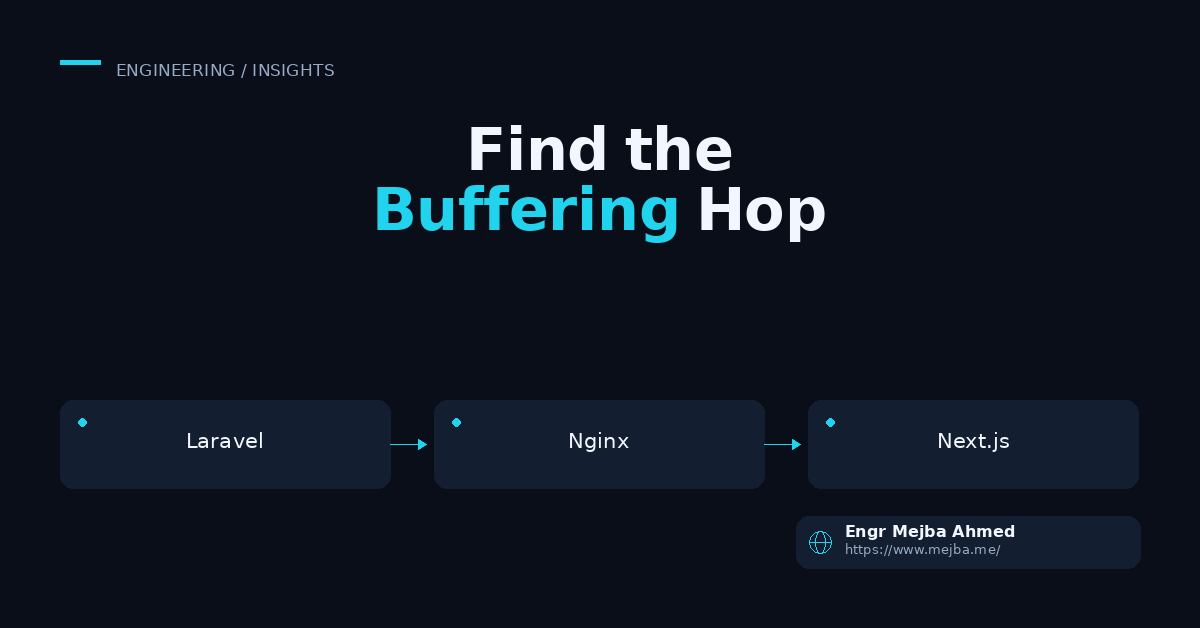
Your Laravel API streams Claude tokens to a Next.js frontend, and on localhost the reply types itself out word by word. In production the same request hangs, then the whole answer lands in one block. This guide shows where that buffering can happen, gives you a minimal Laravel-to-Next.js relay that passes chunks through, and provides a per-hop check to find the layer that holds output back.
Why the reply arrives in one block: four places a stream can buffer
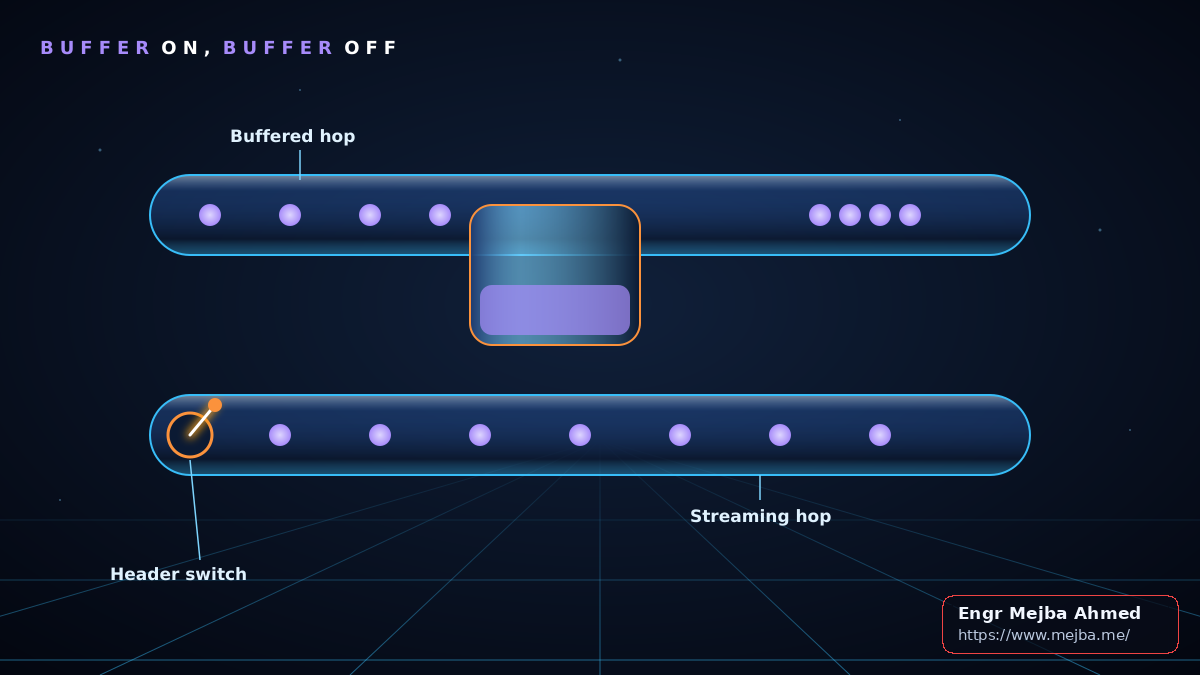
The Claude Messages API streams a response incrementally over server-sent events when the request sets "stream": true (Anthropic streaming docs). Between Claude and the browser, the data passes through several hops. Any one of them can collect chunks before sending them on:
- Laravel's response object has to write and flush each chunk as it arrives.
- PHP's output buffer can be enabled for all files in
php.ini, either asOnor as a byte size such asoutput_buffering=4096. The directive is always Off in PHP-CLI (PHP output control configuration). - Nginx buffers proxied hops by default, because
proxy_bufferingdefaults toon(nginx proxy module). - The Next.js route handler and the browser reader can either pass the body through or wait for all of it.
The "fine locally, broken in production" pattern has a likely explanation, but confirm it with the checks at the end. A local setup often skips Nginx and may run without a php.ini output buffer. PHP-FPM behind Nginx in production adds both. For background, see LLM Streaming: Why First-Token Latency Beats Total Time.
Layers 1 and 2: Laravel and PHP must flush every chunk
The Laravel responses docs describe two stream() patterns:
- Manual flushing. The documented loop calls
ob_flush()andflush()after each chunk and sets theX-Accel-Buffering: noheader. - A Generator closure. Laravel flushes the output buffer between yielded strings and disables Nginx output buffering for you.
For SSE, response()->eventStream() returns a text/event-stream response built from a closure that yields responses. To name an event, yield a StreamedEvent. When the stream completes, Laravel sends a final </stream> update, which you can replace through the endStreamWith argument.
The Anthropic PHP SDK exposes streaming through createStream(). The claudeTextDeltas() call in the route below is a placeholder that you implement around it, following the SDK's own documentation.
use Illuminate\Http\Request;
use Illuminate\Http\StreamedEvent;

Route::post('/chat/stream', function (Request $request) {
    $prompt = $request->string('prompt');

    return response()->eventStream(function () use ($prompt) {
        try {
            // PLACEHOLDER: wrap the Anthropic PHP SDK's createStream()
            // and yield only text_delta strings. Skip ping and unknown events.
            foreach (claudeTextDeltas($prompt) as $text) {
                yield new StreamedEvent(event: 'update', data: $text);
            }
        } catch (Throwable $e) {
            report($e);
            yield new StreamedEvent(event: 'error', data: 'stream_failed');
        }
    });
});
The Claude docs say a stream may contain ping events and that new event types may be added, so your wrapper should ignore anything it does not recognise. Errors that occur mid-stream, such as overloaded_error, do not reach SDK users as events. The SDK ends the stream and throws an error to the reading code, which is why the loop sits inside try.
The catch block is a design recommendation. After the first chunk is sent, the status code can no longer change, so the route emits a named error event for the client and then ends the stream.
Tradeoff to check. The Laravel docs say that only stream() with a Generator disables Nginx buffering. Run curl -i against the route. If X-Accel-Buffering: no is missing from the response, set the header on the returned response, or switch to stream() with a Generator and format the SSE lines yourself.
Layer 3: Nginx buffering and client aborts
The directives in this section belong to Nginx's proxy module. They govern proxy_pass hops, such as Nginx in front of Next.js, or in front of Laravel running as an HTTP app server like Octane. If Nginx reaches PHP-FPM through fastcgi_pass, a separate FastCGI module with its own buffering, timeout and client-abort directives handles that hop. Look up the equivalents in that module's documentation, because the proxy_* settings have no effect there.
On a proxied hop with buffering enabled, Nginx reads the upstream response into its buffers before passing it on. With buffering disabled, it passes the response to the client as it is received (nginx proxy module).
The upstream can set X-Accel-Buffering: no to disable buffering for a single response. However, proxy_ignore_headers can disable this capability, so search shared includes for that directive. Rely on the per-response header so that ordinary routes keep buffering. If you cannot control the header, scope proxy_buffering off to a location block that matches only the streaming path.
Two more proxy defaults matter:
proxy_read_timeoutis 60s and applies between two successive reads. A stream that keeps sending tokens survives, but one that goes silent for 60 seconds is closed.proxy_ignore_client_abortisoff, so Nginx closes the upstream connection when the client disconnects. Keep it that way on streaming routes.
A typical deployment has two Nginx hops, and each one buffers independently. For base server setup, see Deploy Next.js to a VPS with Nginx: Standalone Output, systemd and No More 502s.
Layer 4: a Next.js route handler that passes chunks through
Next.js Route Handlers can stream by returning a Web API Response whose body is a ReadableStream (Next.js route handler docs). A fetch() response body is already a stream, so the handler can return it without reading it.
// app/api/chat/route.ts
export async function POST(request: Request) {
  let upstream: Response;
  try {
    upstream = await fetch(`${process.env.LARAVEL_URL}/chat/stream`, {
      method: 'POST',
      headers: { 'Content-Type': 'application/json', Accept: 'text/event-stream' },
      body: await request.text(),
      signal: request.signal,
    });
  } catch {
    return Response.json({ error: 'upstream_unreachable' }, { status: 502 });
  }

  if (!upstream.ok || !upstream.body) {
    return Response.json(
      { error: 'upstream_failed' },
      { status: upstream.status >= 400 ? upstream.status : 502 },
    );
  }

  return new Response(upstream.body, {
    headers: {
      'Content-Type': 'text/event-stream',
      'Cache-Control': 'no-cache',
      'X-Accel-Buffering': 'no',
    },
  });
}
The most common bug at this layer is calling await upstream.text() or await upstream.json() before responding. Either call waits for the entire stream, which recreates the one-block symptom.
Two choices in this handler are design recommendations:
- Non-2xx responses return a JSON error instead of a failed body labelled
text/event-stream. request.signalis intended to cancel the upstream fetch when the browser disconnects. Whether that also stops PHP-FPM and the Claude request depends on your runtime, so verify it with the abort check below.
Keep the Claude key on the server. For related pitfalls, see Is Your OpenAI or Claude API Key in the Browser? Fixing NEXT_PUBLIC_ Leaks in AI-Built Next.js MVPs.
On the client, EventSource only issues GET requests, so it cannot call this POST route. Use fetch() with an AbortController instead:
- Check
response.okand the content type before reading the body. - Read the body with
getReader()and a streamingTextDecoder. - Split the decoded text into events on blank lines and read the
data:lines. - Stop on an
errorevent. On</stream>, stop and callabort().
If the Laravel route sits behind CSRF middleware, the server-to-server call from Next.js will be rejected. Register the route outside that check.
Per-hop flush checklist
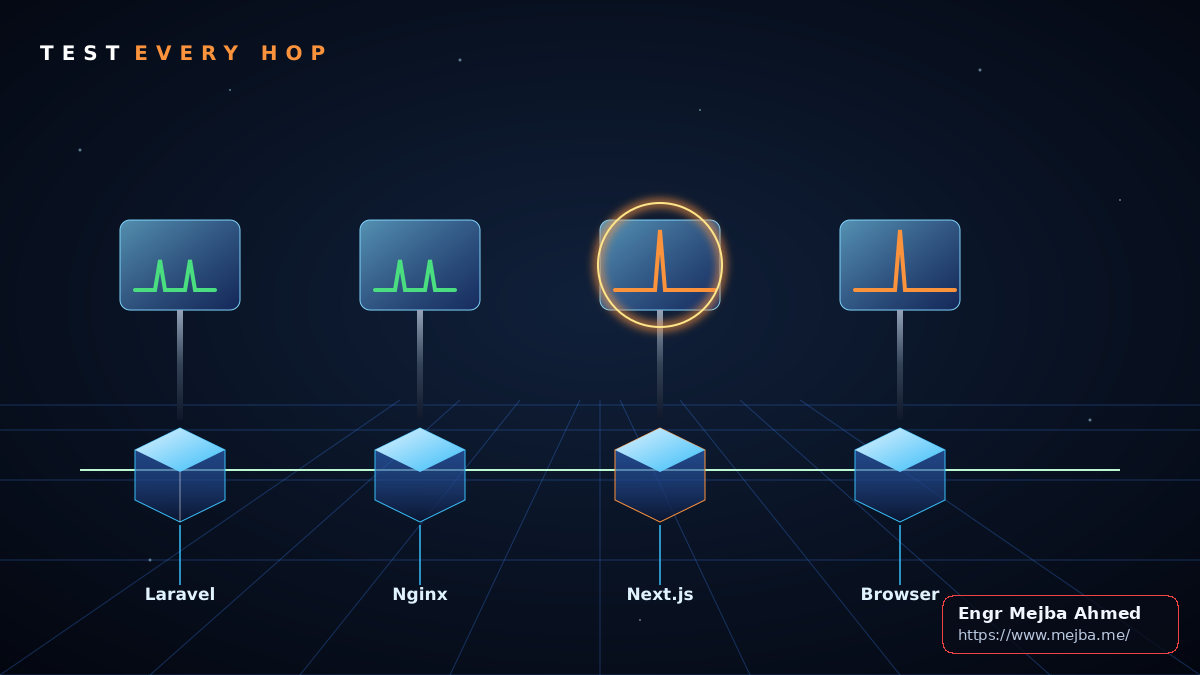
These are proposed test steps. Send the same request to each hop and find the first one where spaced-out events collapse into a single burst. The -N flag disables curl's own buffering.
curl -N -i -X POST https://api.example.com/chat/stream \
  -H 'Content-Type: application/json' -d '{"prompt":"Count to twenty slowly"}'
Repeat it against these targets:
- Laravel directly, if it runs as an HTTP app server.
- Laravel through its Nginx.
- The Next.js
/api/chatroute. - The browser network tab.
PHP-FPM has no HTTP port, and php artisan serve runs the CLI SAPI, where output_buffering is always Off. To check the FPM value, add a temporary route that returns ini_get('output_buffering'), request it through Nginx, and then remove the route. Any value other than 0 or empty makes the PHP buffer a suspect.
Match the first failing hop to its fix:
- Hop 1: add a Generator or per-chunk flush.
- Hop 2: send
X-Accel-Buffering: noand checkproxy_ignore_headersor the FastCGI module's equivalent. - Hop 3: return
upstream.bodywithout awaiting it, and set the header on that Nginx hop as well. - Browser only: use a reader loop instead of
response.text().
For the abort check, press Ctrl+C partway through hop 2. Then watch the Laravel logs and your Claude usage to see whether generation stopped. If you move long generations into jobs, see Why Laravel Queue Workers Kill Long Claude Calls: Aligning HTTP Timeouts, Job Timeout and retry_after.
FAQ
Why does it work with php artisan serve but not under PHP-FPM?
The FPM php.ini may set output_buffering, and production adds an Nginx hop that buffers by default. Check the FPM value with an ini_get route, then test hop 2.
Do I need proxy_buffering off globally?
No. On a proxied hop, X-Accel-Buffering: no disables buffering for that response only, unless proxy_ignore_headers lists the header.
Can I use EventSource? Not with this POST endpoint. EventSource needs a separately designed GET route.
Why does the stream cut off after about a minute?
On a proxy_pass hop, proxy_read_timeout closes the connection after 60 seconds without output. A FastCGI hop has its own timeout.
Trace your stream hop by hop today
Run the curl checks, read the FPM output_buffering value, and fix only the first hop that fails. Confirm that X-Accel-Buffering: no appears on both the Laravel and Next.js responses. Return upstream.body without awaiting it, keep the JSON error path, pass request.signal upstream, and read the stream with a fetch() reader loop. Finish with the abort check so you know whether closing the tab really stops the Claude request.
Want this built into your product? See AI Integration for Laravel & WordPress — OpenAI & Claude.