There are far more Claude Code slash commands than you will ever need, and the lists that rank all of them are written by people who tried each one once. I have run Claude Code daily for over a year on one production Laravel codebase, and my honest inventory is short: five built-in commands carry almost every session, custom commands carry the repeatable workflows, and the rest I either tried and dropped or never missed. This is the daily set, why each one earned its place, and the two habits that matter more than any command.
What slash commands actually are
Inside a Claude Code session, anything starting with / is an instruction to the tool rather than a prompt to the model. Some manage session state (/clear, /resume), some are diagnostics (/context), and some are entry points into your own packaged workflows (custom commands defined by your project or plugins). That last category is the underrated one, and I will get to it, because it is where slash commands stop being ergonomics and start being infrastructure.
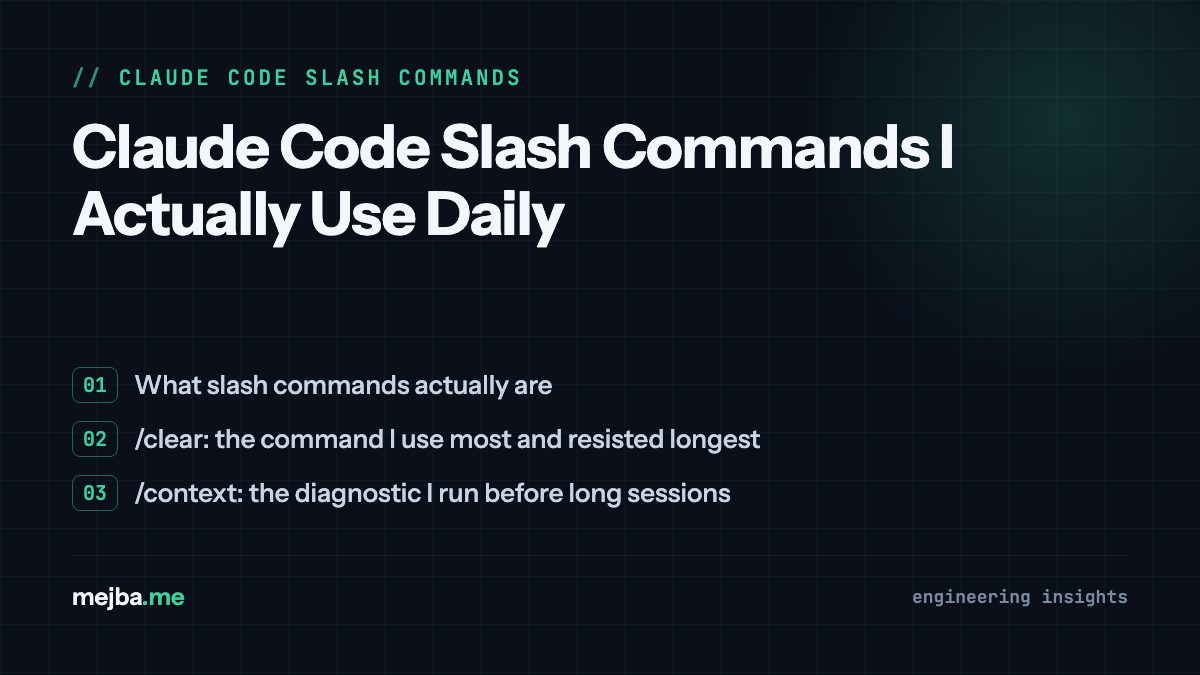
/clear: the command I use most and resisted longest
/clear wipes the conversation and starts fresh. For months I avoided it because a long transcript feels like accumulated understanding, and throwing it away feels like a loss. Then I actually measured what stale context was doing to my sessions: everything from earlier tasks gets reprocessed as the session continues, quality degrades as the window fills, and none of that residue was helping the current task.
Now the rule is mechanical: new task, /clear. Finished debugging the sitemap and moving to a Filament resource? /clear. The insight that unlocked it: anything worth keeping from a session should be written to a file, not left in the transcript. Once your durable knowledge lives in CLAUDE.md and memory files (my full setup is in the six levels of Claude Code memory), clearing costs nothing and pays every message.
/context: the diagnostic I run before long sessions
/context shows what is occupying the window right now: system prompt, tool definitions, MCP servers, files, conversation history. I run it at the start of anything expected to be long, because passive consumers are invisible until you look. This command is how I discovered that MCP servers I was not even using were charging me on every message, which led to my current one-server .mcp.json. The full economics are in my context hygiene post, but the habit is simple: look before the session gets heavy, not after it gets weird.
/resume: session recovery that has saved real work
/resume reopens a previous conversation with its context intact. My strongest endorsement comes from batch work: during a multi-week project rewriting 84 blog posts, sessions died more than once (usage limits reset at fixed times, and long workflows occasionally outlived them). /resume plus a status manifest on disk meant a dead session was an interruption, not a loss.
The practical detail nobody mentions: /resume is most valuable when you deliberately end sessions early. Once I trusted recovery, I stopped stretching sessions to their degraded end and started closing them at natural checkpoints. Counterintuitively, a good resume story makes you use shorter, healthier sessions.
/rewind: undo for the conversation and the code
/rewind steps back to an earlier point, restoring both conversation and file state. I reach for it in one specific situation: Claude has taken a wrong approach with conviction, and correcting it forward would mean arguing against several thousand tokens of its own recent output. Rewinding to the fork and re-prompting with a sharper instruction is faster and produces cleaner results than mid-course correction. Forward correction fights the transcript; rewind edits it.
Plan mode: not technically a slash command, used like one
Plan mode makes Claude propose an approach before touching files. On a codebase with real conventions and a pre-commit hook that blocks unformatted PHP, I want the approach reviewed before the diff exists. My trigger rule: anything that spans more than two or three files gets plan mode; single-file fixes do not. The failure mode it prevents is specific and painful: a confident multi-file refactor built on a wrong assumption you could have corrected in one sentence at the plan stage.
Custom commands: where the real leverage is
Built-in commands manage sessions. Custom commands encode your workflows. A custom command is a markdown instruction file your project exposes as /name, and this is the layer I would defend hardest if forced to choose.
The ones wired into my daily loop:
- /code-review runs a structured review of the current diff at a chosen effort level. On this repo it catches things generic review misses because it runs with project context loaded.
- /commit produces a conventional commit from the actual diff. My repos use conventional commits and a pre-commit hook (Pint formatting blocks, PHPStan warns), so encoding the house style into the command means never re-explaining it.
- /simplify reviews changed code for reuse and unnecessary complexity before it ships. Cheap to run, regularly deletes code I would have kept.
- /loop re-runs a prompt or command on an interval, which turned "check the deploy every few minutes" from a human job into a command.
The pattern worth stealing: any instruction you have typed three times belongs in a command file. My earlier post on building an advisor slash command walks through authoring one from scratch, and the same packaging instinct scales all the way up to full agent workflows, where commands become the entry points to orchestrated agent teams.
What a real session looks like strung together
A concrete morning on this repo, compressed: /resume yesterday's Filament session to check a loose end, close it out. /clear. Run /context, confirm the window is lean. Plan mode for a three-file change to the blog controller, approve the plan, let it build. /code-review on the diff, fix one finding. /commit. /clear again before switching to content work. Nothing exotic, and that is the point: five commands, used consistently, beat thirty commands used occasionally.
What I tried and dropped
Honesty section. Status-line customization was fun for a week and changed nothing about my output. Novelty commands from plugin marketplaces mostly earn their uninstall within a month, and the ones that survive are the ones bound to a real recurring task. My filter now: a command stays if it either protects state (/clear, /resume, /rewind), reveals state (/context), or encodes a workflow I genuinely repeat (custom commands). Everything else is decoration, and decoration in a terminal costs attention.
The two habits that outrank any command: keep durable knowledge in files rather than transcripts, and end sessions at checkpoints instead of at the wall. Every command above serves one of those two habits. That is why they survived a year and the rest did not.
A lot of my custom commands began life as reusable prompts I refined until they were worth packaging. I keep the polished versions of those in my prompt library, which is free to browse; if you are building your own command set, stealing a tested prompt as your starting point beats writing the instruction file from a blank page.