Most prompt engineering guides recycle the same dozen tips and wrap them in statistics nobody can trace. An earlier version of this article was one of them — it claimed certain techniques boost accuracy by a precise-sounding triple-digit percentage. When I audited my own content, I couldn't stand behind that number, so it's gone. What's left is the method I actually use. I've written, tested, and published 854 prompts in the prompt library on this site, and every technique below survived that filter: it either made outputs measurably easier to use on real tasks, or it got cut.
Here's the whole discipline in one sentence: a good prompt is the brief you'd hand a capable new colleague who can't ask follow-up questions. Everything else — roles, examples, constraints, formats — is just the anatomy of that brief.
What Prompt Engineering Actually Is
Prompt engineering is deciding what the model needs to know before it starts, instead of correcting it after it finishes. That's it. The model can't see your codebase, your audience, your standards, or your definition of "done" unless you put them in the prompt. When people say "the AI gave me generic garbage," the prompt almost always contained a generic request.
After 8+ years of building software and 1,500+ projects, I treat prompts the way I treat tickets: an under-specified ticket produces rework, and an under-specified prompt produces retries. The techniques below are how I close the gap up front.
The Five-Slot Brief I Use for Every Prompt
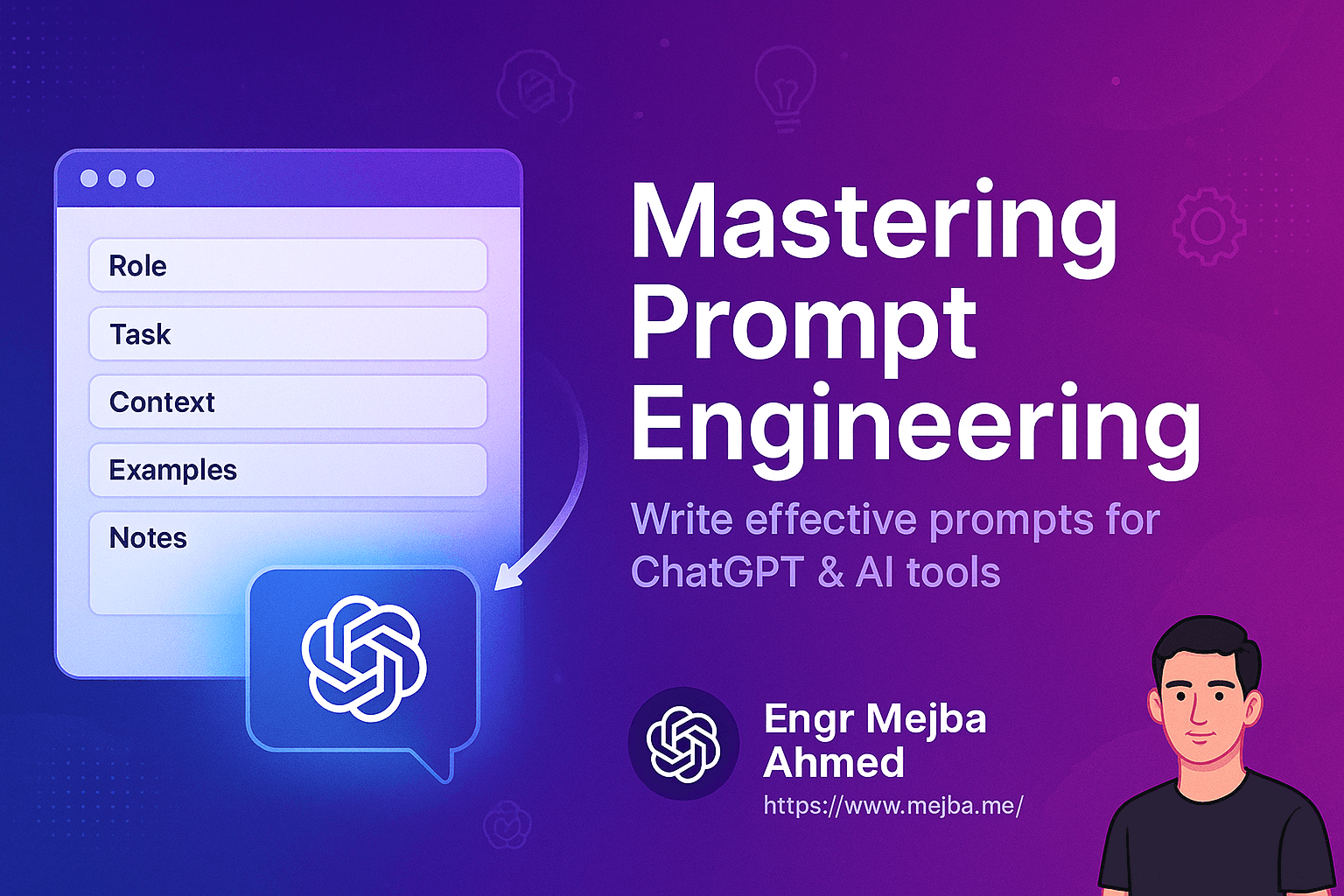
Every prompt in my library, whether it's for code review, email copy, or server hardening, fills some subset of five slots. When a prompt underperforms, the fix is almost always a missing slot, not fancier wording.
1. Role — who is answering
"You are a Laravel developer reviewing a pull request for security issues" beats "review this code" because it narrows what the model pays attention to. But a caveat you won't find in most guides: on current models, the role line matters less than it did in 2023. If your role sentence is doing all the work, the prompt is still under-specified. I keep roles to one line and spend the saved words on constraints.
2. Context — what they need to know
Paste the actual material: the code, the audience description, the previous email in the thread, the error message. The single most common weakness I found while building out the depth layer of my prompt library — I wrote usage notes and FAQs for every one of the 854 prompts — was prompts that told the model what to do but gave it nothing to do it to. Context is the slot where more is usually better.
3. Task — one verb, one deliverable
"Summarize this contract's termination clauses" is a task. "Help me with this contract" is a wish. If your request contains "and also," consider splitting it into two prompts; chained small tasks fail less often than one sprawling one.
4. Constraints — what to leave out
This is the slot that separates usable output from plausible filler. Word limits, banned phrases, "don't mention paid features," "no code comments," "American spelling," "cite only the provided document." Negative constraints do heavy lifting because the model's default is to include everything that might be relevant. My working rule: for every instruction about what to include, write one about what to exclude.
5. Output format — the slot everyone skips
Tell the model exactly what the deliverable looks like: "a Markdown table with columns X, Y, Z," "a 150-word paragraph, no bullet points," "valid JSON matching this shape." When I reworked the weakest prompts in my library, missing output contracts were the most frequent fix I made — more than roles, more than tone, more than anything. An output format turns "did it answer?" into "does it match the spec?", which is a question you can check in five seconds.
Here's the five-slot pattern applied to the classic weak prompt:
Weak: "Write a product description."

Better:
You are an ecommerce copywriter.                        [role]
Product: noise-canceling headphones, $249, 30-hour
battery, aimed at remote workers in open apartments.    [context]
Write one product description.                          [task]
150 words max. No superlatives ("best," "ultimate").
Don't invent specs beyond those listed.                 [constraints]
Output: a heading under 8 words, then two paragraphs.   [format]
The improved version isn't clever. It's complete. That's the point.
When to Add Examples (Few-Shot Prompting)
Examples are the fastest way to communicate style, and often faster than describing the style. If I want commit messages in a particular shape, two real examples beat three sentences of explanation. Use few-shot prompting when the output has a form that's easier to show than tell — naming conventions, tone, data formats, translation register.
Skip it when the task is reasoning-heavy rather than format-heavy. Examples anchor hard: give a model three short examples and it will resist producing long output even when the task needs it. In my library, few-shot prompts are common in the writing and data-formatting categories and nearly absent from the debugging ones. That distribution wasn't a design decision — it's what testing left standing.
Step-by-Step Reasoning — and When to Stop Asking for It
"Think step by step" (chain-of-thought prompting) was the highest-leverage phrase of 2023. On today's reasoning models, it's often redundant: the model already plans internally, and stacking explicit reasoning demands on top mostly burns tokens. The clearest example is verification. Anthropic's own migration guidance for its newer models says instructions like "double-check your answer" now cause over-verification — I dug into what that means in practice in my Claude Opus 5 benchmarks breakdown.
What still earns its place is structural decomposition: "First list the assumptions, then evaluate each, then recommend." That's not asking the model to think harder; it's specifying the deliverable's structure, which is really slot five again. I've also moved a lot of my old chain-of-thought scaffolding into iteration instead — running a short prompt, inspecting, and refining — which is a different skill I compare directly in loop engineering vs. prompt engineering.
Where Instructions Go in Long Prompts
Models attend most reliably to the beginning and end of a prompt — the "lost in the middle" effect, and one of the few 2023-era findings that still shows up in my day-to-day work. Practical consequences:
- Put the task and hard constraints at the top, restate the critical one at the bottom.
- Paste large context (documents, code) in the middle, where drift matters least.
- If a prompt exceeds a screen or two, number the requirements. Numbered lists survive long context better than prose, and they let you say "you skipped requirement 4" on the retry.
The Numbers I Deleted From This Guide
This article used to attach precise percentages to its techniques — a triple-digit improvement claim for emotionally framed prompts, a tidy accuracy gain for role prompting. Those figures trace back to papers benchmarked on 2023-era models — when they trace back to anything at all — and I could not reproduce anything like them on the models I use daily. So I removed them, and I'd push you to apply the same skepticism everywhere: any prompting guide quoting a precise universal percentage is describing an experiment you're not running, on a model you're not using.
What I can say from my own testing: emotional framing ("this is very important to my career") did nothing detectable for output quality on current models. Clear constraints and output contracts did. Boring wins.
Build a Library, Not a Bag of Tricks
The techniques above make individual prompts better. The compounding gain comes from keeping the ones that work. Every prompt in my library exists because I needed it for something real, and each entry carries a note on when to use it and a short FAQ — because six months later, the hard part isn't finding the prompt, it's remembering why it was written that way. Curation forced me to notice my own patterns: which slot I habitually skip (constraints, in my case), which prompts I kept rewriting (anything without an output format), and which categories went stale as models improved (most of the reasoning tricks).
I've collected the operating rules that came out of that process in AI prompting rules that reduce guessing, and the model-specific habits worth keeping in my Claude prompting habits. Start smaller than that: take the next ten prompts you write, revise each once before sending — add the missing slot — and keep the ones that worked. That's the entire practice. The rest is repetition.
The question I get most about all this is which prompt to start with, and the answer is boring: the one closest to whatever task is in front of you today. The whole 854-prompt library is free to browse and organized that way, each entry carrying the usage note that tells you in ten seconds whether it fits your problem.