The single variable that decides whether Claude Design produces professional pages or expensive slop is not the model, your prompt-writing talent, or your taste. It's whether a design system exists before you generate anything. I learned this the usual way: my first attempt was a lazy one-line brief for a landing page, and I got back exactly what I deserved, a competent, forgettable page that looked like ten thousand others, at a token cost that made me check my usage twice. Same tool and same model on the second attempt, this time with a real design system attached and a refined prompt, and the output looked commissioned. The gap between those two runs is the entire subject of this post.
What Claude Design is, and its actual constraints
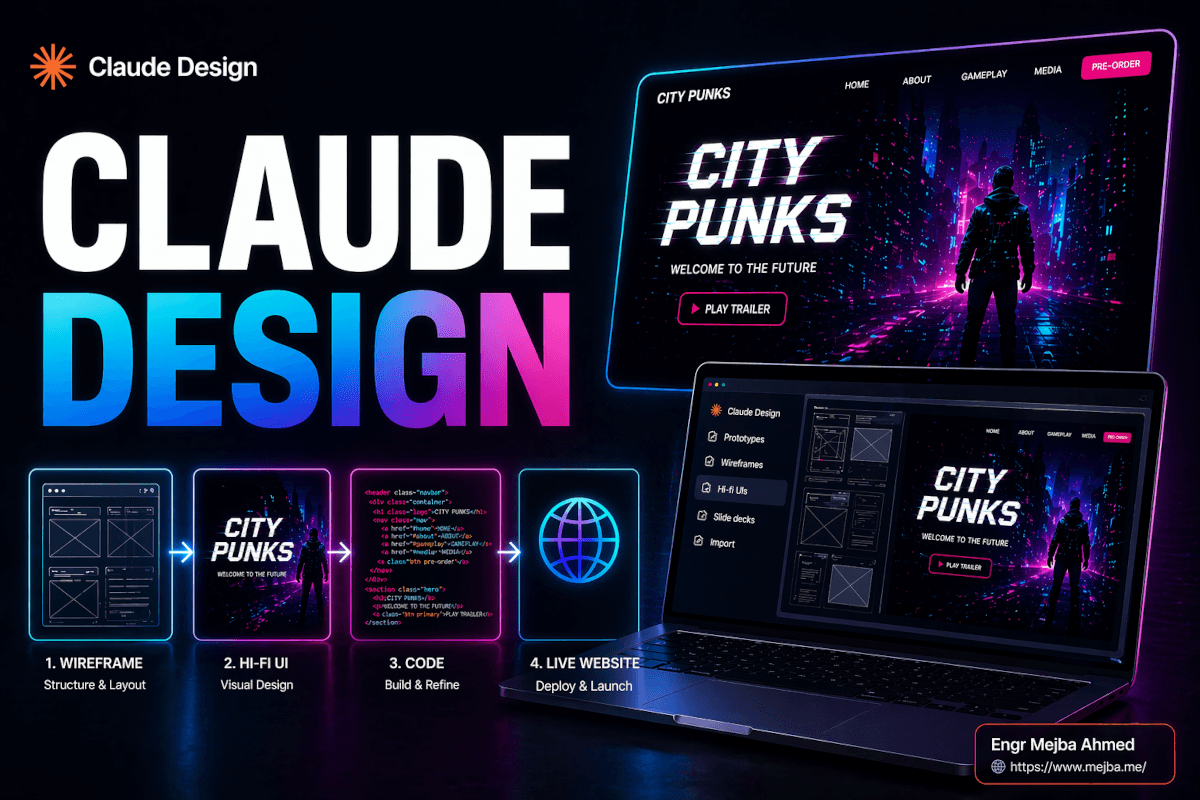
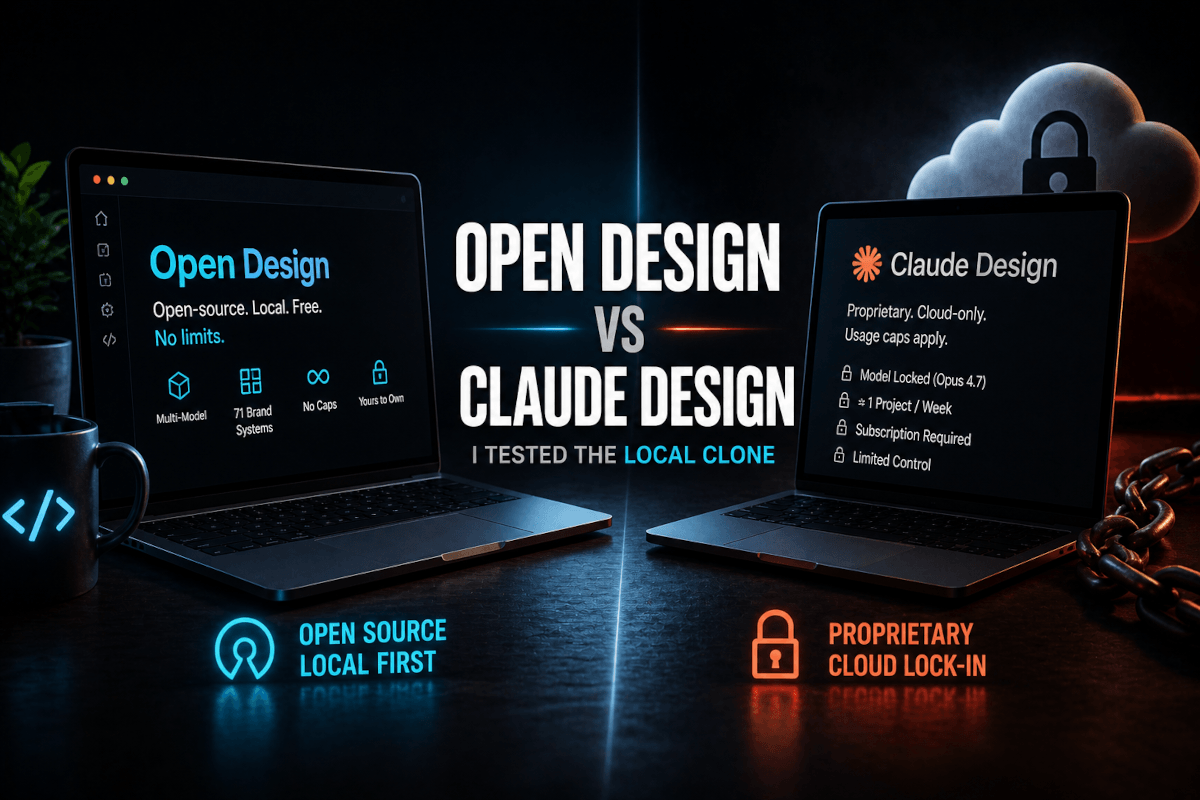
Claude Design is Anthropic's prompt-to-design workspace, launched April 17, 2026 as a research preview under Anthropic Labs. You describe a landing page, app prototype, slide deck, or quick motion graphic, and it renders the thing visually, editable at the section level, without opening Figma, Canva, or PowerPoint. It runs on Claude Opus 4.7, lives at claude.ai in its own tab, and is included for Pro, Max, Team, and Enterprise subscribers, drawing from your weekly usage limits with pay-as-you-go beyond them. Exports cover PDF, PowerPoint, standalone HTML and URLs, plus a direct path into Canva, where the partnership with Canva's Design Engine makes the design fully editable in their drag-and-drop editor.
Set two expectations early. It's web only, no desktop build. And it's token-hungry, because every visual render and re-render costs dramatically more than chat. Undisciplined sessions can eat a painful share of a weekly quota producing nothing shippable. Both constraints shape the workflow below.
Vibe designing is the trap
There's a failure mode I call vibe designing, the visual cousin of vibe coding. You type "make me a clean modern landing page for my startup" and let the model fill in every unspecified detail. The problem is that every unspecified detail is precisely where brand identity lives: palette, type, radius, spacing rhythm, section hierarchy. Unspecified, the model reaches for the statistical average of the web, and the statistical average is the definition of forgettable.
Why do I care this much about specifying values? Because I've seen what unspecified values cost in production, on my own site. When I rebuilt this blog's front end on a proper token system, measuring contrast instead of assuming it, I discovered my own brand green had been carrying white text at a 1.9:1 contrast ratio, a hard accessibility failure that looked fine to a casual glance. Aesthetic defaults hide functional bugs. A design system is not decoration; it's the set of decisions you refuse to let a generator make for you.
Vibe designing also costs you twice: once in generic output, once in tokens burned rendering iterations of a brief you never sharpened. Both costs have the same fix.
The 15 minutes that changes everything
Before generating anything, build a design system inside Claude Design. It's a brand blueprint, colors, typography, component styles, and a written description of the visual direction, and once it exists, every generation pulls from it automatically.
Two ways to build one. You can describe it from scratch: primary and accent colors with hex values, the heading and body typefaces, button shapes, the overall feel. Or, the option that feels like cheating, you can hand it references: screenshots, a Figma file, or a GitHub repo link. Given repo access it reads your actual components and extracts the palette, type, and tokens your product already uses. If you have a live product, your brand already exists in code; pointing the tool at it materializes the system in minutes. This is the same brand-encoding move I use across my own four brands, where each has a documented system precisely so no generator, human or AI, ever guesses, and it's the strategy I unpacked in my AI design system workflow with Claude and Figma.
Budget fifteen minutes. I have never once regretted spending them and always regretted skipping them.
Refine the prompt where thinking is cheap
Second habit, and the highest-ROI one on current token economics: do your thinking in a regular Claude chat, where no visuals are being rendered, and only bring a finished prompt to the design canvas.
My loop: in plain chat, I work out the page structure, section by section, the actual headline, the CTA copy, the pricing tiers, iterating freely because text is nearly free. When the spec is tight, I paste it into Claude Design with the design system attached, and the first render is usually the one I keep. Treat the design canvas as a printer, not a brainstorming pad. Every "actually, move the pricing up" you say inside the canvas is a full visual re-render you paid for; the same sentence in chat costs effectively nothing.
Generating and editing a real page
The concrete flow for a landing page: choose Prototype, high fidelity, attach the design system before generating (skip this and you're vibe designing with extra steps), then paste the refined prompt, ending with an explicit anchor sentence: use the attached design system for all colors, typography, and components.
The editing model is the tool's quiet strength: changes are targeted, not regenerative. Click a headline and rewrite it inline like a document. Comment on the pricing section asking for a highlighted recommended tier, and it modifies only that section while the hero and testimonials stay untouched. Two fast paths skip prompting entirely: a Tweaks panel for one-click adjustments like spacing density, color scheme, and dark mode, and a Draw tool where a crude sketch of three boxes in a row is correctly read as "make the testimonials a three-column grid." You point, it rebuilds the pointed-at thing. That's what makes iteration pleasant instead of a gamble, and it's a meaningful step past the codegen-first approach I documented in my earlier Claude visual workflow.
From mockup to live site: the Lovable bridge
Everything above produces a static design. Gorgeous, on-brand, and inert: no URL, no working form, no payments. The bridge to a real site is connecting Lovable through MCP, which gives Claude a direct line to Lovable from inside a chat.
Setup happens once, in a regular chat: add a custom connector pointing at Lovable's MCP endpoint and authenticate via OAuth. From then on you can say "build this landing page as a live, functional page in Lovable" and the layout flows through the connector into a generated, hosted site, no exports, no rebuild-by-hand. Then, because the connector stays live, functionality is conversational: add a signup form backed by a database, add auth, wire Stripe to the pricing buttons. The old pipeline, designer produces mockup, developer rebuilds it from scratch, collapses into one continuous conversation. If MCP is new territory, my rundown of the MCPs worth installing covers the mental model.
That bridge, not the slide decks, is the headline. Decks and motion graphics work the same way, attach system, refined prompt, generate, and they're genuinely quick, though the motion side is a quick-asset tool for animated charts and social clips, not an After Effects replacement.
Where I'd still push back
It's a research preview and behaves like one: features move, and the token economics are steep enough that the off-platform-prompting discipline is survival, not optimization. It's static by default, so know whether you need a picture of a site or a site before you start. And the outputs still need a professional eye pass; on-brand is not the same as finished, which is why I still run generated pages through the same design-review gauntlet I described in my design-skill review workflow before anything ships.
None of that breaks the core loop. Design system, refined prompt, targeted edits, MCP to live. Competitors split that loop across four products; having it in one conversation is a genuinely different process, not a faster version of the old one.
Your move for the next 24 hours: don't open Claude Design and start prompting. Spend the first fifteen minutes building the design system, or point it at your repo and extract one. That single change of order is the whole difference between my first attempt and my second.
And if you'd rather have the system built properly once, brand tokens, conversion pages, and the live bridge included, that's exactly the kind of engagement I take on through my services.