Most "AI writing agent" tutorials are written by people who have never run one against work that matters. I have: earlier this year I put Claude Code agents through an 84-post editorial rewrite of this blog — seven batches, more than a dozen sessions, every change applied to a production database. The thing that made it work was not a clever prompt. It was treating the agent like a production system: scoped configuration, voice rules in files, a durable status manifest, and a verification gate that ran before anything shipped. That is the tutorial worth writing, and it is the one I wish existed before I started.
Here is how to build your first writing agent in Claude Code the way I would build it now — with the architecture that survived real volume, not the demo version.
Why an agent instead of a chat window
The difference is state and separation. A chat session starts from zero every time: you re-paste the style guide, re-explain the audience, and get output that drifts anyway. An agent in Claude Code is a specialized worker with its own system prompt, its own tool access, and its own context — it loads your voice rules from files on disk instead of from your memory of what you pasted last time.
The separation matters as much as the memory. A subagent handling long-form drafts does not contaminate your main session's context, and two agents with different jobs never bleed instructions into each other. When I ran my rewrite batches, each worker session got one narrow slice of the work and nothing else — which is exactly why the output stayed consistent across seven batches instead of degrading as context filled up.
Step 1: Define the agent
In Claude Code, run /agents and create a new subagent. Two decisions up front:
Project-level, not user-level. Store the agent in the project it serves. If you write for multiple clients or properties, each project folder carries its own agents, and their instructions never cross. This sounds like ceremony until the day one client's tone rules leak into another client's draft.
Manual configuration, not generated. Claude Code will offer to write the agent's system prompt for you. Decline. A generated prompt is generic by construction, and the entire value of a writing agent is the specificity of its instructions. Write it yourself.
A system prompt shape that has earned its structure:
You are a long-form draft producer for [publication].

WORKFLOW:
1. Read the voice and audience files in context/ before drafting.
2. Read the source material you are given.
3. Draft in the voice defined by the files — not your default register.
4. Save the draft to drafts/ and report what you produced.

HARD RULES:
- Never invent facts, quotes, metrics, or client names.
- Flag any claim you cannot ground in the source material.
- No em-dash-heavy cadence, no "in today's fast-paced world" openers.
That "never invent" block is not decoration. At volume, fabrication is the failure mode that kills you — an agent that pads drafts with invented statistics produces work you have to fact-check line by line, which costs more than writing it yourself.
Grant the agent only the tools its job needs: Read, Write, Grep, and Glob for a drafting agent. It does not need shell access to write a newsletter.
Step 2: Put the voice in files, not in prompts
The single highest-leverage move: extract everything about how the writing should sound into version-controlled files the agent reads at the start of every run.
For my rewrite pipeline, the equivalent of a "voice file" was a rules block every worker loaded: canonical facts it was required to state correctly, phrases it was banned from using, register rules (no marketing voice, American spelling, first person), and link-format requirements. Because the rules lived in one place, fixing a rule once fixed it for every subsequent batch — I never re-litigated style in individual prompts.
For client or publication work, split it into three small files:
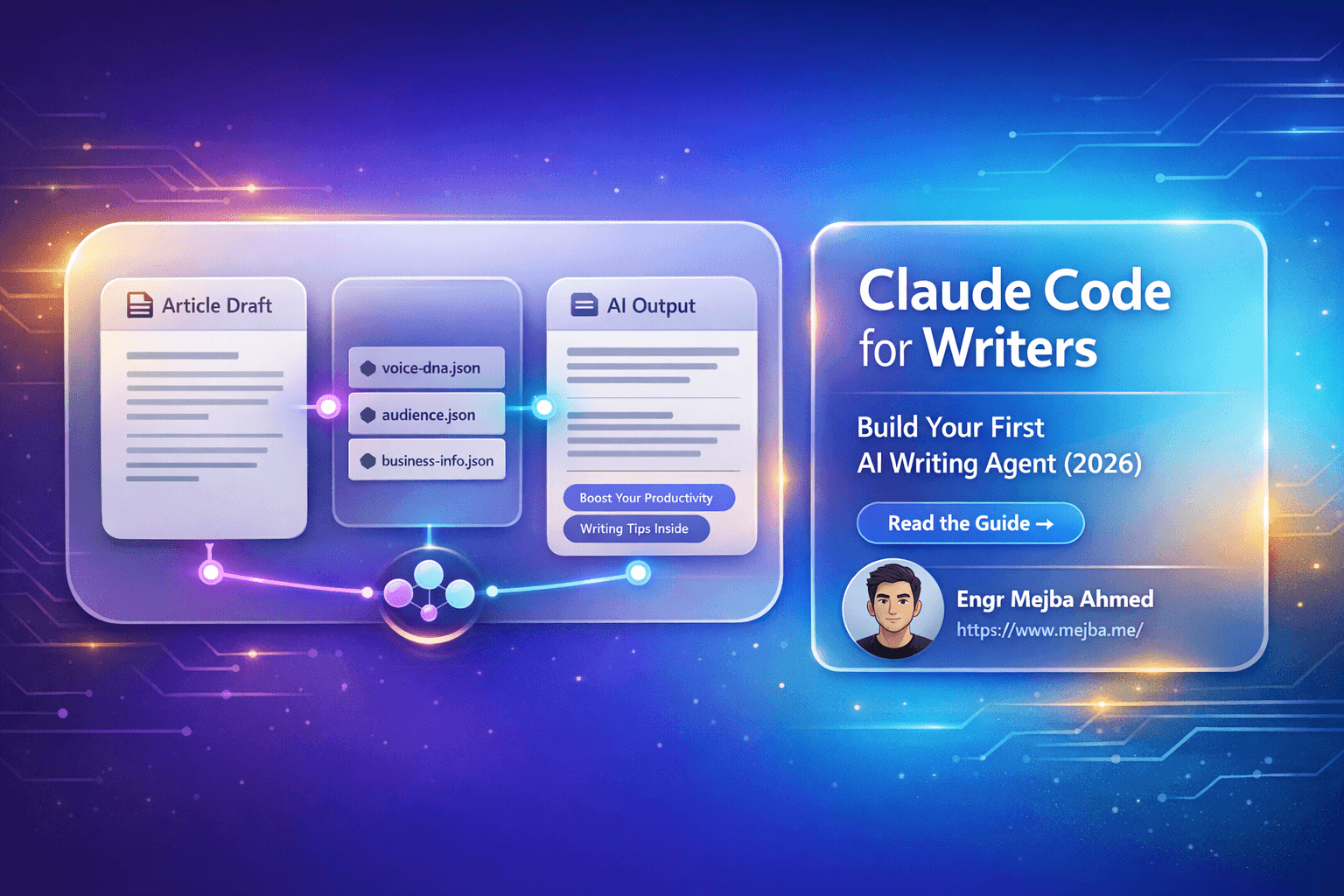
- voice.md — tone, sentence rhythm, signature phrases, banned words, perspective. Be concrete: "short declarative sentences, no semicolons" beats "confident and approachable."
- audience.md — who reads this, what they already know, what they are trying to do.
- facts.md — the claims the agent is allowed to make about the business, verbatim. This file is your fabrication firewall: anything not in it gets flagged, not asserted.
The agent's system prompt points at these files; the files evolve as you learn what the agent gets wrong. This is the same skills-and-context pattern I built into my SEO content writer skill — the instructions are an asset you maintain, not a prompt you retype.
Step 3: Add the manifest — the part every tutorial skips
Here is the insight that only shows up when you run writing agents on real volume: the hard problem is not generation, it is knowing where you are.
A single newsletter needs no infrastructure. Eighty-four posts across seven batches and a dozen sessions absolutely does, because sessions die, and a fresh session cannot be trusted to remember what a dead one did. My rewrite pipeline survived on one dumb file: REWRITE-STATUS.json, a manifest listing every post ID with a DONE or PENDING flag, updated by a small mark_done.php script only after a batch was applied and verified. Any new session read the manifest in two seconds and knew exactly what remained. No summarizing old conversations, no re-deriving state from git history. The manifest was the project's memory; the sessions were disposable.
For your first agent, the starter version is a plain status.md table — piece, state, date — that the agent updates as part of its workflow. The principle scales up from there, and it is the same durable-state discipline I use for task management across Claude Code sessions: if the work spans more than one sitting, the state must live in a file, not in a conversation.
Step 4: Gate the output before it ships
The second production lesson: agents need a verifier that is not the agent.
In my pipeline, drafts never went straight to the database. An apply script carried a range guard so a batch physically could not touch posts outside its assigned slice, every row was backed up before being written, and a separate verification script ran hard checks over the output — link formats, banned patterns, required elements — before a batch was marked done. The checks caught real problems the drafting agents introduced confidently: broken internal links, repeated boilerplate structures, template phrasing that crept back in.
Scaled down to a first agent, the gate is simple and non-negotiable:
- The agent writes to
drafts/, never to the live destination. - A checklist — even a ten-line script, even a second Claude session with a reviewer prompt — verifies the draft against your rules.
- You read it. The goal is cutting your effort by 80%, not removing your judgment. Every fabricated claim I have caught from a writing agent was caught at this step.
What this actually changes about the work
I will not hand you an invented income chart. What I can tell you from operating this on my own publication: the 84-post rewrite would have been weeks of manual editorial work, and the agent pipeline compressed it into batch sessions I supervised — while the quality rose, because the rules files enforced consistency no tired human editor maintains across post fifty. The pattern now runs my ongoing SEO content automation as well: same voice files, same manifest discipline, different job.
The honest cost: you become an editor and a systems owner instead of a typist. You maintain rules files, review gates, and a manifest. Writers who want to prompt once and paste the output will be disappointed — and will produce the detectable AI sludge everyone is tired of. Writers who build the system get something better than speed: a repeatable pipeline where every lesson learned becomes a permanent rule instead of a thing you remember to avoid next time.
Start with one agent, one voice file, one status table, one review gate. Run it on next week's piece. Expand only after the loop holds.
If you would rather start from working components than a blank folder, the writing and SEO skills I run in my own pipeline are packaged in my Agent Skills Marketplace — take one apart, wire it to your voice files, and you have a first agent by tonight.