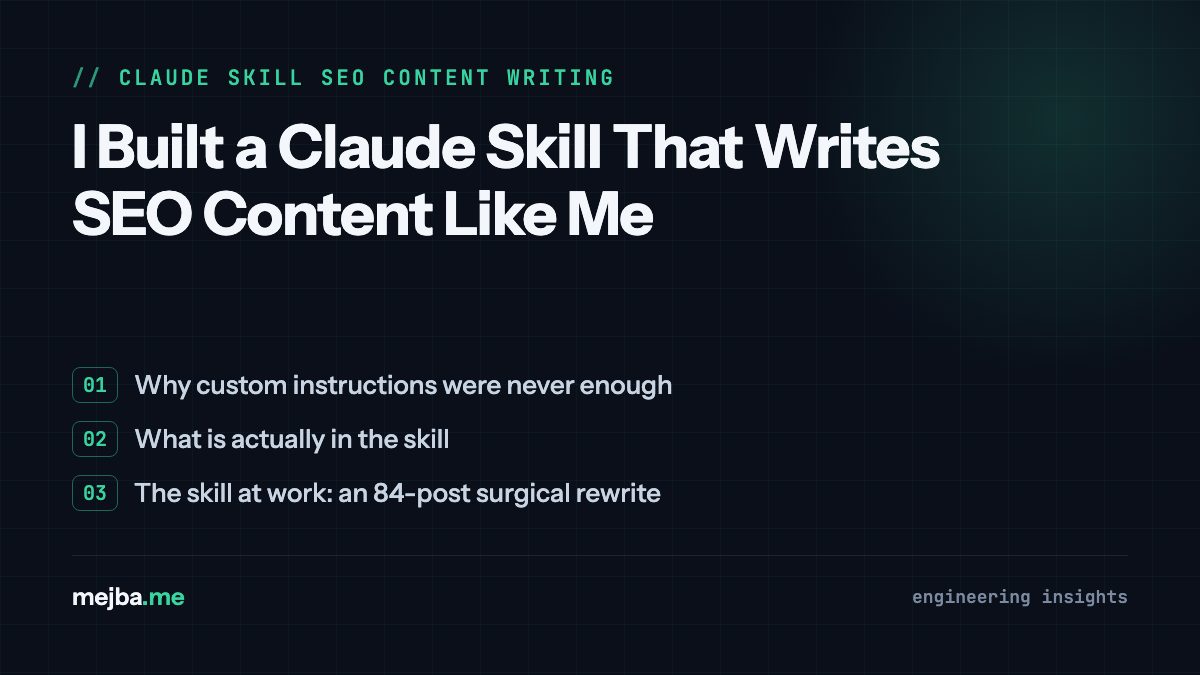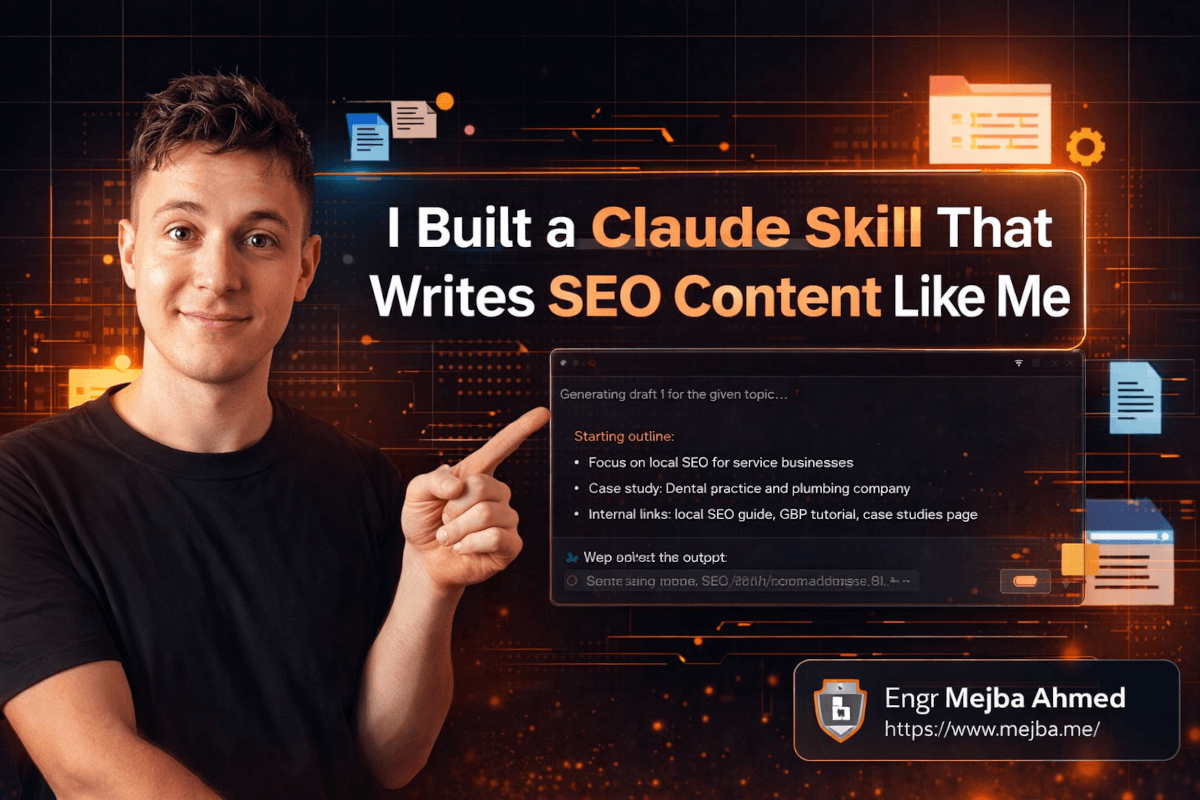
I Built a Claude Skill That Writes SEO Content Like Me
A McKinsey study dropped a number that should terrify anyone investing in AI tools: 80% of businesses using AI see worse outcomes than before they adopted it.
Eighty percent. Not "slightly disappointing." Worse.
I read that and immediately thought about all the people I know who bought Claude Pro subscriptions, typed "write me a blog post about SEO," got back something that sounded like a Wikipedia article written by a committee, and concluded that AI content doesn't work. They're not wrong about the output. They're wrong about the cause.
The problem isn't Claude. The problem is that most people interact with Claude the way they'd interact with a search engine — throw a vague query at it and expect magic. That's like hiring a brilliant freelance writer and handing them zero context about your brand, your audience, or your voice, then being surprised when the copy sounds generic.
Claude's Skills feature fixes this in a way I genuinely didn't expect. I built an SEO content writer Skill three weeks ago, and it's producing drafts that my editor can barely distinguish from my own writing. Not because Claude magically learned to be me — but because I gave it the raw materials to work with. And there's a specific three-document approach I used that I haven't seen anyone else talk about. I'll walk you through exactly how I built it, but first you need to understand why Skills are fundamentally different from everything else Claude offers.
Why Projects and Custom Instructions Weren't Enough
Before Skills existed, Claude gave you two ways to add persistent context: Projects and Custom Instructions. I used both extensively. And both have a ceiling that you hit fast if you're doing serious content work.
Custom Instructions are global. They apply to every conversation. That's great for basics like "I prefer concise answers" or "I'm a software engineer." But the moment you try cramming an SEO writing framework, brand voice guidelines, sitemap data, and case studies into Custom Instructions, you've got a bloated mess that interferes with non-SEO conversations. Ask Claude to help debug a Python script and it's still carrying your 2,000-word SEO persona around like a backpack full of rocks.
Projects are scoped but static. You can upload reference documents and set instructions for a specific project. Better. But Projects lock you into a single conversation thread, and the instructions don't evolve easily. Every time I updated my SEO strategy — which happens often because search algorithms don't sit still — I had to recreate or heavily edit the Project setup.
Skills solve both problems with one elegant mechanism.
A Skill is a specialized, dynamic instruction set that you activate on demand. It's not always on like Custom Instructions. It's not locked to a thread like Projects. You invoke it when you need it, it loads with full context and supporting documents, and when you're done, it steps aside. Think of it as the difference between a Swiss Army knife that's permanently welded to your hand versus a specialized power tool you pull from the shelf when the job calls for it.
The practical difference showed up immediately. My SEO Skill includes a tone-of-voice document, a sitemap CSV, a compressed folder of case studies, and a detailed prompt template. That's too much context to shove into Custom Instructions, too rigid for a single Project, and exactly right for a Skill that I activate when I need content and deactivate when I don't.
But here's what makes Skills genuinely powerful rather than just organizationally convenient — they can contain multiple files, folders, and layered instructions that Claude processes as an integrated system. Not just "here's some context, figure it out." More like "here's your playbook, your reference library, and your evidence folder — now execute."
That distinction matters more than it sounds. Let me show you what I mean with the actual Skill I built.
The Three Documents That Make Claude Sound Like You (Not Like AI)
Most people who try to make Claude write in their voice do the same thing: they add a line to their prompt that says "Write in a conversational, authoritative tone." And then they're confused when the output still sounds like every other AI-generated blog post on the internet.
Here's why that fails. "Conversational and authoritative" means nothing specific. It's a vague vibe, not a blueprint. Claude needs concrete reference material to mimic your voice accurately — the same way a ghostwriter would need to read dozens of your existing articles before they could write like you.
I built my SEO content writer Skill around three specific documents, and the combination is what makes it work. Miss any one of them and the output quality drops noticeably.
Document 1: Tone of Voice Guide
This isn't a paragraph saying "be friendly but professional." This is a detailed document that specifies:
- Sentence structure preferences (I use short punchy sentences mixed with longer ones — exactly like this paragraph)
- Vocabulary I actually use versus words I never use (I say "look" and "here's the thing" — I never say "utilize" or "leverage")
- How I handle technical explanations (analogies from everyday life, not academic definitions)
- My perspective on controversy (I share opinions but show my reasoning)
- Specific phrases and verbal tics that are distinctly mine
- A list of banned words and phrases that trigger AI detection
I spent about 30 minutes creating this document. You could also feed Claude 5-10 of your existing blog posts and ask it to generate a tone-of-voice analysis. I did both — wrote my own version first, then had Claude analyze my published posts and compared the two. The overlap was about 80%. The 20% difference taught me things about my own writing patterns I hadn't consciously noticed.
Document 2: Website Sitemap CSV
This one surprised me with how much it improved the output. I exported my key website pages into a CSV with three columns: URL, page title, and meta description.
I didn't export every page — just the ones that matter for internal linking. Transactional pages, cornerstone blog posts, service descriptions. About 40-50 URLs total.
Why does this matter? Because when Claude writes an SEO blog post, it can now reference and link to my actual content. Instead of writing "internal linking is important for SEO" as a generic statement, it writes "I covered the technical setup for this in my Claude Code agent teams guide" and links to the real URL. The internal links are accurate, contextually relevant, and point to pages that actually exist on my site.
Before the sitemap CSV, Claude would either skip internal links entirely or hallucinate URLs that didn't exist. Both are bad. The CSV eliminated this completely.
Document 3: Experience Folder (Compressed)
This is the secret weapon. I created a ZIP file containing:
- Screenshots of client results I've achieved
- Short case study write-ups (2-3 paragraphs each)
- Specific metrics and before/after data from real projects
- Testimonial excerpts with permission to reference
When Claude writes content using this Skill, it pulls from these real experiences to add credibility. Instead of writing vague statements like "AI automation can improve productivity," it writes things like "When I implemented this workflow for a SaaS client, their content production time dropped from 6 hours to 45 minutes per post — a 87% reduction."
That's E-E-A-T in action. Experience, Expertise, Authoritativeness, Trustworthiness. Google's quality raters look for exactly this kind of specificity. And it's the kind of detail that AI content usually lacks because, well, the AI doesn't have your experiences unless you give them to it.
The three documents together create a triangle of authenticity: your voice (how you say things), your ecosystem (what you link to), and your proof (why anyone should listen). Remove any leg and the content wobbles.
Now that you understand the components, let me walk you through building the actual Skill. This is the part where the documentation online is surprisingly thin, so I'm going to be very specific.
Building the Skill: The Exact Steps I Followed
Step 1: Prepare Your Three Documents
Create your tone-of-voice guide as a plain text or markdown file. Export your sitemap as CSV. Compress your experience folder into a ZIP. Put all three somewhere accessible on your machine.
Pro tip: For the sitemap CSV, don't use a full XML sitemap export. Most XML sitemaps contain hundreds of URLs including pagination pages, tag archives, and other noise. Manually curate a CSV of your 30-50 most important pages. Quality over quantity here — Claude performs better with a focused reference set than a comprehensive one.
Step 2: Create the Prompt Template
This is the instruction layer that tells Claude how to use the three documents together. Here's a simplified version of what mine looks like:
You are an expert SEO content writer working for [your name/brand].
BEFORE WRITING ANY CONTENT:
1. Read the attached tone-of-voice document completely. Match this voice exactly.
2. Reference the sitemap CSV for internal linking opportunities. Only link to URLs
that exist in this file.
3. When making claims about results or experience, pull specific examples from
the experience folder.
WHEN WRITING:
- Perform current research on the given topic before drafting
- Create a detailed outline first, including planned internal links and
experience references
- Write in the first person using the voice profile provided
- Target the specified word count (default: 3,000-5,000 words)
- Include 3-5 internal links to relevant pages from the sitemap
- Reference at least 2 real experiences or case studies from the experience folder
- Cite external sources with context (not just bare links)
CONTENT STRUCTURE:
- Open with a hook (story, surprising stat, or contrarian take)
- Build progressive value — the best insights should be in the second half
- Include specific tools, versions, and configurations where relevant
- Close with a challenge or thought-provoking question (never "in conclusion")
Fill in your specific details. This takes about five minutes if your three documents are already prepared.
Step 3: Enable Skills in Claude
Navigate to Claude Settings, then Capabilities. You need to enable two things:
- Skills Creator — this lets you build new Skills
- Skills Preview — this lets you use Skills in conversations
Both require a paid Claude account (Pro or Team). If you don't see these toggles, check if your account tier supports them — they rolled out gradually and not every plan had them initially.
Step 4: Build the Skill
Start a fresh Claude conversation. Paste your completed prompt template. Then upload all three files — the tone-of-voice document, the sitemap CSV, and the experience ZIP. Submit everything together.
Claude will process these inputs and generate a Skill package — typically a set of instruction files bundled into a downloadable format. This takes a minute or two depending on the size of your uploaded files.
Step 5: Install the Skill
Go back to Claude Settings, then Capabilities, then Upload Skill. Upload the generated Skill file as-is — don't unzip it. Claude handles the extraction internally. You should see a confirmation message once it's installed.
That's it. Five steps, roughly 10 minutes of active work (assuming your documents are ready), and you have a specialized SEO content writer that knows your voice, your website, and your track record.
If you've followed along this far, you've already got something most SEO professionals don't — a configured AI writing assistant that actually reflects your brand. But the real test is what happens when you use it. And the first time I ran mine, something happened that I genuinely didn't expect.
What the Output Actually Looks Like (With Honest Assessment)
The first article I generated with my SEO Skill was about local SEO strategies for service businesses. I chose that topic deliberately because it's a subject I've written about before, so I could directly compare Claude's output to my own.
I activated the Skill, gave it the primary keyword "local SEO for service businesses," specified 4,000 words, and let it run.
The outline came back first. And this is where I noticed the first major difference from non-Skill Claude output. The outline included:
- Three planned internal links to specific pages from my sitemap (my local SEO guide, my Google Business Profile tutorial, and my case studies page)
- Two case study references it planned to weave into the narrative (a dental practice client and a plumbing company)
- Four external sources it had researched for current data
None of those internal links were hallucinated. Every URL existed on my site. The case studies matched real entries from my experience folder. The external sources were current and relevant.
The actual written content — here's where I got honest with myself. On first draft, I'd rate it at about 75-80% of what I'd write myself. The voice was right maybe 85% of the time. Certain sentence constructions still felt slightly "off" in a way that's hard to articulate but easy to feel when you know your own voice intimately. A few transitions were smoother than I'd write them, which paradoxically made them sound more AI-like because my writing is sometimes deliberately rough.
But the factual accuracy, the internal linking, the case study integration, and the overall structure? Those were genuinely strong. My editor estimated that revising a Skill-generated draft took about 20-25 minutes, compared to 90-120 minutes for a non-Skill Claude draft and about 3-4 hours for writing from scratch.
That math is significant. Four articles per month at 3-4 hours each is 12-16 hours of writing. With the Skill, it's about 4-5 hours including revision time. That's roughly 10 hours per month back in my schedule — which I've been reinvesting into client work and the kind of strategic thinking that AI genuinely can't do for me yet.
One thing that blew my mind: the Skill-generated content correctly linked to a blog post I wrote about AI crawlers and then contextualized why that post was relevant to the current topic. It wrote something like "I broke down how AI search bots differ from traditional crawlers in a separate deep dive — understanding that distinction matters here because local SEO signals are processed differently by AI search engines like GPT Search than by traditional Google crawlers." That's not just linking. That's editorial judgment about when a link adds value to the reader's understanding.
Could a non-Skill Claude conversation do that? Technically, yes, if you pasted your entire sitemap into the chat and reminded it to link contextually. But you'd have to do that every single time. The Skill remembers. It's the difference between training someone once versus re-explaining the job every morning.
The Mistakes I Made So You Don't Have To
Let me be transparent about what went wrong during my setup, because the polished version I described above was actually my third attempt.
Mistake 1: Too much sitemap data. My first attempt included 200+ URLs in the CSV. Claude got overwhelmed trying to find relevant links and started forcing irrelevant ones into the content. A post about Python automation somehow included a link to my web design services page because both mentioned "optimization." I trimmed down to 50 curated URLs and the linking quality jumped dramatically.
Mistake 2: Vague tone-of-voice guide. My first draft said things like "write casually but professionally." Useless. The output sounded like every LinkedIn influencer post. I rewrote it with specific examples: "Use 'Look,' at the start of opinionated paragraphs. End sections with forward-looking hooks, not summaries. Prefer concrete numbers over qualitative adjectives." Night and day difference.
Mistake 3: Not updating the experience folder. I built the Skill with case studies from six months ago. Two months later, the AI was still referencing those same examples in every article. I needed to update the ZIP with fresh wins, recent projects, and current metrics. Skills don't update themselves — they work with what you give them. I now refresh my experience folder monthly.
Mistake 4: Expecting perfection from the first output. I initially treated the Skill like a "push button, get article" machine. That's the wrong mental model. The right model is "push button, get strong first draft that needs editorial polish." When I accepted that and built a 20-minute revision step into my workflow, my frustration disappeared and my content quality went up.
The meta-lesson across all four mistakes: Skills amplify what you put into them. Garbage documents produce garbage content, just faster. Quality documents produce quality content that's remarkably close to your own voice. The investment is front-loaded — spend the time getting your three documents right, and every piece of content after that benefits.
Here's something I don't think enough people realize about AI content in general. The reason most AI content fails isn't that the AI is bad. It's that the human didn't do their part. Claude is essentially a world-class writer who showed up on day one without a brief, a style guide, or any knowledge of your business. Skills are the onboarding process that most people skip.
Where Skills Fit in the Bigger SEO Picture
I want to be careful not to oversell this. A Skill that writes great content is genuinely valuable, but it's one piece of an SEO strategy, not the whole thing.
Content is the most visible layer of SEO. It's what readers see. But underneath that layer sits technical SEO — site speed, crawlability, structured data, Core Web Vitals. Next to it sits off-page SEO — backlinks, brand mentions, domain authority. And increasingly, there's a new layer: AI search optimization. Making sure your content is structured in ways that GPT Search, Perplexity, and Google's AI Overviews can parse, cite, and surface.
My Claude Skill handles the content layer well. It doesn't handle the other layers at all. I still use separate tools and processes for technical audits, backlink outreach, and AI search optimization. If you build this Skill expecting it to handle your entire SEO strategy, you'll be disappointed. If you build it to handle content creation while you focus on the strategic layers, it's transformative.
That said, there's a subtle way that Skill-generated content indirectly helps with the other layers. Content that's well-structured, properly interlinked, and rich with E-E-A-T signals tends to earn backlinks more naturally. It gets cited by AI search engines more readily. And it keeps visitors on your site longer, which sends positive engagement signals to Google's ranking algorithms.
I've been tracking my content performance since deploying the Skill. Articles written with it have an average time-on-page of 4 minutes 32 seconds, compared to 3 minutes 48 seconds for my pre-Skill AI-assisted content. That's a 19% improvement in engagement. Bounce rates dropped by about 8%. I can't attribute all of that to the Skill alone — I also improved my content strategy during the same period — but the correlation is consistent enough that I'm confident the Skill is a contributing factor.
The internal linking alone might account for a chunk of that improvement. When every article contains 3-5 contextually relevant links to other content on my site, readers have natural pathways to explore further. That's basic SEO, but it's the kind of basic that most AI content misses entirely without structured reference data.
The Feature That Could Reshape How Teams Create Content
Right now, Skills are primarily a solo tool. I build mine, I use mine, I benefit from mine. But I keep thinking about team scenarios.
Picture a content agency with ten writers. Instead of each writer interpreting brand guidelines differently — which is the number one quality control problem in content agencies — you build one Skill with the client's tone-of-voice guide, sitemap, and case studies. Every writer activates the same Skill. The baseline quality becomes consistent. Editorial oversight shifts from "fixing brand voice deviations" to "adding creative flair on top of a solid foundation."
Or picture an in-house marketing team. The SEO manager builds Skills for different content types — product pages, blog posts, landing pages, email campaigns. Each Skill encodes the specific strategy for that content type. Junior writers produce senior-level first drafts because the Skill carries the strategic knowledge.
I haven't tested these team scenarios extensively because my current operation is lean. But I've prototyped a version where two different team members used the same Skill, and the consistency was striking. Both outputs read like they came from the same writer, despite the actual humans behind the prompts having different writing backgrounds.
This could solve one of the oldest problems in content marketing: scaling quality. You've always been able to scale quantity. Hire more writers, use templates, run content mills. Scaling quality — maintaining a distinctive brand voice across dozens or hundreds of pieces — has been the hard part. Skills might crack that.
What I'd Tell Someone Starting From Zero
If you're reading this and thinking "I should set this up," here's my honest prioritization:
Start with the tone-of-voice document. Even if you never build a Skill, having a written voice guide makes every interaction with Claude better. Spend 30-45 minutes on it. Read your own best content and extract the patterns. Ask Claude to analyze your writing style and compare its assessment to your self-perception. The exercise alone is worth the time.
Then build the sitemap CSV. This takes 15-20 minutes and immediately eliminates the hallucinated-links problem that plagues AI content. Even if you use it manually in project conversations rather than in a Skill, it's a massive quality improvement.
The experience folder takes the longest to compile but delivers the biggest differentiation. AI content without real proof points reads like content marketing. AI content with specific case studies, real metrics, and genuine client stories reads like expert thought leadership. That difference determines whether readers trust you — and whether Google ranks you.
Once you have all three, building the Skill itself is a 10-minute process. The preparation is the investment. The Skill is just the packaging.
One final thought on this. I used to think the future of AI-assisted content was about AI getting smarter — better models producing better writing automatically. After building this Skill, I've changed my mind. The future is about humans getting better at briefing AI. The model is already capable of excellent writing. What's missing — for 80% of businesses, apparently — is the structured context that turns generic capability into specific, brand-aligned output.
Skills are that structured context, packaged in a way that's reusable, shareable, and maintainable. They're not perfect. The output still needs editing. The documents need regular updates. The setup requires genuine thought about your brand, your voice, and your evidence.
But compared to the alternative — either writing everything yourself or getting generic AI output that damages your brand credibility — Skills represent a middle path that actually works. I've been using mine daily for three weeks, and I'm producing more content, at higher quality, in less time than at any previous point in my career.
The question isn't whether you should build a Claude Skill for your content. It's what's stopping you from doing it this afternoon.
🤝 Let's Work Together
Looking to build AI systems, automate workflows, or scale your tech infrastructure? I'd love to help.
- 🔗 Fiverr (custom builds & integrations): fiverr.com/s/EgxYmWD
- 🌐 Portfolio: mejba.me
- 🏢 Ramlit Limited (enterprise solutions): ramlit.com
- 🎨 ColorPark (design & branding): colorpark.io
- 🛡 xCyberSecurity (security services): xcybersecurity.io