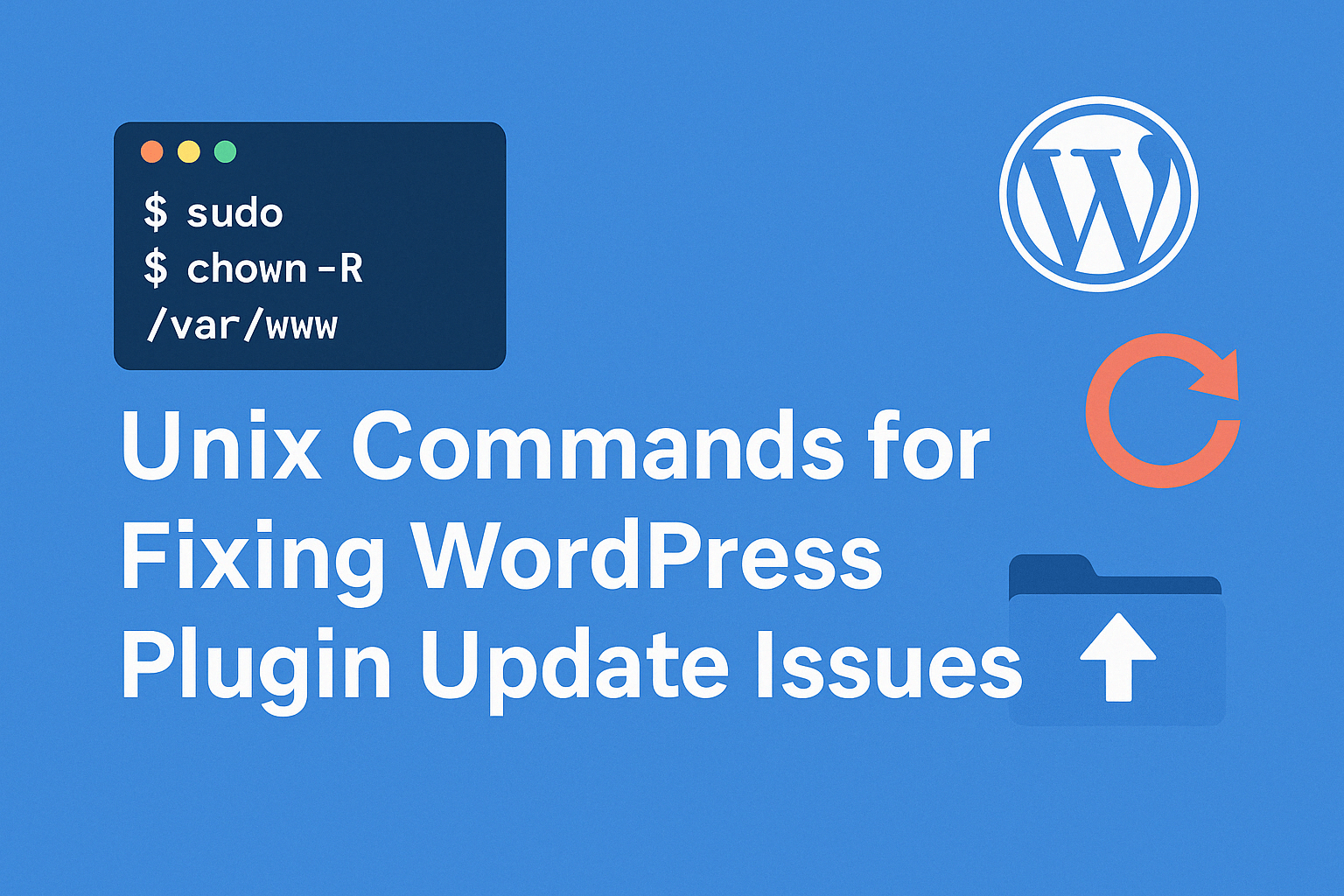
Atualizar plugins no WordPress geralmente é simples — mas se você está executando seu site em uma instância AWS EC2 e vê este erro frustrante:
Atualização falhou: Could not create directory...
Você não está sozinho.
Neste post, vou mostrar como corrigi este erro em vários sites de blog hospedados no EC2 aplicando as permissões de arquivo corretas. Este guia é especialmente útil para desenvolvedores e administradores de sistemas que gerenciam WordPress em servidores cloud como AWS.
🚫 O problema
Ao tentar atualizar um plugin, o WordPress mostra este erro:
Atualização falhou: Could not create directory. /var/www/your-site.com/wp-content/upgrade/plugin-folder
Isso significa que o WordPress (na verdade, o PHP) não tem permissão para criar ou escrever no diretório upgrade.
✅ A causa raiz
Mais comumente, isso acontece quando:
- O diretório pertence ao usuário errado
- Permissões incorretas impedem o PHP de escrever
- O diretório simplesmente não existe
Mesmo que outros sites no mesmo servidor funcionem perfeitamente, este erro ainda pode ocorrer em um site específico se a propriedade ou as permissões estiverem incompatíveis.
🔧 Solução passo a passo (testada no EC2)
Veja o que fiz para resolver nos meus sites de blog:
1. Verificar propriedade e permissões atuais
ls -ld /var/www/*
ls -ld /var/www/*/wp-content
Isso mostrará qual usuário é proprietário dos arquivos de cada site. Mantive a propriedade como ec2-user para consistência.
2. Recriar o diretório upgrade
Se a pasta upgrade estiver ausente ou restrita, recrie-a com segurança:
sudo rm -rf /var/www/your-site.com/wp-content/upgrade
sudo mkdir /var/www/your-site.com/wp-content/upgrade
sudo chown -R ec2-user:www /var/www/your-site.com/wp-content/upgrade
sudo chmod -R 775 /var/www/your-site.com/wp-content/upgrade
3. Corrigir permissões de arquivos e pastas
Garanta o acesso adequado em todo o projeto:
sudo find /var/www/your-site.com -type d -exec chmod 775 {} \;
sudo find /var/www/your-site.com -type f -exec chmod 664 {} \;
4. Definir Sticky Group Bit (recomendado)
Isso garante que todas as novas pastas herdem o grupo correto:
sudo chmod g+s /var/www/your-site.com/wp-content
5. Reiniciar PHP e servidor web
sudo systemctl restart php-fpm
sudo systemctl restart nginx
✅ Resultado
Após aplicar essas alterações, as atualizações de plugins agora funcionam perfeitamente em todos os sites — sem mais erros.:
🧠 Dica profissional para gerenciamento multi-site
Se você gerencia vários sites WordPress em um único servidor EC2:
- Sempre use um usuário consistente (ex.:
ec2-user) - Configure o acesso de grupo para
wwwou similar - Use
chmod g+sem pastas críticas comowp-contentpara prevenir problemas futuros de permissão
📝 Conclusão
Este erro pode parecer assustador, mas é fácil de corrigir quando você entende como as permissões funcionam em um ambiente Linux. Aplicando a propriedade correta do ec2-user e as permissões de pasta adequadas, você evitará erros de atualização de plugins WordPress e economizará horas de trabalho manual.