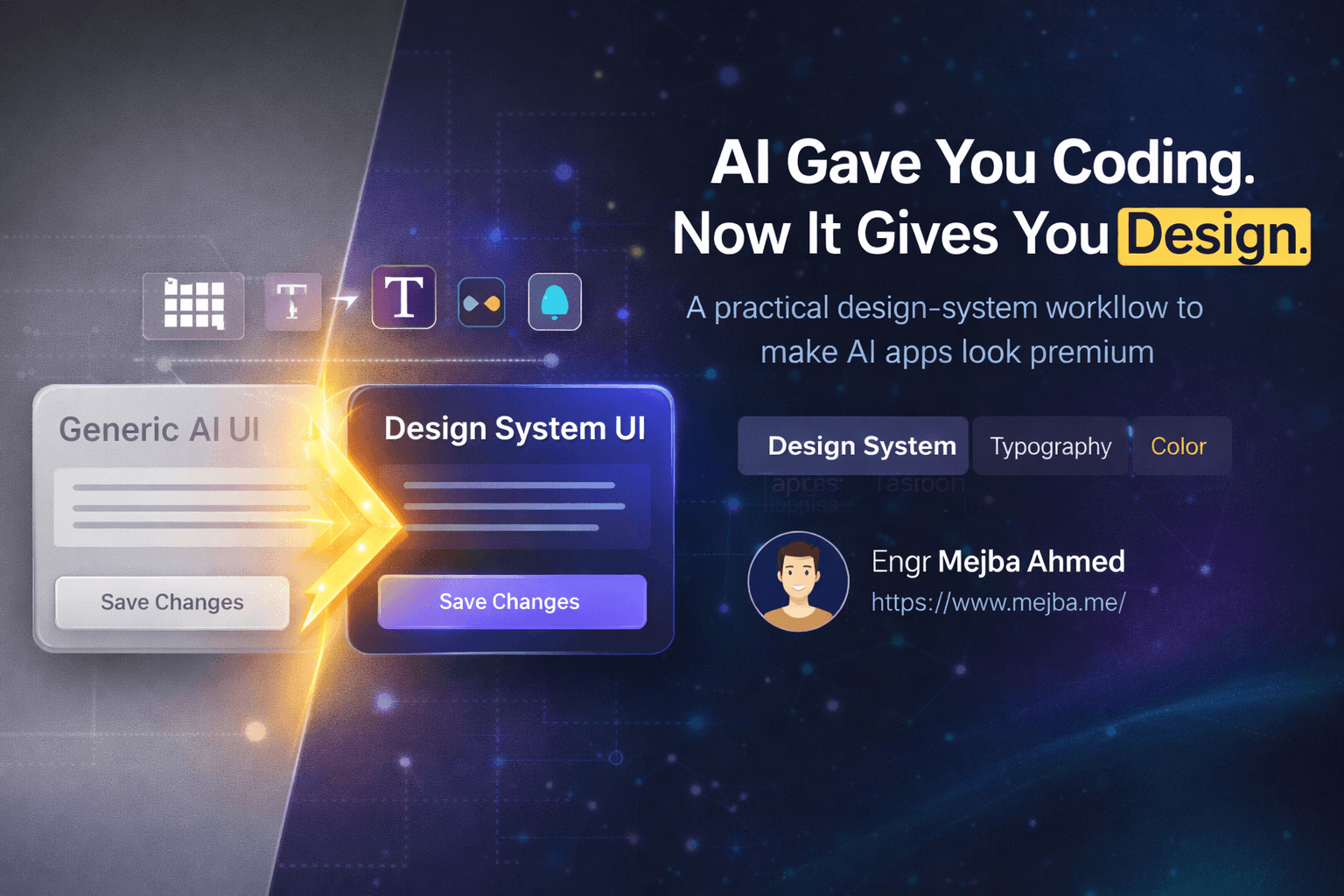
I can usually tell within five seconds whether a page was built by Claude Code with no design guidance.
Purple gradient. Inter everywhere. Three rounded cards in a row. A hero section that looks like it was cloned from every second-rate SaaS landing page published in the last two years. Technically fine. Visually dead. The kind of output that makes people say "AI can code, but it has no taste."
That criticism is fair.
Claude Code is extremely good at shipping interfaces that function. It is much less reliable at shipping interfaces that feel intentional. Left alone, it tends to average toward the safest possible visual middle: generic typography, familiar layouts, and the same overused visual shortcuts that now scream "AI-generated" from a mile away.
The good news is that this is not really a model problem. It is a tooling problem.
The source material behind this post is a video walkthrough of ten tools designed to improve Claude Code's front-end output. I’m not treating it as a universal ranking or an official statement from Anthropic. I’m treating it as a practical map of the emerging anti-slop toolkit around Claude Code: skills that teach the model what bad UI looks like, systems that reverse engineer real sites into reusable design rules, component sources that add polish fast, and testing tools that make sure your fancy UI still works.
If you care about front-end differentiation, this matters more than most benchmark arguments.
Why Claude Code Keeps Producing the Same Kinds of Websites
Claude Code does not wake up in the morning wanting to design generic interfaces. It gets there because generic design is the statistical average of what it has seen.
If your prompt says "build a landing page for my AI startup," the model has very little constraint. So it defaults to whatever usually works: center the headline, add a subheadline, use a gradient CTA, stack three feature cards, maybe throw in a dark section with glow effects and call it modern.
That’s how AI slop happens in design. Not through total incompetence. Through competent averaging.
The solution is not to ask Claude Code politely to "make it more beautiful." The solution is to give it better design judgment, better references, better component sources, and better feedback loops. The ten tools below attack that problem from different angles.
1. Impeccable: The Anti-Slop Skill
If I had to recommend one starting point from this list, it would be Impeccable.
The reason is simple: most tools help Claude Code produce more design. Impeccable tries to help it produce less bad design.
According to the video, Impeccable is a single skill with eighteen commands built specifically to identify front-end anti-patterns and "AI slop" behavior. That matters because most LLM design helpers only teach the model what to generate. Very few teach it what to avoid.
That negative training is powerful.
The examples mentioned in the video are exactly the kinds of UI mistakes I keep seeing in raw Claude output: overdone gradients, glassmorphism for no reason, decorative spark-lines that add nothing, weak hierarchy, and layouts that ignore cross-platform behavior. Impeccable apparently pairs that with a Chrome extension that can inspect live pages and highlight slop patterns directly.
That makes it more than a prompt pack. It becomes a critique layer.
And critique is what most AI front-end workflows are missing.
2. Skill UI: Reverse Engineer Good Taste Instead of Inventing It
Skill UI is one of the most interesting ideas in the whole video because it flips the problem around.
Instead of telling Claude Code to "design better," it takes an existing site and turns its design system into a Claude Code-ready skill. In other words: if you admire Stripe, Linear, Vercel, or another strong product team’s visual system, you can try to extract the structural rules behind that design language and reuse them as working context.
The video says it uses Playwright rather than relying only on static HTML snapshots. That detail matters a lot. Static markup can tell you what a page looks like. Interaction capture tells you how the interface behaves. Hover states, transitions, reveal patterns, menu logic, responsive shifts. Those details are where a lot of perceived polish actually lives.
This is exactly the kind of tool that can bootstrap a new project fast. Not by copying someone’s site one-to-one, but by giving Claude Code a coherent design grammar instead of a blank canvas.
3. WebGPU Skill: For People Who Want Motion Beyond CSS Tricks
Most people reading this do not need WebGPU. Let’s be honest about that.
But the people who do need it, really need it.
The WebGPU skill described in the video is aimed at advanced motion and visual work: GPU-accelerated graphics, WebGL-style effects, custom shaders, and the kind of immersive animation that basic layout skills cannot produce. This is not about making your button hover slightly better. It is about giving Claude Code access to an entirely different class of visual output.
That matters because one of the easiest ways to escape AI slop is to move into a design vocabulary the average template generator cannot fake. Sophisticated motion, procedural visuals, and shader-driven backgrounds immediately separate a site from the usual gradient-card sludge.
Of course, this also raises the bar on judgment. Fancy visuals without restraint just create a more expensive kind of slop. But used well, this is one of the few tools on the list that can create a genuine visual signature.
4. AwesomeDesign.md: Structured Design Systems in Markdown
I’ve written before about why design markdown files matter. This video reinforces that point from another angle.
AwesomeDesign.md, as described here, is a library of detailed design markdown files modeled after existing products and visual systems. These files specify the practical stuff Claude Code needs in order to stop improvising badly: color systems, typography rules, button behavior, card patterns, layout styles, and general visual discipline.
This is much more useful than a vague prompt like "make it look like Apple meets Notion."
Claude Code works best when the design rules are explicit enough to follow. Markdown is also a natural format for LLMs to ingest. That makes design-md style assets one of the highest-leverage interventions you can add to a project. You are basically turning visual taste into structured input.
If Impeccable teaches the model what to avoid, AwesomeDesign.md tells it what a coherent alternative actually looks like.
5. Google Stitch: Visual Prototyping Without Starting from Nothing
Google Stitch looks valuable for a different reason: speed of iteration.
The video positions Stitch as a visual tool that generates design markdown from prompts, then lets you edit and export variants into Claude Code or Figma. That combination is important. It means you can move between visual exploration and code-first implementation without rebuilding the same ideas from scratch in two separate tools.
That is where a lot of AI design workflows still waste time. You generate a mockup in one environment, then try to explain it to a coding tool in another. By the time the handoff happens, half the visual intent is lost.
Stitch appears to close that gap by making the design system itself exportable.
For people who do not already know exactly what visual direction they want, that is useful. You can generate multiple aesthetic routes quickly, tune them, and then hand Claude Code something more precise than a one-sentence aesthetic prompt.
6. UI UX Pro Max: Domain-Aware Design Instead of Generic Taste Theater
One of the smartest ideas in the video is the emphasis on domain-aware design.
A fintech dashboard should not look like a streetwear brand site. A cybersecurity landing page should not feel like a wellness app. A B2B admin tool should not borrow the exact same visual rhythm as a creator portfolio. Claude Code often misses this because its default taste is broad and generic.
UI UX Pro Max tries to solve that by generating a design system around the specific function, industry, and stack of the project. The video claims it uses 161 rules and asks clarifying questions before it settles on a direction. Whether that exact number matters is less important than the workflow idea: do not let the model improvise blindly when the product category itself should shape the design.
That’s the right instinct.
If you are unsure what your site should look like, a tool like this is probably more useful than asking Claude Code to "make it premium." Premium for what? Enterprise analytics? Direct-to-consumer cosmetics? Developer infrastructure? Those should look different.
7. 21st.dev: The Fastest Way to Borrow Polish
21st.dev is the most immediately practical tool on the list.
Sometimes you do not need a whole design philosophy. You need a better hero section, a stronger CTA, an animated button that does not look embarrassing, or a standout component that raises the perceived quality of the whole page. That is exactly where 21st.dev shines.
The video describes it as a large component repository with buttons, cards, hero sections, and more experimental interaction patterns. That matches how I think these libraries should be used: not as a full-site replacement, but as a fast way to import polish where the page needs energy.
This is also one of the easiest ways to break Claude Code’s repetitive layout habits. Instead of asking it to invent every section from scratch, you can inject stronger building blocks into the workflow and let the model assemble around them.
Good components are leverage. Great components are aesthetic leverage.
8. Taste Skill Repo: Can You Teach an LLM "Taste"?
This one might be the most ambitious idea in the whole stack.
The Taste skill repo, according to the video, tries to encode stylistic judgment directly into Claude Code through layered subskills. The promise is not just "better UI." It is more subtle than that. The promise is that Claude Code might stop converging toward the same SaaS template every time and start producing layouts with more variation, pacing, restraint, and personality.
That is a big claim. Taste is harder to encode than spacing rules.
But I like the direction because it acknowledges the real problem. Front-end slop is not usually caused by broken CSS. It is caused by shallow aesthetic judgment. If a skill repo can push the model toward better decisions about rhythm, contrast, section sequencing, and when not to over-design, that is valuable even if it never fully "solves" taste.
I would treat this less like a guaranteed fix and more like an experiment worth folding into the stack.
9. Google Fonts: The Simplest Upgrade Most People Still Ignore
This is the least glamorous tool on the list and one of the most effective.
Typography changes how expensive a website feels. It changes whether the page feels editorial, technical, restrained, playful, or corporate. And yet most raw Claude Code output still collapses back to Inter or a generic system stack because nobody tells it otherwise.
Google Fonts gives you a huge free library of type choices that can reshape the entire personality of a design with almost no engineering cost. More importantly, the video points out something people underuse: you can filter fonts by mood, appearance, and feel, then have Claude Code reason about which family fits the site’s intent.
That is low-effort, high-return work.
If your design still feels generic after you improve layout and color discipline, typography is often the next lever to pull.
10. Playwright CLI: Because Beautiful Pages Still Need to Work
I’m glad the video ends with Playwright CLI because this is where a lot of AI-first front-end workflows collapse.
A page can look dramatically better and still be broken. The contact form does not submit. The mobile menu traps focus. The CTA overlaps at tablet width. The fancy interaction that looked great in static output fails under real user behavior.
Playwright CLI solves the unglamorous but essential part of the job: testing.
The video frames it as an automation tool for front-end interactions, and that is exactly right. Claude Code becomes much more valuable when it can generate a page and then reliably verify the page behaves correctly in a real browser workflow. Headed and headless modes, multiple browser instances, repeatable interaction scripts. That is how you turn "pretty demo" into "working interface."
If you skip this layer, you are not building production UI. You are producing screenshots.
The Real Pattern Across All 10 Tools
What I like about this list is that it is not just ten random resources. There is a pattern.
Some tools improve taste and critique: Impeccable, Taste skill repo, UI UX Pro Max.
Some tools improve design system quality: Skill UI, AwesomeDesign.md, Stitch.
Some tools improve surface polish: 21st.dev, Google Fonts, WebGPU.
And one tool improves reliability after the design work is done: Playwright CLI.
Together, that forms a real front-end stack around Claude Code instead of a vague hope that the base model will magically become a better designer next month.
That is the important shift.
The best Claude Code users are not waiting for the model to become perfect. They are surrounding it with tools that compensate for its known weaknesses.
My Practical Starter Stack
If you handed me a blank Claude Code project today and told me I needed better front-end output by tonight, I would not install all ten tools at once.
I would start with this:
First layer: Impeccable, AwesomeDesign.md, Google Fonts.
That gives Claude Code anti-pattern awareness, a structured design language, and a better typographic palette immediately.
Second layer: 21st.dev and Playwright CLI.
Now you have stronger components and a way to test whether the experience actually works.
Third layer: Skill UI or Stitch, depending on how you like to work.
If you want to reverse engineer real sites, use Skill UI. If you want to prototype visually and export the system, use Stitch.
Advanced layer: UI UX Pro Max, Taste repo, WebGPU.
These are the tools I’d reach for when I want a site to feel more differentiated, domain-specific, or visually ambitious.
That stack is enough to move Claude Code from "functional but generic" into "intentional enough that people stop assuming AI made it."
The Bigger Opportunity
The most interesting point in the video is not any individual tool. It is the strategic implication.
Front-end design is one of the biggest differentiation opportunities left in AI-assisted development because the default model behavior is still so average. Backend code quality is converging. CRUD generation is becoming commoditized. But visual identity, interaction taste, typographic discipline, and design-system coherence are still uneven enough that the people who care can pull ahead fast.
That means the opportunity is real right now.
If you are using Claude Code seriously, the fastest way to stand out is not to generate more pages. It is to generate fewer generic pages.
And that, more than anything else, is what this ten-tool ecosystem is trying to solve.
Claude Code AI Slop: Quick Answers
What is "AI slop" in Claude Code front-end design?
AI slop is the repetitive, generic design style Claude Code often produces when it has weak visual guidance. Think overused purple gradients, default Inter typography, predictable three-card layouts, and safe-but-forgettable landing page structure.
Which tool is the best starting point for improving Claude Code design output?
Based on this video’s framing, Impeccable is probably the best first step because it teaches Claude Code what bad UI looks like. That kind of anti-pattern awareness improves output across many different projects, even before you add more advanced tools.
What is the difference between Skill UI and AwesomeDesign.md?
Skill UI focuses on reverse engineering a live website into a reusable Claude Code skill, including interactions captured through Playwright. AwesomeDesign.md is more like a structured library of design-system markdown files that Claude Code can use as design guidance.
Do I need WebGPU or shader tools for most websites?
No. Most projects do not need GPU-powered visuals. WebGPU becomes valuable when motion and graphics are central to the brand experience and you want a visual language beyond typical layouts, gradients, and CSS animations.
Why is Playwright CLI included in a front-end design tool list?
Because design quality is not only visual. If your forms, menus, breakpoints, or interactions fail in real browser use, the UI is not production-ready. Playwright CLI adds the verification layer most AI-generated front-end workflows are missing.
How to Actually Escape the Slop
The ten tools above matter because Claude Code's front-end default is generic, and the fix isn't a better prompt — it's an anti-slop layer of design skills, systems, and references that force specificity. Genericness is the absence of constraints; add them back deliberately.
Start with one design-system skill and one reference set this week, and watch the sameness drop. My Claude Design workflow and the Impeccable design skill are where I'd begin.
If you want a de-slopped front-end pipeline built for your brand, that's something I do through Ramlit.