


Your Claude bill keeps growing, and the invoice does not tell you which feature in your app is responsible. After reading this guide you can log token usage per feature, price each request against the official rate card, and choose between the Message Batches API, a smaller model, tighter output limits and prompt caching for each feature.
Why Your Claude Bill Grows: Price the Feature, Not the Model
A single Messages API request can be billed on several components:
- base input tokens
- output tokens
- cache write tokens and cache read tokens, each with its own multiplier
- the tool-use system prompt that is added whenever tools are present
- server-side tool usage, such as web search, which is charged per search performed
The pricing page states that tool-use system prompt token counts "are added to your normal input and output tokens to calculate the total cost of a request."
List prices span a wide range. The models overview gives these rates per million input/output tokens as of November 2026:
| Model | Input / MTok | Output / MTok |
|---|---|---|
| Claude Fable 5.1 | $10 | $50 |
| Claude Opus 5.5 | $4 | $20 |
| Claude Sonnet 5.5 | $2 | $10 |
| Claude Haiku 5.5 | from $0.10 | from $0.50 |
The "from" on Haiku 5.5 matters. The pricing page explains that Haiku 5.5 is priced by prompt length, so a request whose prompt is over 100,000 tokens pays higher prices. That prompt length includes cache reads and cache writes.
On every model, output costs five times as much as input. A feature that sends a short prompt and gets a long answer can therefore cost more than one that sends a large document and gets a one-line label. A feature that resends the same 50,000-token context on every call pays for that context each time unless caching applies.
This is why moving everything to the cheapest model is not automatically the fix. Two things often drive the bill harder than the model choice: verbose output and repeated context. For model-specific price math, see Claude Opus 5.5 Is Out: The Real Cost and What Breaks.
Step 1: Log the Usage Object per Feature and Price It
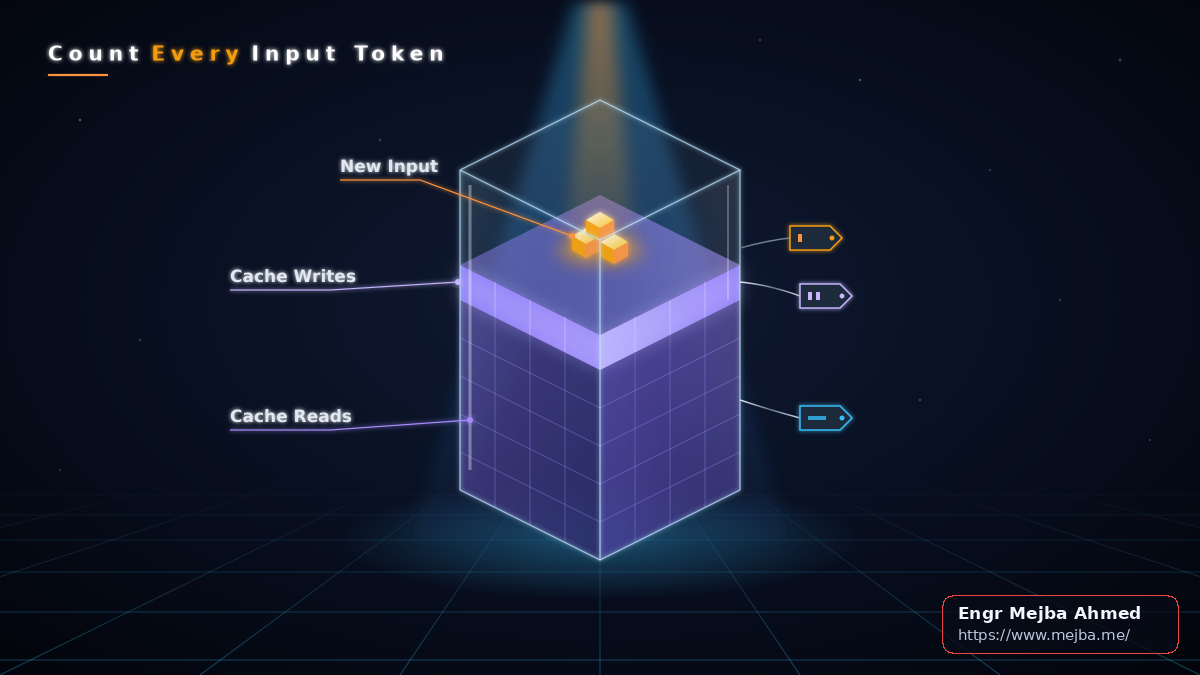
Every Messages API response includes a usage object. Three of its fields describe input, according to the prompt caching documentation:
cache_creation_input_tokens: tokens written to the cachecache_read_input_tokens: tokens read from the cacheinput_tokens: only the tokens after the last cache breakpoint
The same documentation defines the total as:
total_input_tokens = cache_read_input_tokens + cache_creation_input_tokens + input_tokens
If you log only input_tokens while caching is active, you undercount input.
The documentation's own example is a request with 100,000 cached tokens read, 0 written, and 50 new tokens. Here input_tokens is 50, yet 100,050 input tokens were processed.
Price each field with its own multiplier. The pricing page lists these, relative to base input:
- a 5-minute cache write costs 1.25x
- a 1-hour cache write costs 2x
- a cache read costs 0.1x by default, 0.05x on Opus 5.5 and Sonnet 5.5, and 0.025x on Fable 5.1 and Mythos 5.1
The page also states that these multipliers stack with the Batch API discount, which is 50 percent on both input and output.
The example below uses Opus 5.5 rates and assumes all cache writes on a call share one duration:
# Opus 5.5, USD per million tokens (pricing page, retrieved Nov 2026)
OPUS_5_5 = {
    "input": 4.00,
    "output": 20.00,
    "write_5m": 5.00,   # 1.25x input
    "write_1h": 8.00,   # 2x input
    "read": 0.20,       # 0.05x input on Opus 5.5
}

def request_cost(usage, rates, write_ttl="5m", batch=False):
    cost = (
        usage["input_tokens"] * rates["input"]
        + usage["output_tokens"] * rates["output"]
        + usage.get("cache_creation_input_tokens", 0) * rates[f"write_{write_ttl}"]
        + usage.get("cache_read_input_tokens", 0) * rates["read"]
    ) / 1_000_000
    return cost * 0.5 if batch else cost  # batch discount stacks

spend = {}

def record(feature, usage, write_ttl="5m", batch=False):
    c = request_cost(usage, OPUS_5_5, write_ttl, batch)
    spend[feature] = spend.get(feature, 0.0) + c
A worked illustration, using the documentation's token split plus a hypothetical 500 output tokens:
| Line item | Calculation | Cost |
|---|---|---|
| Cache read | 100,000 × $0.20 / 1M | $0.0200 |
| New input | 50 × $4 / 1M | $0.0002 |
| Output | 500 × $20 / 1M | $0.0100 |
| Total | $0.0302 |
Without caching, the same 100,050 input tokens at $4 cost about $0.40, plus the same $0.01 of output. A dashboard that priced only input_tokens and output would report $0.0102 and miss the cache reads.
Design recommendation: attach a feature tag to every call at the call site. Examples include support_reply, invoice_extract and nightly_summary. Store the tag next to the raw usage object. Keep the raw counts as well as the computed cost, so you can reprice history when rates change.
For batch jobs, encode the feature in each request's custom_id. The batch processing documentation warns that results "can be returned in any order," and custom_id is the documented way to match a result to its request.
Some costs sit outside this function:
- Server-tool charges such as web search are billed per use, so log them separately.
- Specifying US-only inference through
inference_geoapplies a 1.1x multiplier to all token categories on Claude 4.6 and later models. - Hardcoded rates go stale. Load the rate table from config and recheck the pricing page whenever you change models.
Step 2: Choose a Lever per Feature, in Order
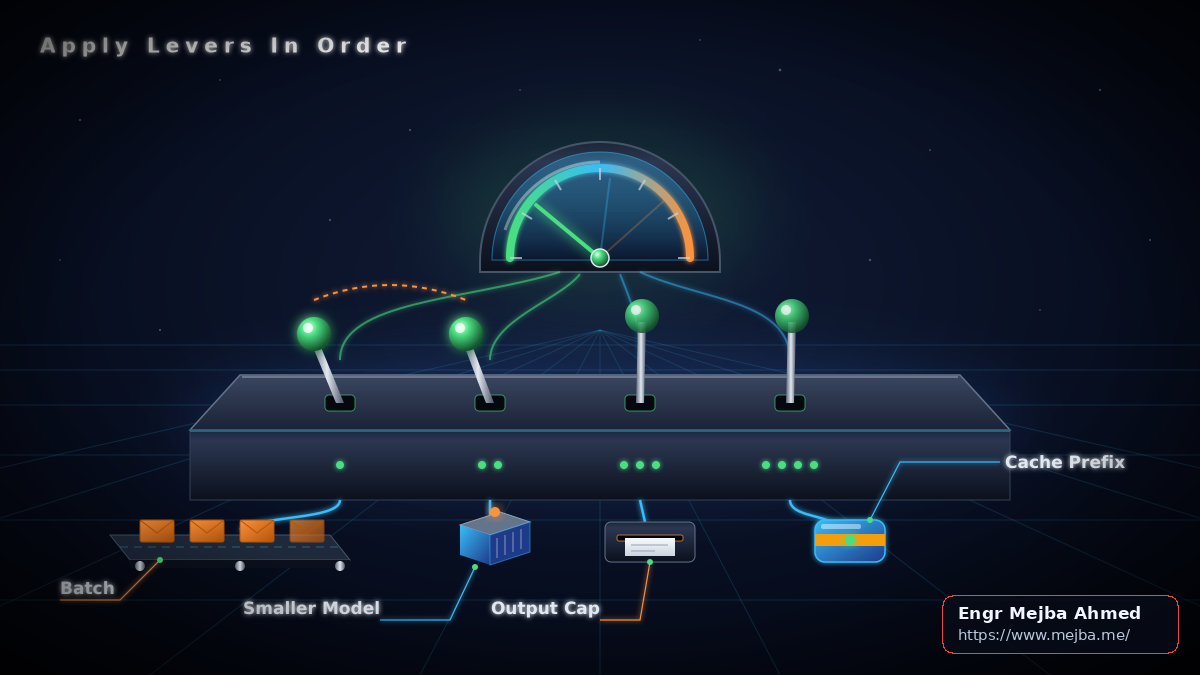
Once a week of tagged data shows where spend concentrates, apply levers in a fixed order. The ordering and thresholds below are design recommendations built on the documented behavior.
(a) Batch anything that can wait a day. The Batch API gives 50 percent off input and output. In exchange, you can access results only when all messages have completed or after 24 hours, whichever comes first. Most batches complete within an hour, but batches that do not finish within 24 hours expire.
A single batch is limited to 100,000 requests or 256 MB. Errored, canceled and expired requests are not billed. Nightly reports, backfills, evaluations and bulk content generation are natural candidates.
(b) Trial a smaller model for simple tasks. The models overview describes Haiku 5.5 as built for "classification, extraction, and routing." Gate the switch behind an eval, because no published figure tells you how much quality your task loses.
Also check prompt length. A long-document extraction feature that exceeds 100,000 prompt tokens moves Haiku 5.5 into its higher price tier. For routing patterns, see LLM Routing: Right Model for Right Task, With Fallbacks.
(c) Cap output when output dominates. Output tokens are billed per token at the higher rate. Lowering max_tokens and asking for a tighter format, such as JSON fields instead of prose, reduces the tokens you can be billed for. This is a recommendation rather than a documented saving. Watch for truncated answers after you lower the cap.
(d) Cache only a stable, long-enough prefix. Prompts below the model's minimum cacheable length are processed without caching, and no error is returned. At the default 0.1x read rate, a 5-minute write pays off after one cache read. In practice, that means at least two requests must share the prefix within the cache lifetime. For the mechanics, see Claude Prompt Caching: 90% Cheaper, Same Quality.
The decision function below encodes that order. The thresholds are starting assumptions:
# Starting assumptions, not documented thresholds. Tune on your data.
SIMPLE_TASKS = {"classification", "extraction", "routing"}

def pick_levers(f):
    levers = []
    if f["tolerates_24h_latency"]:
        levers.append("batch")  # 50% off input and output
    if f["task_type"] in SIMPLE_TASKS and f["model"] != "claude-haiku-5-5":
        levers.append("smaller_model_behind_eval")
    if f["output_cost"] > f["input_cost"]:
        levers.append("cap_max_tokens_and_tighten_format")
    if (f["stable_prefix_tokens"] >= f["model_cache_minimum"]
            and f["requests_per_prefix_window"] >= 2):
        levers.append("prompt_caching")
    return levers
The levers can combine. A nightly classification job might use batching, a smaller model and caching together. Look up model_cache_minimum for your model in the prompt caching documentation, because the minimums differ by model.
Step 3: Verify Before You Roll Out
Check each change against real usage before you ship it.
Recount tokens on the target model. The token counting documentation notes that Claude 4.7 and later models use a newer tokenizer. The same text produces approximately 30 percent more tokens than on earlier models.
Recount prompts against the model you plan to use rather than reusing old counts. Treat the result as an estimate. Token counting supports client tools and the advisor tool, but requests that include other server tools return an error. For web-search-heavy features, take estimates from actual response usage instead.
Confirm caching actually happened. If both cache_creation_input_tokens and cache_read_input_tokens are 0, the prompt was not cached. The most likely cause is that it fell below the minimum length.
For concurrent traffic, a cache entry only becomes available after the first response starts. A burst of identical parallel requests can therefore all pay full price.
Measure your own batch cache rate. Inside batches, cache hits are best-effort. The batch documentation reports typical hit rates from 30 to 98 percent, depending on traffic patterns. To improve your odds:
- Include identical
cache_controlblocks in every request. - Keep a steady stream of requests so entries do not expire after their 5-minute lifetime.
Proposed test scenario: take 50 to 100 real inputs from one feature and run them through both the current and the candidate configuration. Compare cost per successful output and the eval pass rate. Ship only if quality holds.
On a low-volume feature, building the eval can cost more engineering time than the change will ever save. Start with the features at the top of your spend table.
FAQ
Do batch and caching discounts stack? Yes. The pricing page states that cache multipliers stack with other pricing modifiers, including the Batch API discount. Cache hits inside batches are best-effort, though, so combined savings vary.
Why does input_tokens look tiny after enabling caching?
It counts only tokens after the last cache breakpoint. Add cache_read_input_tokens and cache_creation_input_tokens to get total input.
Am I billed for failed batch requests? No. The batch documentation says errored, canceled and expired requests are not billed.
Is the cheapest model always the cheapest option? Not always. Haiku 5.5 charges higher rates for prompts over 100,000 tokens. On any model, output volume and repeated uncached context can outweigh the difference in list price.
Can I trust token counting for budgeting? Use it as an estimate. Counts can differ slightly from actual usage, and they must be redone for each target model.
Audit One Feature This Week
- Pick the single feature you suspect costs the most.
- Add the feature tag and raw
usagelogging from Step 1, and let it run for seven days. - Price that week with the current rate card, then run
pick_leverson the result. - Pilot the first lever it returns behind a flag, using the Step 3 comparison to confirm cost per successful output drops without a quality regression.
- Move to the next feature on the spend list.
If you'd rather have a team handle this, see Claude AI consulting.