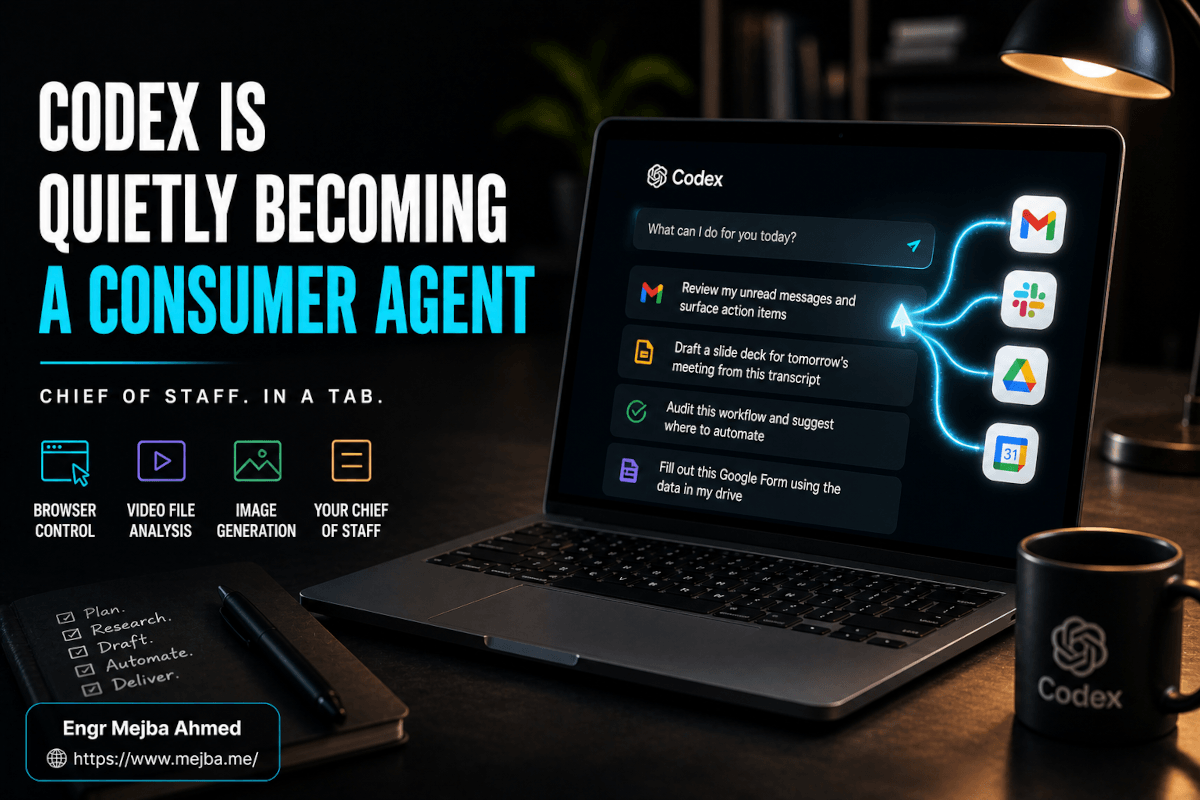

I test OpenAI's Codex from a specific seat: Claude Code is my daily driver, on real client repos, every working day. That makes Codex the competitor I have the most reason to underrate — and the one I am best positioned to evaluate honestly, because I know exactly what a desktop agent has to do before it earns a place in a working stack. After OpenAI's April 2026 update turned Codex from a coding assistant into what they are openly building as a super app, I put two weeks of actual workflows through it: document processing, email triage, computer-use sessions, scheduled automations, and the screen-watching Chronicle feature that made me switch the whole thing off for two days while I thought about it.
This is the consolidated, honest verdict — one comprehensive review instead of the five overlapping takes this topic usually generates.
What OpenAI actually shipped
Names and timeline first, because confusion surrounds this release. The product is Codex, a desktop app on macOS (Windows in preview), bundled with paid ChatGPT plans rather than sold separately — your ChatGPT tier defines your Codex usage ceiling. The April 16, 2026 update is the one that mattered: full local file access, an in-app browser built on Atlas, computer use, image generation, a plugin system with more than ninety launch integrations (Slack, Gmail, Notion, Google Drive, the Microsoft suite, Figma, GitLab, and a long tail), scheduled automations, and — a few days later, as an opt-in research preview — Chronicle, the screen-context memory system. OpenAI's Codex lead said the quiet part in the press briefing: they are "building the super app out in the open," starting with developers and broadening later.
That is the surface. What follows is what happened when real work went through it.
Full file access: the receipt test
The biggest mental shift versus cloud-sandboxed agents is that Codex lives on your filesystem — granted folder by folder, not blanket. My test was a task I had been avoiding: a folder of 53 phone-scanned receipt JPGs. One sentence about wanting an Excel dashboard with category totals and low-confidence flags. Codex ran vision analysis per image, wrote structured fields to CSV, built the formatted spreadsheet with a pivot table, and saved it next to the originals. No upload step; the files never left their folder except as model context.
The detail that sold me was the failure handling: six receipts — thermal paper, faded — came back with low-confidence amounts, and Codex flagged them into a manual-review tab instead of guessing. Confidently invented dollar amounts are the failure mode that kills document agents; not hallucinating the cells is the behavior that earns trust.
Claude Code can run the same workflow — it is a file-access agent too — but the barrier is different. There, this job means wiring a skill and thinking about configuration, the kind of setup I cover in my Claude Code power-user hacks. Here it means dragging a folder onto an app. For the audience that hires people like me to automate paperwork, that gap decides adoption.
Memory: two layers, one important design decision
Codex's memory has a manual layer and an automatic one, and the distinction matters more than the docs suggest. The manual layer is agents.md — a markdown file you write yourself, per project and globally, holding who you are and how you like things done. Mine lists my brands, my stack preferences, my writing rules. Deterministic, transparent, version-controllable.
The automatic layer is a separate file Codex maintains itself, learning preferences over time. A week in, my assessment: good at preferences, bad at facts. It correctly learned how I want PR descriptions framed. It also "remembered" I prefer a package manager I do not — I had once avoided it on one project for one bug, and the memory overgeneralized. The redeeming design decision: the auto-memory is a plain markdown file. I opened it, deleted the wrong claim, done. You can cat it, grep it, carry it across machines. Compare that to opaque memory systems editable only through settings dialogs — inspectable memory is what agent memory should look like, and both major ecosystems converging on markdown files is the quiet win of 2026.
Plugins and skills: where the composition happens
The ninety-plugin headline undersells the architecture. A Codex plugin bundles skills, the OAuth integration, and MCP configuration in one install — the same packaging consolidation happening on the Claude side, which I have mapped in my agent skills guide.
The Gmail plugin produced my "this is different" moment. I asked for a scan of 30 days of email for sponsorship offers: it batched through the inbox, ignored newsletters, surfaced the legitimate inquiries, correctly identified two scams dressed as sponsorships, and found one genuine offer about to expire that I had forgotten. The trust-building detail: it classified one sender as "previously declined, do not re-engage" — because that note lived in my agents.md from months earlier. Memory layer and plugin layer composed correctly without being told to. On paper, small. In practice, that composition is the line between AI features and AI workflows.
Skills are markdown workflow files, same convention as the CLI, and they chain — my inquiry-researcher skill feeds a reply-drafter skill. No proprietary format, no compile step. Where it got rough: multi-plugin tasks crossing permission boundaries ("read Gmail, check Notion, post to Slack") stopped mid-run for re-confirmation. Correct security posture, clunky ergonomics — the v1 tax you would expect.
Computer use: the Canva test and the QA test
Codex's computer use drives your actual mouse, keyboard, and screen. Two tests. First, a six-slide Canva presentation in my brand colors: Codex opened Canva in the in-app browser, picked a near-brand template, and built it slide by slide — typing copy, clicking the color picker, pulling hex codes from a note in another window. One typography miss on slide three, fixed on the second pass. Roughly fifteen minutes total against the forty-five it takes me cold.
Second, QA on a staging app: log in as a test user, run the new onboarding flow, report breakage. It found two real bugs — a visible-but-unclickable button at mobile widths and a validation message that vanished too fast to read. Exactly the class of bug unit tests never see, written up with reproduction steps.
The honest critique: computer use runs at human-typing speed. When a plugin API exists, the API path is several times faster, and Codex's auto-routing sometimes picks the slow pixel path anyway. Knowing which mode a task deserves is a genuine skill the tool has not internalized yet. For tools without APIs, though, this capability is transformative rather than convenient.
Automations: the Friday report
Automations are scheduled Codex runs — prompt, schedule, allowed plugins, and it executes whether you are at the laptop or not. Mine: a Friday 9 AM digest that runs the inquiry-researcher over the week's email, pulls next week's calendar, summarizes active projects from Notion, and emails me the result. It is the same scheduled-agent pattern I already run on the Claude side with loops and cron-style routines, packaged with less friction. Worth the setup only if you genuinely have recurring tasks; a scheduled agent with nothing recurring to do is a subscription justification, not a workflow.
Chronicle: the feature that made me pause
Chronicle, with opt-in consent, screenshots your Mac in the background, processes the captures in an ephemeral session on OpenAI's servers, and stores the resulting structured memories as local markdown. Screenshots delete after six hours; the distilled memories persist locally until you clear them. The rollout initially excluded the EU, UK, and Switzerland — which tells you OpenAI's own read of the regulatory ground.
The pitch is real. "Make slide three better" works because it watched you build slide three. "What was that error from earlier" works because it captured the terminal when the error fired. I tested the presentation use case on my own decks and the suggestions were genuinely on target.
The trade-off is equally real, and I want to be precise where the coverage is sloppy. The screenshots do leave your machine for processing — anyone describing Chronicle as fully local has not read the docs. And the persistent memory files sit in plain, unencrypted markdown in your home directory: a searchable inventory of your last weeks of work — every app, every document, every error — readable by any process with home-directory access and happily synced by Dropbox or iCloud if you left those on. No encryption layer, no biometric gate.
My resolution, as someone who runs a security consultancy alongside development work: Chronicle stays off on my primary machine, which touches client data under NDA. I run it only on a separate machine used for content workflows, where the threat model and the productivity gain are actually matched. That is the general principle worth stealing — opt-in surveillance tooling is a per-machine decision matched to data sensitivity, never a default. Leaving it on everywhere, on a laptop that sees client work and banking, is a risk-to-reward mismatch no presentation feature justifies.
The verdict, ranked by actual impact
Genuinely transformative: full file access (the receipt workflow is now permanent), the Gmail and Notion plugins (email triage is the feature I would miss most), skills (three composed skills in and you are in a different tier), and computer use for API-less tools.
Useful but situational: persistent memory (treat agents.md as truth, auto-memory as advisory), inline image generation (removes real friction in asset-heavy projects; not a replacement for finished commercial art), and automations (need two or more real recurring tasks to pay for themselves).
Wait and see: Chronicle. The capability is real; the default privacy posture is wrong. Separate machine or not at all.
And the question I get weekly — Codex or Claude Code? They are different shapes of the same problem. Claude Code wins deep engineering: terminal ergonomics, agent-team patterns, the workflows I depend on for real repos. Codex wins desktop operations: computer use, the plugin bundle, the everything-in-one-app ergonomics for non-coding work. I run both, deliberately, and documented what that looks like in practice in my side-by-side same-repo comparison and the broader Codex versus Claude Code test. If your work spans engineering and operations, running both is not indecision — it is using each tool at its strong end.
What actually changed with this release is that "super app" stopped being marketing. An agent that lives on your machine, optionally sees your screen, runs scheduled jobs, drives your apps, and remembers your preferences is the assistant people imagined in the GPT-3 era. It exists now. The real decision left is the one this review kept circling: how much of your machine you let it see, and on which machine. Running Codex and Claude Code together with the file-access and Chronicle guardrails set correctly turns out to be a curriculum problem more than a tooling problem, and I built the curriculum: my AI school.