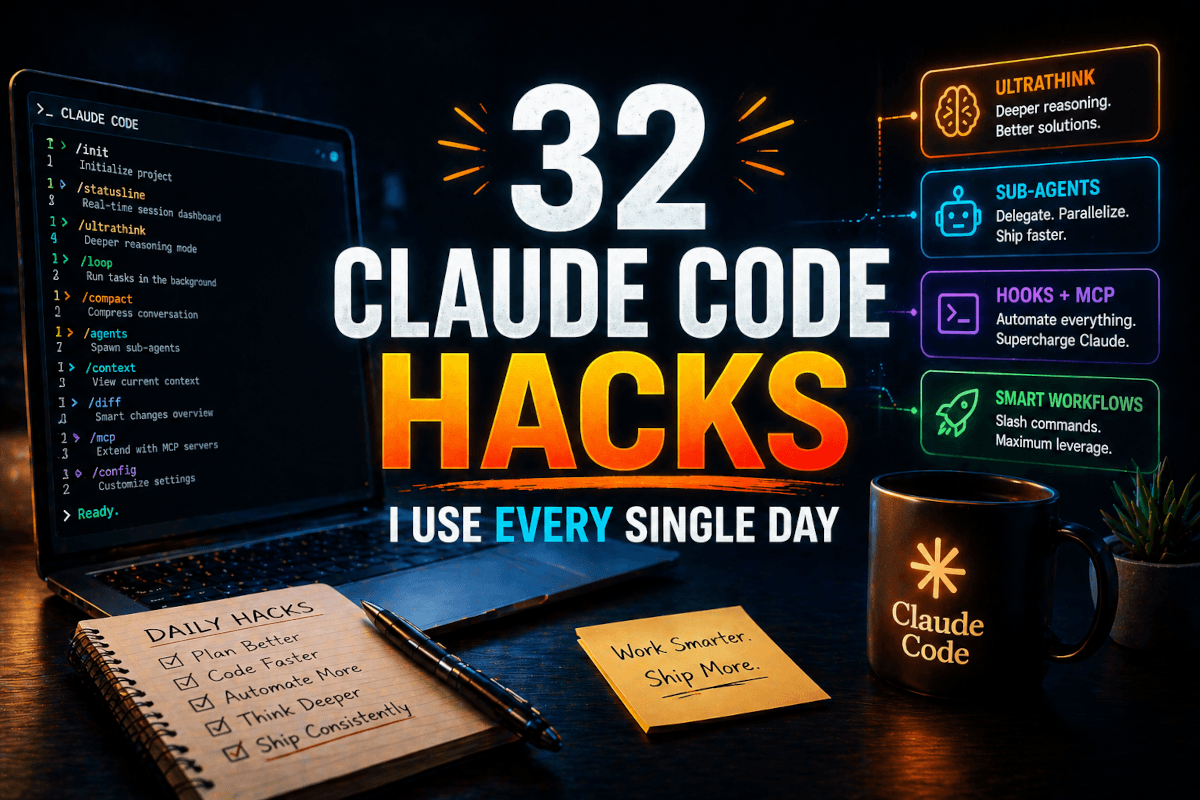

Most "Claude Code hacks" lists are someone reading the docs out loud. This one is different in a specific way: every item below corresponds to something actually switched on in my setup right now — a line in my ~/.claude/settings.json, a hook script in ~/.claude/hooks/, a subagent file, a habit I can point to in this site's repository. I use Claude Code all day against a production Laravel codebase and client work, and this is the accumulated configuration that separates my current sessions from the ones I ran a year ago.
The honest headline: the hacks that changed my day most are the boring infrastructure ones — permissions, hooks, the status line — not the flashy ones. They compound under everything else. Here are all 32, grouped the way they actually layer.
Setup layer: the settings that do work while you sleep
1. Run /init before your first prompt. It walks the repo and drafts a CLAUDE.md with stack, structure, and commands. The draft is good enough that I edit rather than rewrite — then I spend my effort trimming it, which matters more (see #12).
2. Build a real status line. Mine is a small bash script wired via the statusLine setting: user@host, working directory, git branch, model name, and — the part I actually watch — remaining context percentage. Claude Code without a context gauge is driving without a fuel gauge; you find out at the worst moment. /statusline will scaffold one for you.
3. Grow a permission allowlist. My global settings pre-approve the safe families (git *, npm *, php *, composer *, test runners, formatters); my per-project file adds repo-specific entries like php artisan * and vendor/bin/pint. This is the difference between agents that run for hours and agents that stall twenty times waiting for "approve."
4. Keep a deny list even with a generous allowlist. Deny beats allow, always. Mine hard-blocks rm -rf /, recursive chmod 777, shutdown, mkfs, and disk-writing dd — cheap insurance that costs nothing until the day it doesn't.
5. Add a PreToolUse safety hook. Static permissions can't parse compound commands, so I pipe every Bash call through a hook script that pattern-matches: auto-approve known-safe shapes, hard-block the destructive family including curl | sh pipes and fork bombs. Deterministic, model-independent, runs every time.
6. Add a SessionStart hook. Mine loads an agent-state script so each session opens knowing where the last one left off, instead of spending its first thousand tokens rediscovering the world.
7. Put must-happen checks in git hooks, not prompts. This repo's pre-commit hook runs Pint (blocking) and PHPStan level 8 (warning) on staged PHP. A session that forgets the convention still can't commit unformatted code. CLAUDE.md is advisory; hooks are law.
8. Try fullscreen TUI mode. One line in settings ("tui": "fullscreen"). Small quality-of-life change, noticeably calmer for long sessions.
9. Use voice for long briefs. I run hold-to-talk voice input, enabled right in settings. Spoken briefs come out denser — they keep the half-thoughts and edge cases I skip when typing with three Slack windows open.
10. Turn on push notifications for input-needed. Two settings flags mean my phone buzzes when a long-running task actually needs me. That's what makes walking away from a 40-minute job rational instead of nervous.
Session discipline: where the quality comes from
11. Plan mode (Shift+Tab) for anything touching more than one file. Ten seconds reviewing the plan — especially file placement — saves the multi-hour class of misplaced-but-correct-code refactor. The full plan-implement-verify loop is my daily workflow guide.
12. Cap CLAUDE.md around 100–200 lines. Every line loads into every conversation. Mine holds commands, conventions, hard rules — and links out to deeper docs instead of inlining them (the router pattern).
13. Keep a Quirks section and feed it. My project CLAUDE.md records every lesson the codebase taught me — "composer test runs PHPStan here, not PHPUnit," "the content cache key isn't busted by the observer." Each entry is one burned afternoon that never repeats.
14. /context when things feel off. It itemizes what's eating your window. Eight times out of ten a "dumb model" is actually a bloated MCP output or a forgotten file read hogging attention.
15. /compact manually around 60–70%, never on autopilot. And always with instructions: preserve the brief, the decisions, the constraints; drop tool output bodies. Autocompact's defaults don't know what's load-bearing in your work.
16. /clear between unrelated tasks. Carry one deliberate sentence of context forward yourself. Mixing two tasks in one session is the fastest route to hallucinated APIs. My full context playbook is in how I stop context rot in long sessions.
17. /rewind instead of arguing. Third correction on the same issue = rewind to before the bad turn and re-prompt with what you learned. Corrections stay in context and poison everything downstream; rewinds don't.
18. Tune effort, and save ultrathink for real problems. I keep the effort level at high in settings and escalate thinking (think → ultrathink) maybe twice a session, on problems where a wrong answer costs more than the extra tokens.
19. Force clarifying questions in CLAUDE.md. One line — "ask clarifying questions until you're confident in the requirements; don't guess" — converts half-right first drafts into three sharp questions followed by working code.
20. Ask for the critique pass. "Review this as a skeptical senior engineer — what would you push back on?" Claude finds flaws in generation-mode output remarkably well when you switch it to review mode. Free second opinion, same session.
Verification: "done" should mean proven
21. Self-verifying to-do lists. Every multi-step task ends each step with proof: a screenshot for UI, a hit endpoint for APIs, a query result for schema work. "I wrote the code" and "it works" are different states, and most agent failures live between them.
22. Playwright MCP for visual checks at three widths. My frontend rule — desktop, tablet, mobile — is enforceable because the agent can screenshot all three itself. Alignment bugs and overflow issues that text review never catches show up instantly.
23. Chrome DevTools MCP for live debugging. The agent opens your dev server, reads console errors, inspects the DOM, and reports back. For bugs that don't reproduce from code reading alone, it's pair programming with someone who always has the browser open.
24. A project database MCP turns questions into queries. On this repo, Laravel Boost gives sessions schema access and safe query tools — "how many published posts have no meta description?" gets answered without me opening a client. Exploratory data questions in plain English; hand-tuned SQL stays for production.
25. Context7 MCP for version-specific docs. It pulls current documentation for the exact library versions you're on, which kills the deprecated-API class of hallucination. It's in my own project allowlist and it's the first MCP I'd recommend to anyone on a fast-moving stack.
Parallel and background: the multiplier layer
26. Define real subagents, not ad-hoc asks. Mine live as markdown files in ~/.claude/agents/ — six specialized SEO agents (content, technical, schema, sitemap, performance, visual), each with its own system prompt and tool scope. Repeatable delegation beats "also please check X" every time.
27. Route subagents to Haiku. Set the model in the subagent's frontmatter. At current list prices Haiku runs $1/$5 per million tokens against $5/$25 for the Opus tier — a 5x spread — and for exploration, search, and log-parsing the quality gap is roughly zero. Expensive models are for judgment, not errands.
28. Git worktrees for parallel features. Separate checkout, separate branch, separate session, zero collisions. Claude Code's creator reportedly runs ten-plus sessions this way (his workflow is worth studying); my sustainable ceiling is three or four before review overhead eats the gains. Setup and gotchas: my worktrees walkthrough.
29. /loop for recurring checks. A prompt or slash command on an interval — build babysitting, log watching, content checks. Keep the mandate narrow with a clear exit condition; vague loops get expensive.
30. Scheduled agents for genuinely recurring work. I replaced a daily 20-minute manual SEO check on this site with a scheduled agent that runs the scripted parts for free and spends model tokens only on interpreting anomalies. If a task recurs on a calendar, it wants a schedule, not your memory.
31. Remote control from your phone. Claude Code's remote-control mode means "restart that loop" and "check the deploy" happen from wherever you are. Not for heavy work; perfect for keeping long jobs unblocked while you live your life.
32. Prune your skills roster. The anti-hack that makes the rest work: my settings carry a skillOverrides block switching off thirty-plus skills I'm not actively using. Every enabled skill costs context in every session, and an agent choosing between forty procedures chooses worse than one choosing between eight. Audit monthly; residency must be earned.
Quick answers
What's the single biggest cost lever in Claude Code?
Routing subagents to Haiku (#27). The input-price spread against the Opus tier is 5x, and delegation-shaped work — search, exploration, parsing — loses nothing noticeable.
/compact or /clear?
/compact (manually, with preserve instructions) when the same task continues. /clear when the task changes. If you're unsure, /clear and carry one sentence forward — a clean session beats a murky one.
How do I run parallel sessions without conflicts?
Git worktrees (#28): one isolated checkout per branch, one session per worktree. Start with two; raise the ceiling only as fast as your review capacity grows.
Don't wire in all 32 this weekend. Take three from the setup layer, run them for a week, and let the friction they remove tell you what to adopt next — the stack compounds layer by layer. The persistence side of this system (memory files, resume manifests, the second-brain layer that makes long-running work survivable) is its own topic, covered in how I built a second brain for Claude Code.
And if you'd rather learn this as a structured path than assemble it from blog posts — my AI School has hands-on courses that take you from first session to the multi-agent setups described here, taught from the same daily practice this list came from.