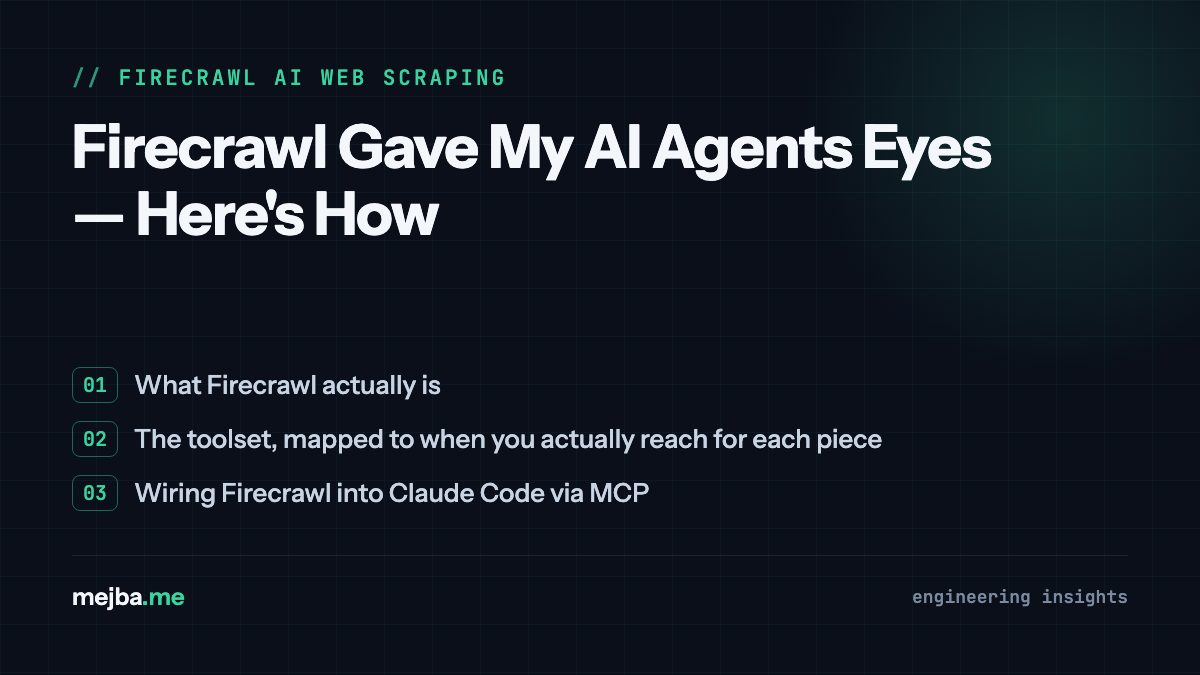
Most "autonomous" AI agents have a handicap nobody puts in the demo: they cannot see the live web. The model reasons brilliantly over whatever you paste into context, but ask it what a pricing page says right now and it either hallucinates from stale training data or waits for you to copy-paste HTML like a nurse spoon-feeding a patient. Firecrawl fixes exactly that layer — it turns any URL into clean, LLM-ready markdown or structured JSON through one API, and through its MCP server it plugs straight into Claude Code. Here is how I use it, how to wire it up, and where its limits actually are.
My credential for writing this is not a demo project. This site runs an agent-driven content pipeline where load-bearing third-party claims — versions, prices, release dates — get verified against live pages before anything publishes. That pipeline lives or dies on one unglamorous thing: whether a fetched page arrives as clean text an agent can reason over, or as 400KB of nav menus, cookie banners, and hydration payloads that drown the answer. The web data layer is the constraint. Everything else is prompt polish.
What Firecrawl actually is
Firecrawl is a web data API built for AI consumption. Give it a URL; get back markdown, structured JSON, a screenshot, or raw HTML — with navigation chrome, ads, and consent banners stripped, and JavaScript-heavy pages rendered in a real browser before extraction. If you have ever pointed a plain HTTP client at a React SPA and received an empty <div id="root">, that rendering step is the entire value proposition.
It is also not a weekend npm package. The project is open source under AGPL-3.0 with a large community around it, and the company behind it — founded by Caleb Peffer, Eric Ciarla, and Nicolas Silberstein Camara, a Y Combinator S22 team — raised a $14.5 million Series A in August 2025 led by Nexus Venture Partners, with Y Combinator and Shopify CEO Tobi Lütke participating. I mention the funding for one practical reason: when you build a pipeline on a data layer, you want evidence the layer will still exist next year.
The toolset, mapped to when you actually reach for each piece
Firecrawl exposes several distinct capabilities, and knowing which one fits which job is the difference between an efficient pipeline and a credit bonfire:
- Scrape — one URL in, clean content out. The workhorse; this is 90% of my calls. Markdown mode drops directly into an agent's context window.
- Map — returns every URL on a domain, fast, without scraping content. Use it as reconnaissance: map first, then scrape only the pages that matter. This single habit is the biggest credit saver.
- Crawl — follows internal links and scrapes each page it finds. Right for ingesting a documentation site into a knowledge base; wrong for "I need three pages" (that is map + targeted scrapes).
- Search — web search that returns the full page content of top results as markdown, not snippets. For research agents this collapses "search, then scrape each hit" into one call.
- Extract — LLM-powered structured extraction: describe the fields you want in plain English, get JSON back. This is what replaces hand-written parsing logic, and it is what keeps working after a site redesign breaks every CSS selector you would have written.
- Screenshots — full-page captures, header to footer, useful for audits and documentation.
The architectural point worth internalizing: traditional scrapers encode how to get data (selectors, waits, pagination logic) and break when the how changes. Firecrawl's extraction encodes what you want, which survives redesigns. That is the maintenance trade that justifies paying for it.
Wiring Firecrawl into Claude Code via MCP
The fastest path for Claude Code users is the official MCP server, which surfaces scrape, crawl, map, search, and extract as native tools the agent can call mid-conversation. Setup:
1. Get an API key from firecrawl.dev — the free tier's monthly credits are enough to test everything in this post.
2. Register the MCP server:
claude mcp add firecrawl -e FIRECRAWL_API_KEY=fc-YOUR_KEY -- npx -y firecrawl-mcp
3. Start a fresh session. This is the gotcha that generates most "it doesn't work" complaints: newly added MCP servers are picked up on session start, not mid-session. Open a new session and ask "what Firecrawl tools do you have?" — you should see firecrawl_scrape, firecrawl_map, firecrawl_crawl, and friends listed.
If tools do not appear, the usual suspects are Node not being on PATH, a truncated API key (the fc- prefix is part of it), or needing a full restart of the host app rather than a new chat. Once connected, requests like "scrape this pricing page and summarize the tier structure" happen as a single conversational turn: the agent calls the tool, receives clean markdown, and analyzes it — no copy-paste step, no cleaning pipeline.
One configuration opinion from running this alongside other servers: every MCP server you attach spends context window on tool definitions. If web data is your need, attach Firecrawl and skip redundant scraping servers — my criteria for which servers earn a slot are in my must-have MCPs for Claude Code.
What it replaced in my stack
Before this class of tool, a typical agent project that touched the web meant: Playwright for JS rendering, BeautifulSoup-style parsing per site layout, a proxy service for rate limits, and a cleaning pass to strip boilerplate — plus the recurring tax of fixing all of it whenever a target site shipped a redesign. The failure mode was never the happy path; it was the Tuesday-morning breakage after someone else changed their HTML.
With a web data API, that entire stack collapses into tool calls, and the maintenance surface moves to someone else's engineering team. Where I still drop to custom browser automation: logged-in flows, multi-step interactions, and sites where I need precise control over timing. For the read-heavy 90% — research, verification, monitoring, ingestion — the API wins on total cost of ownership, and it is not close.
The use cases that have earned permanent slots in my workflows:
- Claim verification. My content pipeline checks prices, versions, and dates against live sources before publishing. Clean markdown in, verdict out — the pattern behind my automated research strategy in Claude Code.
- Competitor and market research. Map a site, scrape pricing and feature pages, have the agent produce a structured comparison. What used to be an afternoon of tabs is one prompt.
- Brand audits. Scrape a client's site, extract palette, typography, and copy tone into a style document before proposal work.
- Docs ingestion. Crawl a documentation site into a knowledge base an agent can query, instead of pasting pages one at a time.
If you are building agents rather than one-off scripts, this slots in as the perception layer of a larger architecture — the reasoning and orchestration side of that picture is what the Anthropic Agent SDK covers, and coordinating multiple specialized agents over shared data is the territory of my agent swarm architecture writeup.
Costs and the credit gotchas, current as of 2026
Pricing has shifted since Firecrawl's early days, so ignore older posts quoting lifetime credits. As I write this: the free tier gives 1,000 credits per month, Hobby is $16/month for 5,000 credits, Standard is $83/month for 100,000, and Growth is $333/month for 500,000, with yearly billing behind the headline rates.
The gotchas live in the multipliers. A basic scrape is 1 credit, but JSON extraction adds 4 credits per page and enhanced anti-bot mode adds another 4 — so one structured scrape of a heavily protected page can cost 9 credits. Budget on your worst-case per-page cost, not the base rate, or your Hobby-tier math will be off by nearly an order of magnitude. Credits also do not roll over on standard plans, so size the tier to your actual monthly volume.
The escape hatch worth knowing: the project is genuinely open source, and you can self-host with Docker for zero API cost. I would reach for that on high-volume pipelines or compliance-constrained data, with eyes open about the trade — you inherit browser-instance tuning, memory management, and proxy configuration. Managed API for convenience, self-hosted for volume; both are legitimate.
Scraping responsibly — from someone on both sides of it
I have an unusual vantage point here: my agents fetch other people's pages, and my own site gets hammered by AI crawlers daily — I have written about how AI crawlers differ from search bots and spent real time on bot policy for this domain. So take this as more than a compliance footnote.
Respect robots.txt and terms of service. Keep request rates reasonable — the MCP server's built-in rate limiting and backoff help, but responsibility is yours, not the tool's. Be careful with personal data; GDPR applies if you process EU residents' information regardless of where you run the scraper. And strategically: the sites you scrape are increasingly deploying the same AI-bot defenses I evaluate for my own — build pipelines that behave like good citizens, because the hostile-scraper arms race is one you will eventually lose.
The honest limits
Three things to know before you commit. Extraction is very good, not perfect: dense data tables, interactive charts, and content behind JavaScript event handlers can come back incomplete, and for those cases you still write targeted automation. Latency is seconds, not milliseconds — static pages return fast, heavy SPAs take noticeably longer, and large crawls take minutes; this is a batch tool, not a real-time one. And LLM-powered extraction is not deterministic: production pipelines need validation and retry logic around it, the same as around any model output.
None of these are dealbreakers. They are the difference between "magic" and "good infrastructure," and good infrastructure is the correct expectation.
Where this leaves your agents
The pattern I keep coming back to after 8+ years of building systems and 1,500+ projects: capability jumps come from adding senses, not just bigger brains. An agent with live web access stops being a chatbot that reasons over what you feed it and becomes a system that can go find what it needs — research, verify, monitor, ingest — while you review results. Firecrawl is currently the cleanest way I know to add that sense to a Claude Code setup, and the MCP integration means the cost of trying it is one terminal command and a free-tier key.
I build web-connected agents and the pipelines around them — extraction, verification, monitoring, and the orchestration that keeps them honest — as client work. Tell me what data you need and how often it changes, and I will sketch the pipeline shape before you commit to anything: message me here.