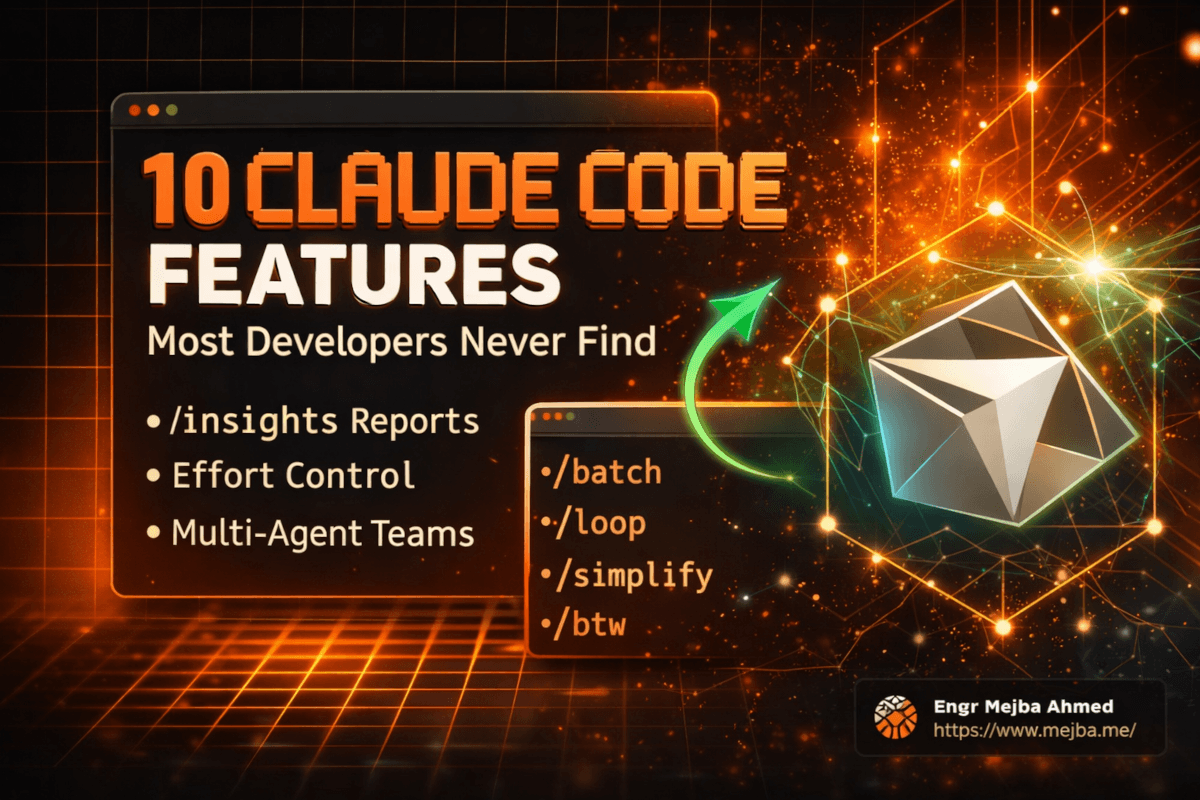
After six months of daily Claude Code on the same Laravel repository, I can tell you the features that changed my output are not the ones in launch videos. They are configuration-level features: quiet, unglamorous, and compounding. The flashy demo is an agent building an app in one prompt; the real gains came from an allowlist file, a memory file, and a usage report I ran once and found mildly insulting. Here are the ten features that survived six months of contact with real work, and specifically how each one runs on my setup.
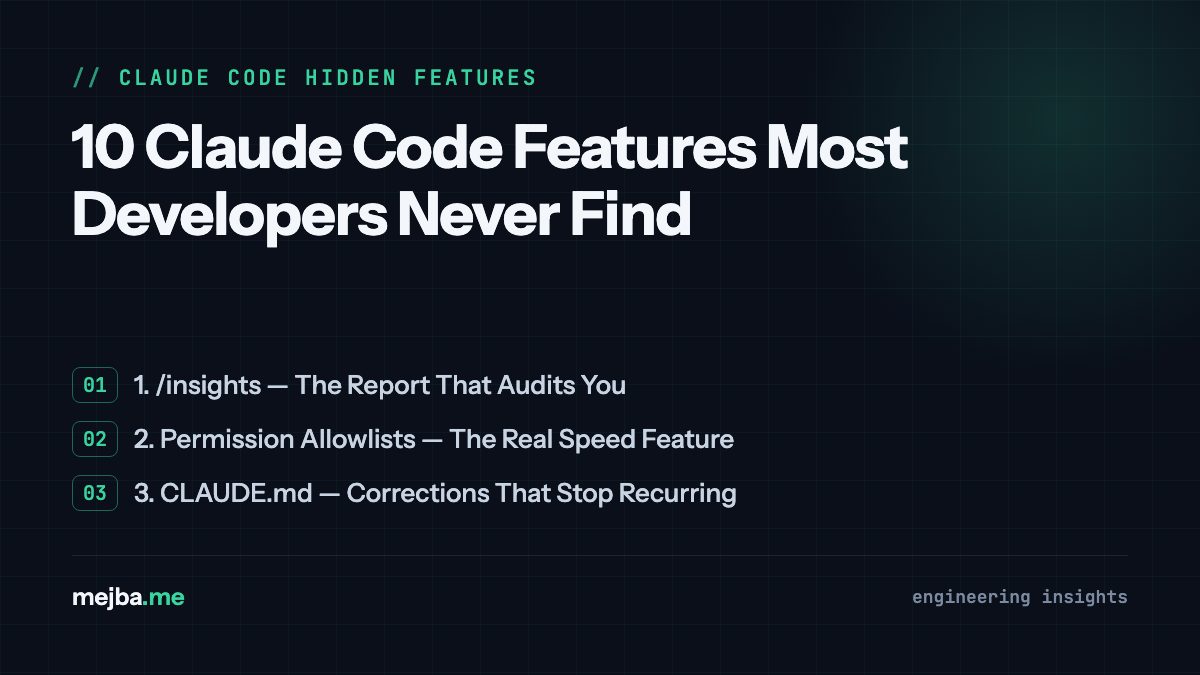
1. /insights — The Report That Audits You
/insights generates a report on how you actually use Claude Code: session patterns, where time goes, where friction repeats. Running it was uncomfortable in the way useful audits are; mine surfaced how often sessions stalled on permission prompts for the same handful of safe commands, and how much context I burned re-explaining project conventions that belonged in a file. Both findings turned directly into items below. Run it before optimizing anything else, because it tells you which of these features your workflow is actually starved of.
2. Permission Allowlists — The Real Speed Feature
Every command Claude cannot run without asking is a round-trip through your attention. The fix is .claude/settings.local.json, where allowlist patterns like Bash(php artisan:*), Bash(vendor/bin/pint:*), and Bash(gh run list:*) pre-approve classes of safe commands. My project's list has grown to dozens of entries, and the effect is that verification simply happens (tests, linters, CI checks) instead of queueing behind prompts. Keep destructive patterns out so writes still require you; that asymmetry is the design. Nothing else on this list pays off until this is done.
3. CLAUDE.md — Corrections That Stop Recurring
A CLAUDE.md file loads into every session: global one for your standards, project one for the repo's reality. The compounding trick is writing down every correction the moment you make it. Mine contains traps like "composer test runs PHPStan, not PHPUnit" and "never strip ->translateLabel(), it powers six locales." Each line is a mistake that used to recur and now cannot. Six months in, the project file reads like a map of every sharp edge in the codebase, which is exactly what a new collaborator (human or model) needs.
4. Hooks — Automation the Harness Enforces
Hooks in settings.json run commands automatically on lifecycle events: after edits, before commits, when a session stops. The distinction that matters: instructions in CLAUDE.md are things the model tries to remember; hooks are things the harness executes, deterministically, every time. My rule for choosing: style preferences go in CLAUDE.md, invariants go in hooks or git hooks (my Pint formatting gate blocks commits mechanically). If it must never be skipped, do not make it a memory.
5. Skills and Slash Commands — Procedures as Files
Any workflow you repeat can become a markdown file Claude loads on demand; I run about 35 of them, from SEO auditors to a token-diet compressor. This one deserves its own post and has one: Claude Skills, the automation feature nobody talks about. The one-line version: prompting is labor, skills are capital.
6. Background Tasks — Stop Watching Long Commands
Long builds, test suites, and imports can run detached in the background while the session keeps working; the result arrives when it arrives. The unlock is parallelism in ordinary work: kick off the full PHPUnit suite, keep editing, get the failures summarized when it finishes. Anything over thirty seconds that I do not need to react to mid-run goes to the background now.
7. /loop — Recurring Checks With Judgment
/loop 10m /check-ci reruns a check on an interval, with a model rather than a dumb timer doing each iteration, so a failed build comes back diagnosed. It lives inside your session and dies with it, which defines exactly what it should and should not be trusted with; I drew that boundary in detail, against my own production cron setup, in Claude Code loop and cron scheduling.
8. Subagents and Agent Teams — Parallel Workers for Parallel Work
Independent tasks can be dispatched to parallel worker agents, each with its own context, reporting back to an orchestrator. This is not a demo feature for me: my site's large content-remediation batches ran exactly this way, with worker agents each owning a slice of posts, backups written before every change, and a manifest tracking done/pending across sessions. The discipline that makes it work is the boring part: tasks must be genuinely independent, and every worker writes its results to durable files, not just chat. For orchestration-heavy setups, that file discipline grows into the architecture I described in the three-layer agentic OS.
9. Plan Mode — Approve the Approach, Not Each Edit
Plan mode makes Claude propose an approach before touching files; you approve or redirect, then it executes. My CLAUDE.md encodes this as the default for non-trivial work (state the domain, name the sibling pattern being copied, list the verify commands), with an explicit skip-list for trivial tasks, because planning ceremony on a typo fix is its own waste. The value is catching wrong approaches when they cost one paragraph instead of thirty files.
10. Headless Mode — Claude in Your Shell Scripts
claude -p "prompt" runs a task non-interactively and prints the result: Claude as a composable Unix tool. My repo's scripts/ directory has one-off content and enrichment scripts built this way, and headless mode is also the bridge into anything else that can run a command: cron, CI, a Makefile. When people ask how to "integrate Claude Code" into a pipeline, the answer is usually one flag, not an SDK.
The Pattern: Configuration Compounds, Conversation Does Not
Look at the list again: an audit, two config files, an enforcement layer, a procedure format, three execution modes, a planning gate, and a scripting flag. None of them make a single session dramatically better. All of them make every session slightly better, permanently, which after six months is the entire difference. A great conversation with an AI evaporates; a line added to an allowlist or a CLAUDE.md is forever. Spend accordingly. The same logic applies to the terminal tools you pair with these features, which I ranked in 10 CLI tools that supercharge Claude Code, and to quality gates like /simplify.
Common Questions
Which feature should I set up first?
Allowlists, in under ten minutes, then CLAUDE.md. Everything else builds on a session that is not constantly stopping to ask permission or being re-taught your conventions.
Are hooks the same as git hooks?
No, and I use both. Claude Code hooks fire on harness events (edits, session lifecycle) regardless of git; git hooks fire on git operations regardless of Claude. My formatting gate is a git pre-commit hook precisely so it binds humans too.
Do parallel agents burn tokens?
Yes; multiple contexts cost multiples. The discipline is scoping workers tightly and making them write conclusions to files instead of chattering. For independent batch work, wall-clock time drops far faster than token spend rises, which is the trade I take.
Six months of my trial and error, compressed into structured courses — allowlists through agent-team orchestration, every module drawn from systems I actually run — is what AI School exists for.