Claude Code Desktop App Changed How I Build Software
Three weeks ago, I deleted VS Code from my machine.
Not because it broke. Not because I found something technically superior in a feature-checklist sense. I deleted it because I realized I hadn't opened it in fourteen days — and every single project I'd shipped in that stretch had come out of the Claude Code desktop app.
That realization hit differently than I expected. VS Code has been on every machine I've owned since 2018. My office, my workshop, my extension-heavy second brain as a developer. And somewhere between shipping a thumbnail generator app in an afternoon and watching two AI agents simultaneously redesign my UI and optimize my API — I stopped needing it.
Here's what makes that uncomfortable to admit: I was skeptical. Very skeptical. I've watched "AI-powered IDE" announcements cycle through the tech press for two years, and almost all of them turned out to be Copilot with a new coat of paint. Autocomplete dressed up as collaboration. So when the Claude Code desktop app dropped for Mac and Windows, I looked at the feature list and thought — okay, multiple agents, live preview, cloud execution. Show me.
What I found was something structurally different. And that structural difference is worth understanding before you just download it and start poking around — because if you approach this tool the same way you approach a traditional IDE, you'll miss what actually makes it work.
There's a specific moment I want to get to — a workflow realization that happened around day five of using this seriously — that changed how I think about building software. But to understand why it mattered, you need to understand the permission architecture first. It sounds like a minor UI detail. It isn't.
Why the Permission System Is the Whole Point
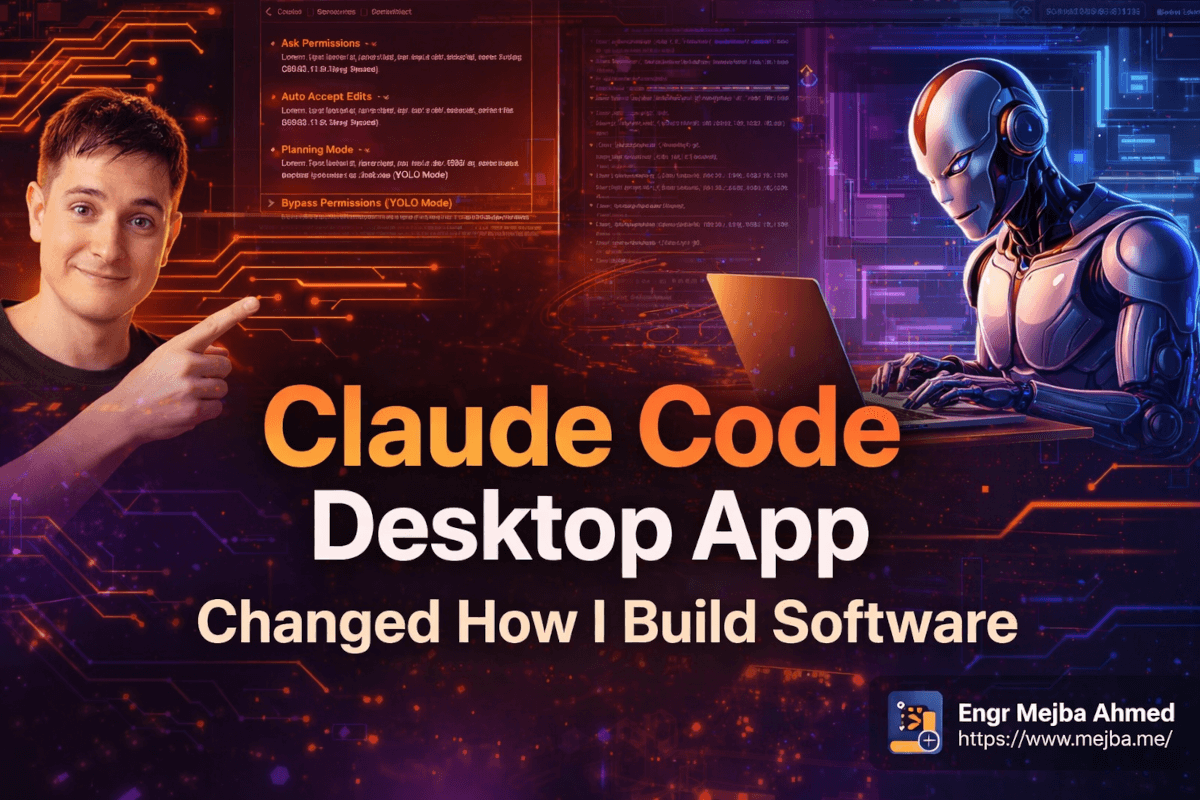
The Claude Code desktop app ships with four permission modes. On the surface they look like a simple slider between "cautious" and "risky." What they actually represent is a framework for calibrating trust dynamically based on the stakes of any given task.
Ask Permissions is the baseline. Every file edit, every terminal command, every action requires your explicit approval before it happens. This is slower by design — you become a gate in the human-in-the-loop system — but it's invaluable in two specific situations: when you're working on a production codebase where an unexpected write could cause real damage, and when you're learning how Claude approaches an unfamiliar problem type. The approval prompts are descriptive enough that watching them is genuinely educational. You see the reasoning.
Auto Accept Edits is where I spend most of my time. File writes happen automatically. Commands still require approval. Claude can scaffold, write, and modify files freely, but when it wants to run npm install or execute a database migration, you still see the command, confirm it makes sense, and then approve. You're not rubber-stamping blindly — you're exercising judgment at the level of abstraction that actually matters.
Planning Mode is the underrated one. Nothing gets built. Nothing gets written. You have a conversation about architecture — what should the schema look like, what are the tradeoffs between approach A and approach B, what are we likely to regret in six weeks if we choose this path. I used Planning Mode for thirty minutes before building a recent authentication system, and it saved me from an architectural dead end I've personally walked into before. The foreign key structure we discussed in planning would have caused a painful migration if I'd built first and thought second. Use this more than you think you need to.
Bypass Permissions (YOLO Mode) — the name is honest. Claude runs without interruption. Files, commands, installs, server starts, error reads, fixes — all autonomous. Genuinely powerful for throwaway prototypes and fresh projects with no sensitive context. On anything connected to production, treat it with appropriate seriousness. The work tree system (which I'll cover shortly) exists specifically to make YOLO mode safer — you run it in an isolated copy, review the output, then decide what to merge.
The ability to switch modes mid-session is something that sounds minor until you use it in a high-stakes moment. I was in Auto Accept mode building a feature, hit the database layer, and immediately dropped to Planning Mode before letting Claude touch the schema. That context switch took five seconds and probably saved two hours of debugging a migration I didn't intend to write.
But the permission system is really just the foundation. The ceiling is what happens with multi-agent workflows — and to get there, you need to understand what else lives in this environment.
The Ecosystem: What's Actually Inside This Thing
Before I get into agents, let me walk through the surrounding ecosystem, because there are a few pieces that don't get much attention but matter in practice.
Connectors link Claude Code to external services. Gmail is in the list; the Claude browser extension is the one I use most. The practical use: if I'm reading API documentation in my browser and ask Claude a question about implementation, the connector surfaces the relevant docs context without me copy-pasting anything. Ten seconds saved per question sounds trivial. Across a four-hour session with forty context lookups, it accumulates into something real.
The plugin marketplace is worth an hour of genuine exploration. Plugins extend Claude's capabilities in targeted, composable ways — install them like browser extensions, use them when relevant, ignore them otherwise. The front-end design skill plugin is the one that changed my UI output most noticeably. Standard Claude writes functional UI code. The plugin writes considered UI code — proper spacing hierarchies, cohesive component structure, hover states that actually feel intentional. The difference is visible in thirty seconds of looking at the output side-by-side. I've stopped writing UI without it.
Superpowers is the umbrella feature for higher-level workflows: brainstorming sessions with sub-agents, code reviews that include actual reasoning about decisions (not just "this looks fine"), debugging that traces execution paths rather than just suggesting fixes, and test-driven development where failing tests get written before any implementation starts. The code review superpower has become non-negotiable for me before any PR. Last week it caught two bugs my manual review missed — both edge cases in async error handling that would have surfaced in production under specific timing conditions. One of them would have been a bad customer-facing error. I didn't write that bug. Claude found it. We're both on the same side here.
Work trees deserve a specific mention because they're the safety net for everything aggressive. When Claude works in a work tree, it operates on an isolated copy of your repository. Your main branch is completely untouched until you explicitly merge. Review the diff, take what you want, leave what you don't. I've started defaulting to work trees for any task where I'm not already certain what the output should look like — which is most tasks.
Local vs. cloud vs. SSH execution is the final infrastructure layer. Local agents run on your machine — they need your machine on and connected. Cloud agents run in Anthropic's infrastructure — they keep working after you close your laptop. SSH connections let you point Claude Code at a remote server or VPS and run the same workflow against it from the desktop app. I've been using SSH sessions to handle routine maintenance on a staging environment. Set up the session, let the agent run, come back to a completed task. That capability didn't exist in any coherent form before this app.
And this is where we get to the part that actually changed my output velocity.
The Multi-Agent Workflow That Doubles What You Ship
Here's the realization I wanted to get to.
I was building a thumbnail generation web app — a tool I'll call Thumb Forge, designed to generate YouTube thumbnails using an image generation API. Three tracks of work needed to happen: backend API integration, UI implementation, and QA testing. My default instinct was to sequence them. API first, then UI, then test. Five or six days for a solo developer if I pushed.
What I did instead: I opened three sessions in parallel.
Session one started in Planning Mode. I uploaded the relevant API documentation, described the intended user workflow, and had Claude ask clarifying questions about edge cases. One of those questions — about how to handle different image resolutions (1K, 2K, 4K) in the API response — was something I hadn't explicitly thought through. We resolved it in planning before writing a line of code. That session ran twenty minutes and eliminated a class of decisions that would have slowed me down mid-implementation.
Session two handled backend implementation locally, in Auto Accept Edits mode. I gave it the implementation plan from session one, the relevant environment variables (added manually to .env.local — more on this shortly), and a description of the expected API behavior. It scaffolded the project structure, wired the API integration, handled error states. When it wanted to run the development server, it asked; I approved. Errors appeared in server logs; Claude read them, traced the root cause, proposed a fix, I approved. That debug loop ran maybe four times before the backend was clean. I reviewed diffs at each checkpoint. Nothing surprised me.
One error in particular stands out because it illustrates something worth understanding about how this workflow differs from a traditional debug session. The API call was returning a 400 with a JSON body that contained an unsupported_model field — not something immediately obvious from the error message alone. In a normal workflow, I'd read the log, look up the error code, check the docs, try a fix. Claude read the log, cross-referenced the API documentation it had in context, identified that I'd passed a model identifier with the wrong version suffix, generated the corrected call, and ran the test again — all in one uninterrupted cycle. I was watching the terminal. Total time from error to resolution: about ninety seconds. That specific debug cycle, done manually, would have taken me five minutes minimum because I'd have started by assuming it was an auth issue.
Session three ran in the cloud — a UI redesign session using the front-end design skill plugin. I set this up before I went to lunch. The cloud agent worked while I was offline. When I came back, a pull request was waiting with a full change summary and before/after screenshots of the interface. I reviewed it, made two small adjustments, and merged.
Two parallel work tracks that I'd estimated at five or six sequential days took two. And the output quality was higher than my sequential work typically produces, because each agent had focused context rather than the cognitive overhead that degrades human judgment over a long session.
The critical implementation detail that made this work: every agent got thorough context up front. Not vague descriptions — specific information. The existing code structure for files it would touch. Relevant documentation sections, not just links. Constraints that weren't obvious from the task description. Error messages I'd already seen. The difference between a well-contexted agent and an under-contexted one isn't incremental — it's the difference between something you ship and something you rewrite.
On API key management: I added the Gemini API key manually to .env.local. I didn't let Claude write it. This isn't about distrust — it's about maintaining a single source of truth that I explicitly control. Claude should work with environment variables that already exist; it shouldn't be the entity creating or managing secrets. This applies to any AI workflow, not just this one.
The GitHub integration closed the loop. Cloud agent makes changes in a work tree, opens a PR with detailed change documentation, I review and merge. Git history stays clean. Every decision has a documented trail. The workflow is compatible with existing team practices without requiring anyone to change their PR review habits.
What surprised me about the cloud PR: the change summary wasn't just "updated UI files." It was a structured breakdown — which components changed and why, what design decisions were made, where tradeoffs existed between options, and what was explicitly not changed to avoid scope creep. That level of documentation on a PR, written autonomously, is something I'd normally spend thirty minutes writing myself. Now I spend five minutes reviewing it.
The live preview feature is more useful than it sounds in isolation. Claude can take screenshots of the running application, identify visual issues without you describing what looks wrong, and fix them in the same session. I tested this intentionally by introducing a mobile layout bug and watching Claude catch it from the preview. It flagged the issue, proposed a fix, I approved, it verified the fix visually. That loop ran in about four minutes. Previously, that same iteration required me to describe the problem in words, which adds a translation layer that costs time and introduces ambiguity.
The Real Talk: What Nobody Mentions
A few honest things worth knowing before you reorganize your entire development workflow around this tool.
The learning curve isn't the app. The UI is genuinely intuitive. The learning curve is relearning how to give good instructions.
My first week, I used Claude Code desktop like a slightly smarter terminal. Vague instructions: "make this more performant," "clean up the UI," "fix the auth flow." The output was mediocre. The output ceiling I hit in week one wasn't meaningfully higher than what I'd been achieving with copy-paste AI workflows in a browser tab.
The shift happened when I stopped describing end states and started giving agents constraints, context, and decision-making authority within defined scope. "Make the UI look better" is a bad prompt. "Refactor the thumbnail generation form to a two-column layout — inputs on the left, preview on the right — using existing Tailwind classes, preserve the current color scheme, add a loading state to the generation button, and don't touch the form validation logic" is a good prompt. Same intent. Dramatically different output.
The second thing I had to unlearn: interrupting agents mid-task. When Claude is working through a complex task in Auto Accept mode, the impulse is to check in every five minutes. Resist it. Interruptions break the agent's working context and consistently produce worse results than letting it run to a natural checkpoint and reviewing the diff. Trust the work tree. Review at completion, not mid-stream.
I learned this specifically by ignoring my own instinct. On a session where I kept jumping in to redirect — "actually, wait, do this instead" — the output was fragmented and required more cleanup time than if I'd just run it manually. On the very next session, I held back, let the agent work for forty minutes, reviewed the full diff at the end, and shipped it with three small adjustments. Same type of task. Completely different experience. The discipline is real.
Third honest admission: cloud agents are powerful but they're not infallible. I've had cloud agents come back with PRs that solved 80% of a task and introduced one subtle edge case. Reviewing agent PRs needs to be at least as rigorous as reviewing PRs from a junior developer on your team. The value is the parallel execution — the responsibility for correctness is still yours.
And YOLO mode deserves specific honesty: fresh throwaway prototype with no production connections is fine. Production branch connected to your main repository deserves careful thought, proper work tree setup, and a rollback plan. The feature exists for good reasons and real use cases. The name shouldn't make you cavalier about context.
One more thing I won't sugarcoat: large refactors that require sustained awareness of a complex codebase are still where agents struggle most. When the context scope is too broad, agents lose threads. My current practice is scoping agents to specific modules rather than asking for codebase-wide refactors. This is improving with each Claude version — but it's a real current limitation worth planning around.
What the Numbers Look Like After Eight Weeks
I've been tracking output across projects since switching my primary workflow, so let me give you real data.
Mid-complexity web app turnaround — authentication, API integration, basic UI, deployment configuration — previously averaged 8-12 days for solo development. Current average: 3-4 days. That's not a marginal gain. It's the difference between shipping 4 projects per month and shipping 8-12.
Code review catches: the code review superpower consistently flags async edge cases and inconsistent error handling across similar functions — a category my manual review misses at a noticeable rate. Two caught bugs last week. Both would have reached production without it.
Context switching eliminated: I was averaging 7-8 application windows open during a development session. Current: one. The cognitive load reduction has a real effect on the quality of decisions I make in the later hours of a session, when fatigue would normally start degrading judgment.
Where the gains are smaller: security-sensitive code and complex business logic requiring sequential, deliberate human decisions. On those tasks, the gains are real but modest — 30-40% faster. The tool isn't appropriate for every context at maximum autonomy. Knowing when to dial back is part of using it well.
SSH and remote execution are delivering value for infrastructure work I used to context-switch out of entirely. The ability to point Claude Code at a staging server via SSH and have it handle a routine update while I focus on something else is a small thing that adds up across a week.
Session archiving is a feature I almost overlooked until it proved useful. Completed sessions can be archived rather than closed permanently — so if I need to reference exactly what a past agent did, how it reasoned through a problem, or what context it had when it made a specific decision, I can pull that up. For debugging purposes alone, this has saved me time twice.
The honest benchmark: parallel agent workflows approximately doubled my shipping velocity on projects suited to them. On projects requiring careful sequential judgment, the gains are real but bounded. Both categories matter.
The Shift That's Already Happening
What I want you to sit with: this isn't about one tool being better than another. It's about a different model for how software gets built.
Traditional IDEs are designed around the assumption that you write the code. Everything in them optimizes for you as primary author. Claude Code desktop is designed around the assumption that an AI agent handles the majority of implementation work, and you direct, review, and make the decisions that require judgment. That's a fundamentally different relationship between developer and tool.
The developers who get genuinely good at this — who learn to write constraints instead of vague descriptions, who structure parallel workloads intentionally, who review agent output with appropriate rigor — those developers aren't operating at a slightly higher version of the same game. They're doing something qualitatively different. The output gap between them and developers still using AI as a fancy autocomplete is going to widen fast.
So here's your specific challenge: pick one project you've been putting off because it felt like too much to tackle solo. Start a Claude Code desktop session this week. Spend the first thirty minutes in Planning Mode — not asking Claude to build anything, just thinking through the architecture together. Then set up proper context and let it run.
Don't just watch it work. Study how it approaches problems. Notice where it makes a choice you'd have made differently and understand why. Notice where it surprises you with an approach you hadn't considered.
I deleted VS Code three weeks ago. I don't miss it. That's not something I expected to say — and it's not something I'd say if it weren't true.
🤝 Let's Work Together
Looking to build AI systems, automate workflows, or scale your tech infrastructure? I'd love to help.
- 🔗 Fiverr (custom builds & integrations): fiverr.com/s/EgxYmWD
- 🌐 Portfolio: mejba.me
- 🏢 Ramlit Limited (enterprise solutions): ramlit.com
- 🎨 ColorPark (design & branding): colorpark.io
- 🛡 xCyberSecurity (security services): xcybersecurity.io