Everyone reviewing Anthropic's computer use asks the same question: how capable is it? After a week of letting Claude operate my Mac, I think that's the wrong question. Capability was never in doubt — I've had Claude driving my browser for months through the Claude in Chrome extension and Playwright sessions, so watching it click through a UI stopped being novel a long time ago. The real question is where you set the trust boundary: which tasks you hand over, which you supervise, and which you refuse outright. My week produced clear answers to all three.
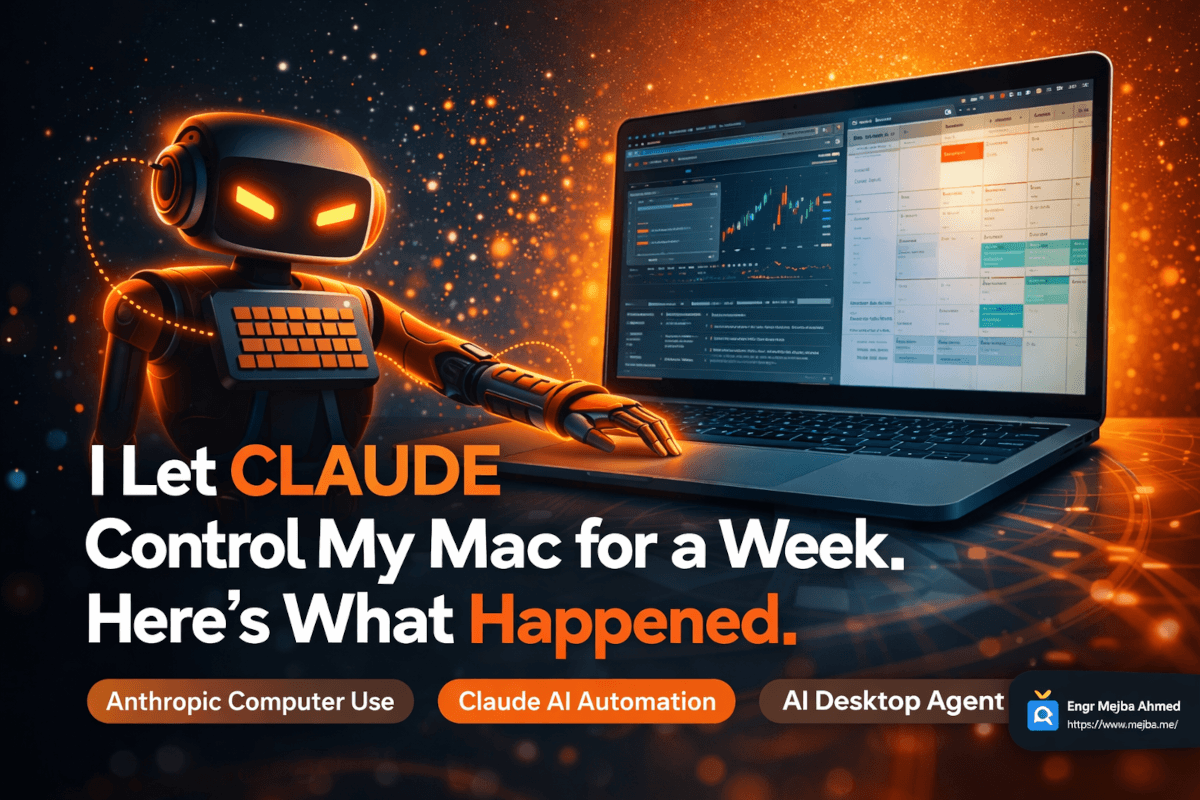
Some context on what shipped. In late March 2026, Anthropic rolled computer use into Claude Cowork and Claude Code as a research preview for Pro and Max subscribers, macOS first, with Windows following about ten days later — unusually fast for a feature still carrying the research-preview label. Claude gets a screenshot of your display, decides on an action, sends mouse and keyboard commands, and loops: look, decide, act, look again. No APIs, no automation hooks. It operates your machine the way you do, which means it can drive any app with a visual interface, including ones that were never built to be automated.
The Design Decision That Impressed Me Most
The detail most coverage skips is that Claude doesn't reach for your mouse first. It works through a hierarchy: if a connector exists for the service — Slack, Google Calendar, and the rest — it uses the connector. If not, it drops to Chrome and navigates the web. Only when neither works does it fall back to direct system control, and it asks permission before crossing that line.
That ordering is exactly right, and it matches what I'd tell anyone building agents: pixels are the automation method of last resort. An API call is deterministic. A browser DOM is mostly inspectable. A screenshot is a guess about what's on screen at one instant. My own agent work runs on the same gradient — structured tools first, browser automation second, raw clicking last — because every step down the ladder trades reliability for reach.
The second good decision is per-application permissions. Claude can only touch apps you've individually approved, which caps the blast radius when something goes wrong. And something eventually goes wrong, because prompt injection against computer-use agents is not theoretical: researchers have demonstrated that instructions embedded in webpage content can steer an agent's actions. Treat app grants like SSH keys. Least privilege, expand only when a task demands it, revoke after.
What I Actually Handed Over
I ran the week the way I'd onboard a junior assistant: real tasks from my actual backlog, increasing in autonomy, all supervised.
Research compilation was the clear winner. Multi-tab research — following sources, cross-referencing, assembling a structured document saved to my desktop — is the task the screenshot loop handles most naturally, because reading and navigating are what the vision loop is genuinely good at. Output quality was a strong first draft, not a finished piece: on one report it flattened a nuance I had to correct in review. Twenty minutes of agent time plus ten of mine, against the two-plus hours it takes me solo.
End-to-end code delivery was the surprise. Not the code itself — Claude through Claude Code writes the same code without controlling my desktop. What changed was the last mile: the agent carrying a change from editor to terminal to pushed branch to opened PR without me being the courier between windows. I already run multi-agent setups for parallel work; desktop control removes the human-as-middleware step at the end of the pipeline.
Calendar and email chores worked but exposed the judgment problem. Asked to resolve a scheduling conflict, Claude correctly inferred which meeting mattered less and drafted the reschedule note. It inferred correctly this time. But priority calls about my commitments made from context, without explicit rules, is exactly the category I now keep in draft-only mode: it prepares, I send.
What I refused to hand over: my banking credentials and my voice. Plenty of reviews of this feature brag about the agent logging into financial accounts or sitting in meetings on the tester's behalf. I drew the line at both, and I'd defend the line. Credentials inside a screenshot loop mean your password and your account state pass through a vision pipeline on every frame — a bad trade for checking whether a payment cleared. And having an agent speak as you to colleagues who don't know it's an agent isn't automation, it's undisclosed impersonation. The utility is real; so is the erosion of trust the first time someone finds out.
The Failure Report
Four failure modes showed up during ordinary use, and all four are inherent to how the system works rather than bugs to be patched out next release.
Timing blindness. Screenshots are samples, and dynamic UIs change between samples. On JavaScript-heavy apps I watched Claude click a button that had just been replaced by a loading spinner. If your target app repaints aggressively, expect misfires.
Screenshot token burn. Every frame consumes context. Deep into a long multi-step task, so much of the window is spent on image history that precision visibly degrades. Chunking tasks fixes it and simultaneously breaks the "tell it once and walk away" promise. This is the same context arithmetic I manage everywhere else in my Claude work, just with more expensive inputs.
2FA checkpoints. Claude can't approve a push notification on your phone, so every two-factor prompt is a manual intervention. The irony writes itself: the more security-mature the service, the worse it automates. This is a feature of the world, not a flaw in the product.
Look-alike controls. Two visually similar buttons in the same screen position across consecutive dialogs produced a wrong click during my week. A confirmation step caught it. Vision-based interaction is probabilistic; put it near destructive actions and the probabilities eventually find you.
None of this makes the preview label dishonest — the opposite. It's a genuinely useful system that needs a human watching it, and Anthropic says as much.
Computer Use vs. OpenClaw
The comparison everyone wants is with OpenClaw, the open-source agent that started life as Clawdbot in November 2025, briefly molted into Moltbot after Anthropic's trademark nudge, and settled on OpenClaw at the end of January 2026. I've written about where OpenClaw fits in a real workflow, so here's the short version of how they differ after using both.
Philosophy. Anthropic ships a permissioned employee; OpenClaw ships a power tool. Claude's per-app grants and connector-first hierarchy are designed around containment. OpenClaw runs on your machine with the access you give it — which tends toward broad — and the security conversation around it has been loud for good reason.
Model flexibility. OpenClaw is model-agnostic: route tasks to whichever model fits, including local ones. Computer use is Claude, full stop. If avoiding vendor lock-in matters to you, that decides it.
Setup. Computer use is a toggle plus app approvals — minutes. OpenClaw is a real self-hosted deployment with real configuration. Budget accordingly.
Repeatability. For a workflow you'll run two hundred times, scripted automation beats screenshot interpretation every time — you can test it, replay it, and debug step N. For diverse one-off tasks, the vision loop's flexibility wins because it needs no per-task engineering.
My honest allocation after running both: computer use for ad-hoc tasks and anything touching GUI-only apps, purpose-built automation for anything recurring, and phone-triggered remote sessions as the glue when I'm away from the desk.
The Uncomfortable Part
Anthropic's CEO has publicly predicted AI could eliminate a large share of entry-level white-collar jobs within a few years. A week with computer use made that prediction feel less abstract, because I could see precisely which layer it targets: not expertise, but routine execution. Compiling research. Filling forms. Moving information between applications. Sending the standard email. That layer is a large fraction of many job descriptions, and it is now a prompt.
I benefit from this directly — my output per hour went up this week — and I won't pretend otherwise. What I'll say instead, after 8+ years and 1,500+ projects of watching automation eat task after task, is that the durable skill was never the execution. It's knowing what to delegate, catching the agent's mistakes before they compound, and doing the judgment work the loop can't. The people learning that meta-skill now, while supervision is still obviously necessary, will be fine. The people waiting for the tools to become trustworthy before engaging will discover the trustworthiness arrived without them.
Should You Turn It On?
Yes, if you're on a Pro or Max plan, you have recurring multi-app chores, and you'll actually supervise the runs. Start with browser-only permissions and one low-stakes task; you'll know within a day which of your chores fall inside its competence. Wait if your critical workflows sit behind mandatory 2FA, if you need every run to succeed, or if screen-level access to your machine fails your own compliance sniff test — all three are legitimate reasons, not timidity.
I'm keeping it enabled. The tasks it absorbed stayed absorbed after the test week ended, which is my only real benchmark for whether a tool survives contact with an actual workload. The agent-run systems behind that workload — what they do, what broke, and what I kept — are documented on my projects page.