AWS CodeDeploy EC2 GitHub Pipeline: The Setup
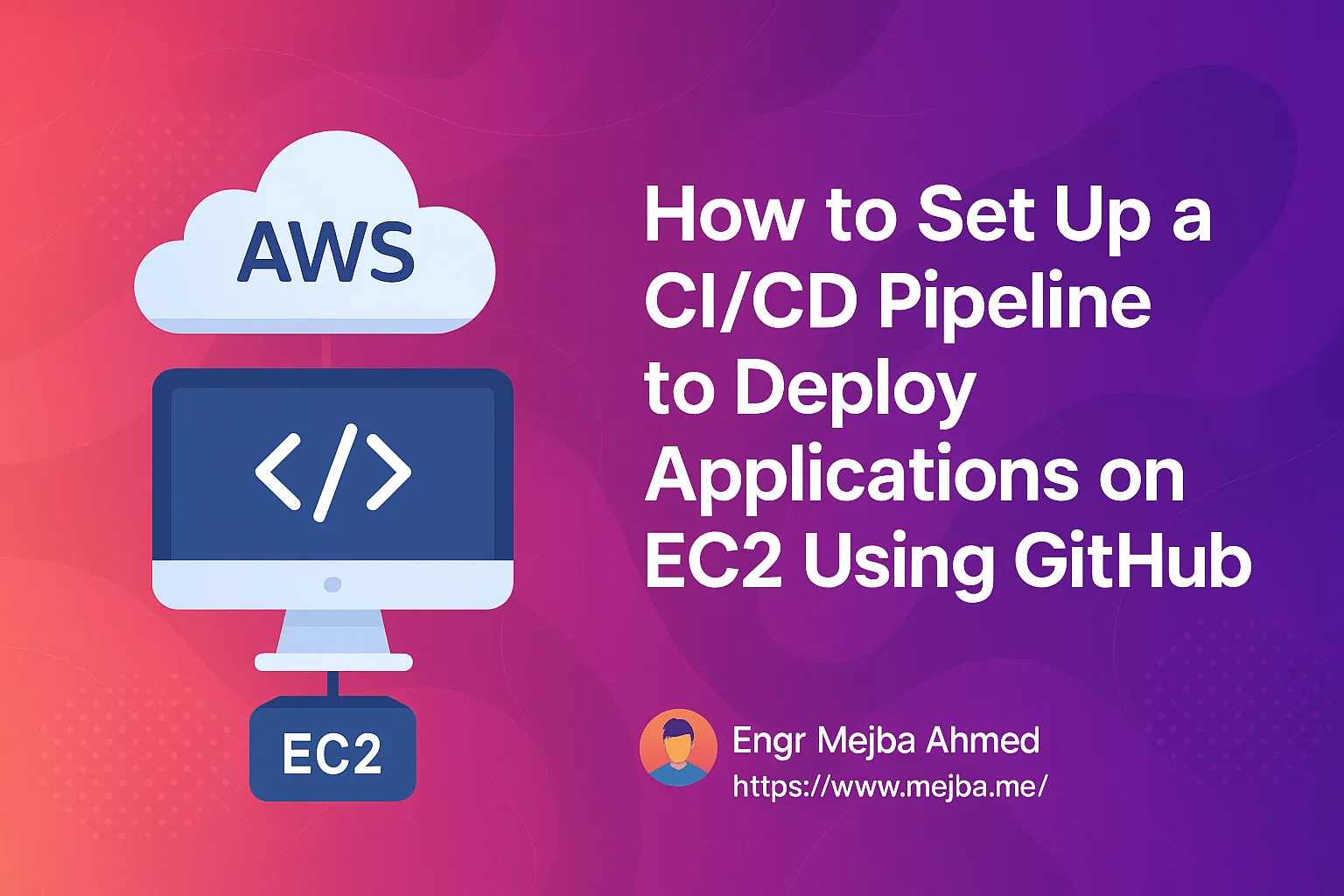
Deploying applications manually is tedious, error-prone, and inefficient. AWS CodeDeploy makes automating deployments straightforward, enhancing efficiency and minimizing downtime. In this guide, you'll learn step-by-step how to set up a robust Continuous Integration and Continuous Deployment (CI/CD) pipeline to deploy your applications directly from GitHub to an Amazon EC2 instance.
What You'll Need:
- AWS Account
- EC2 instance running Amazon Linux
- GitHub Repository with your application
- AWS CLI installed on your local machine
Step 1: Prepare Your EC2 Instance
Connect to your EC2 instance via SSH:
ssh -i "your-key.pem" ec2-user@your-ec2-instance-public-ip
Install and start the CodeDeploy agent:
sudo yum update
sudo yum install ruby -y
sudo yum install wget -y

cd /home/ec2-user
wget https://aws-codedeploy-region.s3.region.amazonaws.com/latest/install
chmod +x ./install
sudo ./install auto

sudo service codedeploy-agent status
Replace region with your AWS region, such as us-east-1.
Step 2: Create an IAM Role for CodeDeploy
In AWS Console:
- Navigate to IAM → Roles → Create Role.
- Choose AWS service, then select CodeDeploy.
- Attach policies: select AWSCodeDeployRole.
- Name your role (e.g.,
CodeDeployRole) and create it.
Step 3: Set Up the CodeDeploy Application
- Go to AWS CodeDeploy → Applications → Create application.
- Enter an application name.
- Choose compute platform: EC2/On-premises.
Create a deployment group:
- Deployment group name (e.g.,
Production) - Select your IAM Role (
CodeDeployRole) - Select EC2 instances by tag or manually select your EC2 instance.
- Deployment type: In-place.
Step 4: Prepare Your GitHub Repository
Create an appspec.yml file at your repository root:
version: 0.0
os: linux
files:
  - source: /
    destination: /var/www/html
hooks:
  AfterInstall:
    - location: scripts/install_dependencies.sh
      timeout: 300
      runas: root
Create necessary scripts, e.g., scripts/install_dependencies.sh:
#!/bin/bash
sudo yum update -y
sudo yum install -y httpd
sudo service httpd start
sudo chkconfig httpd on
Make sure your scripts have execute permissions:
chmod +x scripts/*.sh
Commit and push changes to GitHub:
git add .
git commit -m "Added appspec.yml and deployment scripts"
git push origin main
Step 5: Connect AWS CodeDeploy with GitHub
- In CodeDeploy console, select your application and deployment group.
- Click Create Deployment.
- Select GitHub as your repository type.
- Connect to GitHub and authorize AWS.
- Choose your repository and commit branch (e.g.,
main). - Click Deploy.
Step 6: Automate with CI/CD Using GitHub Actions
Create .github/workflows/deploy.yml in your repo:
name: AWS Deploy

on:
  push:
    branches:
      - main

jobs:
  deploy:
    runs-on: ubuntu-latest
    steps:
      - uses: actions/checkout@v3

      - name: AWS CodeDeploy
        uses: aws-actions/aws-codedeploy@v1
        with:
          application-name: your-codedeploy-app-name
          deployment-group-name: your-deployment-group
          region: your-region
          aws-access-key-id: ${ { secrets.AWS_ACCESS_KEY_ID } }
          aws-secret-access-key: ${ { secrets.AWS_SECRET_ACCESS_KEY } }
Set AWS credentials as GitHub secrets:
- Go to GitHub → Settings → Secrets and variables → Actions → New repository secret
- Add your
AWS_ACCESS_KEY_IDandAWS_SECRET_ACCESS_KEY.
Now, every push to main triggers automatic deployments.
Step 7: Verify Your Deployment
Visit your EC2 public IP in a web browser:
http://your-ec2-instance-public-ip
You should see your application deployed successfully!
Conclusion
Congratulations! You've successfully set up an AWS CodeDeploy CI/CD pipeline integrated with GitHub to automatically deploy applications on EC2. This automation will significantly streamline your deployment process, reduce downtime, and simplify updates.
Debugging the Deploys That Fail
When a deployment fails, the answer is almost always in two places: the CodeDeploy agent log at /var/log/aws/codedeploy-agent/codedeploy-agent.log on the instance, and the Events tab of the deployment in the console. The three failures you'll actually hit: the agent isn't running (sudo service codedeploy-agent status — start it and retry), the IAM role attached to the instance can't read your S3 revision bucket, or a hook script exits non-zero. For hook failures, run the script manually as the same user CodeDeploy uses — nine times out of ten it's a missing environment variable that exists in your shell but not in the deployment context.
Rollbacks and Safe Releases
Enable automatic rollback on failure in the deployment group settings from day one. With rollback on, a bad release reverts to the last working revision without your involvement — which matters most at 2 AM. Pair it with the OneAtATime deployment configuration while you're getting confident: it updates a single instance first, and a failure stops the rollout before it touches the rest. Once your appspec hooks are battle-tested, HalfAtATime speeds things up without much added risk.
The AppSpec Mistakes Everyone Makes Once
The appspec.yml file is whitespace-sensitive YAML and must live at the repo root — not in a subfolder. Destination paths in the files: section must exist or be creatable by the agent's user, and hook script paths are relative to the repo root, not the destination. If you see The specified file does not exist, check for a leading slash you didn't mean. And remember every hook has a timeout (default 30 minutes, but set your own): a hanging npm install blocks the whole pipeline silently until it expires.
Where to Take the Pipeline Next
Once the basic flow works, two upgrades pay for themselves. Add a build step in GitHub Actions before the CodeDeploy trigger — run tests and produce an artifact, so what deploys is exactly what passed CI, not whatever happened to be on the branch. Then split deployment groups by environment: a staging group that auto-deploys on every merge and a production group that requires a manual approval. The pipeline stops being a convenience and becomes the release process itself — documented, repeatable, and boring in the best possible way. When onboarding a teammate takes "push to main and watch the console" instead of a wiki page of manual steps, you'll know the investment landed.
A Realistic Maintenance Rhythm
Pipelines rot quietly: an expired GitHub token, a deprecated agent version, an AMI change that drops the agent from new instances. Put a fifteen-minute check on the calendar monthly — deploy a trivial change end to end, skim the agent version against current, and confirm rollback still triggers on a forced failure. Pipelines you exercise stay trustworthy; pipelines you only touch during emergencies fail during them.
Treat this pipeline like production code: version the configuration, review changes to it, and never edit deployment groups by hand without noting why.
Beyond the First Deploy
An AWS CodeDeploy EC2 GitHub pipeline earns its setup cost on the tenth deploy, not the first — the wins compound as releases become boring. My GitHub Actions deploys and ELB and Auto Scaling go deeper.
If you want a CI/CD pipeline built for your stack, that's work I take on through Ramlit.