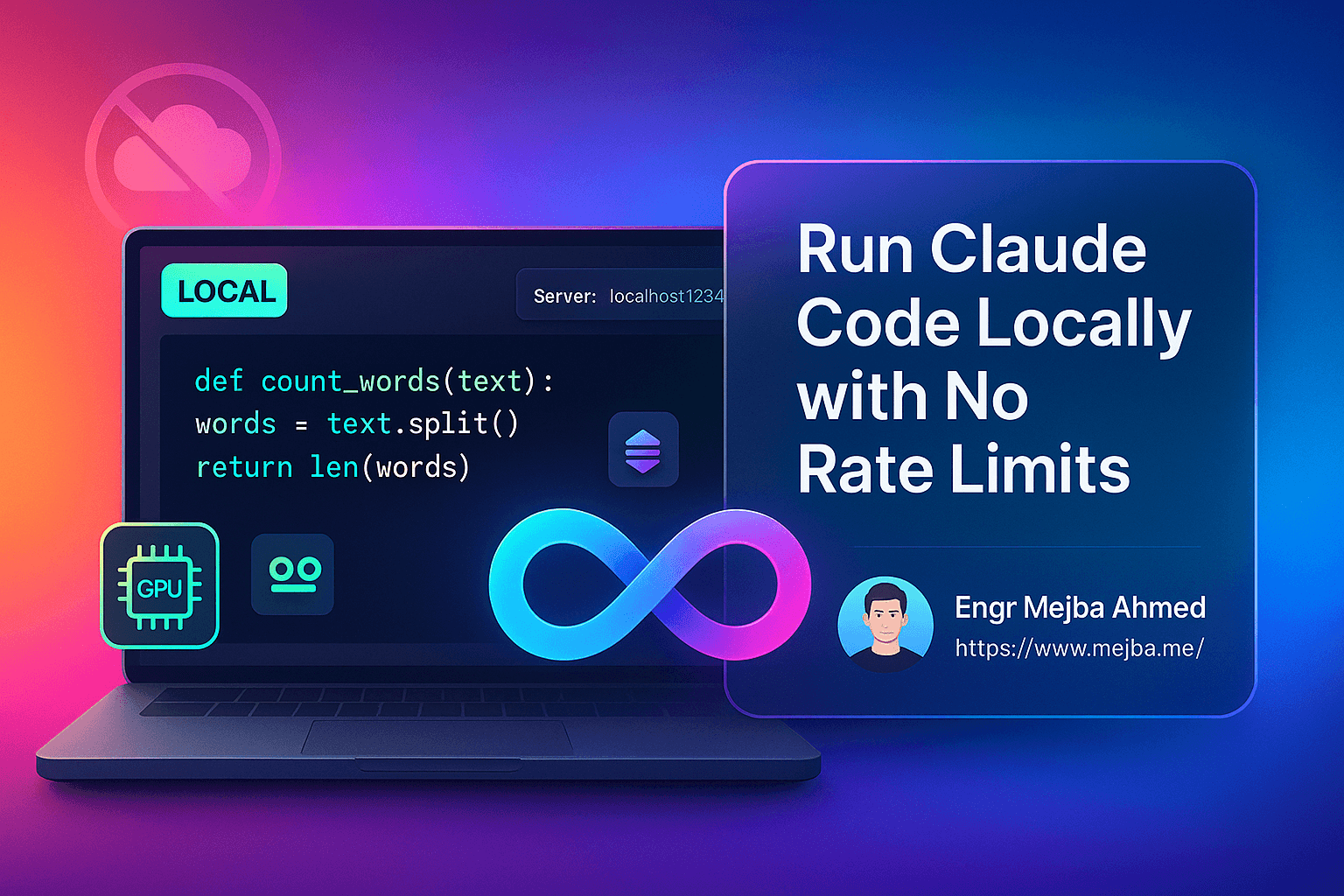
Rate limits are a workflow tax, and if you code in long sessions the tax lands at the worst possible moment — mid-feature, mid-flow, "try again in 60 seconds." The fix I run when limits or privacy matter: route Claude Code's requests to a model running on my own GPU. It works, it's genuinely free after setup, and I built a working PDF chat app end to end this way. But I'll give you the conclusion I earned rather than the one the YouTube thumbnails sell: local models are excellent at roughly 70% of coding work and get confidently stuck on the rest, so the setup that survives contact with a real project is hybrid — local for iteration, cloud for the hard 30%.
Here's the exact stack, the corrected setup (most guides get the package name wrong), and the honest failure log from the build.
Why bother running it locally
Four reasons hold up in practice:
- Unlimited iteration. No throttling, no usage caps, no watching a budget meter while you explore. For learning-by-flailing — the most productive kind — this changes behavior: you stop rationing prompts.
- Privacy. Code and documents never leave the machine. For client codebases under NDA or regulated data, this is sometimes the only acceptable configuration, full stop.
- Cost. After the hardware you likely already own, marginal cost is electricity. Whether that beats API pricing depends entirely on your volume — I've broken down that math properly in my AI agent cost optimization guide.
- Understanding. Watching an agent drive a small local model teaches you more about how coding agents actually work — context assembly, tool calls, failure loops — than a year of using polished cloud models.
The trade you're making: frontier-model reasoning for control. Keep that trade in mind; it decides everything later.
The stack
Four pieces:
- Claude Code — the agent CLI itself.
- Claude Code Router (CCR) — the open-source proxy that sits between Claude Code and any model API. It translates Claude Code's Anthropic-format requests into whatever your provider speaks, and routes by scenario (default, background, reasoning, long-context).
- LM Studio — the local model server, exposing an OpenAI-compatible API on your machine.
- A local coding model — I used Qwen coding models in the 7B class, which run comfortably on a consumer GPU with 8GB+ of VRAM. Bigger models answer better and slower; start small.
On Windows, do all of this inside WSL. Coding agents are built around bash — mkdir, git, npm — and running them in a native Linux environment removes a whole category of path-and-shell friction before it starts.
Setup, with the correct commands
Plenty of tutorials circulate a nonexistent Anthropic-scoped router package. The real one is community-maintained by musistudio:
npm install -g @anthropic-ai/claude-code
npm install -g @musistudio/claude-code-router
In LM Studio: download your model, load it under the local server tab, and start the server — the endpoint defaults to http://localhost:1234/v1. Confirm it's alive:
curl http://localhost:1234/v1/models
Then create ~/.claude-code-router/config.json. Two blocks matter — Providers (where models come from) and Router (which model handles which request type):
{
  "Providers": [
    {
      "name": "lmstudio",
      "api_base_url": "http://localhost:1234/v1/chat/completions",
      "api_key": "not-needed",
      "models": ["qwen2.5-coder-7b-instruct"]
    }
  ],
  "Router": {
    "default": "lmstudio,qwen2.5-coder-7b-instruct"
  }
}
Launch Claude Code through the router with ccr code instead of claude. If you'd rather not hand-write JSON, ccr ui opens a web interface for the config. That's the whole bridge: Claude Code thinks it's talking to Anthropic; CCR is quietly forwarding everything to your GPU.
One flag worth understanding before you're tempted: --dangerously-skip-permissions skips the approval prompt on every command the agent runs. In an isolated WSL instance or container with nothing valuable in reach, it speeds iteration dramatically. On a machine with production credentials, real databases, or client code, it's named accurately — don't. I run it only inside disposable environments, and I still read the generated diffs afterward.
The real test: building a PDF chat app
To find where local actually breaks, I built something real: a Next.js app where you upload a PDF, view it page by page, and ask questions about the content — with the same local model both writing the code and answering the questions at runtime through the LM Studio API. One detailed prompt specifying the stack, features, file structure, and API route got the project scaffolded in minutes: components, a PDF text-extraction utility, an API endpoint calling localhost:1234, a to-do list it worked through on its own.
Then the instructive failures started.
Failure one: stale framework conventions. First run, 404. The model had generated the old pages/api/ routing pattern instead of the App Router structure the project actually used — and when asked to fix it, it re-suggested the same outdated pattern in a loop. This is the signature weakness of small local models: they hold older, heavily-represented conventions with total confidence and can't be argued out of them. I switched to a cloud model for twenty minutes, got the routing restructured, and switched back. Lesson learned once, applied forever: local for scaffolding and iteration, cloud for framework-specific debugging.
Failure two: context limits meet a 200-page book. Injecting whole PDFs into the model's context blew past the local model's window immediately. The naive fix — selectively injecting only pages that keyword-match the question — worked for targeted questions and failed for anything needing broad context. The real fix is the one production document-chat systems use: chunk the document, embed the chunks, store them in a vector index, and retrieve only the relevant few per question:
const chunks = splitDocument(pdfText, { chunkSize: 1000, overlap: 200 });
const embeddings = await generateEmbeddings(chunks);
await vectorDB.insert(embeddings);
// per question:
const relevant = await vectorDB.search(userQuery, { topK: 5 });
That pattern scales to any document size, slashes token usage, and — crucially for this setup — works better with small-context local models than context-stuffing ever will. The same context discipline applies to the agent side of the house too; my token limits and context hygiene post is the cloud-side version of this exact lesson.
Failure three: the ground truth problem. PDF footer page numbers didn't match the internal page index — "page 28" in the book was page 30 in the file. The model had no way to anticipate this; I found it by using the app. Small reminder that agents automate the typing, not the noticing.
The honest scorecard
After the build, my local-versus-cloud ledger looks like this:
Local models excelled at: project scaffolding, boilerplate, component implementation, iterating on working code, and anything where a wrong first draft costs nothing because retries are free.
Local models failed at: current framework conventions, debugging that requires reasoning about why something fails rather than pattern-matching what code usually looks like, and multi-file refactors needing whole-project awareness.
Response feel: a 7B-class model on consumer hardware answers simple asks in a few seconds and grinds on big ones. It is not the cloud experience, and pretending otherwise sets you up to abandon the whole setup unfairly.
So the workflow that stuck: scaffold and iterate locally, escalate to cloud for architecture and debugging, come back local for the long tail of implementation. On heavy weeks that hybrid cuts my metered usage substantially while keeping quality where it matters — and for private codebases, the local leg isn't an optimization, it's the requirement.
If your priority is maximum-simplicity local setup rather than the router approach, the Ollama route trades LM Studio's GUI for a leaner CLI experience — I covered that variant separately in running Claude Code free with Ollama. And whichever backend you pick, the CLI tools that pair well with Claude Code apply unchanged, since the agent side of the stack doesn't know or care where the model lives.
Who should actually do this
Do it if: you code in long exploratory sessions, you have client work that can't leave the building, you already own a capable GPU, or you want to understand agents at the mechanical level. Skip it if: your work is mostly complex architecture and debugging (you'll escalate to cloud constantly and gain nothing), or your usage is light enough that limits never bite.
After 8+ years and 1,500+ projects, my rule for tooling decisions is the same one I'd give you here: adopt the setup that removes your actual bottleneck, not the one that demos best. If rate limits are genuinely your bottleneck, this stack removes them in an afternoon. The harder skill isn't the router config; it's recognizing the hard 30% early enough to escalate, and building your agents and MCP servers around that judgment — which is the through-line of everything I teach in AI School.