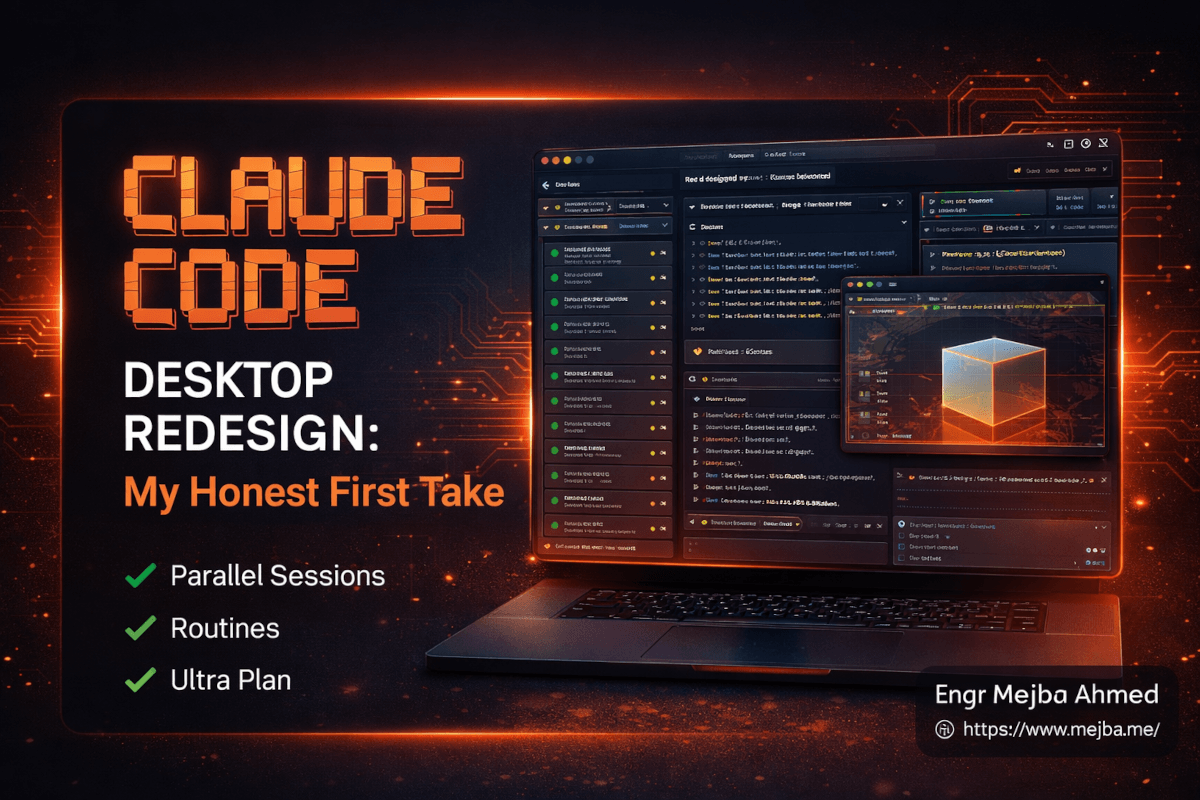
Claude Code Desktop Redesign: My Honest First Take
The first thing I noticed wasn't the sidebar. It wasn't the integrated terminal. It wasn't even the drag-drop panels that everyone on my timeline was screenshotting by Tuesday afternoon.
It was the silence.
I'd been running four Claude Code sessions across four separate terminal windows for most of 2026. One for backend work on a client SaaS. One for a Next.js frontend I've been rebuilding. One for a scraper I use to feed content research into Aria. One for whatever experiment caught my eye that week. Four windows. Four sets of tabs. Four sets of cd commands. And a constant background hum of "wait, which terminal was the deploy script in again?"
Then Anthropic shipped the redesigned desktop app on April 14, and by the end of that same day, I'd closed every one of those loose terminal windows. The Claude Code desktop redesign isn't a new coat of paint. It's a genuine rethink of what the app is — and if you're a solo builder running more than one project, it's the most meaningful shift in Claude Code's interface since the original CLI shipped.
But here's the part most of the early takes are missing: the desktop app is just one of three things Anthropic shipped this week. The other two — Routines and Ultra Plan — matter more for the long game. And one upcoming release (the rumored Opus 4.7 flagship, dropping possibly within days) is what ties the whole strategy together.
Let me walk you through what I tested, what actually works, where it breaks, and what I think this means for solo builders over the next six months.
What Actually Changed on Day One
If you've been using Claude Code in the terminal — and you probably have, because that's how most of us have lived since it launched — the new desktop app will feel like moving from a single-pane text editor to a real IDE. Not like an IDE in the marketing sense. Actually like one.
Here's the core shift: the main window is no longer "a chat with Claude." It's a workspace. On the left, a sidebar lists every active and recent session. You can filter by status, group by project, or let it auto-archive when a session's PR merges. I've got 11 sessions live in my sidebar right now across three client projects and two personal ones, and the mental overhead of switching between them dropped to near zero.
The drag-drop panel layout is where it gets genuinely fun. I dragged my session panel to take two-thirds of the window, pulled the integrated terminal into the bottom-right, and docked the new in-app file editor in the top-right for quick spot edits. That's my default layout now. It saves. It restores on relaunch. It feels like a tool someone actually uses every day, designed by people who actually use it every day.
The integrated terminal runs alongside your session, not inside it — which means you can run tests, pull logs, or kick off a build while Claude is working on something else, without opening a separate Terminal.app window. For anyone who's been context-switching across six apps to ship a single feature, this is the quiet productivity unlock.
And then there's the preview pane. Click any HTML or PDF path in the chat and it opens inline. Claude generates a landing page, the HTML renders in the side panel. I asked it to build a small Three.js experiment last night — first-person camera controls, floating cubes, nothing fancy — and I watched the preview update live as the code compiled. The diff viewer, by the way, is noticeably faster than the old web UI. Not a headline feature, but the kind of thing you feel every single time you review a change.
Your existing CLI plugins still work. Your settings carry over. Nothing broke. That matters, because rewrites of tools I rely on daily usually cost me half a day of setup pain. This one cost me about fifteen minutes of "oh, that's where they moved it."
The Feature Nobody Is Talking About Enough
Hidden in the release notes is a small line: "Start a session directly from a PR."
That sentence changes my review workflow entirely.
Used to be, when a client developer or a teammate opened a PR, I'd pull it down locally, check it out, maybe run it, skim the diff, and type out feedback in GitHub. That whole loop took me anywhere from 20 minutes to over an hour per PR, depending on complexity. Now I can click a button from a PR, spawn a Claude Code session with the full diff and repo context already loaded, and ask things like "walk me through what this change is doing to the auth flow" or "simulate a user with an expired session and tell me what breaks."
Claude reads the diff, pulls the related files, and gives me a genuine review — not a generic summary, but a specific reading of what changed and what that change implies. I'm still doing the final sign-off. But the first pass takes me about five minutes instead of an hour.
That's not a feature. That's a workflow transplant.
Parallel Agents — The Part That Costs You Tokens
Here's where I have to be honest about something the marketing won't tell you loudly enough.
You can now run multiple async agents concurrently in the same workspace. I've been doing this. On Monday night, I had one agent refactoring a database schema, a second writing migrations for that refactor, a third writing tests, and a fourth generating documentation. They didn't step on each other. Each ran in its own session, with its own context, all in the same window.
It's genuinely magical. It also lit my token usage on fire.
Four concurrent agents working on real problems can burn through a Pro-tier token budget in a single evening if you're not paying attention. I hit the soft rate limits twice in the first 48 hours. The New Stack's coverage of the release called it out directly in their headline — this redesign makes it easier to burn through tokens faster — and they're not wrong.
What works for me now: I keep two agents parallel for heavy lifting, and treat the other two sessions as "on standby" — context already loaded, waiting for a specific ask. That way I'm not running four continuous loops simultaneously. I get most of the parallelism benefit without the token annihilation.
If you're on Max or Enterprise, ignore this paragraph. Run as many agents as you want. Your monthly budget can absorb it. For the rest of us on Pro, parallelism is a tool, not a default posture.
One more caveat: Linux users, you're waiting a few more weeks. Right now the desktop app is Mac and Windows only, though the terminal CLI still works everywhere it always has.
Routines: The Part That Changes the Long Game
Alright. Desktop app is cool. Now let's talk about the release that actually matters for where Claude Code is going.
Routines launched the same day as a research preview. I spent most of Wednesday stress-testing them and I'm going to say something that might sound dramatic: Routines are the single biggest step Claude Code has taken toward being a real autonomous engineering platform, not just a really good coding assistant.
Here's what a Routine actually is: you package together a prompt, a repo, and a set of connected tools into a single job. Then you set a trigger — a schedule (like "every weekday at 9am"), an API call, or a GitHub webhook (like "every time a PR opens"). When the trigger fires, the job runs on Claude Code's cloud infrastructure. Your laptop can be closed. You can be asleep. The work happens anyway.
I set up three Routines in my first day:
- Daily dependency check — every morning at 7am, runs
npm outdatedacross my three active Next.js repos, flags anything with a major version bump, and posts a summary to a Slack channel I created specifically for this. - PR first-pass reviewer — whenever a PR opens on one of my client repos, a Routine runs, leaves a structured comment with observations and questions, and pings me if it spots something that looks like a security concern.
- Content freshness scanner — every Sunday night, crawls my last 20 mejba.me posts and flags any with tool version references older than six months. Feeds straight into my content calendar.
None of these needed my laptop to be open. None needed me to babysit. Routines run on Anthropic's cloud, complete, and report back through whatever channel I wired up. It's the kind of automation I've been building with custom GitHub Actions + Claude API calls for months — except now it's native, it's visible in the sidebar of my desktop app, and the whole thing took me about eight minutes per Routine to configure.
Pro tier gets five Routines per day. Max gets 15. Team or Enterprise gets 25. The daily caps are the constraint, not monthly credits, which tells you Anthropic is explicitly pricing these as "background workers you should actually use daily" instead of "rare automation jobs."
If you've already explored my earlier walkthrough on the Claude Code Routines automation platform, everything there is now generally available and directly integrated into the sidebar. No more waiting for access. No more improvising with cron and API keys.
Ultra Plan: The Bridge Between Web and Local
The third release this week is Ultra Plan, and I need to be careful here because it's easy to oversell. Ultra Plan is a planning mode that lives on Claude's web interface. You describe a feature, an architecture shift, or a refactor. Ultra Plan generates a full implementation plan — broken into phases, with file-level changes annotated, dependency orders mapped, and risks flagged.
Then — and this is the part that matters — you can review it, leave inline comments, ask for changes, and only after you approve, execute the plan. Either in the cloud (for parallel agent execution) or locally (pipes into your desktop Claude Code session).
Three modes: Simple (fast, for small tasks), Visual (with diagrams), and Deep (slower, for real architecture work).
What I actually use Ultra Plan for: I describe a feature at roughly the level of detail I'd put in a Jira ticket. Ultra Plan breaks it into a phased plan. I read the plan, push back on the parts I disagree with, get a revised plan, and only then let execution start. It's caught me from shipping half-baked approaches three separate times in the last 48 hours. If you want a fuller breakdown of how I've been using planning modes over the last month, I went deep in my Claude Code Ultra Plan review.
The honest limitation: Ultra Plan Deep mode is slow. Like, five-to-ten-minute slow for a medium-complexity plan. That's fine for the kind of work where you'd otherwise spend an hour in a whiteboarding session, but it's not the tool for small changes. Use Simple mode for those. Don't pay the planning tax on work that doesn't need it.
The Right-Click Preview Moment
There's one small feature I almost missed, and when I finally noticed it, I spent twenty minutes playing with it like a kid with a new toy.
In the redesigned desktop app, when Claude generates HTML, an image, or certain server responses, you can right-click on the output and get a live preview. It renders in the side panel. I tested this by asking Claude to generate a simple browser-based Minecraft-style block placement demo — Three.js, mouse-look controls, first-person camera, voxel blocks you can click to place or destroy. Nothing production-grade. Just a proof of concept.
Claude generated the code. I right-clicked the output. The preview rendered, and I was walking around a tiny blocky world in my desktop app while Claude was still finishing the explanation in the chat panel. I've done similar Three.js experiments before, including a full Minecraft clone build with Opus and Antigravity, but this was the first time the feedback loop between "describe" and "see the thing running" felt genuinely instant.
This is a small feature. It's also the kind of thing that changes how you iterate on UI work. You stop asking "what would this look like?" and start asking "what happens when I click this?" The gap between intention and execution narrows down to seconds.
What's Coming — And Why It Matters
Here's the context that ties this whole week together.
Reports from The Information (widely repeated across Dataconomy, The Tech Portal, and Geeky Gadgets) indicate that Anthropic is preparing Opus 4.7 as its next flagship model, possibly launching within the same week as the desktop redesign. I want to be cautious here — as of writing, Opus 4.6 is still the generally available flagship, and 4.7 is coming from leaked reporting, not an official release post. But the reporting is consistent across multiple outlets, and the timing lines up too cleanly to be coincidence.
What's 4.7 rumored to improve? The reporting points to multi-step reasoning, long-duration task handling, and agent coordination. Which is exactly what you'd want if you were, say, launching Routines (background autonomous jobs) and parallel agent execution in the same week. The desktop redesign is the surface. Opus 4.7 would be the engine.
There's also the separate rumored release of a full-stack AI design tool — a Lovable-style product for generating websites and presentations from prompts. Leaked screenshots suggest live previews, integrated databases, auth tools, analytics, and one-click deployment. If Anthropic ships this, they're not just competing with Lovable and v0. They're stacking the coding agent, the model, the conversational interface, and now the no-code app builder into a single vertically integrated product. That's a strategic position Lovable literally cannot match.
The Information reports have been reliable enough in the past that I'd give the Opus 4.7 release better than even odds of dropping within the next 7-10 days. I already covered the earlier leak in depth in my Opus 4.7 Capiara leak analysis, so I won't re-litigate that here.
What I'd Actually Tell a Friend
If a friend texted me right now asking whether to spend a weekend migrating to the new Claude Code desktop workflow, here's exactly what I'd say.
Yes, install the desktop app today. The parallel sessions and sidebar alone are worth the migration. Your future self will thank you within a week.
Set up one Routine to start. Not three. One. Pick the most boring, most repetitive task you do weekly — for me it was dependency checking. Let it run for a week. See how it feels to offload a piece of mental overhead permanently. Then add more.
Don't pay the Ultra Plan tax on small work. Use Simple mode for tickets, Deep mode only for real architecture decisions. The temptation to plan everything will cost you hours.
Watch your token usage for the first week. Especially if you're on Pro. Parallelism is a superpower and a footgun at the same time. I hit rate limits twice before I adjusted. Budget accordingly.
Don't wait for Opus 4.7 to start using the new app. Whatever improvements the next model brings, they'll land automatically inside this same interface. Get the workflow set up now so you're ready when the engine upgrades.
If you want deeper dives on specific pieces of this, Daniel Avila has been publishing genuinely excellent breakdowns on Twitter throughout the week — his thread on the built-in preview MCP taught me a few things the official docs didn't cover.
The Honest Assessment
A week ago, Claude Code was the best AI coding agent I'd ever used, full stop. Today, it's something different. It's not trying to be the best coding agent anymore. It's trying to be the place where software actually gets built — planned on the web, executed in the desktop app, run autonomously in the cloud, powered by whatever the latest model happens to be.
The desktop redesign isn't the headline. The desktop redesign is the container. Routines, Ultra Plan, and (if the reporting holds up) Opus 4.7 are what fill it.
Here's the question I keep coming back to, three days in: what does my workflow look like in six months when autonomous Routines are running 15 background jobs for me daily, Ultra Plan is handling every non-trivial architecture decision, and Opus 4.7 is coordinating parallel agents on work that used to take me a week?
I don't fully know yet. But I know I'm not going back to four separate terminal windows to find out.
FAQ
Frequently Asked Questions
Everything you need to know about this topic
The Claude Code desktop redesign is a rebuilt app (released April 14, 2026) that supports multiple parallel Claude sessions in one window via a sidebar, drag-drop panel layouts, an integrated terminal and file editor, HTML and PDF previews, and a faster diff viewer. It replaces the traditional chat-style interface with an IDE-style workspace for Pro, Max, Team, and Enterprise users.
Not yet. At launch, the redesigned Claude Code desktop app supports macOS and Windows only. Anthropic has stated Linux support is coming in the following weeks. The terminal CLI continues to work on Linux as it always has.
Claude Code Routines are scheduled or event-triggered automations that bundle a prompt, a repository, and connected tools into a recurring job. They run on Anthropic's cloud infrastructure — your Mac or PC doesn't need to be online. Pro users get 5 Routines per day, Max gets 15, and Team or Enterprise gets 25.
Ultra Plan is a web-based planning interface with three modes — Simple, Visual, and Deep. It generates phased implementation plans you can review, comment on inline, and refine before executing in the cloud or locally. Ultra Plan is designed for collaboration on complex tasks; Simple mode handles small changes quickly, while Deep mode handles real architecture work at the cost of slower generation.
As of April 15, 2026, Opus 4.7 has not been officially released. Reports from The Information and multiple follow-up outlets indicate Anthropic is preparing to launch Opus 4.7 within days of the desktop redesign, alongside a new AI tool for designing websites and presentations. Opus 4.6 remains the current generally available flagship until Anthropic confirms the release.
Let's Work Together
Looking to build AI systems, automate workflows, or scale your tech infrastructure? I'd love to help.
- Fiverr (custom builds & integrations): fiverr.com/s/EgxYmWD
- Portfolio: mejba.me
- Ramlit Limited (enterprise solutions): ramlit.com
- ColorPark (design & branding): colorpark.io
- xCyberSecurity (security services): xcybersecurity.io