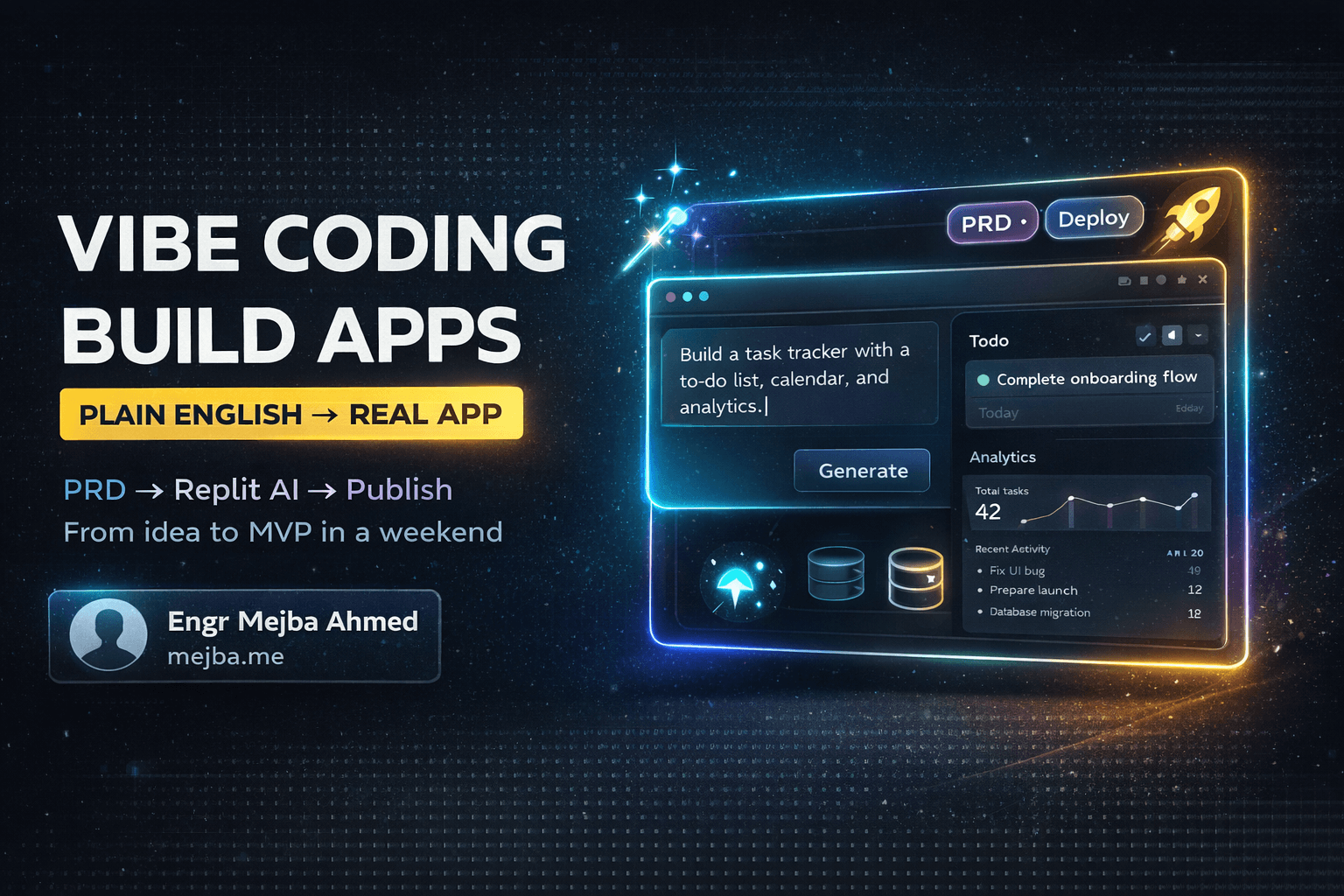
Vibe coding has a marketing version and a practitioner version, and the gap between them is where most people waste their first month. The marketing version: describe an app in plain English, AI builds it, you never think about code again. The practitioner version — and I say this as an engineer with 8+ years and 1,500+ projects behind me who also vibe-codes almost every day — is that the describing part works shockingly well, and the discipline around it is what separates a working product from a demo that collapses the first time a real user touches it.
The line that matters is no longer coder versus non-coder. It's verified output versus unverified output. Get that one idea right and vibe coding will genuinely let you ship things you couldn't have built two years ago.
What vibe coding actually means
Andrej Karpathy — a founding member of OpenAI — coined the term in February 2025 to describe a way of building where you "fully give in to the vibes": you tell an AI what you want, accept what it generates, paste error messages back at it when things break, and steer entirely in natural language. The phrase escaped the lab instantly; within the year Collins Dictionary had named "vibe coding" its word of the year. The idea hit a nerve because it named something real: modern coding agents are good enough that describing software has become a legitimate way of making software.
What collapsed is the stack of specialized layers that used to gatekeep building. A working web app needs a front end, a back end, an API between them, a database, and hosting — five disciplines that each took months to learn and years to integrate. Tools like Claude Code, Replit's agent, Cursor, and Lovable now handle all five from a single conversation. The restaurant still has a dining room, a kitchen, a waiter, and a pantry; you've just hired an architect who staffs the whole operation from your description.
The workflow that actually produces working apps
I build this way constantly — prototypes, internal tools, landing pages, one full SaaS MVP in a weekend-sized push (build log here). The workflow that consistently works has four steps, and the first one is the one everybody skips.
1. Write a PRD before you prompt
A Product Requirements Document sounds corporate; it's just a structured description of what you want. Have any chat AI help you draft it: who the user is, the core features as behaviors ("users can save data and access it from any device" — not "add PostgreSQL"), the main user flows, the edge cases ("what happens on an empty form?"), and the feel ("gamified, pixel-art, fast").
This is the highest-leverage twenty minutes in the entire process. Vague descriptions produce vague apps. Every strong build I've done started with a PRD; every meandering one started with "build me something like…" The quality of your description is the ceiling on the quality of the product, which is exactly why an experienced engineer's vibe-coded apps come out better — not because we type the code, but because we know what to specify.
2. Feed it to the agent and watch the first draft appear
Paste the PRD into your tool of choice. The agent scaffolds files, writes backend logic, wires a database, generates the UI. First drafts arrive in minutes and are rarely right — expect the login button somewhere weird and one feature misunderstood.
3. Iterate in plain language
This is where vibe coding earns the name. "Move the login to the top right." "Darker background, more cyberpunk." "The progress bar doesn't update when I mark an item complete." The agent reads its own code, finds the bug, fixes it. Most of your build time is spent describing refinements, not waiting on generation.
4. Verify before you share
Here's the practitioner's addition, and it's non-negotiable: before calling anything done, make the agent prove it. Click through every flow yourself. Ask the AI to test its own work — screenshot the UI, hit the endpoint, run the happy path and the empty-form path. In my own development setup, this discipline is literally written into the project instructions my AI tools load before touching anything: state the plan first, then implement, then run named verification steps. That's Karpathy's loop with a seatbelt. The pure "accept what it generates" mode is fine for a toy; the moment something matters, describe-then-verify is the whole game. (If you want to see how far that structure goes at the professional end, my daily Claude Code workflow is that same loop industrialized.)
Where vibe coding fits even if you can code
I still write code for production systems handling real user data. But my default has shifted to vibe-first in four situations:
- Internal tools. A dashboard that would have taken two days by hand takes an hour of describing and refining. Nobody's paying for artisanal internal CRUD.
- Live demos. Building a working prototype during a client conversation — "you want the navigation to behave differently? give me five minutes" — communicates better than any wireframe deck ever has.
- MVPs for validation. Test the idea with a weekend build before committing a month to the real one. If the concept fails, you lost a weekend.
- Learning. Describe a feature in an unfamiliar framework, watch the agent build it, read the generated code. It's a senior developer writing custom examples for exactly what you're trying to understand.
If you're brand new to this, start with a scoped tutorial rather than a blank prompt — my Claude Code beginner's guide walks the zero-to-first-build path step by step.
The honest limits
Vibe coding breaks down in predictable places, and pretending otherwise is how the backlash articles get written:
- Complex business logic. The AI scaffolds sophisticated systems well; fine-tuning unusual algorithms or enterprise integrations still needs engineering judgment.
- Security. Generated auth is a starting point, not an audit. Do not ship AI-generated authentication around sensitive data without a real review.
- Performance and scale. Generated code works; it is not automatically efficient. Heavy traffic exposes lazy queries and unoptimized architecture fast.
- Maintenance. Debugging code you didn't write and don't fully understand is harder. The less you engage with what was generated, the more you'll pay later.
None of these are arguments against vibe coding. They're the definition of its lane: prototypes, internal tools, MVPs, and any product whose stakes let you harden it after it proves itself. The "vibe coding is dead" discourse mostly amounts to discovering these limits and blaming the method instead of the scoping — I took that argument apart separately in vibe coding is real and traditional coding is dying.
Start this weekend
The on-ramp is genuinely gentle:
- Pick one tool. Replit's agent is the easiest all-in-one start (free tier is enough to learn); Claude Code is the deeper end where my own work lives.
- Pick a small idea. Habit tracker, to-do list, portfolio page. Learn the loop on something achievable.
- Write the PRD. Twenty minutes. This step is the difference.
- Iterate without frustration. The first misunderstanding is a prompt-refinement lesson, not a failure.
- Read the generated code anyway. Even ten minutes of skimming builds the intuition that makes your next description sharper.
- Ship it. A published imperfect thing teaches more than a polished local one.
The bigger arc here is that natural language is becoming a legitimate programming interface, and the mechanical transcription layer — the part that excluded everyone without years of syntax training — is what's being automated. For people with ideas and no engineering background, that's the barrier falling. For engineers, it's acceleration. Either way, the distance between idea and working software has never been shorter.
Your next step after the first shipped build is the part nobody vibe-codes: version control, reading diffs, and a verification loop that catches what the model got confidently wrong. That whole progression, from first prompt to production discipline, is sequenced course by course at AI School.