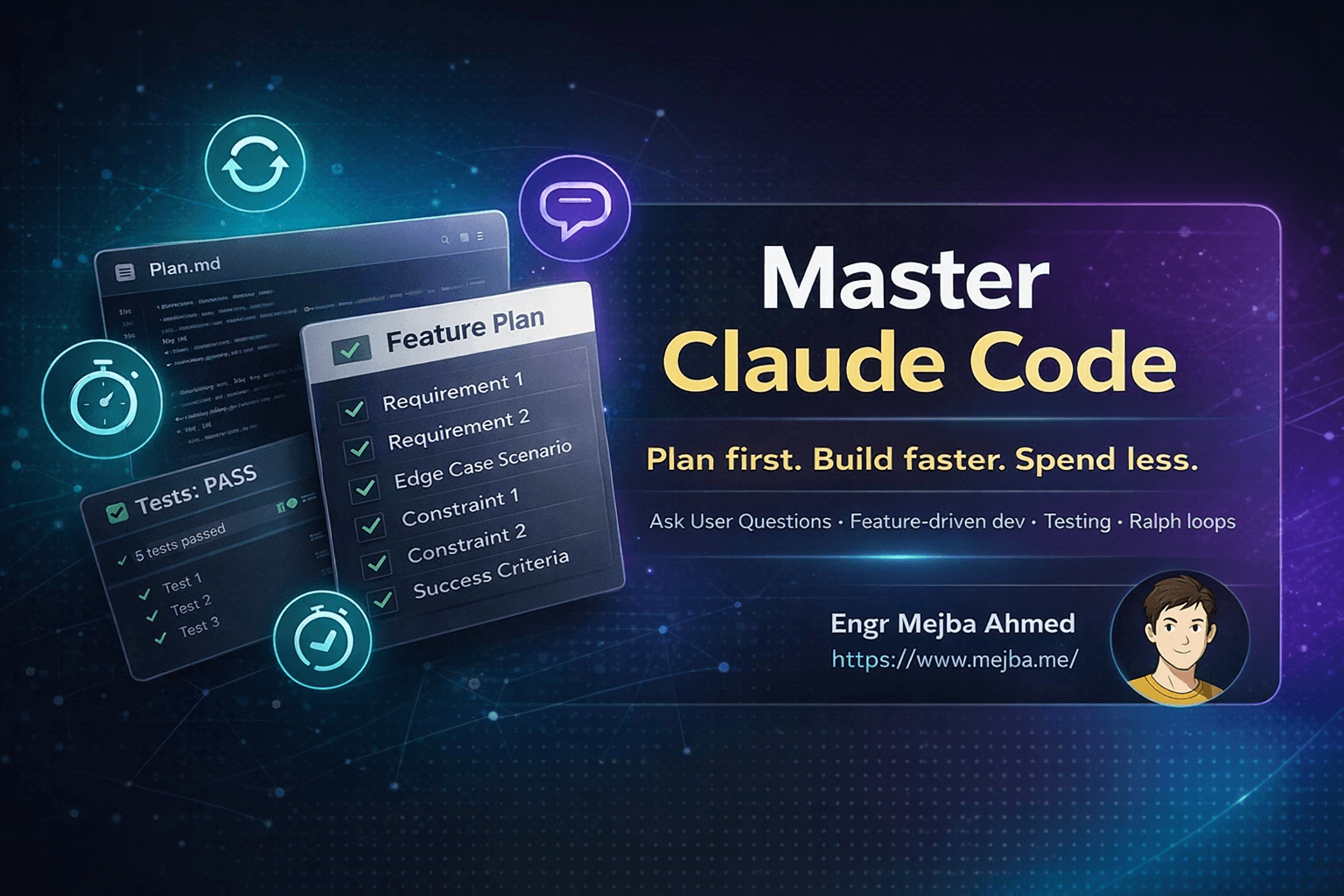
Master Claude Code: The Strategy Most Developers Miss
Three months ago, I watched a developer burn through $47 in Claude API credits building a feature that should have cost $3. His code worked, technically. But he'd spent four hours in a loop—prompting, generating, debugging, reprompting—because he skipped the one step that would have saved him 80% of that time and money. He never created a plan.
I see this pattern constantly in developer communities. Someone picks up Claude Code, generates a few components, feels the magic of AI-assisted development, and assumes they've mastered the tool. Then they hit a wall. Features don't connect properly. Bugs multiply. Context windows overflow. The AI starts hallucinating function names that don't exist. And they blame the tool instead of examining their workflow.
The reality is that Claude Code's power scales directly with the quality of your inputs. Professor Ross Mike, who runs one of the most practical Claude Code tutorials I've encountered, puts it bluntly: "The better and more precise your inputs—your plans, your PRDs, your feature lists—the better your outputs." After implementing his approach for six weeks, I've cut my development time by roughly 60% and virtually eliminated the frustrating debugging cycles that used to dominate my AI-assisted projects.
Here's what most developers miss, and how to fix it.
The Input Quality Problem Nobody Talks About
When developers complain that Claude Code "doesn't work" for real projects, they're usually describing a workflow problem, not a tool limitation. The typical approach looks something like this: open Claude Code, vaguely describe what you want, accept whatever code it generates, discover it doesn't quite fit, tweak the prompt, generate again, and repeat until something works or frustration wins.
This treats Claude like a slot machine. Pull the lever, hope for a jackpot. But Claude isn't random—it's deterministic based on inputs. Vague inputs produce generic outputs. Precise inputs produce targeted solutions.
The fundamental insight I took from Ross's crash course is deceptively simple: think about communicating with Claude the same way you'd communicate with a human engineer you just hired. Would you tell a new developer "build me an app" and expect them to read your mind? Of course not. You'd explain the product, describe features, discuss technical constraints, and clarify requirements before they wrote a single line of code.
Claude needs the same treatment. The AI has no context about your business, your users, or your technical debt. It doesn't know if you prefer composition over inheritance, or if your team has opinions about state management. Unless you tell it.
The developers who succeed with Claude Code front-load this communication. They spend significant time—sometimes 30-40% of total project time—on planning and specification before asking for any code. The developers who struggle skip straight to implementation and pay for it in debugging hours.
Feature-Driven Development: Building in Manageable Chunks
The second major workflow shift involves how you structure work for Claude. Instead of describing your product holistically and asking for complete implementations, you break everything into discrete features that can be built and tested independently.
A feature is a concrete piece of functionality with clear boundaries. "User authentication" is a feature. "Dashboard with charts" is a feature. "Email notifications when tasks are due" is a feature. These are specific enough that you can define success criteria, build them in isolation, and verify they work before moving on.
Compare this to vague descriptions: "I need a task management app" or "build something like Notion." These give Claude too much latitude. The AI will make hundreds of micro-decisions about data models, API shapes, and UI patterns that might conflict with your vision. By the time you realize the architecture doesn't match what you wanted, you've generated thousands of lines of code in the wrong direction.
The feature-driven approach changes this dynamic completely. Each feature becomes a focused conversation with Claude:
- Describe the specific feature and its requirements
- Have Claude implement the feature
- Run tests to verify the implementation works
- Only then move to the next feature
This sounds slower, but it's dramatically faster in practice. You catch misalignments early when they're cheap to fix. You maintain a working codebase throughout development rather than doing a massive integration at the end. And you give Claude tighter context for each implementation task, which improves code quality.
I recently built a subscription billing system using this approach. Instead of asking Claude for "a billing system," I broke it down: customer creation, plan management, subscription lifecycle, invoice generation, payment processing, webhook handling. Each feature took 20-40 minutes to implement and test. The complete system was production-ready in a single afternoon—and every component worked correctly because I verified each one before building the next.
The Ask User Question Tool: Your Secret Weapon for Perfect Plans
Here's the tool that changed everything for me, and it's hiding in plain sight. Claude Code includes a feature called the Ask User Question tool (sometimes called the planning interview tool), and most developers completely ignore it.
When activated, this tool transforms Claude into a product consultant. Instead of generating code, it interviews you about your project with probing questions covering technical decisions, UI/UX choices, cost considerations, and architectural trade-offs. By the end of the interview, you have a detailed specification document—a real PRD—that minimizes assumptions and eliminates the guesswork that causes implementation failures.
The questions Claude asks are the same questions an experienced technical lead would ask before starting a project:
- What happens when a user tries to access a resource they don't own?
- Should form validation happen client-side, server-side, or both?
- What's the expected data volume, and how does that affect database indexing?
- Are there mobile layout requirements, or is desktop sufficient for launch?
- What third-party integrations are required, and what are their authentication methods?
- How should the system behave when external services are unavailable?
- What's the user notification strategy for errors versus successes?
Each question forces a decision you'd otherwise make mid-implementation, probably inconsistently. I've had Claude ask me 15-20 questions for a moderately complex feature, and every single answer became part of the implementation specification. When I then asked Claude to build the feature, it had exactly the context needed to match my vision.
Ross emphasizes that this tool is "underutilized but critical for success." I'd go further: skipping this tool is the single biggest mistake developers make with Claude Code. The 20 minutes you spend answering questions saves hours of debugging and refactoring later.
To use it effectively, start your session by telling Claude you want to plan before building. Something like: "I want to build [feature description]. Before writing any code, interview me to understand the requirements fully." Claude will switch into planning mode and guide you through the discovery process.
Testing as a First-Class Citizen
The feature-driven approach only works if you actually verify each feature before proceeding. This means testing—not as an afterthought, but as an integral part of every development cycle.
After Claude implements a feature, the next step is always: "Write tests for this feature and run them." Claude generates unit tests, integration tests, or whatever's appropriate for the component. You run them. If they pass, you've got working code you can trust. If they fail, you debug immediately while the context is fresh.
This tight feedback loop catches issues when they're smallest. A bug discovered in the authentication feature while you're still focused on authentication takes minutes to fix. The same bug discovered three features later, when you've mentally moved on and the codebase has grown, might take hours.
Ross's crash course recommends a specific cadence: build the feature, test the feature, move on. Don't batch testing at the end. Don't skip tests because the feature "seems simple." Every feature gets verified before the next one starts.
For developers new to test-driven workflows, this might feel slow initially. But consider the alternative: you build five features without testing, discover bugs during manual testing, and now you're debugging across an interconnected codebase where any of five components might be the culprit. That's the slow path, even though it feels faster at the start.
Ralph Loops: Automation for Experienced Users
Once you've mastered feature-driven development with planning and testing, Claude Code offers a powerful automation layer called Ralph loops. These automate the entire build-test-iterate cycle, working through your feature list until everything passes.
A Ralph loop takes your task list and executes sequentially: implement feature one, run tests, fix any failures, move to feature two, repeat until complete. The AI operates autonomously, checking its own work and self-correcting errors without human intervention.
This sounds incredible, and it is—for experienced users. But Ross offers crucial advice that many developers ignore: don't use Ralph loops until you've built and deployed at least one feature manually.
Why? Because Ralph loops magnify whatever's in your plan. A solid, detailed plan produces working software. A vague, incomplete plan produces an automated disaster that burns through context and API credits while going nowhere useful.
The developers who complain that Ralph loops "don't work" almost always have planning problems. Their feature specifications are too vague. Their success criteria are undefined. Their task ordering has dependencies that weren't accounted for. Ralph dutifully attempts to execute the plan and fails because the plan was broken, not because the automation is broken.
My recommendation: spend your first month with Claude Code building features manually. Learn how the AI interprets your specifications. Understand where it needs more detail and where it can fill gaps appropriately. Only after you've calibrated your planning to Claude's execution should you hand over the reins to automated loops.
Context Management: The Hidden Performance Killer
Even with perfect planning and disciplined testing, there's a technical constraint that trips up many developers: context limits. Claude Code, like all large language models, has a finite context window—the amount of information it can hold in "memory" during a conversation.
As your session grows longer—more code generated, more files read, more conversation history—you consume more of that context window. Ross's rule of thumb is compelling: keep context usage below roughly 50% of the token limit. Beyond that threshold, performance degrades. Claude starts "forgetting" earlier context. Responses become less coherent. The AI might reference functions or variables that don't exist because it's lost track of earlier implementations.
The practical solution is simple: start new sessions when context grows large. This feels counterintuitive—you want continuity, and starting fresh seems wasteful. But a new session with your updated codebase as context actually performs better than an overloaded session trying to remember everything from the past two hours.
Claude Code shows your context usage, so you can monitor this actively. When you see usage climbing past 40-50%, wrap up the current feature, commit your code, and start a fresh session. The new session loads your files directly rather than relying on conversation history, which is more efficient and more reliable.
For large projects, I structure my work specifically around this constraint. Each major feature gets its own session. I complete the feature, run tests, commit to version control, and then start fresh for the next feature. This keeps every session focused and performant.
Beyond Code: Audacity and Thoughtfulness
Ross's crash course includes a point that transcends technical workflow: building software that truly stands out requires audacity, good taste, and thoughtfulness that AI can't provide.
Claude Code is extraordinarily good at implementation. Given clear specifications, it generates functional code faster than any human. But the specifications themselves—the vision for what to build—come from you. The AI can write your authentication system, but it can't tell you whether your product concept is compelling. It can implement your UI design, but it can't tell you whether users will find it delightful.
This is where many AI-assisted projects plateau. Developers use Claude to build functional clones of existing apps, but they don't invest the creative energy to build something genuinely new. The code works, but the product doesn't resonate.
The solution isn't less AI—it's more intentionality about what you're building before involving AI. Sketch your interfaces on paper. Think through user journeys. Identify what makes your approach different from existing solutions. Then bring that clarity to Claude Code, and the AI will help you execute your vision rather than regurgitating generic patterns.
Ross emphasizes spending real time on design, UX, and product uniqueness. Claude handles the coding grunt work so you have more cycles for the thinking that only humans can do. Use that leverage intentionally.
A Practical Workflow You Can Start Today
Let me synthesize everything into a concrete workflow you can adopt immediately:
Step 1: Plan with the Ask User Question tool. Start every significant feature by asking Claude to interview you about requirements. Answer every question thoroughly. Don't skip this even when you're eager to start coding.
Step 2: Break your plan into discrete features. Each feature should be specific enough to build and test in isolation. "User can create an account with email and password" is better than "authentication system."
Step 3: Build one feature at a time. Give Claude the feature specification and your project context. Let it implement the feature completely before moving on.
Step 4: Test immediately after implementation. Ask Claude to generate tests for the feature you just built. Run them. Fix any failures before proceeding.
Step 5: Monitor context usage. Watch your token consumption. Start new sessions when approaching 50% capacity. This maintains Claude's performance across longer projects.
Step 6: Automate only when ready. After you've successfully built several features manually and understand Claude's behavior, experiment with Ralph loops for automated multi-feature workflows.
Step 7: Invest in product uniqueness. Use the time you save on implementation to improve design, UX, and differentiation. Build software worth using, not just software that works.
The Compounding Returns of Good Workflow
After six weeks following this approach, I've noticed something beyond just faster development: compounding returns. Each project teaches me better planning habits. My specifications get tighter. I anticipate more edge cases upfront. Claude's outputs match my expectations more closely because my expectations are more precisely communicated.
The crash course principles aren't just productivity hacks—they're skill development. You're training yourself to think more rigorously about software architecture and requirements. The AI amplifies this improved thinking into dramatically better results.
Developers who treat Claude Code as a shortcut around thinking will always struggle. Developers who treat it as an amplifier for clear thinking will find it transformative.
The crash course on mastering Claude Code isn't really about Claude at all. It's about the timeless engineering principle that good inputs produce good outputs. Claude just raises the stakes: invest in planning and get 10x returns, or skip planning and get 10x debugging.
Choose wisely.
Let's Work Together
Looking to build AI systems, automate workflows, or scale your tech infrastructure? I'd love to help.
- Fiverr (custom builds & integrations): fiverr.com/s/EgxYmWD
- Portfolio: mejba.me
- Ramlit Limited (enterprise solutions): ramlit.com
- ColorPark (design & branding): colorpark.io
- xCyberSecurity (security services): xcybersecurity.io