I hit the wall last month.
Not a productivity wall. A literal usage limit wall. Midway through building an authentication system, Claude Code told me I'd burned through my weekly allocation. The feature sat there, half-finished, mocking me from the terminal.
If you've spent any serious time with AI coding assistants, you know this feeling. The tools are powerful—sometimes shockingly so—but they're also expensive. Whether you're paying per token or grinding against usage caps, the math eventually catches up. You start second-guessing every prompt. Should I ask it to refactor this, or save my credits for the tricky authentication logic later?
That's when I stumbled onto something that changed how I think about AI-assisted development. Not a single tool. A workflow. One that treats different AI models like specialized team members, each doing what they're actually good at.
Here's what I've learned about building apps without watching the credit meter like a hawk.
The Problem With Single-Agent Workflows
Most developers approach AI coding tools the same way: pick one, use it for everything. Claude Code for planning. Claude Code for implementation. Claude Code for debugging. Claude Code for testing.
It works. Until it doesn't.
The issue isn't capability. Claude's Opus 4.5 model is genuinely impressive at writing code. The problem is economics. Every question you ask—even "what's the best database for this use case?"—burns tokens that could've gone toward actual implementation.
I was using Claude Code like a Swiss Army knife when I needed a toolbox.
The realization hit me while watching a developer named Callum demonstrate something clever: splitting the workflow across multiple AI agents based on what each does best. Planning with one model. Coding with another. Testing with a dedicated tool.
Sounds obvious in retrospect. But when you're deep in a project, it's easy to forget that the tool handling your code generation doesn't need to also handle your research.
Google Anti-Gravity: The Foundation That Makes This Possible
Before I get into the workflow, let's talk about the environment that enables it.
Google Anti-Gravity IDE is a VS Code fork that Google released for AI-assisted development. If you've used Google AI Studio, you might think you know what this is. You don't.
AI Studio is sandboxed. You can write code, but you can't install extensions. You can't run arbitrary commands. You can't integrate external tools.
Anti-Gravity breaks those limitations. It's a full VS Code environment with extension support, terminal access, and the ability to run multiple AI agents simultaneously. Think of it as the staging ground where different AI tools can work together.
Why does this matter? Because the hybrid workflow I'm describing requires running Claude Code alongside other tools. You need an environment that doesn't artificially constrain what you can connect.
Anti-Gravity provides that. It's where the orchestration happens.
The Three-Phase Hybrid Workflow
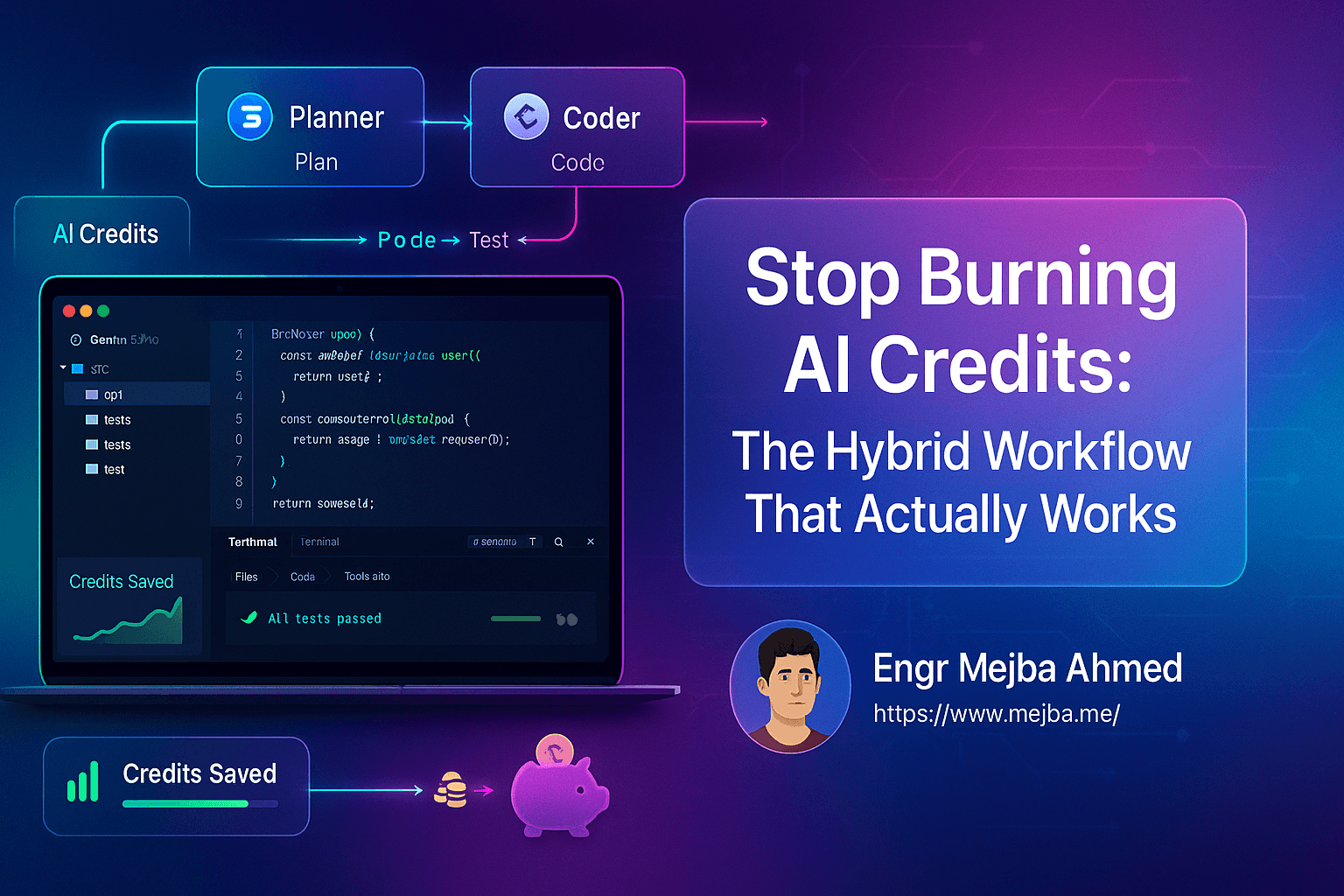
Here's the actual system. Three phases, three specialized tools, one cohesive development process.
Phase 1: Planning with Gemini 3 Pro
Gemini 3 Pro has something Claude doesn't: a massive context window.
This makes it ideal for the planning phase—the part of development where you're researching options, designing systems, and thinking through architecture. You're not writing code yet. You're figuring out what code to write.
For my authentication system, I started by asking Gemini to research database options. Neon, Supabase, Turso—each has tradeoffs. Instead of burning Claude tokens on this research, I let Gemini do the heavy lifting.
The prompt was straightforward:
"I'm building a multi-user authentication system for an RSS reader app. Compare SQLite, Neon, Supabase, and Turso for this use case. Consider setup complexity, cost for small projects, and compatibility with local development. Then outline an implementation roadmap."
Gemini returned a detailed comparison and a step-by-step plan. Database selection, schema design, authentication flow, session management—all mapped out before I touched any code.
Total Claude Code tokens used: zero.
The planning phase is where most developers waste credits. You're asking questions, exploring options, iterating on ideas. None of that requires your most powerful coding model. It requires context and research capability.
Gemini handles that well. Save Claude for what Claude does best.
Phase 2: Coding with Claude Code
Once the plan exists, implementation begins. This is where Claude Code earns its reputation.
I installed the Claude Code extension in Anti-Gravity and connected it to my existing RSS reader project. The extension talks directly to Claude's API, giving you access to Opus 4.5—currently the strongest coding model available.
The key insight: Claude Code works with your existing codebase. It's not starting from scratch. It reads your files, understands your patterns, and writes code that fits.
I fed it the roadmap Gemini had generated and asked it to audit the plan against my actual codebase:
"Review this authentication implementation plan. Check it against the existing project structure and identify any conflicts or missing steps."
Claude flagged two issues: a naming conflict with an existing module and a missing dependency. It suggested modifications and, once I approved, started implementing.
The authentication system took shape incrementally. Sign-in logic. User profile storage. Session management. Each piece committed separately, each building on the last.
Here's what made this efficient: Claude wasn't doing research. It wasn't figuring out whether to use SQLite or Postgres. It wasn't exploring authentication patterns. All that thinking happened in Phase 1.
Claude Code focused on what it's optimized for: writing and debugging code within an established context.
Phase 3: Testing with Test Sprite
This is where the workflow gets clever.
Test Sprite is an MCP server—a tool that connects to your development environment through the Model Context Protocol and handles automated testing. It runs independently of your AI coding agent.
Why does that matter? Because testing is repetitive. You write code. You run tests. Tests fail. You fix code. You run tests again. Each iteration, with a traditional setup, burns tokens.
Test Sprite handles the testing loop separately. It generates test cases, executes them, reports failures, and tracks which issues you've fixed. All without consuming your Claude or Gemini allocation.
For the authentication system, I pointed Test Sprite at the new code and asked it to generate comprehensive tests:
"Generate tests for the authentication module. Cover sign-up, sign-in, sign-out, and credential validation. Include edge cases for invalid inputs and session expiration."
It created 17 tests. First run: 12 passed, 5 failed.
The failures weren't vague. Test Sprite told me exactly what broke: SQLite connection handling wasn't closing properly in three scenarios. Armed with specific failure reports, I went back to Claude Code with targeted questions:
"Tests are failing due to unclosed SQLite connections in these three scenarios. Here are the test outputs. Fix the connection handling."
Claude fixed the issues in one pass. Second test run: all 17 passed.
The entire debugging cycle used maybe 50 Claude tokens. Without Test Sprite, I'd have burned hundreds asking Claude to "figure out what's wrong" and iterate through multiple attempts.
Why MCP Changes Everything
You might be wondering: how do these tools actually talk to each other?
MCP—Model Context Protocol—is the connective tissue. It's a standard interface that lets AI models and external tools share context, access files, and trigger actions within your development environment.
When Claude Code reads your project files, it's using MCP. When Test Sprite runs tests against your codebase, it's using MCP. When Gemini accesses documentation or references, MCP enables that too.
Think of it like a universal translator for AI development tools. Each tool maintains its own capabilities, but they all speak the same protocol for accessing your workspace.
This is what makes the hybrid workflow practical. Without MCP, you'd be copy-pasting context between tools, manually syncing files, losing your mind to coordination overhead.
With MCP, the tools share a common understanding of your project. Claude Code knows what Gemini planned. Test Sprite knows what Claude implemented. The workflow flows.
The Economics: Why This Actually Saves Credits
Let me break down the numbers from my authentication build.
Traditional single-agent approach (estimated):
- Planning and research: ~500 tokens
- Implementation: ~800 tokens
- Debugging and testing iterations: ~1,200 tokens
- Total: ~2,500 Claude tokens
Hybrid three-phase approach (actual):
- Planning with Gemini: 0 Claude tokens (Gemini handles it)
- Implementation: ~600 tokens
- Targeted debugging after Test Sprite reports: ~150 tokens
- Total: ~750 Claude tokens
That's a 70% reduction. For one feature.
Scale that across a project, and the savings become significant. You're not just conserving credits—you're extending how much you can build before hitting limits.
The math works because each tool handles what it's optimized for:
- Gemini: Large context research and planning (doesn't cost Claude tokens)
- Claude Code: Precise coding within established context (efficient token usage)
- Test Sprite: Repetitive test cycles (doesn't cost any AI tokens)
You stop paying your best coder to do research. You stop paying any coder to run test loops. You allocate resources like they're actually limited—because they are.
Setting Up the Workflow: A Practical Checklist
If you want to try this yourself, here's the setup process I followed.
Environment Setup
- Install Google Anti-Gravity IDE from Google's AI tools page
- Install Claude Code extension from the VS Code marketplace within Anti-Gravity
- Sign in to Claude with your Anthropic account (Pro tier required for Claude Code)
- Configure Gemini access through Google AI Studio or the Gemini API
MCP Configuration
- Install Test Sprite from their website (150 free credits/month on the starter tier)
- Connect Test Sprite via MCP in Anti-Gravity's settings
- Verify connections by running a simple test command
Workflow Adoption
- Start every feature with a planning prompt to Gemini—research, architecture, roadmap
- Hand the plan to Claude Code for audit and implementation
- Run Test Sprite after each significant code change
- Use test failure reports to ask Claude targeted debugging questions
The first project will feel clunky. You're building new habits. By the second or third, the workflow becomes natural.
Honest Limitations
This isn't a perfect system. Here's what to know.
Learning curve exists. Switching between tools takes mental overhead. You're not just coding—you're orchestrating. Budget extra time for your first hybrid project.
Tool compatibility varies. Not every MCP tool plays nicely with every environment. I ran into configuration issues with one testing library before settling on Test Sprite.
Some tasks don't split well. Quick fixes and small changes don't benefit from three-phase planning. Use your judgment. A one-line bug fix doesn't need a Gemini roadmap.
You're managing more subscriptions. Claude Pro, potentially Gemini API costs, Test Sprite credits. The total cost might be similar—but it's distributed across services.
Despite these caveats, the workflow has become my default for any feature that takes more than an hour to build.
Where This Is Heading
The hybrid approach isn't just about saving credits. It's about treating AI tools like a team instead of a single omniscient assistant.
That mental shift matters.
When you think of Claude as "the coder," Gemini as "the researcher," and Test Sprite as "the QA engineer," you start making better decisions about what to ask each one. You stop wasting your best tool on tasks that don't need it.
I suspect this pattern will become standard as AI development matures. The tools are getting better, but they're also getting more specialized. The developers who learn to orchestrate them—rather than depending on any single one—will build more, faster, for less.
The authentication system works now. Users can sign up, log in, save preferences. The whole thing took half the credits it would have cost with my old approach.
Not because I found a better tool. Because I found a better workflow.
And yeah, I haven't hit a usage wall since.
Work with Me
- Fiverr (custom builds, integrations, performance): fiverr.com/s/EgxYmWD
- Mejba Personal Portfolio: mejba.me
- Ramlit Limited: ramlit.com
- ColorPark Creative Agency: colorpark.io
- xCyberSecurity Global Services: xcybersecurity.io
The Routing Rule That Saves Credits
The hybrid AI workflow credits fix is one habit: route planning to the free tier, execution to the paid one. The expensive model should never read documentation. My cost optimization guide and (this workflow) go deeper.
If you want your AI spend audited and routed, that's something I do through Ramlit.