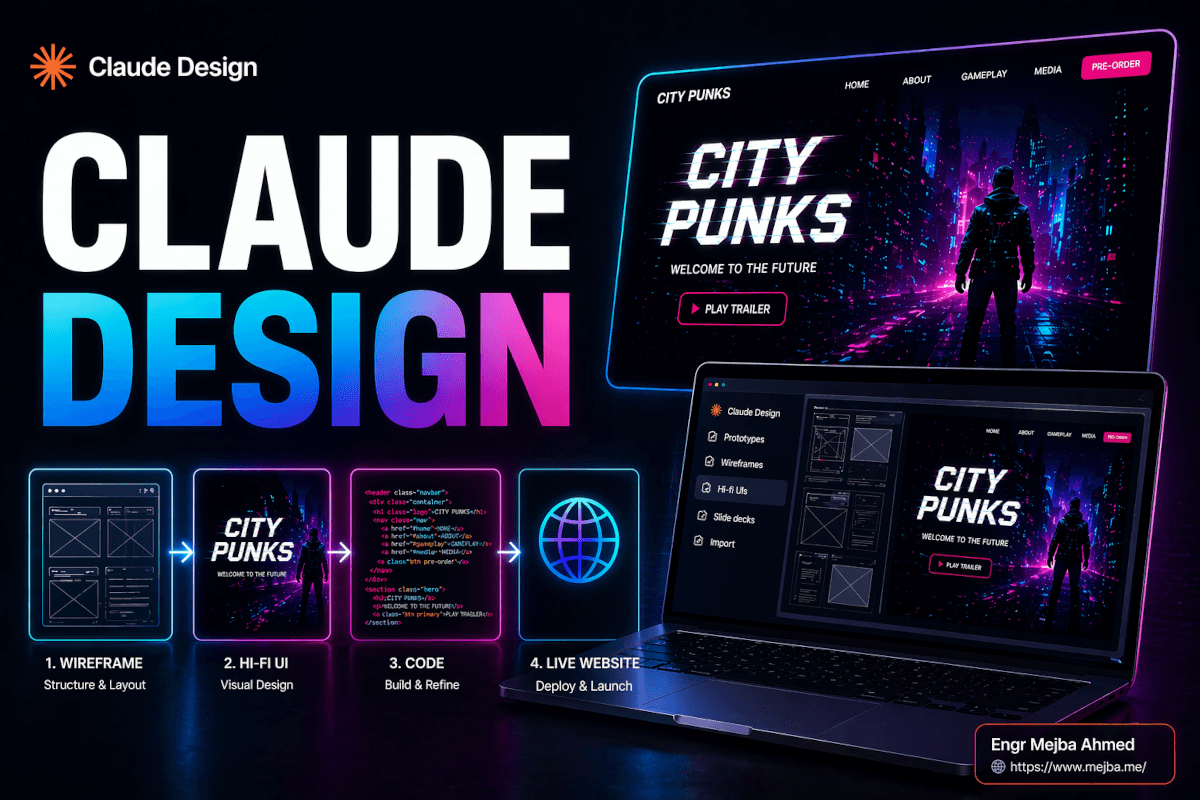
The thing that killed Claude Design for me the first time wasn't the output. It was the wall.
I'd bounced off the tool hard enough to write it off — which is exactly why the June 2026 Claude Design overhaul made me eat my words. I'd open it on a Saturday morning, prompt a landing page, get something genuinely promising on screen — clean hierarchy, a hero section that didn't look like a Bootstrap template from 2014 — and then, four or five iterations in, the tool would tap me on the shoulder and tell me I was out of quota. On a single project. Before lunch. Claude Design had its own little usage pool, separate from everything else, and that pool drained faster than a free-tier API key on launch day. I'd burned through my appetite for it before I'd built anything I could ship.
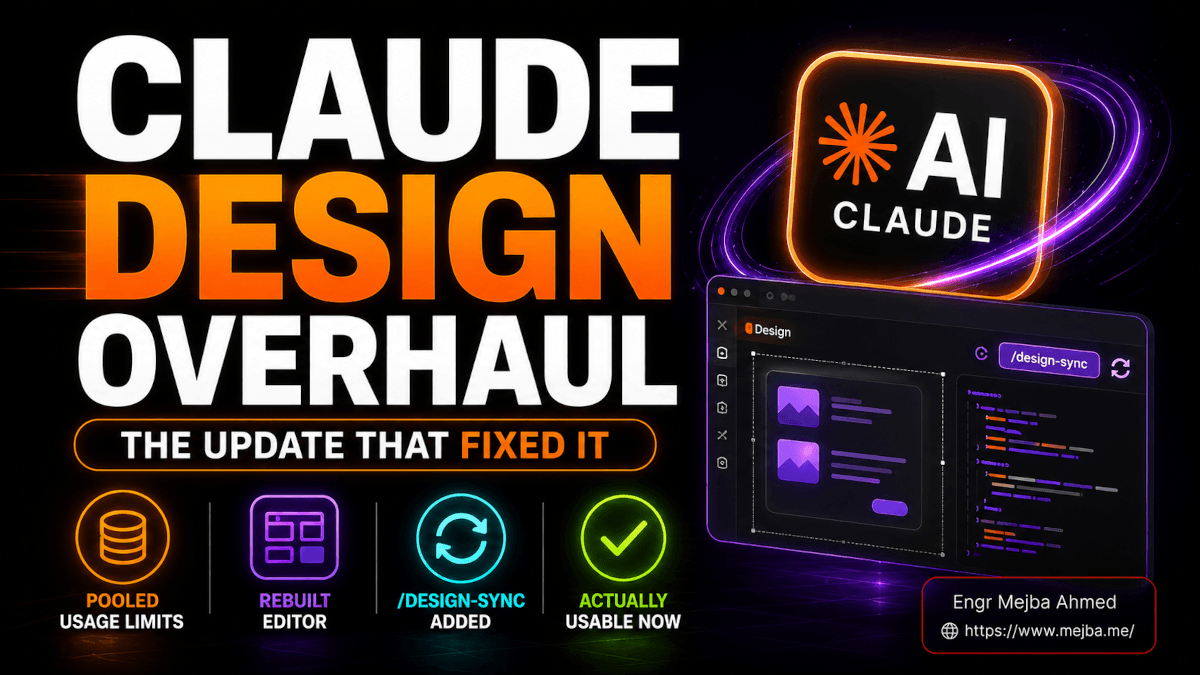
That wall is gone now. The overhaul pooled the usage limits with the rest of the Claude ecosystem, rebuilt the editor from the studs, and added a /design-sync command that wires the tool straight into Claude Code in both directions. I went back in expecting another "nice demo, can't use it" session. I came out genuinely surprised — and a little annoyed at how much my earlier write-up now reads like a snapshot of a tool that no longer exists.
So this is the follow-up. Not a from-scratch first look — I covered that ground in my first look at Claude Design when Anthropic Labs shipped it. This is the news analysis: what the overhaul actually changed, what it means if you build software or sell decks for a living, and where I'd still tell you to keep your expectations in check. There's a strategic move buried in here that's bigger than any single feature.
Everything in the Claude Design overhaul, in one list
Here's the short version before we go deep. The Claude Design overhaul that landed in June 2026 bundles five concrete changes: unified usage limits pooled with chat, Cowork, and Claude Code; a fully rebuilt manual editor with a Figma-style layered view; templates plus importable design systems; native slide decks with PowerPoint export; a markup tool for feedback; and expanded MCP connectors, including a two-way handoff with Claude Code via the /design-sync command.
The rest of this article pulls each of those threads apart and tells you which ones actually hold weight.
The timing matters too. According to Anthropic's own changelog and reporting from VentureBeat, Claude Design quietly stopped drawing from its own separate usage counter around May 27–28, 2026, ahead of the broader feature rollout. So the "fix for the token-burning problem" — the phrase the coverage keeps using — actually landed a couple of weeks before the editor and connector news made the rounds. If you tried Claude Design in early May and bounced off it for exactly the reason I did, you tested a different product than the one running today.
Claude Design itself is still in research preview and available to Pro, Max, Team, and Enterprise subscribers. It launched on Claude Opus 4.7, and it now ships with a model selector, so you can pick which model to run — Opus 4.8 among the options. What changed most, though, is whether you can actually stay inside it long enough to finish something. That starts with the wall.
Why the unified usage limits change everything
Pricing and limits are boring to write about and they decide whether a tool lives or dies. This is the single most important change in the whole overhaul.
Before: Claude Design had its own usage pool. Small. Separate. Easy to exhaust. You could be deep into iterating a deck or a prototype and hit a ceiling that had nothing to do with how much Claude you'd used everywhere else that week. It made the tool feel like a tech demo with a coin slot.
After: Claude Design draws from the same budget as chat, Claude Cowork, and Claude Code. The limits surface in the format every Claude power user already knows — the rolling 5-hour session window plus the weekly cap. Anthropic also says it cut average token consumption per turn while holding output quality steady, and that error rates dropped sharply alongside the change.
What does that actually buy you? Continuity. The reason the old limits hurt so much wasn't the raw number — it was that hitting a wall mid-flow breaks the one thing design iteration depends on, which is momentum. Design is a conversation. You nudge, you react, you nudge again. Twenty small moves to get a hero section right. The old pool turned that conversation into a metered phone call where you could hear the seconds ticking. The new shared pool means a Claude Design session feels like a Claude Code session: you work until you're done or until your weekly budget genuinely runs out, not until an artificial sub-meter trips.
There's a strategic read here too. Pooling the limits is Anthropic telling you these are no longer separate products with separate budgets — they're surfaces on one workspace. You don't "spend Claude Design credits." You spend Claude. That framing matters a lot in the next few sections.
One honest caveat, and I'll keep flagging these throughout: Anthropic hasn't published hard numbers on the token reduction or the error-rate drop. "Reduced average token consumption" and "error rates dropped sharply" are their words, not a benchmark I ran. I believe the direction — my sessions clearly last longer than they did in early May — but I can't hand you a percentage. Treat the magnitude as unverified until someone publishes a controlled comparison.
Now that you can actually stay inside the tool, the question becomes whether it's worth staying inside. That comes down to the editor.
The rebuilt editor is what makes it a real tool
This is where the overhaul stopped being a quota patch and started being a different product.
The original Claude Design was prompt-first to a fault. You described what you wanted, Claude generated it, and if a heading was two sizes too big, your only real lever was to ask Claude — in words — to fix it. That works until it doesn't. Anyone who's tried to talk an AI into nudging a button four pixels to the left knows the specific frustration of describing a visual change you could fix in half a second with a cursor.
The rebuilt editor closes that gap. You now get a manual editing surface that holds up against traditional design software for the everyday operations:
- Direct text editing — click into any text element and change the content, font, size, weight, bold, italics. No prompt required.
- Element manipulation — select, resize, reposition, and adjust elements directly on the canvas.
- A layered view — toggle a Figma-style layer panel so you can pick the exact element you mean instead of fighting click targets on a busy canvas.
That layered view is the tell. It signals Anthropic understands the actual workflow of a designer or a developer-who-designs: you spend a lot of time selecting precisely the right thing, and overlapping elements make that hard without a layer tree. Adding one is a small feature with a big quality-of-life payoff.
Here's the mental model that made this click for me. AI generation is great at the first 80% and terrible at the last 20%. Prompting gets you to "this is roughly right" astonishingly fast. But the last 20% — the kerning, the exact spacing, the one stubborn element — is where natural language is the wrong tool. You don't want to describe a four-pixel nudge. You want to do it. The rebuilt editor finally gives you both halves: prompt to get 80% of the way there in seconds, then grab a cursor and finish the job.
That balance — AI for the heavy lifting, manual control for the finish — is exactly what was missing. Without it, Claude Design was a slot machine: pull the lever, hope. With it, the tool becomes a collaborator you can actually overrule. I made the same argument about keeping human oversight in the loop on AI web design, and the editor is the feature that finally makes that oversight practical inside Claude Design itself.
Is it Figma? No. Don't let me oversell it. Figma has a decade of muscle in vector tooling, plugins, multiplayer editing, and a component model that Claude Design doesn't touch. If your job is pixel-perfect interface design as a craft, you're not switching. But for the much larger group of people who need good design fast and can't operate Figma — founders, marketers, developers who'd rather not — the rebuilt editor moves Claude Design from "toy" to "tool." That's the whole story of this section.
A tool is only as consistent as the system behind it, though. Which brings us to the part that quietly matters most for real work.
Templates and design systems: the consistency engine
Generate one page and AI looks like magic. Generate ten pages that all need to look like they came from the same company, and AI usually looks like a liability — every screen drifting a little in font, spacing, and color until the whole thing feels held together with tape.
The overhaul attacks that directly with two features: templates and design systems.
Templates are now front and center. App prototypes, slides and presentations, documents, wireframes, video animations — you start from a structured jumping-off point instead of an empty prompt box. For anyone who freezes at a blank canvas (most people), this is the difference between starting and not starting.
Design systems are the more important half. A design system in Claude Design is a defined set of fonts, colors, and layout principles that Claude applies consistently across everything it generates. You get it into the tool three ways:
- Build one from scratch inside Claude Design.
- Import it from files — including Figma exports and raw uploads.
- Sync it from Claude Code using the new
/design-synccommand (more on that next — it deserves its own section).
The reporting around the overhaul describes design systems being brought in from GitHub repos, design files, or raw uploads — and crucially, once a system is imported, Claude builds with those components and auto-corrects against the rules before you ever see the result. That's the part that turns consistency from a thing you police into a thing the tool enforces.
I've spent enough time fighting design drift across AI-generated pages to know this is the unglamorous feature that decides whether a tool is usable past the demo. I wrote a whole guide to AI app design systems precisely because the consistency problem is the one that bites you on project number two, not project number one. A design system in Claude Design means your tenth screen looks like a sibling of your first instead of a stranger.
If you already maintain a system somewhere — in Figma, in a repo, in a Claude Code project — the import paths mean you're not rebuilding it. You're pointing Claude at the source of truth you already have. That's the right design decision, and it's the bridge into the most strategically interesting feature in the entire release.
/design-sync and the Claude Code two-way handoff
This is the feature I think people will underrate, so let me be direct about why it matters: /design-sync is the seam where Anthropic stitches design and engineering into one continuous workflow. It runs both directions, and the two directions are where it gets interesting.
Direction one — pull your system into the design tool. You run /design-sync from Claude Code to pull your existing design system out of a project and into Claude Design. Now everything you generate in the design tool starts from your real components — your actual fonts, your actual color tokens, your actual layout rules — instead of Claude's generic defaults. You're not re-describing your brand every session. The system travels with you.
Direction two — push your built code back to the canvas. Once you've implemented something in code, /design-sync pushes that current state back into Claude Design, so the canvas reflects what you actually shipped rather than a stale early mockup. That's the part that used to be lossy in every AI design tool I've used: the code and the design would drift apart the moment you touched either one. Keeping them synced in both directions means the structure stays intact instead of getting reverse-engineered from a screenshot.
And there's a direct handoff on top of the sync. When a design is ready to become real software, you hand it to Claude Code, and the reporting and Anthropic's own materials describe taking it further — wiring the finished front end to a live backend, connecting it to a database like Supabase, running real queries, even scheduling data updates. So the path is: design the front end visually, hand it to Claude Code, connect it to live data, ship something that actually works. Not a clickable prototype. A functioning app.
I've already lived the friction this removes. My Claude Design and Claude Code visual workflow was an entire post about manually routing work between the two tools and managing the handoff myself. /design-sync is Anthropic doing that routing in the product. If the sync holds up under real projects — and that's a genuine if, because I haven't yet stress-tested it across a multi-screen app post-overhaul — it collapses a workflow I used to babysit into a command.
Step back and look at the shape of this. Design system in Claude Code → sync to Claude Design → generate and refine visually → hand back to Claude Code → wire to a live database → schedule updates. That's not a feature. That's an end-to-end software-and-design pipeline living inside one ecosystem. People keep using the word "super app" for what Anthropic is building, and for once the buzzword fits. /design-sync is the hinge the whole thing swings on.
If you're a developer or a solo founder who'd rather have someone architect this kind of design-to-deployment pipeline for you instead of assembling it yourself, this is the exact category of build I take on — you can see my work at fiverr.com/s/EgxYmWD.
There's one more pillar of the overhaul that doesn't touch code at all but might be the most immediately useful for the largest number of people: decks.
Claude Design decks and the PowerPoint export caveat
For most everyday presentations, Claude Design can now generate, edit, present, and export full slide decks, with PowerPoint (.pptx) export — though font fidelity is the one caveat to watch.
That's the snippet answer. Here's the substance behind it.
The slide deck features in the overhaul are surprisingly complete. You prompt a deck into existence, then you get real editing — not just regenerating, but actual slide-by-slide control, including speaker notes. There's a full-screen presentation mode so you can run the deck from inside Claude Design. And when you need to leave, you export to PowerPoint or PDF, or push it out to other apps entirely.
The connector list for that handoff is broader than I expected. According to Anthropic's product materials, the destinations include the likes of Canva, Gamma, and a range of other design and dev tools, with more coming. So "send my deck to Canva" or "drop this design into another app" is a built-in path, not a copy-paste chore. The Anthropic framing is that a founder or account executive can go from a rough outline to a complete, on-brand deck in minutes, then export to PPTX or send to Canva — and that lines up with the design-system story, because the deck inherits your brand automatically.
The honest caveat is fonts. When a deck uses universal or custom fonts, the PowerPoint export can lose fidelity — the exported .pptx may not render those fonts identically to what you saw in Claude Design. This is not unique to Claude; it's the eternal curse of fonts not being embedded or installed on the opening machine. But it means you should always open the exported file and eyeball it before you present from it. Don't generate a deck, export it, and walk on stage without checking. That's the one place this will bite you.
I dug into the broader "Claude in your slides" story when Claude in PowerPoint hit the Pro plan, and the throughline is consistent: Claude is getting genuinely good at decks. The Claude Design version goes further than the in-PowerPoint integration because the generation, editing, and presentation all happen in one place, and the design system keeps every slide on brand without you babysitting it.
So: replace PowerPoint for your weekly status deck, your pitch outline, your internal one-pager? Comfortably. Replace it for the investor deck where a misrendered font on slide 12 costs you the room? Export early, check fonts, and keep a human eye on it. The tool is good. It is not yet a reason to skip proofreading.
Decks made by one person are easy. The moment a second person needs to weigh in, you need a way to collect feedback — and the overhaul has an answer for that too.
The markup tool and MCP connectors
Two smaller features round out the release, and both are about reaching beyond a solo session.
The markup tool is an annotation layer for feedback. You select an element to attach a comment, draw freehand marks directly on the design, and Claude builds a running list of actionable remarks out of those annotations. If you've ever run a design review in a Slack thread with thirty messages of "the blue one, no the other blue one," you understand why putting comments on the artifact matters. It turns vague feedback into a checklist tied to specific elements. For anyone collaborating — even just sending a draft to one stakeholder — this is the difference between feedback you can act on and feedback you have to decode.
MCP connectors extend Claude Design to external tools and services, and this is where it stops being a closed box. One example worth calling out — and one I'd reach for personally — is Higgsfield for generating AI images without leaving your design session. Higgsfield shipped its official MCP server in April 2026, exposing 30-plus image and video models through a single hosted endpoint, which is exactly the kind of thing you want one agent orchestrating rather than you tab-hopping across four web apps. I should be honest that I haven't seen Anthropic name Higgsfield specifically as a bundled Claude Design connector, so treat "generate a hero image in-canvas" as the promise of the connector architecture rather than a guaranteed built-in. I walked through the standalone version of this pairing in my Higgsfield CLI and Claude Code landing page workflow.
The bigger point about MCP connectors is the same point as /design-sync: Claude Design is becoming a hub other tools plug into, not a destination you have to live inside. That's the architectural difference between a feature and a platform.
What I'd still keep my expectations in check on
I've spent this whole piece being more positive than I expected to be, so here's the counterweight. Five honest reservations.
One: there are no published performance benchmarks post-overhaul. Everything about the token reduction, the error-rate drop, the "significantly more headroom" — those are Anthropic's characterizations. I believe the direction because my sessions are demonstrably longer than they were in early May. But nobody, including me, has published a controlled before-and-after. Until that exists, treat the magnitude of every improvement as directionally true and numerically unverified.
Two: it's still research preview. Claude Design is not a GA product. Research preview means features can change, break, or get pulled, and behavior can shift week to week. Don't build a mission-critical workflow on top of something explicitly labeled as still cooking. Use it, love it, but keep an escape hatch.
Three: I haven't yet stress-tested /design-sync across a real multi-screen project post-overhaul. A clean two-way sync on a demo is a very different thing from a clean sync on a twelve-screen app with a messy real-world design system. The feature is the most strategically important part of the release, which is exactly why I'm not going to vouch for its robustness until I've put a genuine project through it. The promise is excellent. The proof is pending.
Four: the specific connector lineup is still moving. The MCP connector story is real, but exactly which third-party services are bundled and how deeply they integrate is the kind of thing that shifts between beta builds. Verify the connector you care about is actually available before you plan a workflow around it, rather than assuming a name you read in coverage is wired in.
Five: the font fidelity issue on PPTX export is real. I covered it above but it earns a spot on the skeptic's list. Custom and universal fonts can render differently in the exported file. Always check before you present.
None of these are dealbreakers. They're the difference between "this tool is genuinely good now" — which I believe — and "this tool is finished and bulletproof" — which it isn't. Knowing which sentence is true keeps you from getting burned.
What this means if you build software or sell decks
Let me make this concrete for the two groups who should care most.
If you build software, the headline is the round-trip. The old way of using AI for front-end design meant generating a mockup and then losing structure on the handoff to code. The /design-sync two-way flow plus the database-wiring path means you can design visually, keep the structure intact into Claude Code, and connect it to live data — all inside one ecosystem. Even if the sync is only 80% reliable today, that's a fundamentally better starting point than throwing screenshots over a wall. Watch this space; it's the part most likely to change how you work.
If you sell decks — founders, AEs, marketers, consultants — the headline is that the deck workflow is now end-to-end. Generate from an outline, edit slide by slide with speaker notes, keep everything on brand via a design system, present full-screen, export to PPTX or push to Canva. The font caveat aside, this genuinely competes with reaching for PowerPoint. For internal and routine decks, I'd reach for Claude Design first now.
And for everyone, the meta-shift is the unified usage limits. That's not a flashy feature, but it's the one that converts Claude Design from "thing I tried once" into "thing I'll actually open on a Tuesday." A tool you can't stay inside isn't a tool. Now you can stay inside it.
If you want the side-by-side on how Claude Design stacks against the other serious AI design contender, I put it head-to-head in my look at Google Stitch as an AI design platform — though note that comparison predates this overhaul, so the limits-and-editor story has shifted in Claude's favor since.
FAQ
Frequently Asked Questions
Everything you need to know about this topic
No — as of the June 2026 overhaul, Claude Design shares one usage pool with chat, Claude Cowork, and Claude Code. Limits show in the familiar 5-hour session window plus weekly cap, so you no longer hit a separate Claude Design sub-meter mid-project. This is the single biggest change in the release.
Yes, Claude Design exports decks as PowerPoint (.pptx) and PDF, plus connectors to apps like Canva and Gamma. The one caveat: custom or universal fonts may not render identically in the exported file. Always open the exported deck and check fonts before presenting. See the deck section above for the full workflow.
/design-sync is a command you run from Claude Code that moves your design system between Claude Code and Claude Design in both directions. You can pull a system into Claude Design so generation starts from your real components, then push your implemented code state back to the canvas to keep them in sync. For the full breakdown, see the Claude Code handoff section above.
For most users, yes for speed and accessibility — no for craft-level vector design. The rebuilt editor adds direct text editing, element manipulation, and a Figma-style layered view, which covers everyday design. But Figma's component model, plugins, and multiplayer editing still outclass it for professional interface work.
No — Claude Design is in research preview for paid plans only: Claude Pro, Max, Team, and Enterprise. It launched on Claude Opus 4.7 and now offers a model selector (Opus 4.8 among the options), and it draws from your shared plan usage rather than a separate pool, so heavier plans get meaningfully more design headroom.
Where I've landed on the Claude Design overhaul
I came into this expecting to confirm my old verdict and left having to rewrite it. The overhaul doesn't make Claude Design flawless — it's still research preview, and I still haven't put the two-way sync through a big real project — but it turned a tool I'd written off into one I actually open on a weekday. If you'd rather have a design-to-deployment pipeline like this built and wired up for you than assemble it by hand, that's the kind of work I take on: fiverr.com/s/EgxYmWD.