Grep tells you where a string appears. A language server tells you where a symbol lives. For an AI coding agent, that difference is the line between guessing and knowing — and since Claude Code shipped Language Server Protocol support in v2.0.74 back in December 2025, it is a line you can actually configure. On my main Laravel codebase, LSP is the upgrade that finally made me stop double-checking Claude's answers about where things are defined.
I have run Claude Code daily since its early releases, currently on build 2.1.233, mostly against a Laravel 11 application with a domain-heavy model layer and PHPStan at level 8. That codebase is exactly the kind of place where text search fails an agent, so it is a good test bed for what LSP does and does not fix.
Why Text Search Fails an Agent on a Real Codebase
Before LSP, Claude Code navigated code the way grep does: string matching. Ask it to find where a method is used, and it searches for the name. On a small project that is fine. On a Laravel application it produces noise, because the same word appears in places that have nothing to do with the symbol:
- A model named
Commentmatches Blade templates, translation strings, config keys, and actual code comments. - Polymorphic relationships mean
commentable_typevalues live in the database as strings, invisible to any definition search. - Aliased imports (
use App\Models\Website\Course as CourseModel) break naive matching entirely. - Facades and helpers resolve at runtime, so the call site never names the class that does the work.
The failure mode that used to burn me was refactors: ask Claude to update every caller of a renamed method, and it confidently misses the two files that referenced it through an alias while "fixing" a commented-out line. Not the model's fault — without structural understanding of the language, a name is just a string.
What LSP Actually Gives Claude Code
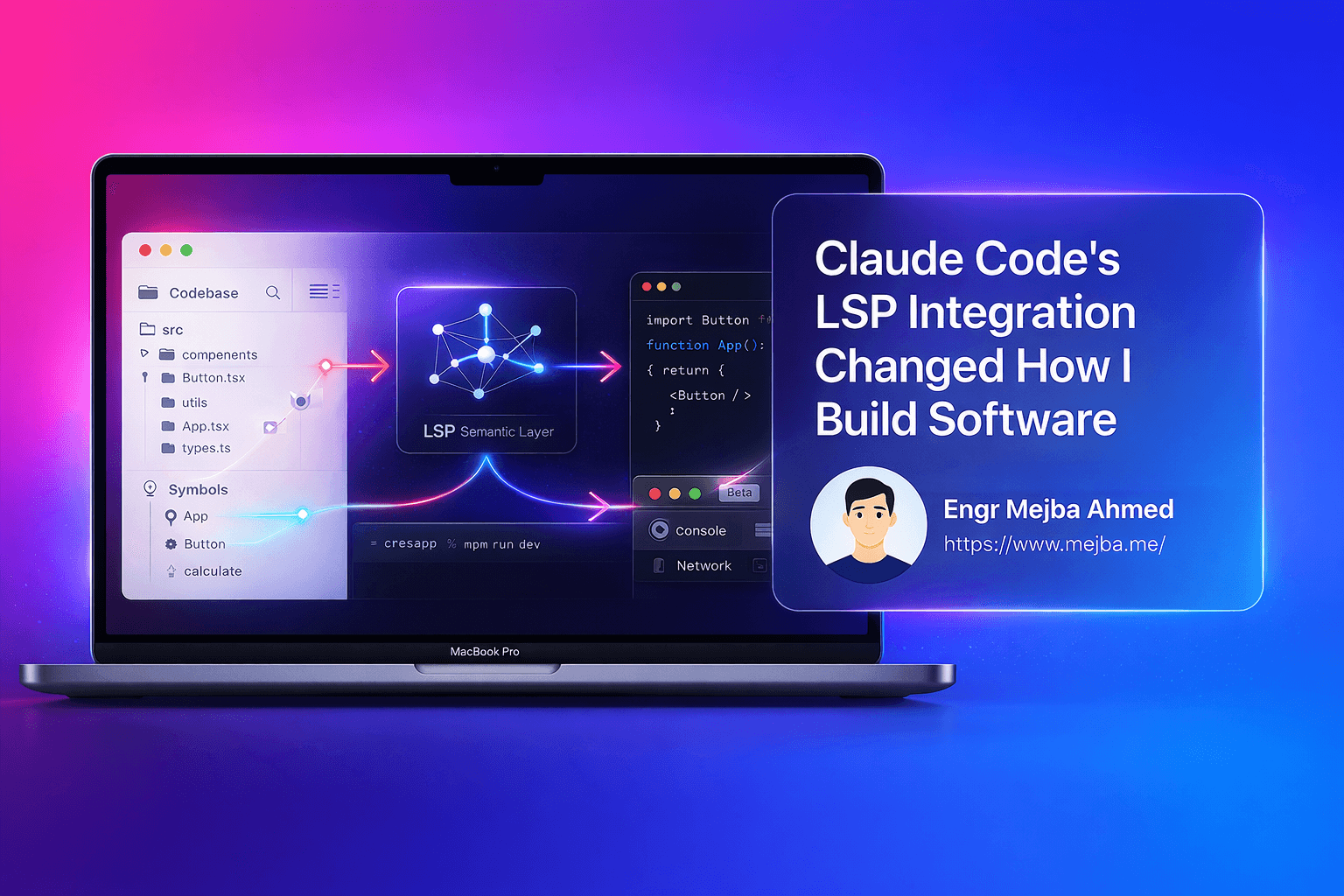
LSP is the protocol behind your IDE's "Go to Definition" and "Find All References." Claude Code's integration exposes the same operations to the agent as a tool: go to definition, find references, document symbols, hover for type information, and diagnostics. Instead of pattern matching, Claude asks a language server the question and gets a structural answer — file, line, symbol kind.
The practical differences I see on my codebase:
Reference finding gets trustworthy. "Find every caller of this service method" returns actual call sites, aliased imports included, and skips the mentions in comments and translations. On a rename that touches ten files, that is the difference between reviewing a correct diff and hunting for the eleventh file yourself.
Nonexistent symbols stop being hallucinated. Ask about a method that does not exist and a text-matching agent reasons its way to a plausible location. An LSP-backed agent gets an empty result from the server and says so, usually offering the nearest real symbols instead. Boring, honest answers are exactly what you want from a coding agent.
Diagnostics arrive without a build step. The language server flags type errors and unresolved symbols as Claude edits, which shortens the loop before my own gate of vendor/bin/pint and PHPStan even runs.
Setting It Up for PHP (and Anything Else)
LSP support does not bundle language servers — you install them per language, most easily through plugins. The community marketplace makes this a two-minute job:
/plugin marketplace add Piebald-AI/claude-code-lsps
Then pick your servers from /plugins. On my machine I keep three official LSP plugins installed: php-lsp, typescript-lsp, and gopls-lsp — PHP for the Laravel work, TypeScript for frontend and tooling, Go for infrastructure utilities. For PHP specifically, the ecosystem gives you Phpactor (installed via Composer) or Intelephense; either slot in as the backing server. Whatever route you choose, the server binary must exist on your machine — the plugin only teaches Claude Code how to launch and talk to it.
One honest note on the interface itself: LSP was designed for editors, so its APIs want positions — file, line, column — rather than names. José Valim made this point publicly when the feature landed: an agent cannot simply ask "where is Foo#bar defined," it first has to locate a reference to click on, which costs a lookup. In practice Claude Code handles that dance itself, but it explains why some LSP queries take an extra beat compared to a raw grep.
Where PHP Magic Still Wins
This is the part most LSP coverage skips, and it is the reason I have not uninstalled ripgrep. On a Laravel codebase, a language server only sees what static analysis can see, and Laravel is built on runtime magic:
- Eloquent attributes (
$post->published_at) resolve through__get. No definition exists for the server to jump to unless you generate docblocks. - Facades (
Cache::forget(...)) proxy to bound services; go-to-definition lands on the facade, not the implementation. - Container bindings and events are configuration, not code structure. No LSP operation will tell you which listener fires.
My fix is the same one that makes PHPStan level 8 livable: generate model and facade docblocks (the Laravel IDE-helper approach), and keep PHPStan in the loop as the semantic backstop. LSP answers "where is this symbol"; PHPStan answers "is this usage actually valid." An agent with both is meaningfully harder to fool than an agent with either. And for the runtime-only questions — which listener, which binding — plain text search across config and service providers is still the honest tool. LSP narrows grep's job; it does not eliminate it.
That layered setup matters more as sessions get longer. Structural navigation returns compact, precise results instead of pages of grep output, which quietly protects your context window — the same budget I manage aggressively with token management habits on long refactors.
How It Changed My Actual Workflow
The honest before-and-after, from months of daily use:
Before LSP I treated Claude Code's code navigation as a first draft. It wrote features and boilerplate well, but for "what calls this?" I verified in my editor, because one missed reference in a refactor costs more time than the agent saved.
After LSP I hand it multi-file refactors on the Laravel app and review the diff rather than re-derive it. Renames, signature changes, extracting a service from a fat controller — the class of task where correctness depends on finding every reference is exactly the class LSP fixed.
It also changed which model I reach for. Structural navigation reduces the reasoning burden of "understand this codebase," which means cheaper models stay reliable longer on navigation-heavy tasks — part of the same cost logic I lean on across my daily plugin stack and the CLI tools that feed Claude structured output.
If you take one action from this post: install the LSP plugin for your primary language, then ask Claude to find all references of a symbol you know well. Compare it against your IDE's answer. When those two lists match on your own codebase — not a demo repo — that is the moment you can start delegating refactors instead of just drafts. A few of the 32 power-user habits I documented assume exactly that trust.
Quick Answers
Which version added LSP? v2.0.74, December 2025. Anything current is fine; update with claude update if your build predates it.
Does it work for PHP? Yes, via Phpactor or Intelephense through the plugin system. Expect the Laravel-magic gaps described above and pair it with generated docblocks plus PHPStan.
Do I need to change how I prompt? No. Claude Code decides when to use LSP operations. You will notice it in the quality of navigation answers, not in your prompts.
LSP turns "where is this defined?" from a guess into a lookup, and on a large codebase that single change is what makes an agent worth trusting with a refactor. The whole setup — language servers, static analysis as the backstop, and where the trust line sits — is part of the practical AI-development curriculum in my AI School.