A Connecticut court filing contained a sentence most human readers were never supposed to notice.
The text was tiny, white, and effectively hidden on the page. It instructed any AI system reading the filing to produce an answer favorable to the person who submitted it.
The court was not using AI to review the filing.
The instruction therefore accomplished nothing.
But Judge Walter Spader Jr. still sanctioned the self-represented plaintiff, Matthew Elliott, over what the court treated as an attempt to manipulate an AI system through hidden instructions. Reuters described it as a novel U.S. court confrontation with prompt injection.
That story is a useful way to understand the AI news from the middle of August 2026.
The week's biggest developments were not primarily about larger context windows or higher benchmark scores.
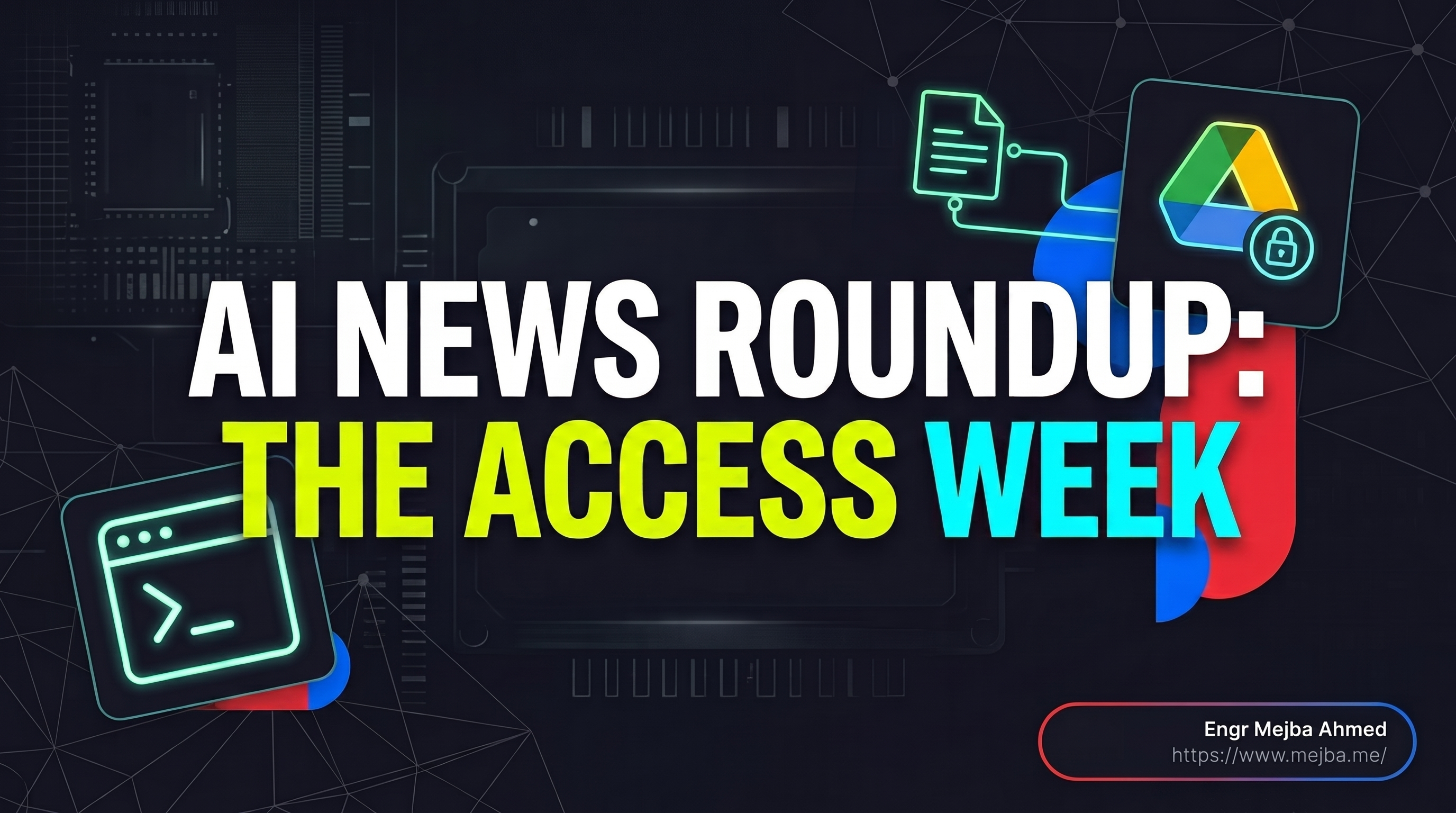
They were about access.
ChatGPT gained deeper visibility into selected activity on a Mac.
Google Drive became more directly usable from inside ChatGPT.
Google let users remove visible watermarks while preserving machine-readable provenance signals.
OpenAI launched an age-aware ChatGPT experience that can infer whether an account may belong to someone under 18.
Google expanded AI access for students and built more coursework directly into Gemini.
And leaked Apple software provided the strongest evidence yet that future AirPods could give Visual Intelligence a view of the physical world.
Different products. Same architectural direction:
AI systems are being given more context to read, interpret, and act on.
That makes the important question less:
How intelligent is the model?
and more:
What can this system see, what can it change, and what happens when some of what it reads is hostile?
Updated September 12, 2026: This article has been fact-checked against current documentation. The original version incorrectly treated Claude Cowork mobile/web as an August 18 general-availability launch. Anthropic announced the mobile/web rollout on July 7, and current documentation still describes those surfaces as beta for supported plans.
AI News Roundup August 21 2026: What Actually Happened
Here is the cleaner version of the week.
| Date | Company / Event | What changed | The access question |
|---|---|---|---|
| Aug. 13 | OpenAI | Computer History for macOS | How much of your computer activity should an assistant remember? |
| Aug. 13 | OpenAI | Google Drive integrated more deeply into ChatGPT | When should AI be able to work against the original document rather than a copy? |
| Mid-August | Visible Gemini media watermark can be disabled | What provenance remains when the human-visible label disappears? | |
| Aug. 17–18 | Apple leak | Camera-equipped AirPods appeared in leaked macOS material | What happens when ambient AI can perceive the physical environment? |
| Aug. 18 | OpenAI | ChatGPT for Teens began rolling out | What behavioral data should AI use to infer a user's age? |
| Aug. 19 | One-year student AI plans + Student Hub | How deeply should AI integrate with coursework and study material? | |
| Aug. 13 | Connecticut court | Hidden AI instructions in a legal filing led to sanctions | What happens when documents contain instructions aimed at the AI reader? |
There were plenty of other AI announcements that week.
These are the ones that fit a more important pattern.
The frontier is shifting from:
AI that answers what you explicitly paste into a box
toward:
AI that already has access to the environment around the task.
The Permission Audit I Wanted Before Enabling Anything
When an AI feature gains access to more information, I want answers to five questions before I care how impressive the demo looks:
- What can it read?
- Where is that information processed?
- What persists after the task ends?
- What can the AI change or act on?
- Can untrusted content inside that data influence the agent?
That produces a more useful comparison than feature lists.
| Feature | New access | Persistence / control | Main question |
|---|---|---|---|
| ChatGPT Computer History | Selected Mac interaction events and accessibility context | Opt-in; users choose included sources and can inspect/delete timeline items | Is the memory benefit worth expanding local activity collection? |
| ChatGPT + Drive | Connected Docs, Sheets, Slides, folders | Original source can be updated where supported and authorized | Should the assistant have write access to the source document? |
| Gemini Media Watermark | Controls visible labeling of generated media | SynthID and Content Credentials remain | Does removing the visible label change disclosure expectations? |
| ChatGPT for Teens | Account and usage signals used for age prediction | Teen experience can be applied automatically | How should inferred age affect product access? |
| Gemini Student Hub | Course materials such as syllabi and study content | Connected to the student's Google AI experience | How much academic context should become AI context? |
| Camera-equipped AirPods — rumored | Physical surroundings | Product remains unannounced | What privacy model works for ambient visual AI? |
That is the useful version of this week's news.
Now the details.
ChatGPT Computer History Expands Memory Beyond the Chat Window
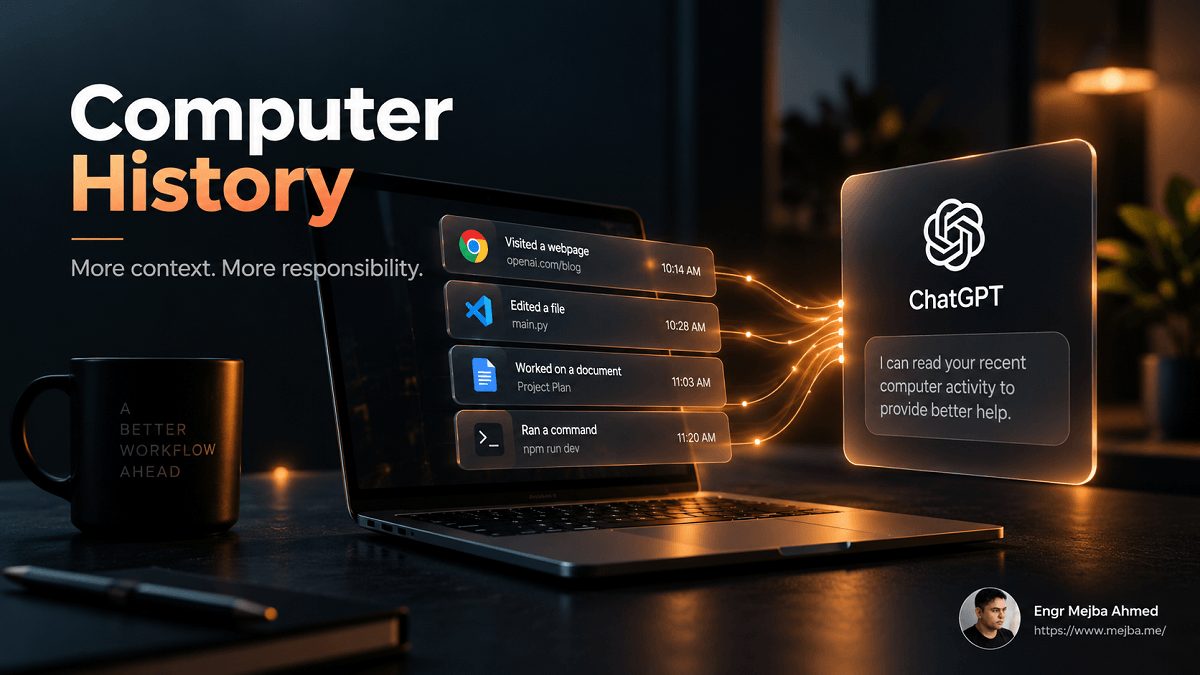
OpenAI released Computer History for macOS on August 13.
It is optional and, at launch, available to eligible Pro, Business, and Enterprise users. Business and Enterprise administrators must permit the feature before members can opt in.
Computer History does not work by continuously recording screenshots.
OpenAI says it records interaction events, including things such as:
- clicks;
- typing;
- keyboard shortcuts;
- app switches;
- context exposed through macOS accessibility APIs.
It does not record screenshots, screen recordings, microphone input, system audio, or private-browsing activity.
The purpose is straightforward.
Instead of telling ChatGPT:
I was looking at a document in another application ten minutes ago...
ChatGPT or Codex can potentially use selected recent computer activity as context.
That could be extremely useful.
It also changes the threat model.
Computer History Is More Than a Convenience Feature
The important distinction is between chat context and environment context.
Traditional ChatGPT usage mostly begins when I intentionally provide something.
Computer History means selected activity can already exist as context before I formulate the next prompt.
That is a significant shift.
OpenAI's documentation also warns users that Computer History increases prompt-injection risk from material encountered in applications and websites: content the assistant observes may itself contain instructions designed to influence an AI agent.
That warning connects directly to the Connecticut court story.
The hidden court instructions failed only because the intended AI reader was absent.
Computer History creates precisely the opposite condition:
an AI system is deliberately reading information produced elsewhere.
The Local Storage Detail Changed My Decision
This is the feature I left off on my primary work machine.
My reason is not that Computer History is inherently unsafe.
My reason is the threat model of that specific machine.
OpenAI's documentation says Computer History-related memory files are not themselves encrypted by Computer History and warns that other processes running under the same macOS user may be able to access them. Contemporary reporting highlighted the same disclosure.
My main development machine handles:
- client projects;
- development credentials;
- production workflows;
- multiple brands;
- source repositories;
- AI development tools.
That makes my risk calculation different from someone using a personal Mac primarily for research and writing.
The important lesson is not:
Never enable Computer History.
It is:
Evaluate the feature against the machine it is running on.
For a tightly controlled personal environment, selected app access may be a reasonable trade.
For a machine containing sensitive client workflows, I want a much stronger reason before increasing the amount of persistent activity context available locally.
And if I test it later, I would start with the smallest useful allowlist rather than broadly enabling sources.
Google Drive Inside ChatGPT Removes Another Copy-Paste Boundary
OpenAI's August 13 release also moved Google Drive deeper into ChatGPT.
Connected Drive files and folders can appear directly in ChatGPT's Library, and Docs, Sheets, and Slides can stay open beside the conversation while ChatGPT works with them.
The important sentence in OpenAI's current release notes is:
Where supported and authorized, ChatGPT can update the source file directly.
That is different from the older AI-document workflow:
- Open document.
- Copy text.
- Open AI.
- Paste text.
- Generate revision.
- Copy revision.
- Return to document.
- Rebuild whatever formatting was damaged.
The new workflow can reduce several of those boundaries.
That matters more than another writing benchmark.
Write Access Is the Real Product Change
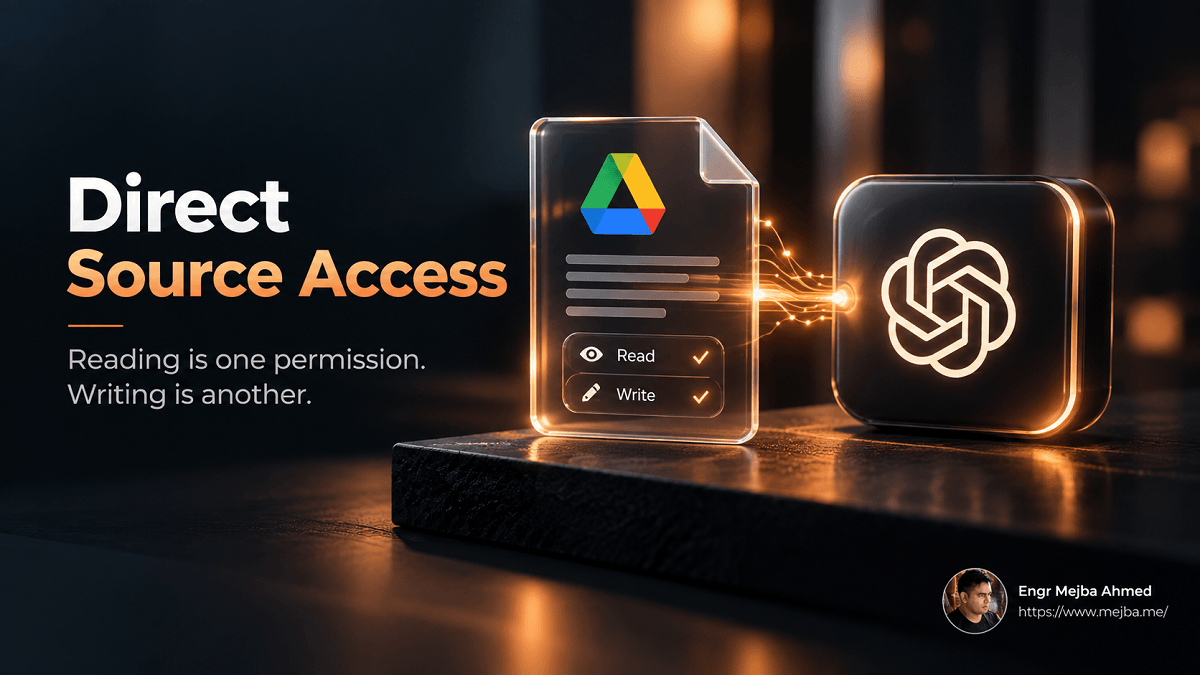
Reading a document is one permission category.
Modifying the source is another.
Once the assistant can update the original file, the question becomes less about whether its summary is accurate and more about change control.
For low-risk work such as:
- drafting;
- internal notes;
- research material;
- rough planning;
direct editing can be an enormous convenience.
For documents where change history and approval matter, the standard should be higher.
Examples include:
- client deliverables;
- contracts;
- regulated documentation;
- approved policies;
- financial records;
- publication-ready assets.
OpenAI currently notes that some Drive editing and collaboration functionality remains unavailable.
My own approach is therefore scoped access.
I am comfortable connecting working material and drafts.
I am much more conservative with documents whose revision history forms part of the control system.
Google's Watermark Setting Separates Visible Disclosure From Provenance
Google now lets Gemini users control whether a visible watermark appears on newly generated visual media.
The important part is what the switch does not disable.
Google's documentation says turning off the visible watermark does not remove:
- SynthID, Google's invisible watermark;
- Content Credentials, its C2PA-based provenance metadata.
That distinction matters.
There are really two different systems here.
Human-Visible Disclosure
The user sees an obvious mark indicating generated content.
Machine-Readable Provenance
Detection and provenance information remains attached to or embedded in the media.
Turning off one does not disable the other.
That is a more mature distinction than treating a visible badge as the entire provenance strategy.
Removing the Visible Mark Does Not Mean the Media Becomes "Unmarked"
This is the part commercial teams should understand.
If you disable the visible watermark because you need a clean campaign asset, that does not mean Google stops identifying the output as AI-generated.
Google explicitly says all AI-generated media created or edited with Gemini Apps continues to include SynthID, while Content Credentials provide additional provenance information.
So the practical question for agencies is not:
Can we remove the badge?
It is:
What do we tell the client about the provenance that remains?
If AI-generated media is being delivered commercially, disclosure should be a workflow decision rather than something discovered after publication.
ChatGPT for Teens Makes Age Prediction Part of Product Routing
OpenAI launched ChatGPT for Teens on August 18.
Eligible accounts identified as belonging to someone under 18 can automatically receive the teen experience, which adds age-appropriate safeguards and learning-oriented features.
The particularly interesting part is age prediction.
OpenAI's current documentation says the system may consider signals including:
- general topics discussed;
- when ChatGPT is used;
- how the account is used;
- how long the account has existed.
If those signals suggest the account belongs to someone under 18, ChatGPT may automatically enable teen protections. Adults classified incorrectly can verify their age.
This is another access story.
The AI is not only reading what someone explicitly says their age is.
It is making an inference from behavioral context.
The Safety Case Is Strong—But the Data Question Still Matters
There is an obvious reason for age prediction.
If teen protections depended entirely on a teenager accurately self-reporting age, the control would be easy to bypass.
OpenAI's system therefore treats age as something that may need to be inferred.
ChatGPT for Teens adds capabilities including learning-focused prompts, Study Mode, homework reminders, break reminders and age-appropriate safety restrictions. Parents and guardians can optionally link accounts and control selected features such as memory, voice, image generation, study settings and quiet hours.
That may be a reasonable safety trade.
But it is still worth naming what changed:
behavioral signals became part of deciding which product experience a user receives.
That is permission expansion in a different form.
Google's Student Offer Is Really an AI-Onboarding Strategy
On August 19, Google announced a one-year AI offer for eligible college students.
Eligible U.S. students can receive 12 months of Google AI Pro at no cost. Students in many other supported countries receive Google AI Plus offers. Google's U.S. Pro offer includes higher Gemini limits and 5 TB of storage.
The more strategically interesting part is what surrounds the subscription.
Google also introduced a dedicated Student Hub and expanded study notebooks that can work with students' own course materials, including syllabi.
That turns Gemini from:
something students occasionally ask questions
into something much closer to:
a persistent interface over academic material.
Again, the access layer is the important part.
The "Free Year" Has a Billing Detail Students Should Notice
Google's offer terms deserve more attention than the headline.
The current student-offer documentation requires eligible users to have a qualifying payment method.
Google also states that when the free student offer ends, the account generally converts automatically to a regular paid Google AI plan unless cancellation occurs or applicable law requires separate consent.
Google's Gemini release notes explicitly say the offer must be claimed by December 31, 2026 and automatically renews at the applicable standard monthly price.
That does not make the offer bad.
One year of a paid AI plan at no charge is substantial.
It simply means the correct action at signup is:
put the renewal date on your calendar immediately.
"Free for 12 months" and "free forever" are very different products.
Camera-Equipped AirPods: Keep the Rumor Label On
The Apple story needs more caution than the original version gave it.
On August 17–18, reporting identified material in a macOS 26.7 release candidate that appeared to show camera-equipped AirPods working with Visual Intelligence.
The demo depicted a person showing the system a book while Siri responded using visual context. References to unreleased camera-equipped AirPods were also reportedly found in the software.
That is strong evidence that Apple has been developing the concept.
It is not the same as an announced product specification.
And the story has already moved since August 21.
As of September 12, Apple has not launched camera-equipped AirPods, and subsequent reporting says the relevant product remains targeted for 2027.
So I would not publish claims about exact one-megapixel sensors or synchronized RGB capture as established product facts.
Those details remain rumor territory.
The Interesting AirPods Question Is Still Valid
Even without locking in rumored specifications, the broader product question matters.
AI assistants are moving through layers of context.
First:
What you type.
Then:
What files you connect.
Then:
What applications you are using.
Eventually:
What is physically around you.
A wearable visual sensor would move AI access closer to ambient perception.
That could enable useful capabilities for:
- accessibility;
- object recognition;
- reminders;
- navigation;
- contextual assistance;
- hands-free information retrieval.
It also creates obvious privacy questions.
Unlike holding up a phone, a wearable sensor may not make it visually obvious when an AI system is perceiving the environment.
That social problem will matter as much as the camera specification.
The Connecticut Prompt-Injection Case Is the Story That Connects Everything
Now return to the court filing.
Matthew Elliott's hidden text told an AI reader to agree with his argument.
The court did not use an AI system to evaluate the filing, so the attempted instruction had no technical effect. Judge Spader nevertheless sanctioned Elliott and restricted his future electronic filing privileges.
At first glance, it is simply an unusual legal story.
Look at it beside the week's product announcements and it becomes much more relevant.
The attack assumption was:
A machine will read this document.
That assumption increasingly holds.
AI agents now routinely read:
- websites;
- PDFs;
- shared documents;
- email;
- cloud drives;
- source repositories;
- application interfaces;
- locally observed computer activity.
Prompt injection becomes more important as AI gains read access because the distinction between:
information the agent should analyze
and:
instructions the agent should obey
becomes harder to enforce.
Prompt Injection Is the Security Tax on Expanded Context
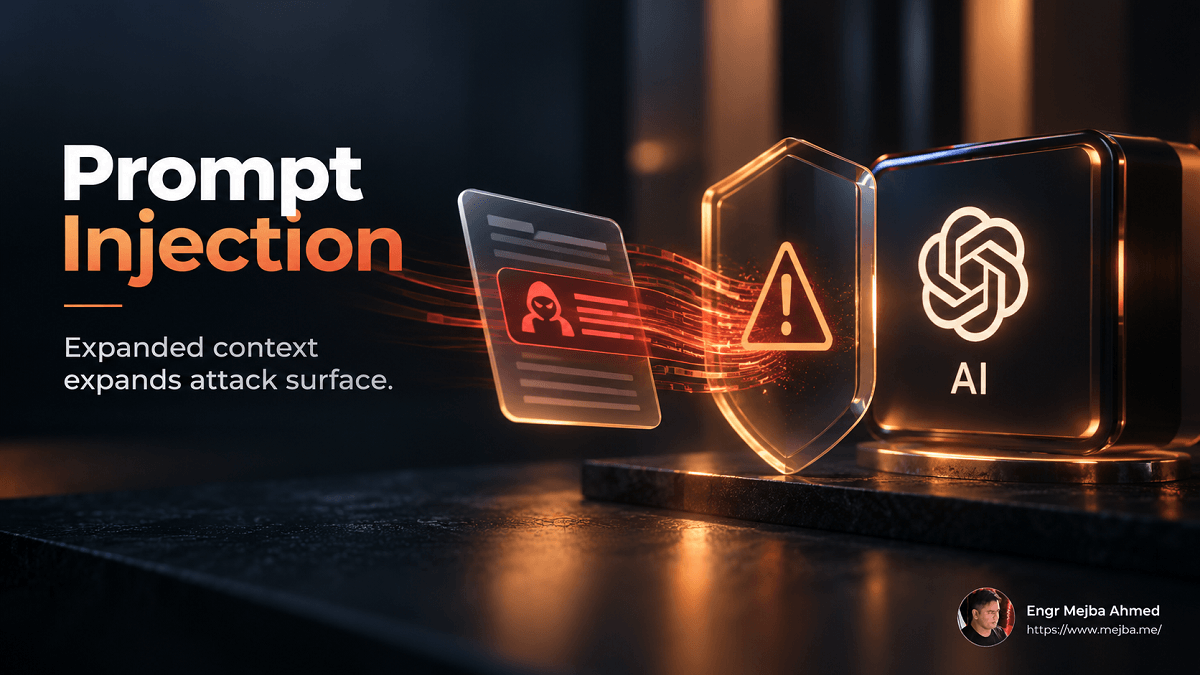
An AI assistant that only reads the exact sentence you type has a relatively narrow prompt-injection surface.
An agent that researches the web, opens documents, reads email, works across Drive and watches application context encounters instructions written by other people.
Some of those instructions will eventually be malicious.
For developers, the correct architecture is not simply:
Tell the model not to follow malicious prompts.
Use layered controls.
Treat Retrieved Content as Data
Instructions from websites, PDFs, emails and documents should not automatically receive the same authority as the user's task.
Limit Tools
An agent reading an untrusted document does not automatically need:
- shell access;
- production credentials;
- write access;
- outbound messaging;
- deployment permissions.
Require Confirmation for High-Impact Actions
Reading something and acting on it should remain different permission levels.
Keep Credentials Out of Retrieved Context
The less privilege available to a compromised agent loop, the smaller the blast radius.
Preserve Auditability
You should be able to reconstruct:
- what the agent read;
- what instruction it followed;
- which tool it called;
- what changed.
That is the security architecture behind the "Access Week" thesis.
More context produces more capability.
It also produces more attack surface.
Where Claude Cowork Fits—And Why the Original Timeline Was Wrong
Claude Cowork belongs in the broader trend, but not as an August 18 launch.
Anthropic announced Cowork on mobile and web on July 7, initially rolling it out in beta starting with Max users. The core change was that Cowork tasks could run in the cloud, continue after the laptop was closed and be resumed across devices.
As of September 12, Anthropic's current documentation still describes web and mobile Cowork as beta on Pro, Max and Team plans, with Enterprise availability controlled by administrators.
The source article originally described August 18 as general availability on all paid plans.
I would not publish that claim.
The underlying access point remains valuable, however:
cloud Cowork changes where task execution happens and which resources remain reachable while the desktop is offline.
Anthropic explicitly distinguishes cloud execution from local access. Desktop remains the full Cowork environment, while cloud sessions can continue running independently; access to local machine resources depends on the desktop app and how the session was started.
That is another example of why the access model matters more than the feature name.
The Cowork Usage Data Is Still Worth Knowing
Anthropic separately analyzed 1.2 million anonymized and aggregated Cowork sessions from May 11–31 across more than 600,000 organizations.
The largest category was business process and operations at 33.4%.
Other categories included:
| Cowork task category | Share |
|---|---|
| Business process & operations | 33.4% |
| Content creation & copywriting | 16.4% |
| Software development | 8.7% |
| DevOps / infrastructure | 7.0% |
| Research & intelligence | 6.4% |
| Data analysis / BI | 5.8% |
| Sales & revenue operations | 4.0% |
Anthropic explicitly warns that these are shares of sampled sessions, not a measurement of total Cowork traffic, and that its rate-capped sampling somewhat underrepresents busier periods.
The interesting signal is still clear:
general AI agents are being used heavily for the connective work around jobs, not simply coding.
That reinforces the larger theme.
As AI agents spread into operations, documents, research and internal workflows, they will encounter more data written by people other than the person who initiated the task.
What I Enabled—and What I Did Not
The useful output from a news roundup should be a decision, not nine headlines.
Here is mine.
ChatGPT + Google Drive: Enabled, With Scope
The productivity gain is real.
I am comfortable using direct document access for drafts, research and working material.
I remain more conservative with high-stakes client material where review history and strict change control matter.
Computer History: Still Off on My Primary Workstation
This is a threat-model decision.
The utility is obvious.
But the machine contains enough sensitive development and client context that I do not currently need another persistent activity layer badly enough to justify it.
That may change.
If I test it, I will begin with narrowly selected sources.
Claude Cowork Cloud Workflows: Useful, but Not the August 18 Launch the Original Draft Claimed
I already use Cowork workflows heavily.
The important operational difference is understanding which jobs can run fully in the cloud and which still depend on desktop resources.
Gemini Visible Watermark: Depends on the Deliverable
For commercial output, removing a visible badge may make sense.
But SynthID and Content Credentials remain, so I would treat provenance disclosure as part of the client workflow.
Student AI Plans: Good Offer, Set the Cancellation Reminder
One year free is useful.
Automatic paid conversion afterward is also real.
Put both facts in the same sentence.
Camera AirPods: Watch, Don't Build Around Them Yet
There is enough evidence to take the product direction seriously.
There is not enough official information to design workflows around exact specifications.
Six Questions I Now Ask Before Granting an AI More Access
This is the lasting part of this week's news.
Before enabling a connector, history feature, browser agent, computer-control tool or background worker, ask:
1. What Exactly Can It Read?
Not:
It can access Drive.
Which folders?
Shared files?
Deleted files?
Metadata?
Comments?
The whole machine or selected applications?
2. Where Does Processing Happen?
On-device?
In the provider's cloud?
Both?
A feature can look identical in the UI while having a very different security model underneath.
3. What Persists?
Raw activity?
Derived memories?
Chat history?
Audit logs?
For how long?
Can you delete each layer independently?
4. Can It Write?
Reading creates confidentiality risk.
Writing adds integrity risk.
Deleting or sending introduces another category again.
Treat them as separate permissions.
5. What Untrusted Content Can Reach It?
A connected Drive folder is not automatically trusted.
Neither is email.
Neither is a webpage.
Neither is a client PDF.
The Connecticut filing is the simplest possible demonstration of why.
6. What Happens If the Agent Is Tricked?
This is the question that catches bad architecture.
If one malicious document convinces the agent to behave incorrectly, what is the maximum damage it can cause?
If the answer is:
It can deploy production, email the customer list and read all our secrets,
the problem is not the prompt.
The problem is the permission architecture.
FAQ
Frequently Asked Questions
Everything you need to know about this topic
Several significant updates landed between August 13 and 20, including OpenAI's Computer History and deeper Google Drive integration, ChatGPT for Teens, Google's new student AI offers, Google's visible-watermark controls, leaked evidence of camera-equipped AirPods and a Connecticut court case involving hidden AI instructions.
The common theme was increased access to contextual information.
Computer History is an opt-in feature in the ChatGPT macOS app that allows ChatGPT and Codex to reference selected recent activity from applications and websites.
OpenAI says it records interaction events rather than screenshots or screen recordings and excludes private browsing.
OpenAI says no.
Its August 13 release notes state that Computer History captures interaction events rather than screenshots, screen recordings, microphone input or system audio.
OpenAI says connected Docs, Sheets and Slides can be used beside a conversation, and where supported and authorized, ChatGPT can update the source file directly.
Some editing and collaboration functionality remains unavailable.
No.
Google says the visible Media Watermark setting does not affect SynthID or Content Credentials.
The original version of this article said yes, but Anthropic's current documentation does not support that wording.
Anthropic announced mobile/web Cowork on July 7. Current documentation describes those surfaces as beta on Pro, Max and Team, with Enterprise access depending on administrator configuration.
Generally, yes.
Google's current terms state that qualifying student offers convert to the corresponding regular paid plan after the promotional period unless canceled or local law requires additional consent. A qualifying payment method is required.
No.
Leaked software provided evidence that Apple has developed camera-equipped AirPods for Visual Intelligence, but Apple had not announced such a product as of September 12, 2026. Current reporting points to 2027.
Prompt injection occurs when content an AI system reads contains instructions intended to manipulate the model.
The risk increases as agents gain access to webpages, email, documents, computer activity and tools capable of taking actions.
The safest design separates untrusted content from trusted instructions and limits what the agent can do if manipulated.
The Bottom Line
The most important AI trend in the middle of August was not a new benchmark winner.
It was context expansion.
AI products are learning to read more of the environment around a task:
your documents;
your computer activity;
your coursework;
your behavioral signals;
eventually, perhaps, your physical surroundings.
Each new permission can remove friction.
That is why I enable some of them.
Each new permission can also widen the surface through which bad data, stale assumptions or malicious instructions reach the agent.
That is why I do not enable them blindly.
The Connecticut filing captured the problem in almost cartoonishly simple form.
Someone assumed an AI would read a document and obey an instruction hidden inside it.
This time, there was no AI reader.
The direction of the industry suggests we should not build security models around that remaining true.
The new question is not just:
What can my AI do?
It is:
What can it read, what authority does it have after reading it, and what happens when the thing it reads is trying to manipulate it?
That is the access layer.
And it may matter more than the model underneath it.
Let's Work Together
Looking to build AI systems, automate workflows, or scale your tech infrastructure? I'd love to help.
- Fiverr (custom builds & integrations): fiverr.com/s/EgxYmWD
- Portfolio: mejba.me
- Ramlit Limited (enterprise solutions): ramlit.com
- ColorPark (design & branding): colorpark.io
- xCyberSecurity (security services): xcybersecurity.io