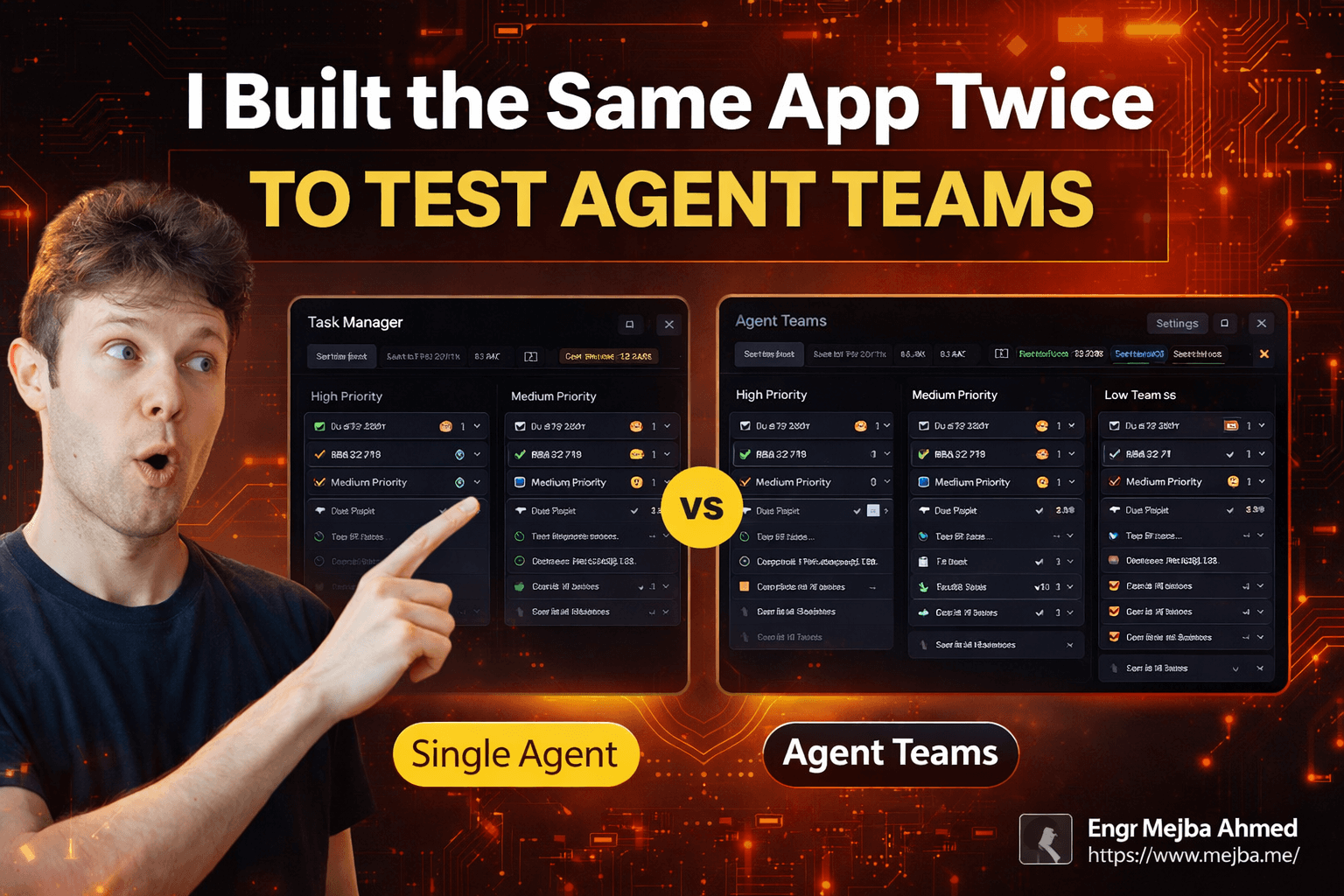
I Built the Same App Twice to Test Agent Teams
I built a task manager app on a Tuesday night. Nothing fancy — just a clean interface for tracking work items with priorities, due dates, and subtasks. It took Claude about seven minutes, and the result was solid. Good UI. Smooth interactions. The kind of output that makes you wonder why you ever bothered writing frontend code by hand.
Then I deleted everything and built the exact same app again.
Same prompt. Same requirements. Same machine. But this time, I flipped on a switch buried in Claude Code's settings — a feature called Agent Teams. What happened in the next five minutes fundamentally rewired how I think about AI-assisted development. The app that came back wasn't just different. It was architecturally deeper, more feature-complete, and built by a process that felt less like commanding a tool and more like managing a small engineering squad.
That experiment revealed something I wasn't expecting, and I'll get to the specifics in a moment. But first, you need to understand why Anthropic built this feature in the first place — and why the difference between a sub-agent and an agent team isn't just a naming choice. It's a completely different mental model for how AI handles complex work.
Why a Single Agent Hits a Ceiling
If you've used Claude Code for anything beyond simple scripts, you've felt the wall. I hit it about two months ago while building a client's dashboard — a Supabase-backed portal with authentication, role-based access, and about fifteen different views. The single agent handled the first few components beautifully. By component eight, things started slipping.
Context window saturation is the quiet killer. A single Claude Code session — even with Opus 4.6's improved memory — runs on one context window. Every file it reads, every code block it generates, every conversation turn eats from the same token pool. On smaller projects, this works fine. On anything with more than a few interconnected pieces, you start noticing symptoms: forgotten requirements, inconsistent naming conventions, and that frustrating moment where Claude "forgets" the database schema you discussed twenty messages ago.
The old workaround was compaction. Claude would periodically summarize its own context to free up space, but summaries lose nuance. The variable name you carefully chose gets generalized. The edge case you mentioned once disappears entirely. You end up re-explaining context you've already provided, which wastes both time and tokens.
Sub-agents were Anthropic's first answer to this problem. Think of them as function calls with their own mini-sessions — you hand off a narrowly scoped task, get a result back, and continue in your main context. They work well for specific, bounded operations. "Read this file and extract the API endpoints." "Generate a test suite for this function." Clean input, clean output, move on.
But here's what sub-agents can't do: they can't think together. Each sub-agent runs its task in isolation and returns a result. There's no ongoing conversation between them. No shared understanding of the bigger picture. No ability for one sub-agent to say "hey, the CSS approach you're using will conflict with what I'm building over here." They're individual contributors who never attend the same standup.
That limitation matters more than you'd expect, and the agent teams feature was built specifically to solve it.
What Agent Teams Actually Are (And Aren't)
When I first read about agent teams in the Anthropic docs, I assumed it was just sub-agents with a fancier UI. I was wrong. The architecture is fundamentally different, and understanding that difference saved me from misusing the feature for weeks.
Here's the mental model that actually works: imagine you're a tech lead managing a small development team. You don't write all the code yourself — you break the project into domains, assign specialists, and coordinate their work. When the frontend developer has a question about the API contract, they don't ask you to relay a message to the backend developer. They talk directly.
That's agent teams. There's a team lead (the main Claude Code instance you interact with), and there are teammates — each running in their own isolated Claude Code session with their own context window. The team lead delegates work, coordinates timelines, and handles integration. Teammates execute their specializations independently and can communicate with each other and the lead in real time.
The isolation part is critical. Each teammate has a full, clean context window dedicated to their specific domain. The UI builder isn't burning tokens on JavaScript logic it doesn't need to see. The backend developer isn't wasting context on CSS frameworks. This means each agent can go deeper into their assigned area than a single agent ever could, because they're not sharing cognitive bandwidth with unrelated concerns.
I want to be specific about the communication model because this is where it gets interesting. Sub-agents use what I'd call transactional communication — one request, one response, conversation over. Agent teams use interactive, multi-directional communication. The team lead can check in on progress. Teammates can flag blockers. You — the human — can jump into any teammate's session directly and give specific instructions.
During my task manager experiment, I watched the team lead assign HTML/CSS work to one agent and JavaScript application logic to another. When the JavaScript agent finished building the drag-and-drop system, it communicated back to the team lead that the feature was ready. The team lead then coordinated with the UI agent to make sure the styles accommodated the new interaction pattern. That kind of back-and-forth simply doesn't happen with sub-agents.
But I'm getting ahead of myself. Let me walk you through the actual experiment — because the numbers tell a story the architecture diagrams can't.
The Experiment: One Prompt, Two Architectures, Very Different Results
The setup was deliberately simple. I wanted to eliminate as many variables as possible so the architecture was the only thing changing. Two Claude Code instances running on the same machine. Same model — Opus 4.6 with the million-token context variant. Same prompt: build a task manager application with subtasks, due dates, priority levels, and multiple views.
Build One: The Solo Agent
The single agent started immediately. No delegation, no planning phase — just pure sequential execution. It generated HTML structure first, layered in CSS, then built the JavaScript logic. Watching it work felt like watching a senior developer in flow state — methodical, confident, building each piece on top of the last.
Time: 6 minutes 55 seconds.
The output genuinely impressed me. Clean visual design with subtle emoji touches that made the interface feel playful without being childish. Subtask management worked out of the box. Priority levels displayed with color coding. Due dates showed visual indicators for overdue items. Multiple views — list and calendar — with smooth transitions between them.
What it lacked: no settings panel, no board/Kanban view, and the dark mode was nonexistent. These weren't in the prompt, so the agent didn't build them. Fair enough. That's disciplined scope management.
The UI had that quality I've come to associate with single-agent Claude builds — cohesive. When one brain designs everything, the visual language stays consistent. Button styles, spacing, color palette, typography — everything felt intentional because it all came from the same context.
I created several test tasks, dragged priorities around, set due dates, added subtasks. Everything worked. This was a production-viable task manager built in under seven minutes. Two years ago, this would have taken me a full day of focused work.
Build Two: The Agent Team
Enabling agent teams requires a settings change — you need to add claude_code_experimental=1 to your settings.json and restart Claude Code. It's not on by default, which tells me Anthropic considers this advanced functionality (and honestly, after using it, I understand why).
With agent teams enabled, the same prompt triggered a completely different workflow. Instead of diving into code immediately, the team lead spent about thirty seconds planning. It identified the domains — UI/CSS and application logic — then spawned two teammates. I could see each teammate's session appear in the interface, working in parallel.
This is where it gets wild. Both agents were generating code simultaneously. The UI builder was crafting HTML structure and styling while the JavaScript developer was writing event handlers and state management. They weren't stepping on each other's toes because they were operating in isolated contexts with clearly defined boundaries.
Initial build time: 4 minutes 50 seconds.
Faster. But the output needed work. The UI was functional but less polished than the solo agent's version — the visual cohesion that comes from a single brain designing everything was missing. Some button styles didn't quite match. The spacing between sections felt inconsistent in places.
Here's where the agent team approach showed its strength. Several buttons in the initial build weren't wired up correctly — the JavaScript agent had built handlers for slightly different element IDs than what the UI agent had created. In a traditional sub-agent workflow, I'd have had to identify each mismatch myself and prompt fixes one at a time.
With agent teams, I flagged the issue to the team lead. The team lead communicated with both teammates, identified the ID mismatches, and coordinated fixes across both codebases. The JavaScript agent updated its selectors while the UI agent standardized the naming convention. Total time for the fix pass: about ninety seconds.
Final total time: roughly 6 minutes 20 seconds — comparable to the single agent, but the output was meaningfully different.
The agent team build included features the solo agent never attempted. A full Kanban board view with drag-and-drop task management between columns. A settings panel with light/dark mode toggle. Import/export functionality for backing up tasks as JSON. The ability to clear all data with a confirmation dialog.
None of these were in the prompt. The team lead had apparently decided that a task manager "should" have these features and distributed the extra work across the team. Whether you view that as impressive initiative or scope creep depends on your perspective — but I'd rather have extra features I can remove than missing features I need to build.
The Numbers Behind the Difference
Let me lay out the comparison honestly, because the trade-offs aren't one-directional.
Token consumption was significantly higher with agent teams. I don't have exact figures from this specific run, but based on my Anthropic dashboard, agent team sessions consistently use 2-3x the tokens of equivalent single-agent sessions. Each teammate maintains its own context, and the coordination messages between agents add overhead. If you're budget-conscious — and on Opus 4.6, you should be, because those tokens aren't cheap — this matters.
Build speed was surprisingly close. The agent team was faster on initial generation (4:50 vs 6:55) thanks to parallelism, but the fix pass ate into that advantage. For a task of this complexity, the time difference is marginal. I suspect the gap widens dramatically on larger projects where parallelism can do more heavy lifting.
Output completeness clearly favored the agent team. More features, more polish on the functionality side, better error handling in the JavaScript. The team approach produced an app that felt like a version 1.1 while the solo agent produced a clean version 1.0.
Visual consistency clearly favored the single agent. One brain, one aesthetic vision. The agent team's output looked like what it was — two developers who'd each made independent design choices. Fixable, but requiring an extra pass.
Debugging workflow was a revelation with agent teams. Being able to talk to the specific agent responsible for a piece of functionality — rather than explaining the full context to a single agent that might have forgotten the details — was dramatically more efficient. "Hey, your button handler references #addTask but the UI uses #add-task-btn" is a much tighter feedback loop than explaining the entire component architecture to a fresh context.
Alright, that's the data. If you've followed along this far, you've already got enough to decide which approach fits your workflow. But there's a deeper insight hiding in these results — one that changes how I think about AI development tools entirely.
The Real Insight: Specialization Changes the Game
What struck me most wasn't the speed or the features. It was watching how different the agents' problem-solving approaches were when they had focused contexts.
The JavaScript teammate in the agent team build didn't just write event handlers — it built a proper state management layer. It created a centralized task store with methods for CRUD operations, filtering, and sorting. The solo agent, juggling UI and logic in the same context, took a simpler approach: direct DOM manipulation with scattered state.
Both worked. But the specialized agent produced code I'd actually want to maintain six months from now. The focused context let it think architecturally about its specific domain in a way the generalist couldn't afford to.
This mirrors something I've observed in real engineering teams. A full-stack developer building alone will ship faster on small projects but take shortcuts on internal architecture. A small team of specialists will take slightly longer to coordinate but produce code with cleaner separation of concerns.
I used to think the specialization advantage only mattered at scale — that for small projects, a single capable agent was always the right call. My task manager experiment changed that view. Even at this relatively modest scope, the specialized agents produced meaningfully different (and in some ways better) output.
The catch? You need to be a competent enough developer to evaluate and integrate the specialized outputs. Agent teams don't eliminate the need for engineering judgment — they amplify it. The team lead coordinates, but you're the one who decides whether the JavaScript agent's state management approach is overkill or exactly right for your use case.
Setting Up Agent Teams: What They Don't Tell You
If you want to try this yourself, here are the practical details I wish someone had told me before my first attempt.
Step 1: Enable the experimental flag. Open your Claude Code settings (usually at ~/.claude/settings.json) and add the experimental flag. The exact key is claude_code_experimental set to 1. Save and restart Claude Code completely — a simple reload won't do it.
Step 2: Choose your model carefully. Agent teams work with any Opus 4.6 variant, but I strongly recommend the million-token context version for longer sessions. Each teammate consumes its own context independently, and the coordination overhead adds up. With the standard context window, I've had teammates hit compaction during complex builds, which defeats the purpose of isolated contexts.
Step 3: Set reasoning effort appropriately. Claude Code lets you toggle reasoning effort between low, mid, and high. For agent teams, I use high reasoning for the team lead (it needs to plan and coordinate) and mid for individual teammates (they need to execute well but don't need to reason about the full project scope). This isn't a formal setting — I communicate it through my prompts to each agent.
Step 4: Write your prompt differently. This is the non-obvious part. When prompting for agent teams, think like you're writing a project brief for a team, not instructions for a single developer. Describe the end state clearly. Identify the domains explicitly if you have preferences. "Build a task manager with a UI/CSS specialist and a JavaScript logic specialist" will get better role assignment than just "build a task manager."
Pro tip: You can interact with individual teammates directly during the build. If you see the UI agent making choices you disagree with, you don't need to go through the team lead. Jump into that agent's session, give direct feedback, and it'll adjust without disrupting the other agents' work. This felt strange at first — like reaching past a manager to talk to their report — but it's incredibly efficient for course corrections.
One thing to watch out for: agent teams sometimes over-parallelize simple tasks. If your project is genuinely small enough for one agent to handle comfortably, the overhead of coordination will slow you down rather than speed you up. I tried using agent teams for a simple landing page and it was noticeably slower than the solo approach. The feature shines when there are genuine domain boundaries to split across.
When to Use Which (My Decision Framework)
After weeks of testing both approaches, here's the mental model I've settled on.
Use a single agent when:
- The project touches fewer than five files
- There's one dominant skill domain (all frontend, all backend, all scripting)
- Visual consistency matters more than feature completeness
- You're on a tight token budget
- The task can be described in under 200 words
Use agent teams when:
- The project spans multiple technical domains (frontend + backend + database)
- You need parallel execution to save wall-clock time
- The project is complex enough that a single context window would get saturated
- You want specialized depth in each area rather than generalist breadth
- You're building something that will need maintenance and extensibility
There's a third option I've been experimenting with: starting as a single agent for the initial architecture decisions, then switching to agent teams for implementation. The planning phase benefits from unified vision. The building phase benefits from specialization. I don't have enough data to call this a proven workflow yet, but early results are promising.
Where I Think This Is Heading
Anthropic's official positioning is cautious — they describe sub-agents as optimal for focused tasks and agent teams as better for complex, multi-angle problems. That's accurate but undersells the trajectory.
What I see happening is a shift in the developer's role. With single agents, I was a programmer who occasionally delegated to AI. With agent teams, I'm becoming a technical project manager who delegates most implementation to AI and focuses on architecture, integration, and quality decisions.
That's not a future prediction. It's my current reality on three active projects. I built a car dealership portal last week using agent teams — Supabase backend, authentication, inventory management, customer-facing catalog. The team lead coordinated four specialized agents. My job was reviewing pull requests, catching integration issues, and making product decisions. The actual code writing? The agents handled 90% of it.
This only works if you know enough to evaluate what the agents produce. I keep coming back to this point because it's the honest caveat nobody mentions in the hype cycle. Agent teams don't replace engineering skill — they multiply it. A senior developer with agent teams will ship at an extraordinary pace. A junior developer with agent teams will ship bugs faster.
What I Got Wrong Initially
I want to close the loop on something. When I first enabled agent teams, I went too ambitious. I tried to use them for everything — even tasks where a single agent was clearly the better tool. I was so excited about the parallel execution and specialized contexts that I forgot the simplest principle in engineering: use the right tool for the job.
A solo agent still builds my blog posts, generates utility scripts, and handles one-off debugging sessions. Agent teams come out when I'm building features that genuinely span multiple domains, when I need the kind of depth that a focused context enables, and when the coordination overhead is worth the specialization payoff.
The task manager experiment taught me that boundary. Same app, same prompt, two approaches — and neither was universally better. The solo agent won on polish and simplicity. The agent team won on depth and extensibility. Knowing which advantage matters more for your specific situation is the actual skill.
Here's the question I keep asking myself, and I think you should too: if you could hand your next project to a small team of specialized AI agents who communicate and coordinate independently, how would you describe the work differently than you do today? Because the prompt you write for a team is fundamentally different from the prompt you write for an individual — and that shift in how we describe our intentions to AI might be the biggest change of all.
Let's Work Together
Looking to build AI systems, automate workflows, or scale your tech infrastructure? I'd love to help.
- Fiverr (custom builds & integrations): fiverr.com/s/EgxYmWD
- Portfolio: mejba.me
- Ramlit Limited (enterprise solutions): ramlit.com
- ColorPark (design & branding): colorpark.io
- xCyberSecurity (security services): xcybersecurity.io