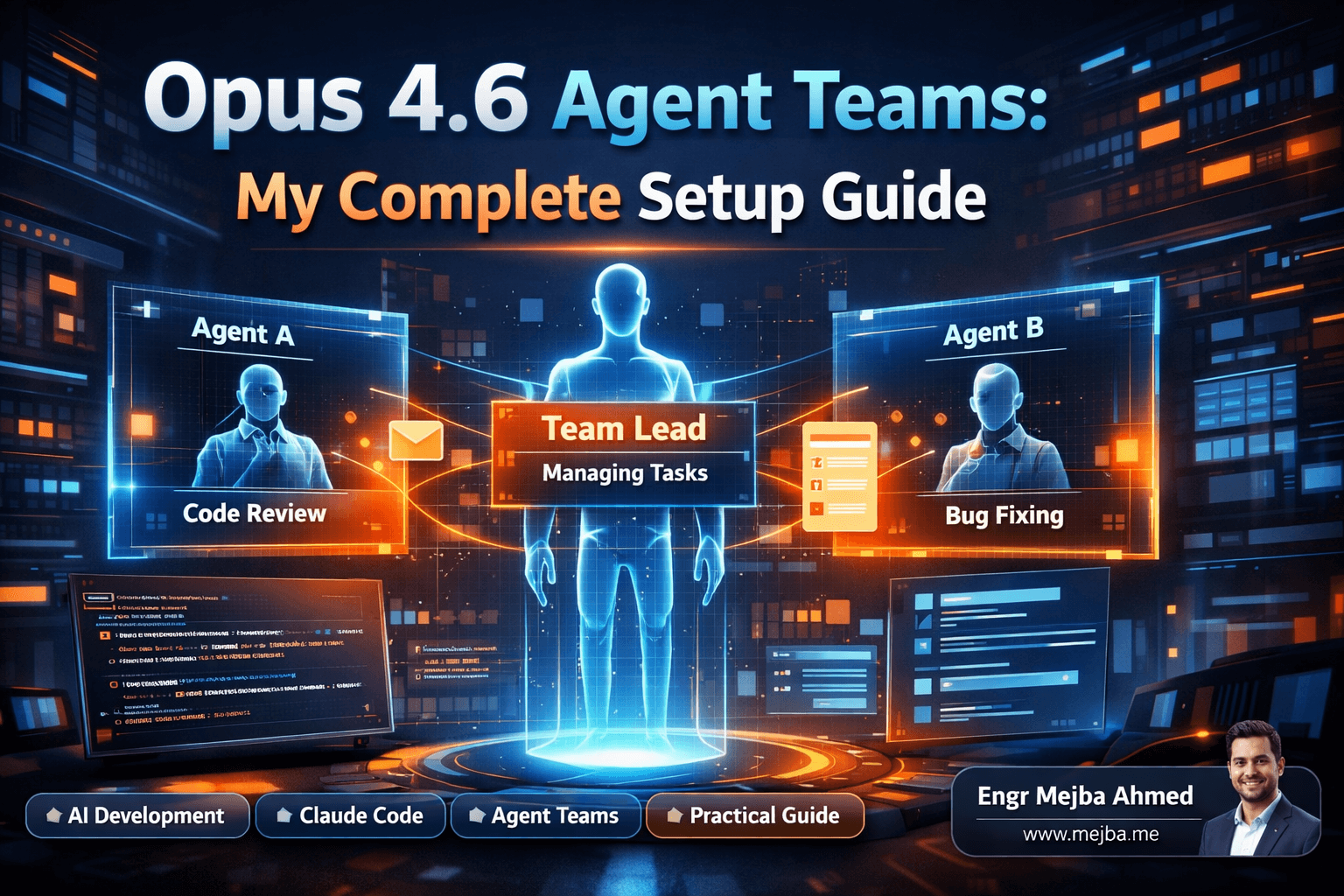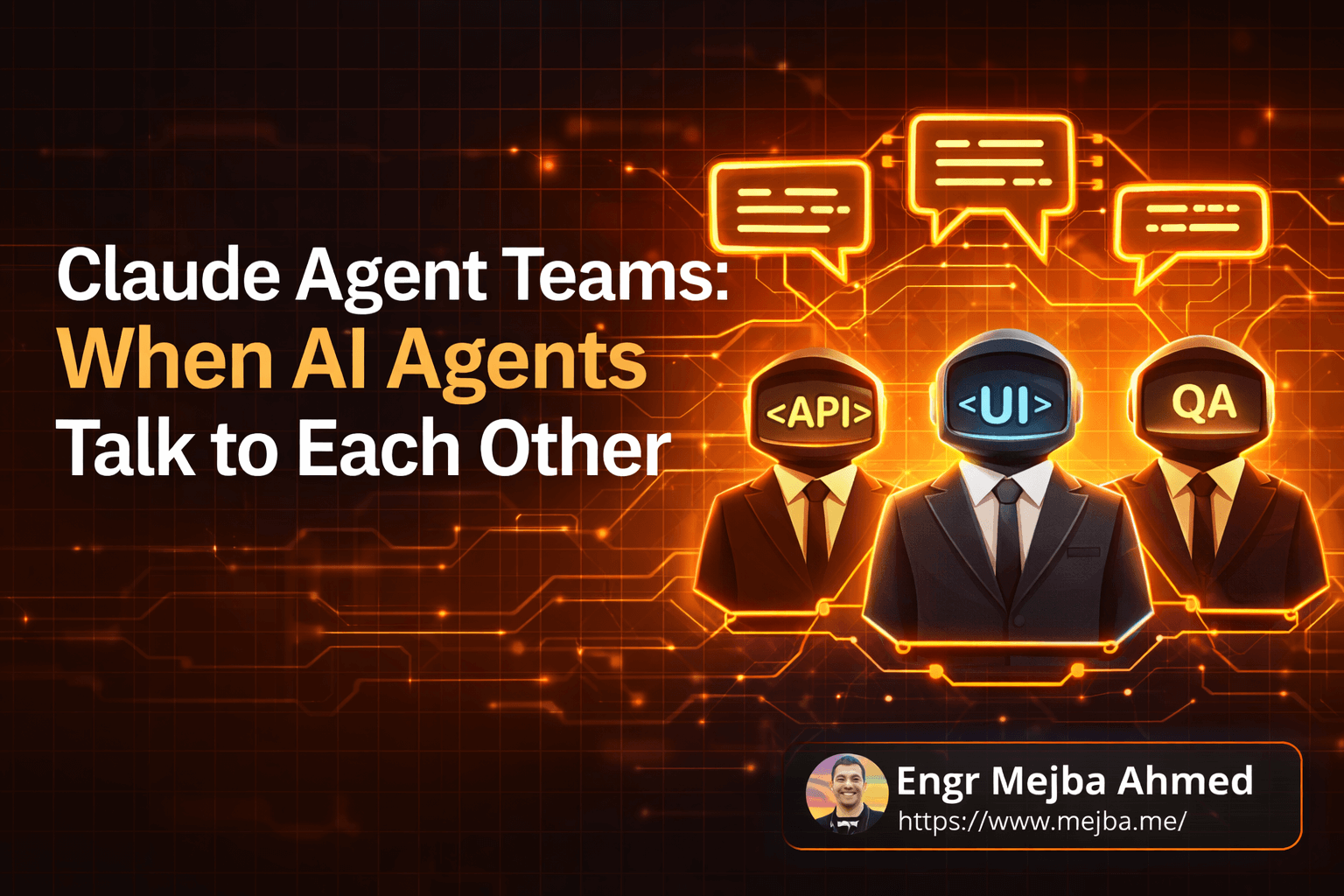
Claude Agent Teams: When AI Agents Talk to Each Other
Three agents were building the same app. None of them knew the others existed.
I watched it happen in real time — three sub agents I'd spun up inside Claude Code, each tackling a piece of a full-stack project. The front-end agent built a beautiful React UI with mock data hardcoded in. The back-end agent created an Express API with endpoints that didn't match what the front-end expected. The QA agent wrote tests against an interface that existed in neither version.
Forty-five minutes and roughly 200,000 tokens later, I had three beautifully crafted pieces of software that couldn't talk to each other. It was like hiring three brilliant freelancers, putting them in separate rooms, and telling each one to "build the app." Technically impressive. Practically useless.
That night, I discovered Claude's Agent Teams feature. And honestly? It changed how I think about AI-assisted development entirely — but not in the way you'd expect. Because agent teams aren't always better. Sometimes they're dramatically worse. The trick is knowing when to use which approach, and I burned through a painful amount of tokens figuring that out so you don't have to.
Here's what I actually learned after weeks of running both sub agents and agent teams on real projects.
The Moment I Realized Solo Agents Had a Ceiling
For months, my workflow was simple. One Claude instance, one task, one conversation. Need to build something? Tell Claude what you want, iterate, ship. This worked brilliantly for 80% of what I do — writing scripts, debugging production issues, prototyping APIs, even building entire CRUD applications from scratch.
But I kept hitting the same wall on complex projects.
Picture this: you're building a SaaS dashboard with authentication, real-time data visualization, a REST API, database migrations, and deployment configs. A single Claude agent can absolutely handle each piece individually. The problem is context. By the time you've gone back and forth on the auth system, the agent's context window is packed with authentication details, and bringing it back to "now let's build the charting component" means either losing nuance or starting a new conversation entirely.
Sub agents solved part of this problem. Claude Code lets you spawn independent agents that run in parallel, each with their own context window of roughly a million tokens. One agent handles the front-end. Another tackles the API. A third writes the database layer. They run simultaneously, which feels incredibly fast.
But here's the catch nobody warned me about — and it's the same problem I described in that opening disaster. Sub agents are parallel but isolated. They can't ask each other questions. They can't agree on an API contract. They can't say "hey, I changed the response format for the /users endpoint, heads up."
They're brilliant soloists who've never rehearsed together.
Agent teams fix this exact problem. But they introduce a completely different set of trade-offs that most tutorials gloss over. I want to walk you through what actually happens when you flip the switch from independent agents to a collaborative team, because the reality is messier and more interesting than the marketing suggests.
What Agent Teams Actually Are (and Aren't)
Think of it like this. Sub agents are like sending three emails to three different contractors. Each one gets their instructions, does their work, and sends back a result. Fast, efficient, no scheduling overhead.
Agent teams are like putting those three contractors in a Slack channel together. They can ping each other, share updates, ask clarifying questions, and coordinate in real time. More collaborative, sure — but also noisier, slower, and more expensive.
Under the hood, agent teams are a multi-agent orchestration system built into Claude Code. Each agent gets its own context window, its own assigned role, and — this is the key difference — the ability to directly communicate with other agents in the team. One agent can send a message to another saying "I need the database schema before I can build the API routes." The receiving agent can respond with the schema, and work continues with shared understanding.
I've been running Claude Opus 4.6 as the primary model for agent teams, and the performance jump from previous versions is real. Coding speed is roughly three times faster, and the quality of generated code — especially around edge cases and error handling — has noticeably improved. Opus 4.6 acts as the "brain" of the operation, the lead agent that understands the full picture and delegates work.
But here's what agent teams are NOT: they're not magic. They don't automatically produce better code. They don't think harder about your problem. What they do is enable coordination between specialized agents — and that coordination comes at a very real cost.
Every message between agents consumes tokens. Every coordination round adds latency. A task that takes a solo agent 30 seconds might take an agent team 3 minutes because the agents are busy talking to each other, confirming plans, and synchronizing their work. That's not a bug. It's the fundamental trade-off of collaboration, and it mirrors real-world team dynamics perfectly.
I'll show you exactly where that trade-off makes sense and where it absolutely doesn't. But first, you need to understand the practical setup.
Setting Up Agent Teams Inside Your Workflow
My development environment runs Claude Code inside a terminal — sometimes directly, sometimes through an editor integration. The setup process for agent teams is less about installation and more about configuration. You're defining roles, assigning models, and setting communication rules.
Here's the mental model I use when designing an agent team:
Step 1: Define the mission, not the tasks. Don't start by listing what each agent should do. Start with what the entire team needs to deliver. "Build a production-ready to-do app with auth, real-time sync, and tests" is a mission. "Agent 1 does front-end, Agent 2 does back-end" is premature task assignment.
Step 2: Assign roles based on expertise boundaries. Each agent should own a domain where it can make decisions independently. My go-to team structure for a full-stack project looks like this:
- Lead Agent (Claude Opus 4.6): Understands the full architecture, breaks down the mission, delegates work, reviews integration points. This is your most expensive agent, and it should be — it's doing the hardest thinking.
- Front-End Agent (Sonnet 4.5): Handles UI components, styling, client-side state, and user interactions. Lighter model because the decisions are more contained.
- Back-End Agent (Sonnet 4.5): Owns API routes, business logic, database queries, and authentication flows.
- QA Agent (Haiku 4.5): Writes tests, runs validation, checks for integration issues between front-end and back-end outputs. Cheapest model because it's following patterns, not inventing them.
Step 3: Set communication protocols. This is where most people mess up. If you let agents communicate freely, they'll drown in messages. I learned to set specific handoff points: "Front-End Agent, send your API expectations to Back-End Agent before building any fetch calls." "Back-End Agent, share the final endpoint contract with QA Agent before tests are written."
Step 4: Manage the token budget. Running four agents with Opus 4.6 will absolutely demolish your token allocation. My cost optimization strategy assigns Opus only to the lead agent — the one making architectural decisions. Everything else runs on Sonnet or Haiku. The quality difference for execution-level tasks is negligible, but the cost difference is massive.
Pro tip: Start with a solo agent for your first iteration. Get the architecture right. Then spin up an agent team for the build phase. Using agent teams for exploration and planning is like hiring a construction crew before the architect has drawn the blueprints.
Getting the configuration right took me about a week of experimentation. But once I had my templates dialed in, spinning up a new team for a project takes under five minutes. The real skill isn't the setup — it's knowing when to reach for this tool at all.
Sub Agents vs. Agent Teams: The Real-World Showdown
I ran both approaches against the same project to get actual data instead of theoretical comparisons. The task: build a to-do application with user authentication, persistent storage, and a clean UI.
Solo agent (Claude Opus 4.6, single instance):
- Time to completion: ~8 minutes
- Token usage: ~45,000 tokens
- Result: Clean, functional app. Simple auth with JWT. SQLite storage. Minimal but working UI. Everything integrated correctly because one brain held the full picture.
Agent team (Lead on Opus 4.6, two Sonnet agents, one Haiku agent):
- Time to completion: ~22 minutes
- Token usage: ~180,000 tokens
- Result: More feature-rich app. OAuth support alongside JWT. PostgreSQL with migrations. Polished UI with loading states and error boundaries. Comprehensive test suite. But it took nearly three times longer and consumed four times the tokens.
Here's my honest assessment: for a to-do app, the agent team was overkill. It's like calling a board meeting to decide what's for lunch. The coordination overhead — agents confirming API contracts, sharing schema definitions, synchronizing auth flows — added real work that a single agent handles implicitly because it already knows the full context.
But I also ran both approaches on a more complex project: a multi-tenant SaaS dashboard with role-based access control, real-time WebSocket updates, a reporting engine, and deployment automation. Different story entirely.
The solo agent started strong but lost coherence around the 90-minute mark. The context window was packed, and the agent kept forgetting decisions it had made earlier about the permission model. I spent more time re-explaining requirements than actually building.
The agent team? Each agent stayed focused on its domain. The lead agent maintained architectural coherence. When the front-end agent needed to know the WebSocket message format, it asked the back-end agent directly and got a consistent answer. The QA agent caught three integration bugs that a solo agent would have introduced silently — type mismatches between front-end expectations and API responses.
That project is where agent teams earned their keep. The coordination overhead was worth it because the complexity demanded it.
So here's my rule of thumb, and I wish someone had told me this before I wasted tokens figuring it out:
Use a single agent when the entire project fits comfortably in one context window and one person could reasonably hold the full architecture in their head. Most projects fall here.
Use sub agents when you have multiple independent tasks that don't need to talk to each other. Generating documentation while running tests while linting code — perfect sub agent territory.
Use agent teams when the project has genuinely interdependent parts that require real-time coordination, and the complexity is high enough that a single agent would lose track of critical details.
If you've made it this far, you already understand the fundamental trade-off better than most developers experimenting with agent teams. The next part is where I share the patterns that took my agent team results from "interesting experiment" to "this is now my production workflow for complex builds."
The Patterns That Actually Work
After running agent teams on about a dozen real projects, I've distilled what works into a few repeatable patterns. These aren't theoretical — they're the result of burning tokens on mistakes until I found approaches that consistently delivered.
Pattern 1: The Contract-First Build
Before any agent writes a line of code, the lead agent generates a shared contract document. API schemas. Database models. Component prop types. Event message formats. Every agent receives this contract as part of their initial prompt.
This single practice eliminated about 70% of the integration issues I was seeing. When the back-end agent knows exactly what the front-end expects, and the QA agent knows exactly what both should produce, the coordination messages drop dramatically because there's less to negotiate.
I usually have the lead agent produce this in the first two minutes of the session. It costs maybe 5,000 tokens upfront and saves 50,000 tokens in avoided rework.
Pattern 2: The Sequential Handoff
Not every task benefits from parallel execution. For tightly coupled work, I use a sequential handoff where one agent completes their piece, packages the output with context, and passes it to the next agent explicitly.
Here's what that looks like in practice: Back-End Agent builds the API and exports a typed client interface. Front-End Agent receives that interface and builds the UI against it. QA Agent receives both outputs and writes integration tests.
Each handoff point includes a brief summary: "Here's what I built, here's the contract I followed, here's any deviation from the original spec and why." This maintains coherence without constant back-and-forth messaging.
Pattern 3: The Checkpoint Review
Every 15-20 minutes of agent team work, I pause everything and have the lead agent review progress across all agents. This catches drift early. On more than one occasion, an agent had wandered from the spec in subtle ways — changing a field name here, adding an unexpected default there — and the checkpoint caught it before the deviation propagated.
Think of it like a standup meeting, except it takes 30 seconds and costs about 2,000 tokens.
Pattern 4: The Model Cascade
This is my cost management secret. I assign models based on the cognitive demand of each role:
- Opus 4.6 for the lead agent (architecture, review, decisions)
- Sonnet 4.5 for builder agents (front-end, back-end implementation)
- Haiku 4.5 for repetitive agents (tests, linting, documentation)
The cost difference is staggering. A full build session with all-Opus agents might cost $15-20 in tokens. The same session with cascaded models comes in around $4-6, with negligible quality difference on the execution-level work.
Where I see people go wrong is putting Haiku on decision-making roles. Haiku is brilliant at following patterns and executing well-defined tasks. It struggles with ambiguous architectural decisions. Match the model to the cognitive demand, not the other way around.
What I Got Wrong (and What That Cost Me)
Transparency time. I made every mistake you can make with agent teams, and a few creative ones nobody warned me about.
Mistake 1: Too many agents. My first agent team had six members. A lead, front-end, back-end, database, DevOps, and QA agent. Know what happened? They spent more time coordinating than coding. Every decision required consensus from agents that didn't need to be involved. The DevOps agent sat idle for 80% of the session while still consuming tokens just to stay in the conversation.
Now I cap teams at four agents maximum, and usually three is the sweet spot.
Mistake 2: Using agent teams for exploration. I tried using an agent team to research and plan a project architecture. Terrible idea. Exploration is inherently divergent — you want one mind going deep, not four minds going in four different directions and then trying to reconcile. Solo agent for exploration, agent team for execution. Always.
Mistake 3: No shared context on startup. Early on, I'd spin up an agent team and give each agent only their role-specific instructions. The front-end agent didn't know what database the back-end was using. The QA agent didn't know the overall user flow. Agents would make reasonable but incompatible assumptions.
Now, every agent on the team receives a shared briefing document with the project overview, tech stack decisions, and key constraints. It costs extra tokens upfront but prevents catastrophic misalignment.
Mistake 4: Letting agents self-organize. I read somewhere that agent teams work best when you let them figure out their own workflow. Maybe in theory. In practice, agents without clear communication protocols will either over-communicate (drowning in messages) or under-communicate (building incompatible pieces). Explicit protocols every time.
I'm sharing these because the official documentation makes agent teams sound frictionless, and they're not. They're powerful when used correctly and wasteful when used carelessly. The gap between those two outcomes is understanding the trade-offs — and that understanding only comes from making the mistakes or learning from someone who did.
The Real Numbers: What Agent Teams Cost in Practice
People don't talk about costs enough, and I think that's because the numbers can be uncomfortable. So here are mine, from actual project sessions over the past few weeks.
Simple project (to-do app level complexity):
- Solo agent: ~45,000 tokens, roughly $0.50-1.00
- Agent team: ~180,000 tokens, roughly $3.00-5.00
That's a 4x cost multiplier for marginally better output. Not worth it.
Medium project (multi-page app with auth and database):
- Solo agent: ~200,000 tokens, roughly $3.00-5.00
- Agent team: ~450,000 tokens, roughly $7.00-12.00
The agent team output was meaningfully better here — better separation of concerns, more consistent patterns, fewer integration bugs. Borderline worth the cost depending on how much you value your debugging time.
Complex project (multi-tenant SaaS with real-time features):
- Solo agent: ~500,000+ tokens across multiple sessions (context loss and rework), roughly $15.00+
- Agent team: ~600,000 tokens in a single coordinated session, roughly $12.00-18.00
This is where agent teams actually become cost-competitive. The solo agent looked cheaper per-token, but the rework from context loss and integration bugs pushed the total cost higher. The agent team delivered a more coherent result in fewer total sessions.
The break-even point, from my experience, sits around the complexity level where a solo agent would need to split the work across three or more separate conversation sessions. Below that threshold, solo agents win on both cost and speed. Above it, agent teams start delivering genuine ROI.
Tracking these numbers changed how I make decisions about tooling. I used to default to agent teams because they felt more sophisticated. Now I default to solo agents and only escalate to teams when the project complexity genuinely demands it.
Where This Is All Heading
Something I've been thinking about a lot: agent teams today feel like version control in 2005. Powerful enough to be useful, rough enough to be frustrating, and clearly headed somewhere transformative.
The current limitation is communication overhead. Agents talk to each other in natural language, which is expressive but expensive. I expect we'll see structured communication protocols — agents passing typed contracts and schemas instead of prose descriptions — which will cut token costs significantly while improving coordination accuracy.
I also think the model cascade approach will become a first-class feature rather than a manual optimization. The system should automatically assign model tiers based on task complexity, not require the user to make that call for every agent.
And honestly? The boundary between sub agents and agent teams will probably blur. There's no fundamental reason isolated agents can't occasionally coordinate, or why team agents can't sometimes work independently. A fluid spectrum between isolation and collaboration, adjusted dynamically based on task requirements, would be the ideal.
But that's the future. Right now, in February 2026, agent teams are a genuinely useful tool with specific sweet spots and clear limitations. My recommendation: don't chase the hype. Start with a solo agent. Build something real. Hit the wall where solo agents struggle. Then — and only then — reach for agent teams with a clear understanding of what you're trading for what you're gaining.
The One-Agent Test
Here's the thing I keep coming back to after all this experimentation. When someone asks me "should I use agent teams for my project?" I ask them one question:
Can a single talented developer hold your entire project architecture in their head?
If yes, use a solo agent. It's faster, cheaper, and produces perfectly good results. If no — if the project has genuinely interdependent systems that require different specialized knowledge to build correctly — that's when agent teams earn their cost.
My opening disaster — three agents building incompatible pieces of the same app — taught me that more agents doesn't mean better results. Coordinated agents, with clear roles, shared contracts, and explicit communication protocols, working on problems that actually require collaboration?
That's where the magic happens. And it's worth every token.
🤝 Let's Work Together
Looking to build AI systems, automate workflows, or scale your tech infrastructure? I'd love to help.
- 🔗 Fiverr (custom builds & integrations): fiverr.com/s/EgxYmWD
- 🌐 Portfolio: mejba.me
- 🏢 Ramlit Limited (enterprise solutions): ramlit.com
- 🎨 ColorPark (design & branding): colorpark.io
- 🛡 xCyberSecurity (security services): xcybersecurity.io