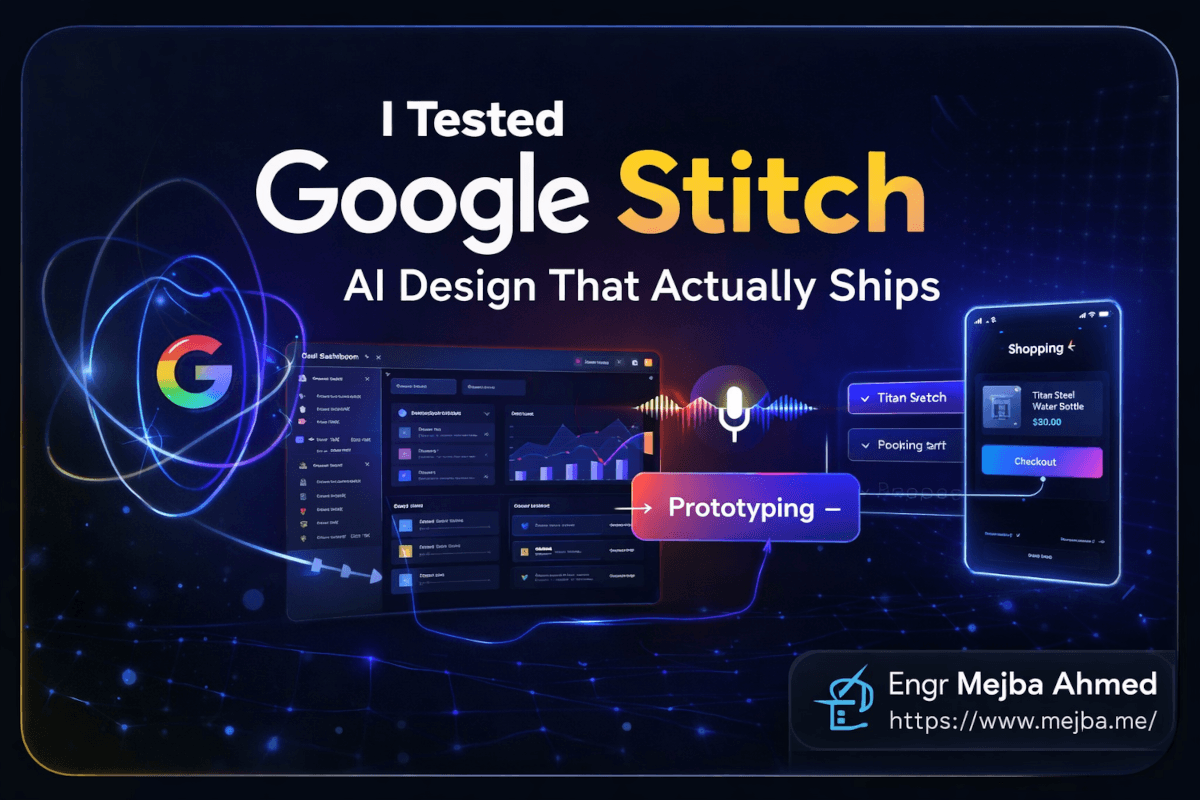
Google Stitch is the first AI design tool that changed how I actually start projects — not because its output beats a designer's, but because it compresses the zero-to-first-prototype phase from days to minutes. I've now tested it twice, months apart: once when it was a promising Google Labs experiment, and again after the March 2026 update rebuilt it around an infinite canvas, four generation modes, and voice editing. This is the consolidated verdict — what each mode is for, what the free tier really gives you, where the exports break down, and the hybrid workflow I use on client work.
For context on where I sit: I've spent 8+ years shipping web products across 1,500+ projects, and most of my design-to-code work now runs through a token-driven system — I recently rebuilt my own Laravel blog around a single set of design tokens, and I generate production UI through Claude Code daily. That's the lens for this review: not "is it magic," but "does it survive contact with real delivery work."
What Google Stitch Is and Why 2026 Changed It
Stitch launched as a Google Labs experiment at Google I/O in May 2025: describe a UI in plain English, get a designed screen back — powered by Gemini, exportable to Figma or front-end code. Interesting, but flat and single-screen.
The version worth reviewing arrived with the major update Google shipped on March 19, 2026. That release added multi-screen generation, an AI-native infinite canvas where several generations can run in parallel, interactive prototyping that wires screens together, and voice-driven editing. It turned Stitch from a prompt-in, mockup-out toy into something closer to a working environment for the 0-to-1 phase of product design.
Two things it is not: a Figma replacement, and a production front-end generator. It hands you a strong starting point fast. The finishing still belongs to humans and better tooling downstream.
The Four Modes, and Which One to Pick
Most disappointing Stitch sessions I've seen trace back to using the wrong mode. There are four, and they solve different problems.
Ideate starts with thinking, not pixels. You describe a problem — "habit tracking with social accountability, dark mode" — and it produces product requirements, user flows, and only then screens informed by that structure. Use it when you're still deciding what to build. Skip it when you already know.
Flash is the speed mode, running on Gemini 3 Flash. A five-screen concept in under a minute. Typography defaults are safe, spacing is mechanical, but for internal tools, admin panels, and stakeholder proofs-of-concept it is absurdly effective.
Thinking runs on Gemini 3.1 Pro and takes minutes instead of seconds. The difference shows in exactly the places non-designers don't consciously notice: type pairings on a modular scale, accent colors used strategically instead of everywhere, asymmetric spacing that guides the eye. For anything public-facing, the wait is worth it every time.
Redesign takes a screenshot of an existing interface and regenerates it with a unified design language while preserving the information architecture. I fed it a client dashboard built by developers who treated design as an afterthought; it came back with consistent typography and a coherent palette in about ninety seconds. This mode is quietly the best sales tool in the product.
What the Free Tier Actually Gives You
Stitch remains free with a Google account at stitch.withgoogle.com — no card required. The documented limits are 350 generations per month in standard mode and 50 in the experimental (thinking) tier; Google has adjusted these before, so check the current numbers before planning agency work around them. For individual projects the allowance is generous. For teams iterating heavily in Flash mode — where regenerating is more tempting than refining — you'll hit the ceiling faster than you expect.
The free price cuts both ways. There's no paid tier signaling long-term commitment, and Google Labs products have been sunset before. I use Stitch for ideation, not as a system of record — everything worth keeping gets exported the same day.
Voice Editing: The Feature I Was Wrong About
I expected voice-driven design to be a gimmick. It isn't — and the reason surprised me. When I type prompts, I over-specify implementation: "flex container, 16px gap, three cards with subtle shadows." When I talk to the canvas, I describe intent the way I'd brief a junior designer: "the streak counter is competing with the habit list — make the list feel like the main event." Stitch responds better to the second kind of instruction, because intent gives the model room to make coordinated changes: it demoted the counter to an inline element, opened up the list's vertical rhythm, and bumped the item names a step in the type scale. Three coherent moves from one sentence.
Where voice fails is precision. "Move that button eight pixels left" gets interpreted differently every time. Voice is for the exploration phase where talking beats clicking; pixel work still belongs in a direct-manipulation tool.
Exports: The Honest Part of the Review
This is where most AI design tools collapse, so here's exactly what I found.
Code export produces HTML with Tailwind classes that a developer can genuinely work with — semantic class names, sensible flex/grid, reasonable breakpoints. I dropped a test dashboard into a Next.js project: visual fidelity was close to 1:1, but everything arrived as one large component with static placeholder data. Stitch also pipes designs into Google's AI Studio ecosystem, where you can generate a clickable working prototype and publish it to a test URL. That path is real — I went from text prompt to a published prototype in under twenty minutes — but it's scaffolding, not production. Budget for refactoring component boundaries, state, and data.
Figma export is the sharpest limitation. Designs land as flat frames, not structured components with auto-layout and variants. A designer receiving a Stitch export spends meaningful time rebuilding structure. My hard rule from getting burned: finish all Stitch-side iteration before exporting, because every regeneration invalidates the manual Figma restructuring you've already done. One-way traffic only.
Design consistency is solvable if you work at it. Stitch supports theme-level customization — colors, typography, radii — and everything I've learned building AI-ready design systems applies directly: feed the system first, generate second. Without that, every generated screen looks like it belongs to a different product.
The Hybrid Workflow I Actually Use
After both rounds of testing, this is the pipeline that survives on real projects:
- Stitch Ideate for structure when the product is fuzzy; Flash for throwaway exploration.
- Thinking + voice refinement until the concept is roughly 80% there.
- Export to Figma, rebuild into proper components and tokens.
- Figma to code via Claude Code — my Figma MCP workflow turns the polished file into production front-end, and the design-system pipeline I run between Claude and Figma keeps tokens consistent across screens.
The biggest saving isn't generation speed. It's that I never start from a blank canvas anymore — reacting to a concrete artifact is always faster than creating from nothing. On the last project I used this on, the concept-to-prototype phase dropped from roughly two days to an afternoon, and the Figma phase became polishing rather than restructuring.
If your team's AI design experiments center on Figma itself, the comparison worth reading is my breakdown of Figma Make's design-system approach — Figma is building AI on top of a design tool, while Stitch builds a design tool from AI up. Different bets; both currently need the other's strengths.
Where Stitch Still Breaks Down
Precision control. Natural language and exact alignment don't mix. Anything grid-critical goes to Figma.
Brand depth. Stitch applies a palette; it doesn't understand the difference between "professional and trustworthy" and "professional and approachable." Output sits at talented-junior level — correct principles, missing the compositional judgment that makes work memorable.
Complex interaction design. Basic flows prototype well. Micro-interactions, animated transitions, and drag-and-drop states are beyond what it generates.
Team scale. I tested contained projects. How it behaves with a 200-component design system and eight designers working simultaneously is an open question the product doesn't yet answer.
Google Stitch AI Design: Common Questions
Is Google Stitch free?
Yes — free with a Google account, currently 350 standard-mode and 50 experimental-mode generations per month. No paid tier has been announced, which also means no committed roadmap.
Which model powers Google Stitch?
Standard mode runs on Gemini 3 Flash for speed; the experimental thinking mode runs on Gemini 3.1 Pro for higher-quality output. Mode choice affects results more than prompt wording does.
Can Stitch replace Figma?
No. Stitch owns the 0-to-1 phase; Figma owns refinement, componentization, and collaboration. Exports arrive in Figma as flat frames, so plan the handoff as one-way and do it once.
Is the exported code production-ready?
It's clean scaffolding — HTML/Tailwind with sensible structure — but expect to split components, wire real data, and add state management. Prototype-grade, honestly good; production-grade, not yet.
Deciding If Stitch Belongs in Your Stack
Run one real screen through it before you rebuild any workflow — Redesign mode on your ugliest internal tool is the fastest honest test. If the 0-to-1 phase is where your projects stall, Stitch is the strongest free option I've tested; if your bottleneck is downstream polish and delivery, it won't move the needle.
Design-to-code pipelines — AI-generated concepts, design tokens, a shipped front end — are a real share of what I build for teams, and Stitch has moved to the front of that chain in my own work. My services cover the scope; get in touch with the stack you already have and I'll tell you where Stitch would genuinely fit.