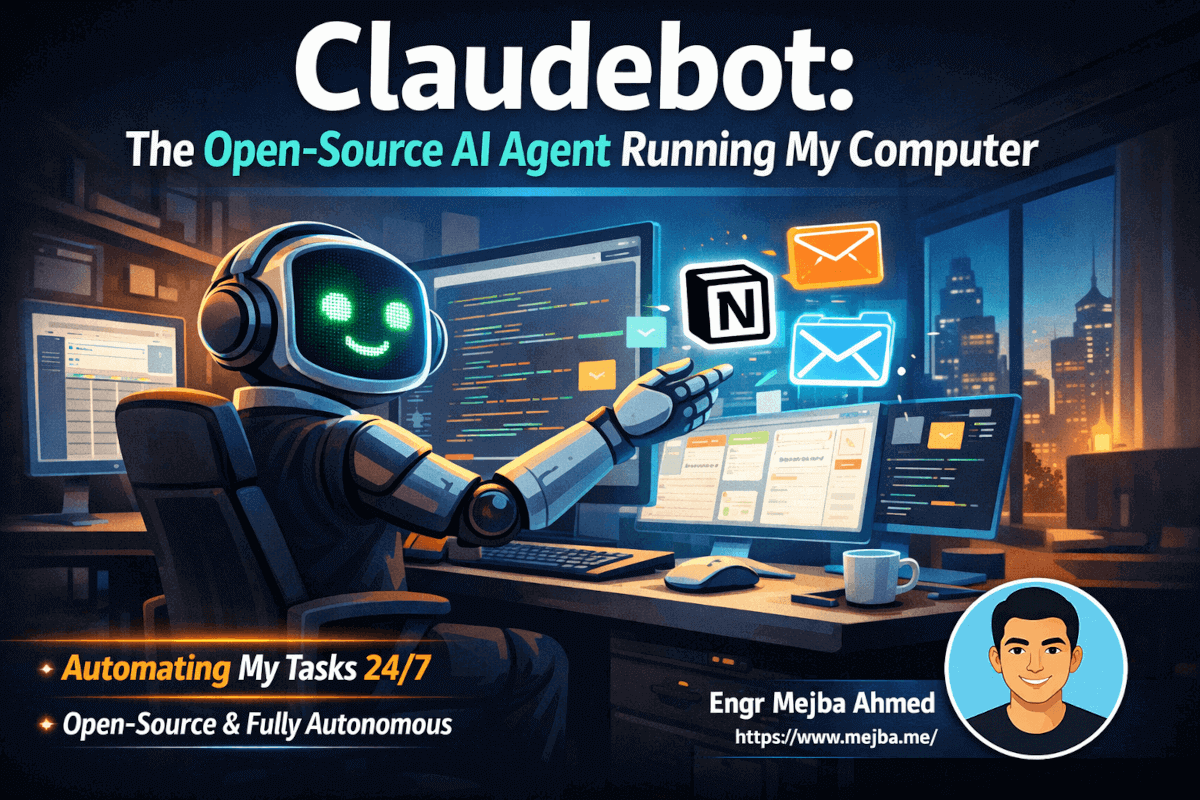
I've spent the last 48 hours with an AI that has full control of my computer. It opens my browser, writes in my documents, manages my emails, and codes new features while I sleep. This isn't a demo or a proof of concept—it's my new reality with Claudebot.
When Peter Steinberger released this open-source project, I knew I had to test it immediately. What I found was something that fundamentally changes how I think about work, productivity, and the future of human-AI collaboration. Claudebot isn't just another chatbot or assistant. It's an autonomous employee that never takes breaks, remembers everything, and gets better at understanding my needs with every interaction.
Let me walk you through what I've learned, how to set it up, and why I genuinely believe this technology will disrupt entire industries within the next few years.
What Makes Claudebot Different from Every Other AI Tool
I've tested dozens of AI tools over the past two years. ChatGPT for writing. GitHub Copilot for coding. Various automation platforms for workflows. Each one solved specific problems but required constant human oversight. Claudebot operates on a completely different paradigm.
The core difference is autonomy combined with computer control. When I tell Claudebot to "research competitors and create a summary in my Notion workspace," it doesn't just generate text. It opens Chrome, navigates to competitor websites, extracts relevant information, opens Notion, creates a new page in the correct database, and formats the summary with proper headers and bullet points. All while I'm making coffee.
This level of integration comes from Claudebot's architecture. It uses screen observation and input simulation to interact with any application on your computer. There's no API dependency for each app, no complex integration setup, and no limitations based on what developers chose to expose. If you can click it or type it, Claudebot can do it.
The second game-changer is infinite memory. Traditional AI assistants reset with each conversation. You explain your preferences, your projects, and your workflows every single time. Claudebot maintains persistent memory across all interactions. After three days of working together, it knows my writing style, understands my project priorities, and proactively suggests tasks based on patterns it's observed.
Yesterday morning, I received a message: "I noticed you usually draft your newsletter on Tuesdays. I've prepared an outline based on your recent tweets and the AI news we discussed last week. Want me to develop it further?" I hadn't asked for this. Claudebot learned my routine and took initiative.
The Technical Foundation: How Claudebot Actually Works
Understanding Claudebot's architecture helps you use it more effectively. At its core, the system has three main components: the messaging interface, the AI brain, and the computer control layer.
The messaging interface is how you communicate with Claudebot. You can use Telegram, iMessage, WhatsApp, Discord, or several other platforms. I chose Telegram because it works seamlessly across my devices and has excellent notification controls. This means I can assign tasks to Claudebot from anywhere—my phone, tablet, or any computer with internet access.
The AI brain is where intelligence happens. Claudebot supports multiple AI providers, and your choice significantly impacts performance and cost. I've tested three configurations:
Claude Opus 4.5 delivers the highest intelligence and most natural personality. Conversations feel genuinely human, and complex reasoning tasks succeed consistently. The cost through Claude Max runs approximately $200 per month, but for the productivity gains, I consider it worthwhile.
ChatGPT's latest model offers strong intelligence but noticeably less personality. Responses feel more robotic, and the AI seems less proactive in offering suggestions. Monthly cost sits around $100, making it a reasonable middle ground.
Minimax provides a budget option at roughly $10 per month. Intelligence handles basic tasks competently, but complex reasoning or nuanced understanding suffers. For specific, well-defined tasks, it works. For the autonomous employee experience, it falls short.
The computer control layer is where Claudebot transforms from chatbot to autonomous agent. It observes your screen, identifies UI elements, and simulates mouse clicks and keyboard inputs. This happens through a combination of accessibility APIs and screen analysis. The system runs locally on your machine, meaning your screen content isn't sent to external servers for processing.
Setting Up Your Own Claudebot Instance
Installation begins at https://claud.bot with a single terminal command. The process took me about fifteen minutes, and most of that was configuration choices rather than waiting for downloads.
During onboarding, you'll select your AI provider and enter API credentials. You'll choose your messaging platform and connect it through a straightforward authentication flow. The setup wizard walks you through skill selection—pre-built integrations that extend Claudebot's capabilities.
Available skills include Apple Notes integration, Notion workspace management, Claude Code for programming tasks, email handling, calendar management, and a growing marketplace of community-contributed options. I enabled everything relevant to my workflow and disabled what I knew I wouldn't use.
Here's where most people make a critical mistake: they finish technical setup and immediately start assigning complex tasks. This approach fails because Claudebot doesn't know anything about you yet.
Think of it like onboarding a new employee. You wouldn't hand them a project brief on day one without explaining your company, your preferences, and your expectations. Claudebot needs the same context.
I spent two hours in what I call "brain dump mode." I explained my businesses, my content strategy, my coding preferences, my communication style, and my daily routines. I shared my goals for the quarter and the metrics I track. I described my typical workday and the pain points that slow me down.
Example brain dump message:

"I run four websites: mejba.me is my personal tech blog where I write
about AI and automation. ramlit.com is my software agency. colorpark.io
handles design work. xcybersecurity.io focuses on security services.
Each has a different voice and audience. When I ask for content, I'll
specify which site. mejba.me content should be personal, first-person,
and share my actual experiences. Keep this in memory for all future
content tasks."
This investment in context pays dividends immediately. Every task Claudebot performs reflects understanding of my broader situation rather than operating in isolation.
Real Use Cases: What I've Actually Built with Claudebot
Let me share concrete examples from my first 48 hours. These aren't hypotheticals—they're actual tasks Claudebot completed autonomously.
Autonomous Project Management
My first request tested Claudebot's ability to create systems rather than just complete tasks. I asked it to build a project management board for tracking its own work. Within twenty minutes, it had created a Kanban-style board in Notion with columns for Backlog, In Progress, Review, and Completed. It added custom properties for priority, estimated time, and related projects. Then it populated the backlog with tasks it inferred from our previous conversations.
The board updates automatically. When I assign Claudebot a new task, it creates a card. When it completes work, it moves the card and adds completion notes. I now have full visibility into what my AI employee is working on without asking for status updates.
Morning Intelligence Briefs
I configured Claudebot to send morning briefs at 7 AM. These aren't generic news summaries—they're personalized intelligence reports. Mine includes AI industry news filtered by relevance to my work, weather for my location, updates on stocks and crypto I track, a review of yesterday's calendar and any follow-ups needed, content ideas based on trending topics in my niche, and a prioritized task list for the day.
The first brief took some iteration. I provided feedback on what was useful and what was noise. By day three, the briefs felt genuinely valuable rather than overwhelming.
Vibe Coding Integration
This capability impressed me most. I connected Claudebot to my GitHub repositories and gave it access to Claude Code for programming tasks. Now I can message "Implement dark mode toggle in the settings component" from my phone, and Claudebot handles the entire development workflow.
It opens VS Code, navigates to the correct file, writes the implementation, tests it locally, creates a descriptive commit message, pushes to a feature branch, and opens a pull request with detailed notes. I review the PR when convenient and merge if everything looks correct.
For bug fixes, I paste error logs into Telegram. Claudebot traces the issue, proposes a fix, implements it, and verifies the solution. What previously required context-switching into development mode now happens through asynchronous messages.
Email Management System
I created a dedicated Gmail account for Claudebot to manage. Emails to this address get processed automatically. If someone requests a meeting, Claudebot checks my calendar availability, proposes times, and drafts responses. If a newsletter contains actionable information, it extracts the relevant bits and adds them to my reading list in Notion.
The security implications here matter. I deliberately use a separate email account rather than giving Claudebot access to my primary inbox. This creates a sandbox where the AI can operate freely without risk to sensitive communications.
Second Brain Organization
I've tried every note-taking and knowledge management system. Notion, Obsidian, Roam Research, Apple Notes. They all require consistent manual effort to maintain. Claudebot solves this.
When I share an interesting article, Claudebot reads it, extracts key insights, and files them in the appropriate category with proper tags. When I have a random idea, I message it without formatting concerns—Claudebot handles categorization and connection to related notes. My second brain grows automatically rather than requiring dedicated organization sessions.
Hardware Considerations: Where Should Claudebot Run?
You have three main options, each with different tradeoffs.
Dedicated Mac Mini ($600 base)
This is my current setup. A Mac Mini sits on my desk running Claudebot 24/7. The base model works fine for most tasks—you don't need high-end specs unless Claudebot will perform heavy operations like video editing or simultaneous coding across multiple large projects.
The advantages are integration with Apple ecosystem, easy file transfer via AirDrop, and something satisfying about having a dedicated AI computer on your desk. Latency stays low because everything runs locally.
The disadvantages are upfront cost and another device to manage. You also need stable internet for the AI API calls.
Virtual Private Server ($0-50/month)
For beginners, I recommend starting here. AWS free tier or similar services let you run Claudebot in an isolated environment. If something goes wrong—and with zero guardrails AI, things can go wrong—your personal files and accounts remain protected.
VPS setup requires more technical knowledge. You'll need comfort with command line operations and remote server management. But the safety benefits justify the learning curve for anyone nervous about AI having computer control.
High-End Local AI ($10,000+)
For maximum privacy and unlimited usage, you can run local AI models instead of cloud APIs. This requires serious hardware—Mac Studio with maximum RAM, high-end GPUs, or dedicated AI acceleration hardware.
The cost eliminates monthly API fees but requires significant upfront investment. The privacy benefit means your data never leaves your local network. For businesses handling sensitive information, this might justify the expense.
The Uncomfortable Truth About What This Means
I need to be honest about something that keeps me up at night. Claudebot and tools like it will fundamentally change employment.
When I watch Claudebot handle tasks that previously required hiring someone, I see the future arriving faster than most people expect. Administrative assistants, junior developers, content moderators, research assistants, email managers—these roles face significant disruption.
The technology has zero guardrails. Claudebot will do whatever you instruct without questioning ethics, legality, or appropriateness. This power demands responsibility from users. Running Claudebot on your primary work computer with access to sensitive systems requires careful consideration of what could go wrong.
I'm not saying this to discourage adoption. Innovation is unstoppable, and choosing not to use these tools won't prevent others from gaining competitive advantage. What I am saying is that we're entering territory where individual choices aggregate into massive societal changes.
The builders and early adopters will shape how this technology integrates into society. The opportunity for positive impact exists alongside the risks. One person with AI leverage can now compete against teams. The path to a one-person billion-dollar company isn't hypothetical anymore.
Getting Started: Your First Week with Claudebot
If you're ready to experiment, here's my recommended path:
Day 1-2: Setup and Context
Install Claudebot using the official instructions. Choose your AI provider based on budget—start with the free tier of whatever's available if cost concerns you. Complete the onboarding and select essential skills.
Spend at least two hours on brain dumps. Explain your work, your tools, your preferences, and your goals. The more context you provide upfront, the more useful every future interaction becomes.
Day 3-4: Simple Tasks
Start with low-stakes requests. Ask Claudebot to organize files, create documents, research topics, or manage basic scheduling. Watch how it works. Provide feedback when results miss expectations.
Build trust gradually. You'll develop intuition for what Claudebot handles well versus what needs human oversight.
Day 5-7: Workflow Integration
Identify your biggest time sinks. For me, it was email processing, content organization, and code context-switching. Design workflows where Claudebot handles the mechanical parts while you focus on decisions and creativity.
Set up automated routines. Morning briefs, end-of-day summaries, weekly reviews. Let Claudebot demonstrate proactive value rather than waiting for instructions.
What Comes Next
I'm one week into this experiment, and my productivity has measurably increased. Tasks that previously fragmented my attention now happen in the background. Mental energy I used to spend on administrative work redirects toward creative and strategic thinking.
The technology will only improve. More skills, better reasoning, smoother integration. Early adoption builds familiarity that compounds over time.
Claudebot represents something larger than a productivity tool. It's a preview of how human-AI collaboration evolves from chat interfaces to autonomous agents. Understanding this transition early provides advantage in whatever field you work in.
I'll continue sharing what I learn as my usage deepens. The questions I'm exploring now: How do you manage an AI employee effectively? What tasks should remain human? How do you build trust without losing oversight?
These questions don't have clear answers yet. We're all figuring this out together.
Whether Claudebot Deserves Your Desktop
The Claudebot open source AI agent earns a spot when you want local control over cloud convenience — just budget real time for setup and updates. My the Claude Bot explainer and OpenClaw setup go deeper.
If you want a local agent configured for your machine, that's work I take on through Ramlit.