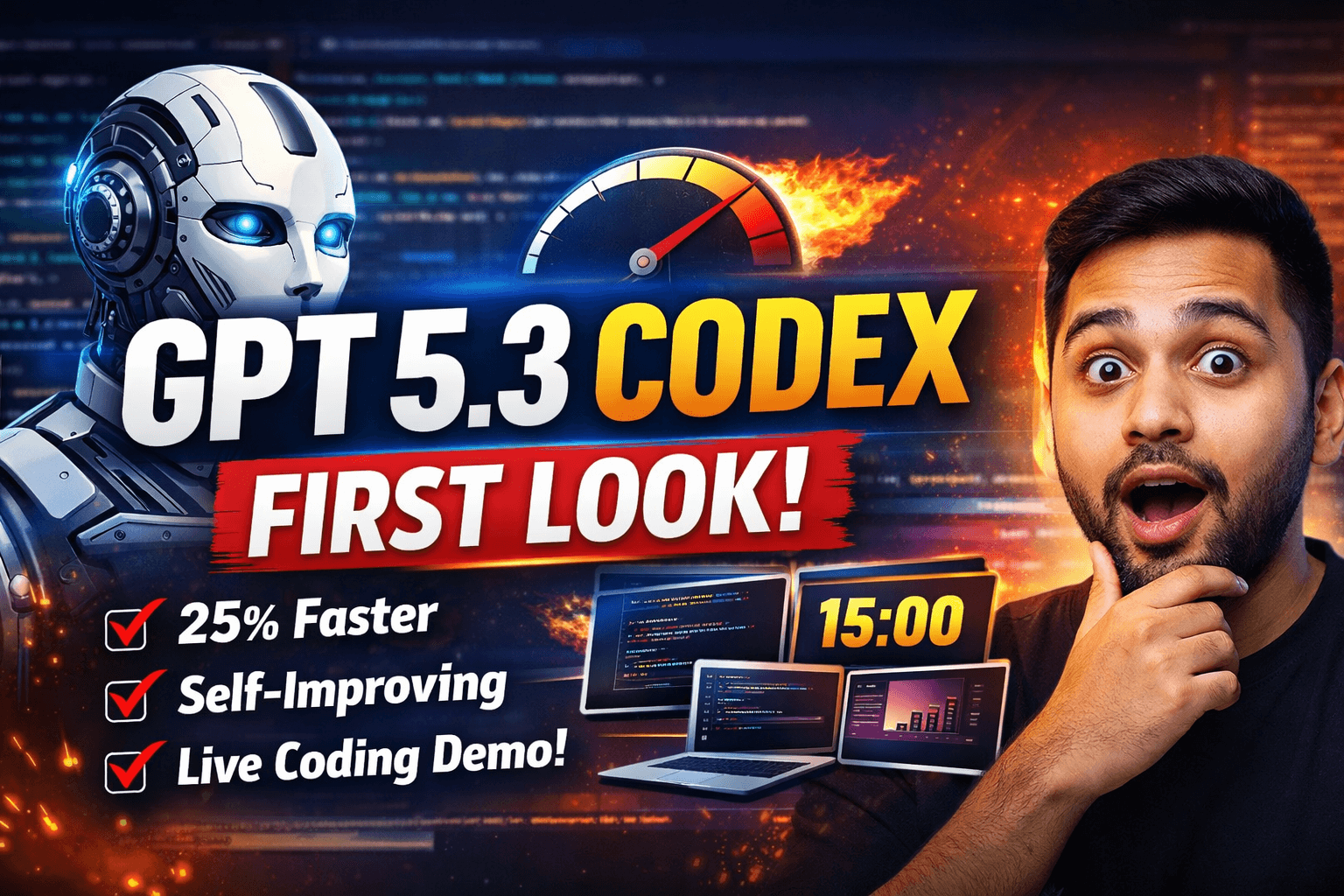
I spend most of my working hours inside AI coding tools. Claude Code, Cursor, Copilot, Codex CLI — if it writes or reviews code, I've probably had it open at 2 AM debugging something that should have worked. So when OpenAI dropped GPT 5.3 Codex, I didn't wait for the marketing blog post. I opened a terminal, loaded a real project, and started pushing it.
Fifteen minutes later, I had a working speaker presenter view — a feature I'd estimated at two hours of manual work — running on my screen. The timer worked. The slide previews rendered. The speaker notes pulled in correctly. Was it perfect? No. Did it fundamentally change what I could ship in a single evening? Absolutely.
This isn't a hype piece. I'm going to walk you through five things that actually matter about GPT 5.3 Codex: the speed gains, the self-improvement pipeline, the platform availability, a raw unedited demo, and the honest limitations I hit. If you're deciding whether to switch from 5.2 or evaluating Codex against other AI coding assistants, this is what you need to know before you commit.
The 25% Speed Boost Is Real and You Feel It Immediately
Let me start with the number that matters most in daily use: GPT 5.3 Codex is 25% faster than GPT 5.2. OpenAI confirmed this figure, but I didn't need their announcement to notice. The difference hit me in the first session.
With GPT 5.2, I'd gotten used to a particular rhythm. Ask a question, wait, read the response, iterate. That wait — sometimes three to five seconds for complex code generation — created a mental gap where I'd context-switch. Check Slack. Read a notification. Lose my train of thought. With 5.3, the responses come back fast enough that I stay in flow state. That sounds like a small thing. It isn't. Over a full day of coding, those micro-interruptions compound into significant lost focus.
The technical explanation, as far as OpenAI has shared, is that GPT 5.3 Codex combines the specialized coding capabilities of the previous Codex line with the general intelligence of GPT 5.2. Think of it as merging two separate optimization paths into one model. The Codex branch had deep code understanding but could feel sluggish on general reasoning. The 5.2 base was smarter broadly but didn't always nail the code-specific tasks. GPT 5.3 fuses both, and the result is a model that thinks faster because it doesn't need to compensate for gaps in either direction.
On benchmarks, OpenAI reports higher scores on SWE Pro and Terminal Bench. I'll be honest — I care about benchmark numbers approximately as much as I care about a car's 0-60 time when I'm stuck in traffic. They're interesting indicators, but my real benchmark is whether I can build features faster, debug more confidently, and ship cleaner code. By that measure, GPT 5.3 Codex passes. The speed improvement alone changes the quality of the interaction from "waiting for an assistant" to "thinking with a partner."
For developers running Codex through the CLI — which is my primary workflow — this speed boost is even more pronounced. Command-line interactions are inherently fast. You type, you hit enter, you expect results. Any latency feels like friction. GPT 5.3 reduces that friction measurably. I ran a few timed comparisons on identical prompts between 5.2 and 5.3, and the difference averaged out to about 1.5 seconds faster per response on moderately complex code generation tasks. Multiply that by hundreds of interactions per day, and you're looking at a genuine productivity shift.
A Model That Helps Build Itself — Self-Improvement in Practice
Here's the detail that caught my technical attention more than any speed benchmark: GPT 5.3 Codex contributed to its own development. Specifically, OpenAI used the model in its own dataset cleaning and evaluation pipelines. The model helped curate the data it was trained on and assessed the quality of its own outputs during the development cycle.
This isn't science fiction self-awareness. It's practical engineering. Think about how you'd normally clean a training dataset for a coding model. You need to identify high-quality code samples, remove duplicates, filter out buggy or deprecated patterns, and ensure the data distribution covers the right languages and frameworks. Doing this manually is expensive and slow. Using the model itself — an earlier checkpoint or the previous generation — to assist in this cleaning process is a force multiplier.
I've done something similar in my own AI pipelines, just at a much smaller scale. When I'm building custom agents or fine-tuning models for specific tasks, I'll use a strong general model to evaluate and rank training examples before feeding them into the pipeline. The fact that OpenAI is doing this systematically with Codex tells me they're treating the development process itself as an optimization problem, not just the model architecture.
The implications for future iterations are significant. If each generation of the model can contribute to building the next one, you get a compounding improvement cycle. GPT 5.4 or 6.0 won't just be better because of more compute or data — it'll be better because 5.3 helped identify what "better" actually means for code generation tasks. The model becomes part of its own feedback loop.
For developers, this matters because it suggests the quality of code suggestions will improve in ways that are harder to achieve through brute-force scaling alone. Dataset quality is often the bottleneck in AI model performance. A model that can help maintain and improve its own training data is a model that's likely to stay sharp on emerging frameworks, new language features, and evolving best practices faster than one that relies entirely on human curation.
I'm genuinely curious to see how far OpenAI pushes this approach. Self-improvement in AI development pipelines is one of those ideas that sounds incremental but could produce outsized results over multiple model generations. Keep an eye on this.
Platform Availability: CLI, VS Code, the New App, and the API Question
GPT 5.3 Codex launched across multiple platforms simultaneously, which is a welcome change from the staggered rollouts we've seen in the past. Here's where you can access it right now.
Codex CLI is the first and most complete integration. If you're already using the command-line interface for Codex, updating to 5.3 should be straightforward. The CLI is where I do most of my work with Codex, and it's where the speed improvements feel most natural. There's no UI overhead, no loading spinners — just prompt, response, execute. The 5.3 upgrade makes this loop tighter than ever.
VS Code integration is available at launch. For developers who prefer staying in their IDE — and that's probably the majority — this is the path of least resistance. The VS Code extension handles context passing, file references, and inline suggestions. With 5.3's speed boost, inline completions should feel snappier, and multi-file reasoning tasks should return results noticeably faster. I split my time between CLI and VS Code depending on the task, and both feel improved.
The new Codex app launched just days before the 5.3 model dropped. It's a standalone application that provides a dedicated interface for interacting with Codex outside of the IDE or terminal. I haven't spent extensive time with it yet, but the timing suggests OpenAI wanted the app ready as a showcase for 5.3's capabilities. If you're doing project planning, architecture discussions, or longer-form code reviews, a dedicated app window makes more sense than a terminal or IDE sidebar.
API access is the notable gap. As of launch, API access for GPT 5.3 Codex isn't immediately available. OpenAI has indicated it's coming, but the timeline is vague — it could be days or weeks. For developers building applications on top of the Codex API, this means you're still running on GPT 5.2 for programmatic access. I'm watching this closely because several of my automation pipelines depend on API access, and the 25% speed improvement would directly translate to faster pipeline execution and lower costs per task.
My recommendation: if you're primarily a CLI or VS Code user, switch to 5.3 now. The improvements are immediate and tangible. If you depend on API access, keep your 5.2 integration running and watch for the API rollout announcement. There's no reason to restructure your workflow until the API is confirmed live.
The Raw Demo: From Two-Hour Estimate to Fifteen-Minute Prototype
I want to share a real, unfiltered look at what GPT 5.3 Codex produced for me — because polished demos don't tell you anything useful. The rough edges are where you learn what a tool can actually do.
I've been building a slideshow application — a native Swift UI Mac app. One feature I'd been putting off was a speaker presenter view. If you've ever given a presentation, you know the setup: the audience sees the slides, but you see a different screen with the current slide, the next slide, your speaker notes, and a timer. Building this properly involves window management, state synchronization between views, timer logic, and UI layout work. My honest estimate was two hours of focused development.
I described the feature to GPT 5.3 Codex through the CLI. Within fifteen minutes, it had generated a working proof of concept. The presenter view displayed current and upcoming slides. Speaker notes rendered below. A five-minute timer mode worked, including full-screen functionality. It even included break notifications — something I hadn't explicitly asked for but that makes perfect sense for teaching or live-streaming scenarios.
The next morning, I spent about ten minutes cleaning up the generated code — adjusting layout spacing, tweaking the timer display format, and fixing a minor state management issue. Total time from idea to functional feature: roughly twenty-five minutes. Against my two-hour estimate, that's a 75% reduction in development time.
The build system matters here too. My app uses makefiles for builds — no opening Xcode, no waiting for the IDE to index the project. I run builds from the terminal, which means Codex can trigger and monitor builds as part of its workflow. I've set up agents with custom names to manage independent build chains, allowing me to run parallel app instances while testing different features. GPT 5.3 handled this workflow smoothly, running tests automatically during builds and responding quickly when issues arose.
Now, the honest part. The generated code wasn't flawless. I hit a few issues that required manual intervention. Face detection for an onboarding dialog wasn't working correctly — the model generated the detection code, but the permissions and camera access flow needed adjustment. Some UI components didn't behave exactly as intended: dragging elements in the presenter view was inconsistent, and one of the timer break modes didn't trigger its notification reliably. These are the kinds of bugs you expect in any first-pass implementation, AI-generated or not.
The key insight isn't that GPT 5.3 produced perfect code. It produced functional code fast enough that the remaining debugging felt like normal development work rather than a project unto itself. The model got me to 85% in fifteen minutes. The last 15% took normal engineering effort. That ratio is exactly where AI-assisted coding delivers maximum value.
What Still Needs Work — Honest Limitations
I don't trust any review that doesn't talk about what's broken. Here's what I noticed during my early sessions with GPT 5.3 Codex.
UI-heavy tasks still produce inconsistent results. The model is excellent at generating logic, data flows, and backend structures. But when it comes to pixel-perfect UI work — precise padding, animation timing, drag-and-drop behavior — the output needs significant manual refinement. This isn't unique to GPT 5.3; it's a limitation of current AI coding assistants generally. But it's worth noting that the speed improvements don't eliminate the need for hands-on UI polish.
Complex state management across multiple windows needs human oversight. My slideshow app required state synchronization between the presenter view and the audience view. The initial code GPT 5.3 generated handled the basic case but missed edge cases around window resizing and focus changes. I had to manually add observers and handle the state transitions that the model overlooked. If your project involves multi-window or multi-process state management, budget extra review time.
Testing is non-negotiable, even when the code looks right. This is my biggest takeaway from the demo session. The generated code compiled cleanly and looked correct on first read. But running it revealed subtle issues — timer drift over long periods, incorrect z-ordering of UI elements, a memory leak in the slide preview rendering. None of these were visible from reading the code alone. If I hadn't run the app and tested each feature manually, these bugs would have shipped. GPT 5.3 doesn't replace your testing discipline. If anything, its speed makes testing more important because you're generating more code faster, which means more surface area for subtle bugs.
API access delay limits automation workflows. For my personal projects, CLI access is enough. But for the automation pipelines I build professionally — where AI models are called programmatically through APIs — the delayed API rollout means I can't upgrade those systems yet. If you run production systems on the Codex API, this is a real constraint worth planning around.
The model still benefits from clear, specific prompts. Despite the intelligence improvements, vague or ambiguous prompts produce vague or ambiguous code. I got the best results when I described the feature in concrete terms: what it should do, what inputs it takes, what the output looks like, and what edge cases matter. The more context I front-loaded into the prompt, the less cleanup I needed afterward. This isn't a flaw — it's just the nature of working with any coding assistant effectively.
Where GPT 5.3 Codex Fits in My Workflow Now
After several sessions, here's how I'm thinking about GPT 5.3 Codex relative to the other tools in my stack.
For rapid prototyping, it's now my first choice. The speed improvement over 5.2 makes the iteration loop feel almost conversational. I describe a feature, see the code, run it, describe the fix, see the updated code. This tight loop is where AI coding assistants deliver the most value, and GPT 5.3 does it faster than any previous version.
For production code that needs to be robust, I still layer multiple tools. I might prototype with Codex, then review with Claude Code for a different perspective, then run the result through my testing pipeline. No single AI coding assistant is reliable enough to ship production code without review, and GPT 5.3 doesn't change that fundamental reality. What it changes is how quickly I get to the first working draft.
I use Markdown for my writing workflow — drafting on an iPad, then transferring to my Mac for editing and video production. GPT 5.3 Codex has been helpful in building tooling around this workflow, creating scripts that automate the transfer, format conversion, and file organization steps. These aren't glamorous tasks, but they're exactly the kind of repetitive coding work where AI assistance saves the most cumulative time.
My honest assessment: GPT 5.3 Codex is a meaningful upgrade over 5.2. The speed alone justifies switching. The self-improvement pipeline suggests the next version will be even better. The platform availability is solid for most developers, with the API gap being the main exception. And the real-world performance — measured in features shipped, not benchmark scores — is genuinely impressive for the current generation of AI coding tools.
If you've been holding off on Codex or struggling with 5.2's speed, this is the version worth trying. Set up the CLI, load a real project, and give it a concrete task. You'll know within fifteen minutes whether it fits your workflow. That's exactly how long it took me.
Let's Work Together
Looking to build AI systems, automate workflows, or scale your tech infrastructure? I'd love to help.
- Fiverr (custom builds & integrations): fiverr.com/s/EgxYmWD
- Portfolio: mejba.me
- Ramlit Limited (enterprise solutions): ramlit.com
- ColorPark (design & branding): colorpark.io
- xCyberSecurity (security services): xcybersecurity.io