

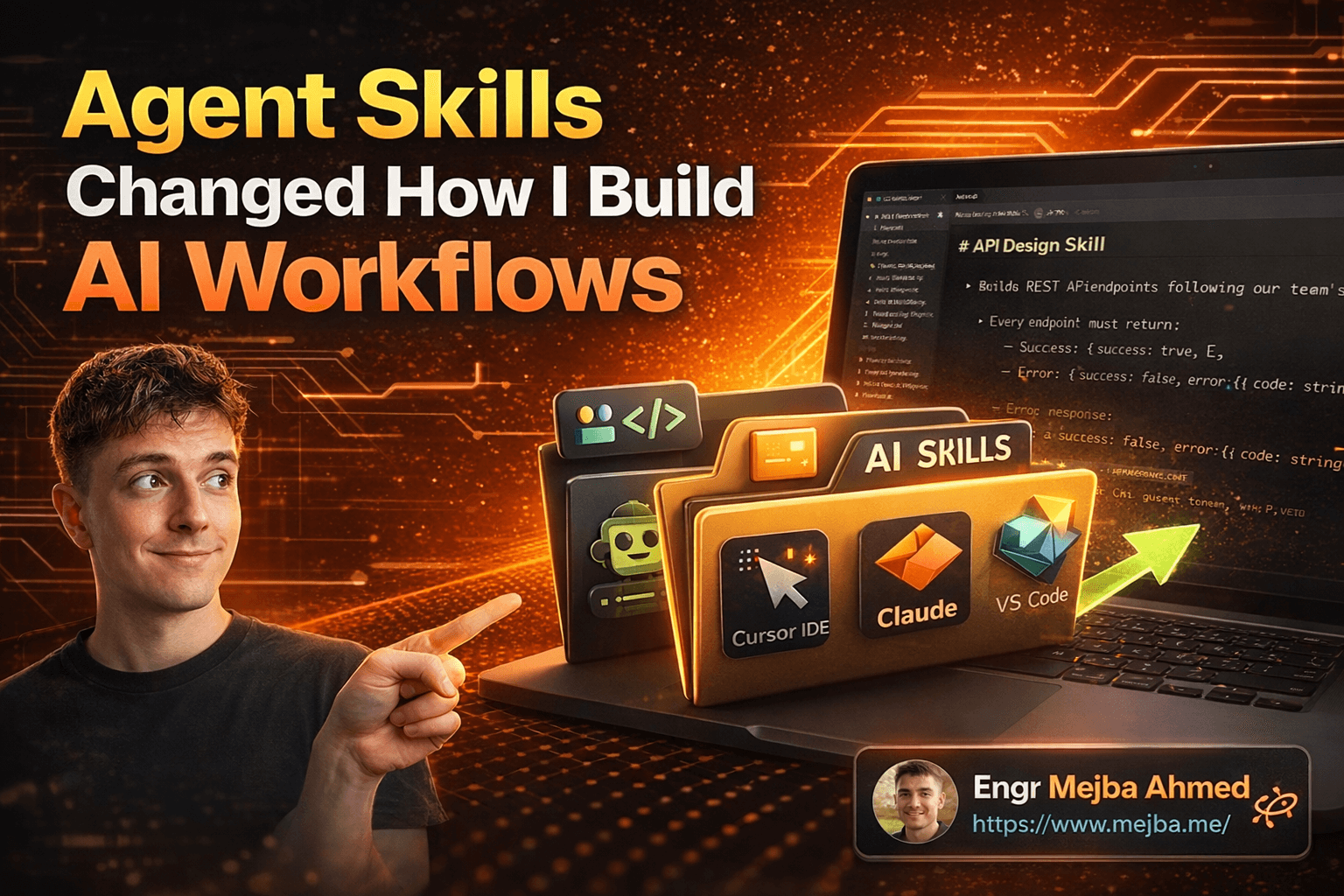
Agent Skills Changed How I Build AI Workflows
I deleted forty-seven custom prompts last Tuesday.
Not because they were bad — some of them took me hours to write, testing every edge case, refining the wording until my AI agents actually did what I wanted. They worked. That wasn't the problem.
The problem was that I'd written the same instructions three different times for three different tools. One version for Claude Code. Another tweaked for Cursor. A third hacked together for VS Code's Copilot integration. And every time I improved one version, the other two fell out of sync. I was spending more time maintaining my AI instructions than actually building software.
Then I stumbled onto agent skills — and I realized I'd been solving this problem entirely wrong.
What if there was a single format for teaching AI agents how to do specific tasks? One folder, one instruction file, and every major AI tool could read it. No rewrites. No platform-specific hacks. No copy-pasting between tools and praying nothing broke.
That's exactly what agent skills deliver. And after spending the last few weeks converting my entire workflow to this format, I can tell you — the productivity difference isn't incremental. It's structural. But getting there required me to unlearn some habits I'd built over two years of working with AI agents.
Here's what actually happened when I made the switch.
Why My Old Approach Was Quietly Costing Me Hours
Before I walk you through the technical details of agent skills, you need to understand the mess I was working with — because I'd bet good money you're dealing with something similar.
My setup looked organized on the surface. I had a .claude directory with carefully crafted agent configurations. System prompts stored as markdown files. Custom instructions pinned in various AI tools. Everything labeled, everything documented.
But underneath that tidy surface? Chaos.
When I wanted my AI to follow a specific API design pattern — consistent response formats, ZOD validation, proper TypeScript types — I had to encode those rules separately for each tool. Claude Code got a CLAUDE.md with the rules. Cursor got its own .cursorrules file. GitHub Copilot needed yet another configuration.
The worst part wasn't the duplication. It was the drift.
I'd fix a bug in my Claude Code instructions — say, a missing edge case in error handling — and forget to update the Cursor version. Then I'd spend twenty minutes debugging why Cursor was generating API endpoints without proper error responses, only to realize the instructions there were three weeks stale.
Sound familiar? If you're working with more than one AI tool (and most of us are by now), you've probably hit this exact wall. The real question isn't whether you need a better system — it's why nobody built one sooner.
Turns out, someone did. And the approach is almost embarrassingly simple.
What Agent Skills Actually Are (No Buzzwords, Just Files)
Here's what caught me off guard: agent skills aren't a framework. They're not a library you install. They're not a SaaS product with a pricing page.
They're folders.
That's it. A folder containing a file called skill.md. Inside that file, you write a name, a description, and step-by-step instructions for a specific task. The AI reads it. The AI follows it. Done.
Let me show you the actual structure:
my-api-skill/
  skill.md
  reference/
    response-format.ts
    validation-patterns.md
And here's what a minimal skill.md looks like:
# API Design Skill

## Description
Builds REST API endpoints following our team's conventions for Next.js applications.

## Instructions
1. Every endpoint must return a consistent response format:
   - Success: { success: true, data: T }
   - Error: { success: false, error: { code: string, message: string } }

2. Use ZOD for all input validation at the route handler level.

3. Define reusable TypeScript types in a shared types directory.

4. Add structured API logging for every request.

5. Follow RESTful naming conventions for routes.
When an AI agent boots up, it doesn't load every single skill file in full. That would be wasteful. Instead, it reads just the names and descriptions — a quick scan to understand what's available. When a user request matches a skill's description, then the full instructions get loaded.
This is called progressive disclosure, and it's the same pattern used in good UI design. Show what's needed, when it's needed. Nothing more.
The reference/ subfolder? That's for supporting files — TypeScript type definitions, example configurations, helper scripts — that only get pulled in when the skill is actively being used. Your AI agent isn't burning context window on files it doesn't need yet.
I remember reading through the spec for the first time and thinking: "This is too simple. Where's the catch?"
There isn't one. And the simplicity is the point — it's what makes the next part possible.
The Cross-Platform Promise (And Whether It Actually Delivers)
Here's where agent skills stop being "a neat folder convention" and become genuinely interesting.
The same skill.md file works across Claude Code, Cursor, VS Code, GitHub, Goose, Letta, AMP, Open Code, Gemini CLI, and Factory. One file. Multiple platforms. No rewrites.
I was skeptical when I first heard this. Skeptical in the way you get when someone promises a universal charger that works with every device. The marketing always sounds great. The reality usually involves three adapters and a prayer.
So I tested it.
I took my API design skill — the one I showed above — and used it in three different contexts back to back:
Claude Code (terminal): Asked it to build a CRUD API for a user management module. It loaded the skill, followed every rule, generated endpoints with consistent response formats, ZOD validation, proper types. Even ran curl commands to verify the endpoints worked.
Cursor (IDE): Same request, different project. Cursor picked up the skill from the project directory, applied the same conventions. The generated code was structurally identical to what Claude Code produced.
VS Code with Copilot: Slightly different integration path, but the skill loaded and the output followed my rules.
Three tools. Same instructions. Consistent output.
I won't pretend the experience was perfectly identical. Each tool has its own personality — Claude Code tends to be more thorough in its testing, Cursor integrates more tightly with the file you're editing, Copilot works best for inline suggestions. But the rules were followed consistently. That's the part that matters.
Now, I need to be honest about something most people glossing over agent skills won't tell you. The consistency depends on how well you write the skill. Vague instructions produce vague results regardless of platform. I'll get into what makes a skill file actually effective in the implementation section — because I learned some hard lessons there.
But first, there's a deeper architectural concept here that changes how you should think about AI tool customization entirely.
The Mental Model Shift: From Prompts to Portable Skills
I used to think about AI customization as prompt engineering. Write a better prompt, get a better result. Tweak the system instructions. Add more examples. Iterate on the wording.
That mental model works fine when you're using one tool. The second you're working across multiple AI agents — which, let's be real, is the default for most developers now — prompt engineering becomes prompt management. And prompt management is a losing game.
Agent skills flip the model. Instead of customizing each AI tool individually, you create a library of skills that any tool can consume. The skills live in your project, not in a tool's configuration. They travel with your codebase. They get version-controlled with git. They're reviewable in pull requests.
Think about it like this. Imagine you hired five contractors and gave each one a separate verbal briefing about your coding standards. Some would remember the details. Some would miss things. None of them would have an identical understanding.
Now imagine you wrote a clear standards document and handed every contractor the same copy. That's agent skills. The document doesn't change based on who's reading it. The expectations are uniform.
This shift has a compounding effect I didn't anticipate. When skills are portable, you start investing more in writing them well. You know the effort will pay off across every tool you use. With platform-specific instructions, there's always a voice in the back of your head saying "is it worth optimizing this if I might switch tools next month?"
With agent skills, the answer is always yes. The skill outlives the tool.
That realization changed how I allocate my time. I spend less time configuring tools and more time building a skills library. And that library gets more valuable with every skill I add.
Let me show you exactly how to build one that actually works — because the gap between a mediocre skill and an effective one is bigger than you'd think.
Building Your First Agent Skill (Step by Step, With What I Got Wrong)
Here's the process I've settled on after converting about thirty workflows into agent skills. I'm going to walk you through building an API design skill from scratch, including the mistakes I made the first time.
Step 1: Create the Skill Directory
mkdir -p skills/api-design
touch skills/api-design/skill.md
Put the skill folder wherever makes sense for your project. Most teams keep a skills/ directory at the project root. Some use .agent/skills/. The location doesn't matter as much as consistency — pick one and stick with it.
What I got wrong first time: I nested skills inside .claude/ thinking it was Claude-specific. Then when I tried to use the same skill in Cursor, it didn't look there. Keep skills in a platform-neutral location.
Step 2: Write the Description (This Is More Important Than You Think)
The description is the first thing the AI reads. It determines whether your skill gets loaded or ignored. A bad description means your perfectly-written instructions never see the light of day.
# API Design

## Description
Creates REST API endpoints for Next.js applications with consistent response
formats, ZOD input validation, shared TypeScript types, and structured logging.
Use this skill when building any new API route or modifying existing endpoints.
Pro tip: Include trigger phrases in the description. "Use this skill when..." tells the AI exactly when to activate it. I've found that skills with explicit trigger conditions get matched about 3x more reliably than skills with passive descriptions.
What I got wrong first time: My first description was "API stuff for our project." The AI had no idea when to use it. Be specific about what the skill does and when it applies.
Step 3: Write Crystal-Clear Instructions
This is where most people's skills fall apart. They write instructions the way they'd explain something to a senior developer who already knows the codebase. But the AI doesn't have that context. You need to be explicit.
## Instructions

### Response Format
Every API endpoint MUST return responses in this exact format:

Success response:
```typescript
{
  success: true,
  data: T,
  meta?: {
    page?: number;
    totalPages?: number;
    totalItems?: number;
  }
}
Error response:
{
  success: false,
  error: {
    code: string;        // e.g., "VALIDATION_ERROR", "NOT_FOUND"
    message: string;     // Human-readable error message
    details?: unknown;   // Optional additional context
  }
}
Input Validation
- Use ZOD schemas for ALL request body and query parameter validation
- Define schemas at the top of each route file
- Return 400 with VALIDATION_ERROR code when validation fails
- Include ZOD error details in the error response details field
Type Definitions
- Create shared types in
src/types/api/[resource].ts - Export both the ZOD schema and inferred TypeScript type
- Example:
import { z } from 'zod';

export const CreateUserSchema = z.object({
  name: z.string().min(1).max(100),
  email: z.string().email(),
  role: z.enum(['admin', 'user', 'viewer']),
});

export type CreateUserInput = z.infer<typeof CreateUserSchema>;
Logging
- Log every request with: method, path, status code, response time
- Use structured JSON logging format
- Include request ID header (X-Request-ID) if present
- Never log sensitive fields (password, token, apiKey)
Route Structure
- File location:
src/app/api/[resource]/route.ts - Use Next.js App Router conventions
- One file per resource, with GET/POST/PUT/DELETE handlers
- Apply authentication middleware before validation
Notice how specific that is. I'm not saying "use good validation." I'm showing the exact library, the exact format, the exact file paths. The AI can't misinterpret this because there's nothing to interpret — it's a specification.

### Step 4: Add Reference Files (Optional but Powerful)

For complex skills, include supporting files the AI can reference:

```bash
mkdir skills/api-design/reference
Then add files like response-format.ts with complete type definitions, or example-route.ts with a fully implemented endpoint the AI can use as a template.
// skills/api-design/reference/example-route.ts
import { NextRequest, NextResponse } from 'next/server';
import { CreateUserSchema } from '@/types/api/user';
import { logger } from '@/lib/logger';

export async function POST(req: NextRequest) {
  const startTime = Date.now();
  const requestId = req.headers.get('x-request-id') ?? crypto.randomUUID();

  try {
    const body = await req.json();
    const parsed = CreateUserSchema.safeParse(body);

    if (!parsed.success) {
      logger.warn({ requestId, errors: parsed.error.flatten() });
      return NextResponse.json(
        {
          success: false,
          error: {
            code: 'VALIDATION_ERROR',
            message: 'Invalid request body',
            details: parsed.error.flatten(),
          },
        },
        { status: 400 }
      );
    }

    // ... create user logic
    const user = await createUser(parsed.data);

    logger.info({
      requestId,
      method: 'POST',
      path: '/api/users',
      status: 201,
      responseTime: Date.now() - startTime,
    });

    return NextResponse.json({ success: true, data: user }, { status: 201 });
  } catch (error) {
    logger.error({ requestId, error });
    return NextResponse.json(
      {
        success: false,
        error: {
          code: 'INTERNAL_ERROR',
          message: 'An unexpected error occurred',
        },
      },
      { status: 500 }
    );
  }
}
The AI loads these reference files only when the skill is active. Progressive disclosure in action — your agent isn't carrying the weight of every reference file all the time.
Step 5: Test the Skill Across Platforms
This is the step most people skip, and it's the step that saves you the most pain later.
Open Claude Code and ask: "Create a CRUD API for managing blog posts." Watch whether it loads your skill. Check if the output follows every rule. Did it use ZOD? Is the response format correct? Are the types in the right directory?
Then repeat in Cursor. Then in your other tools.
I keep a simple checklist for each skill:
## Skill Validation Checklist
- [ ] Claude Code loads and follows skill correctly
- [ ] Cursor loads and follows skill correctly
- [ ] Output matches all specified formats
- [ ] Edge cases handled (empty input, invalid types, etc.)
- [ ] Reference files load when needed
- [ ] No conflicting instructions with other skills
If you've made it this far, you've already got a working agent skill. Most tutorials stop here. But the real power shows up when you start building a skills library — and that's where I want to take this next.
Building a Skills Library That Actually Compounds
One skill is useful. A library of skills that work together? That's a multiplier I didn't see coming.
After my initial API design skill worked, I started converting other workflows:
skills/
  api-design/
    skill.md
    reference/
  testing-strategy/
    skill.md
    reference/
  database-migrations/
    skill.md
  code-review/
    skill.md
  documentation/
    skill.md
  deployment-checklist/
    skill.md
Each skill handles a different aspect of my development workflow. But here's where it gets interesting — the AI starts combining them.
When I ask Claude Code to "build a new feature for user management," it doesn't just load the API design skill. It recognizes the request touches multiple domains and loads the relevant skills in sequence. API design for the endpoints. Testing strategy for the test files. Database migrations for the schema changes.
I didn't explicitly program this behavior. The AI figured out the connections from the skill descriptions. That's the compounding effect — well-described skills become components in a larger system the AI can orchestrate.
One pattern that surprised me: skills I wrote for one project turned out to be useful in completely different projects. My testing strategy skill — originally written for a Next.js SaaS app — works perfectly for an Express.js API project too. The conventions are transferable because I wrote them at the right level of abstraction.
Pro tip: When writing skills, ask yourself: "Would this instruction make sense in a different project using the same tech stack?" If the answer is yes, you've found the right abstraction level. If the instruction references project-specific paths or business logic, it's too specific. Extract the general pattern and keep project-specific details in the reference files.
The community angle makes this even more valuable. Skills are just folders with markdown files. They're trivially shareable. I've started pulling skills from the open-source collection on GitHub and adapting them. A security audit skill someone shared saved me an entire afternoon of writing my own. I tweaked maybe 10% of the instructions and it worked perfectly.
This is where agent skills stop being a personal productivity hack and start looking like an ecosystem. But I'd be doing you a disservice if I didn't talk about what doesn't work yet.
The Honest Truth About What Agent Skills Can't Do (Yet)
Look, I'm genuinely enthusiastic about this approach. But I've been in tech long enough to know that uncritical enthusiasm is useless. Here's where I've hit real limitations.
Context window pressure is real. If you have twenty skills loaded and the AI tries to activate three of them simultaneously for a complex task, you're eating a significant chunk of your context window on instructions alone. I've hit situations where Claude Code loaded so many skill instructions that the actual conversation space got cramped. The progressive disclosure model helps, but it's not a complete solution for skill-heavy projects.
My workaround: I keep a maximum of 8-10 skills per project. If I need more, I split them across sub-projects or create composite skills that combine related instructions into one file.
Skill conflicts are a real problem. I had two skills that both wanted to dictate error handling format — my API design skill and a legacy error handling skill from a shared library. The AI got confused about which rules took priority and produced inconsistent output. Agent skills don't have a built-in precedence system yet.
What helped: I now include a ## Priority section in each skill. Something like "This skill's error handling rules override any conflicting instructions from other skills." It's a manual solution, but it works.
Not all AI tools implement skills equally. While the format is standard, the quality of skill loading varies by platform. Claude Code, in my experience, handles skills most reliably. Cursor is close behind. Some newer tools support the format but don't handle the progressive disclosure as smoothly — they either load everything upfront or miss reference files.
Writing good skills takes real effort. This isn't a shortcut. A poorly-written skill is worse than no skill at all, because it gives the AI confidently wrong instructions. I spent about 90 minutes on my API design skill — writing, testing, revising, testing again. That investment pays off over time, but don't expect to bang out a production-quality skill in ten minutes.
I also made a mistake early on that cost me time: I tried to make skills too comprehensive. A single skill that covers API design, testing, documentation, AND deployment is too broad. The instructions become a wall of text and the AI loses focus on what matters for the current task. Smaller, focused skills that compose well outperform monolithic instruction sets every time.
That said — even with these limitations, the before-and-after of my workflow is dramatic. Let me show you the actual numbers.
What Changed After Three Weeks of Agent Skills
I tracked my workflow for three weeks after converting to agent skills. Here's what the data shows.
Time spent maintaining AI instructions: Down from approximately 3 hours per week to about 20 minutes. That's a 90% reduction. The single-source-of-truth model eliminates the drift problem entirely.
Consistency across tools: Before skills, I'd estimate maybe 60% consistency when the same request went to different AI tools. After skills, it's closer to 90-95%. The remaining gap is due to tool-specific behaviors, not instruction differences.
Onboarding new tools: When I added a new AI tool to my workflow last week, setup time was essentially zero. Drop the skills folder in. Done. Before agent skills, onboarding a new tool meant spending 2-3 hours rewriting all my custom instructions for the new format.
Code review time on AI-generated code: Down roughly 40%. When the AI follows consistent patterns, review becomes about checking logic rather than checking conventions. I know the response format will be right. I know the validation approach will be correct. I can focus my review time on business logic.
Number of "the AI did it wrong" moments per week: Hard to quantify exactly, but noticeably less. I'd guess a 50-60% reduction. Most of the remaining issues are genuine ambiguity in my request, not the AI misunderstanding instructions.
Quick wins you can expect in the first week: consistent code formatting, reliable validation patterns, and not having to re-explain your conventions every time you switch tools.
Long-term gains that take 2-3 weeks to materialize: the compounding library effect, cross-project skill reuse, and the community skills you'll start discovering and adapting.
One thing worth mentioning — the measurement itself changed my behavior. Knowing that my skills were being tracked for consistency made me write better skills. If you're going to try this, I'd recommend keeping even a rough log of what works and what doesn't. It accelerates the iteration cycle significantly.
The Twenty-Four Hour Challenge
Six months ago, I was maintaining separate instructions for every AI tool in my stack. Today, I have a portable skills library that works everywhere, improves with every project, and takes minutes to extend.
The shift didn't require learning a new framework or adopting a complex system. It required a folder, a markdown file, and the discipline to write instructions clearly enough that any AI tool could follow them.
Here's what I'd challenge you to do before this time tomorrow: pick one workflow you repeat across AI tools — code review rules, API conventions, testing patterns, documentation standards — and turn it into an agent skill. One skill.md file. Test it in two different tools.
You'll know within an hour whether this approach works for your workflow. And if your experience is anything like mine, you'll spend the rest of the week converting every other workflow to match.
The resources are there. The spec is documented at agentskills.io. Example skills are available on GitHub. The community is building and sharing skills openly.
The only question is whether you keep maintaining five copies of the same instructions — or write it once and let every tool read from the same page.
I know which one I'm never going back to.
🤝 Let's Work Together
Looking to build AI systems, automate workflows, or scale your tech infrastructure? I'd love to help.
- 🔗 Fiverr (custom builds & integrations): fiverr.com/s/EgxYmWD
- 🌐 Portfolio: mejba.me
- 🏢 Ramlit Limited (enterprise solutions): ramlit.com
- 🎨 ColorPark (design & branding): colorpark.io
- 🛡 xCyberSecurity (security services): xcybersecurity.io
